Template details
Astro + Solid.js + Lucia + Tailwind + DaisyUI
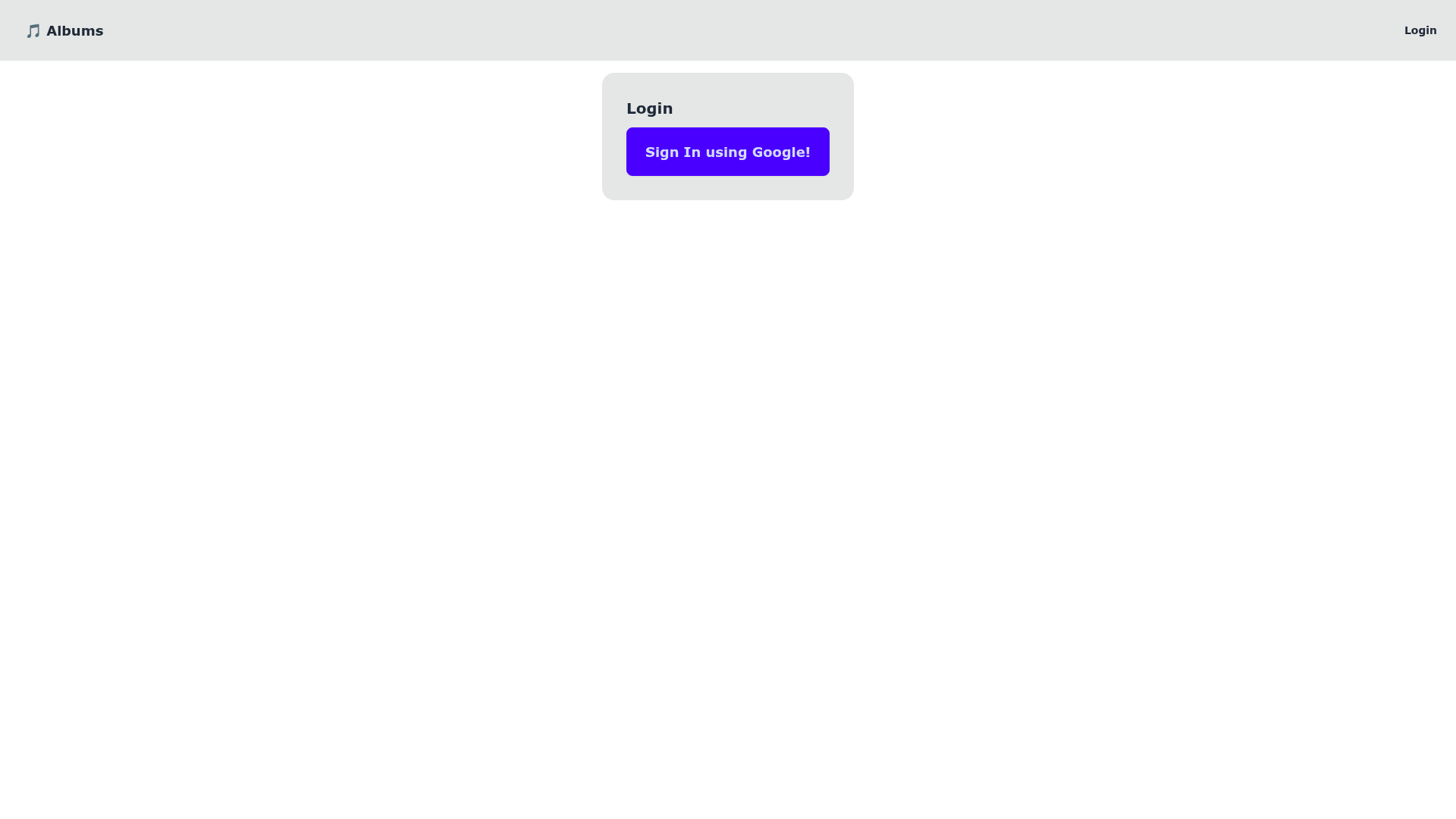
A learning boilerplate combining Astro, Solid.js, Lucia, Tailwind, and DaisyUI with Supabase, Prisma, and Valibot.
About this template
Astro + Solid.js + Lucia + Tailwind + DaisyUI is an open-source boilerplate for building an Astro site with Solid.js islands, styled with Tailwind CSS and DaisyUI, and wired to a Supabase backend via Prisma ORM with Valibot validation. The project was created as a hands-on way to learn Astro and Solid.js together, and it explicitly builds on the astro-supabase-vercel starter as its base.
What is the Astro + Solid.js boilerplate?
The boilerplate is a minimal Astro project that provides the standard folder layout: public/ for static assets, src/components/ for Astro or framework components, src/layouts/ for page layouts, and src/pages/ for routes. Each .astro file in the pages directory becomes a route based on its filename. The repository is a learning exercise, described by its author as 'Learning astro + solid.js', and it is intended to be expanded into a larger application.
Key features
- Astro framework — Uses Astro's file-based routing and .astro components, with support for adding React, Vue, Svelte, or Preact components in src/components/.
- Solid.js integration — Includes Solid.js as the island framework for interactive components, per the project title.
- Tailwind CSS and DaisyUI — Styling is handled with Tailwind, and DaisyUI provides prebuilt component classes.
- Lucia authentication — The title lists Lucia, a lightweight auth library, as part of the stack.
- Prisma ORM and Supabase — The repository topics include Prisma and Supabase, indicating a PostgreSQL-style database layer and a Supabase backend integration.
- Valibot validation — Valibot is included as a schema validation library, per the repo topics.
- Standard npm scripts — npm install installs dependencies, npm run dev starts a local server on localhost:3000, npm run build outputs to ./dist/, and npm run preview serves the build.
Who is this for?
- Developers learning Astro — Use this boilerplate to see how Solid.js components coexist with Astro pages and how to manage a project with mixed frameworks.
- Full-stack hobbyists — The prewired Supabase and Prisma setup gives you a starting point for building a data-driven Astro app with authentication.
- Frontend developers exploring Tailwind tooling — DaisyUI's component classes and Tailwind's utility-first workflow are already configured, so you can focus on layout.
What can you do with it?
- Scaffold a new Astro project — Run npm install and npm run dev to start a development server on localhost:3000 with the provided starter files.
- Learn Solid.js islands — Inspect the Card.astro component and add your own Solid.js components to understand how Astro hydrates islands.
- Build a database-backed app — With Prisma and Supabase in the dependency list, extend the starter to add models, queries, and authentication.
How does it work?
Clone the repository, run npm install to fetch dependencies, then run npm run dev to launch the local server. Pages are created by adding .astro or .md files to src/pages/, and the production site is generated with npm run build into the dist/ folder.
Alternatives
- astro-supabase-vercel — The base project this template references, which provides a similar Astro + Supabase setup.
FAQ
Is this template free?
The repository is publicly hosted on GitHub, so you can view and clone the source code for your own learning use, though no explicit license is mentioned in the README.
What tech stack does it use?
The title lists Astro, Solid.js, Lucia, Tailwind, and DaisyUI. The repository topics add Prisma, Supabase, and Valibot, so the full stack includes a Supabase backend with Prisma ORM and Valibot validation.
How do I start the development server?
Run npm install from the project root, then npm run dev. The server starts at localhost:3000.
Where does the production build go?
Running npm run build outputs the production site to the dist/ directory at the project root. Use npm run preview to test it locally.
Can I add my own components?
Yes. Astro looks for .astro and .md files in src/pages/ to create routes, and you can place any Astro, React, Vue, Svelte, or Preact components in src/components/.