Template details
Astro Starter Kit
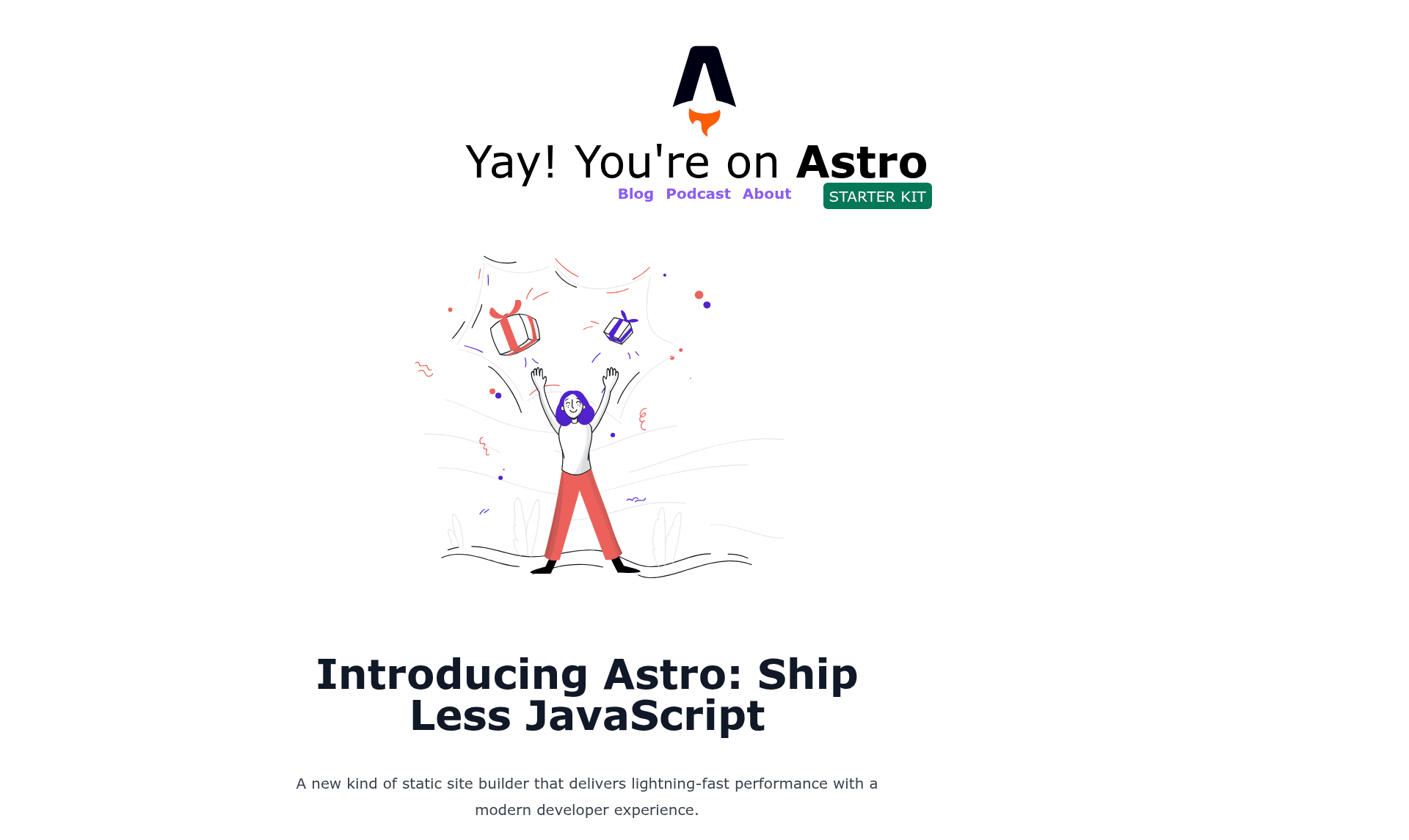
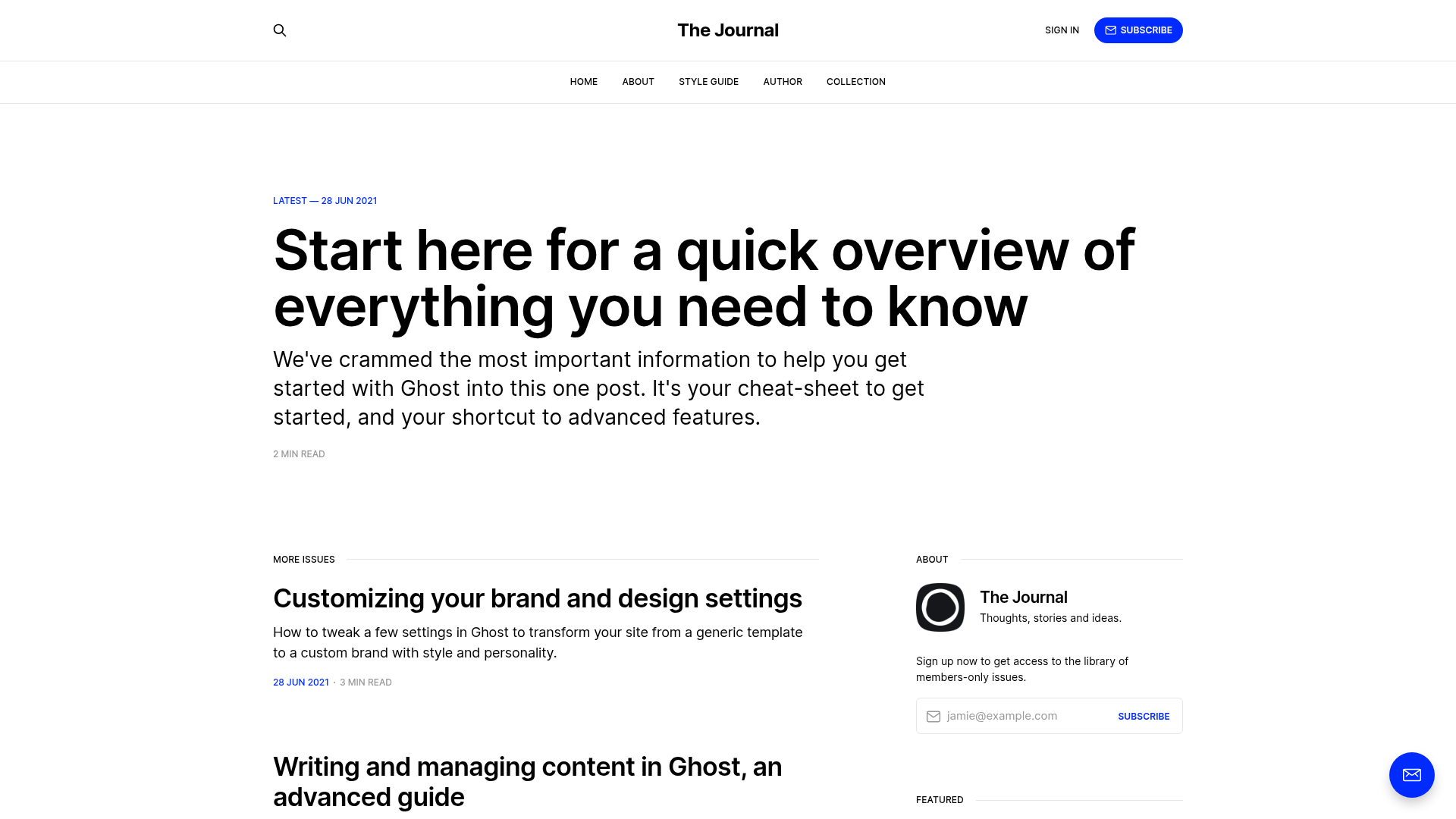
A starter kit for building a blog with Astro, featuring components, layouts, and Markdown page routing.
About this template
The Astro Starter Kit is a boilerplate for building a blog with Astro, the static site generator that outputs HTML by default. It takes Markdown or Astro files placed in src/pages and produces a static site in the dist folder after running the build command. The template is distributed as a GitHub repository and includes pre-built components for blog previews and podcast episodes.
What is the Astro Starter Kit?
The Astro Starter Kit is a boilerplate for building a blog with Astro, the static site generator that outputs HTML by default. It takes Markdown or Astro files placed in src/pages and produces a static site in the dist folder after running the build command. The template is distributed as a GitHub repository and includes pre-built components for blog previews and podcast episodes.
Key Features
- Project structure — Pre-configured folders for
public,src/components,src/pages,src/layouts, andsrc/data, so routes and content are organized from the start. - BlogPreview.astro — A sample component that displays a blog post preview, ready to wire up to your content.
- Podcast.astro — A sample component for embedding podcast episodes, suggesting the starter supports audio-focused blogs.
- Markdown routing — Astro converts
.astroand.mdfiles insrc/pagesinto routes based on file names. - Component framework support — The
src/componentsfolder can host Astro, React, Vue, Svelte, or Preact components. - npm scripts —
npm install,npm run startfor a dev server atlocalhost:3000, andnpm run buildto generate a production site in./dist/.
Who is it for?
- Developers starting with Astro — Use the starter to see how pages, layouts, and components fit together before customizing.
- Bloggers — Publish Markdown posts and build a static site with minimal configuration.
- Podcasters — Leverage the included
Podcast.astrocomponent to add episode players to a blog.
What can you do with it?
- Personal bloggers: Write posts in Markdown, drop them in
src/pages, and run the build to get a static blog. - Developers: Swap in React, Vue, Svelte, or Preact components alongside Astro components.
- Creative portfolio owners: Reuse the layout and data folders to structure portfolio entries with JSON data.
How does it work?
After running npm install, start a local dev server with npm run start at localhost:3000. Write content as .astro or .md files in src/pages; each file becomes a route. To ship, run npm run build, and Astro outputs the static site to ./dist/.
FAQ
What commands does this starter kit include?
The package.json defines three scripts: npm install to set up dependencies, npm run start for a local development server at localhost:3000, and npm run build to build the production site into the dist directory.
What file types can I use for pages?
Astro treats both .astro and .md files in the src/pages directory as pages. Each file is exposed as a route based on its file name, so you can write content in Markdown or as Astro components.
Can I use other frontend frameworks?
Yes. The src/components folder is not tied to Astro alone; it is the expected location for Astro, React, Vue, Svelte, or Preact components. The starter supports this flexibility without extra configuration.