Template details
Minimal Mistakes Jekyll
Ready to use Jekyll template with Minimal Mistakes theme. Just fork it to use for your GitHub Pages.
About this template
Minimal Mistakes Jekyll is a ready-to-use Jekyll template for GitHub Pages that packages the Minimal Mistakes theme into a fork-and-blog setup for people who don't use the command line.
What is Minimal Mistakes Jekyll?
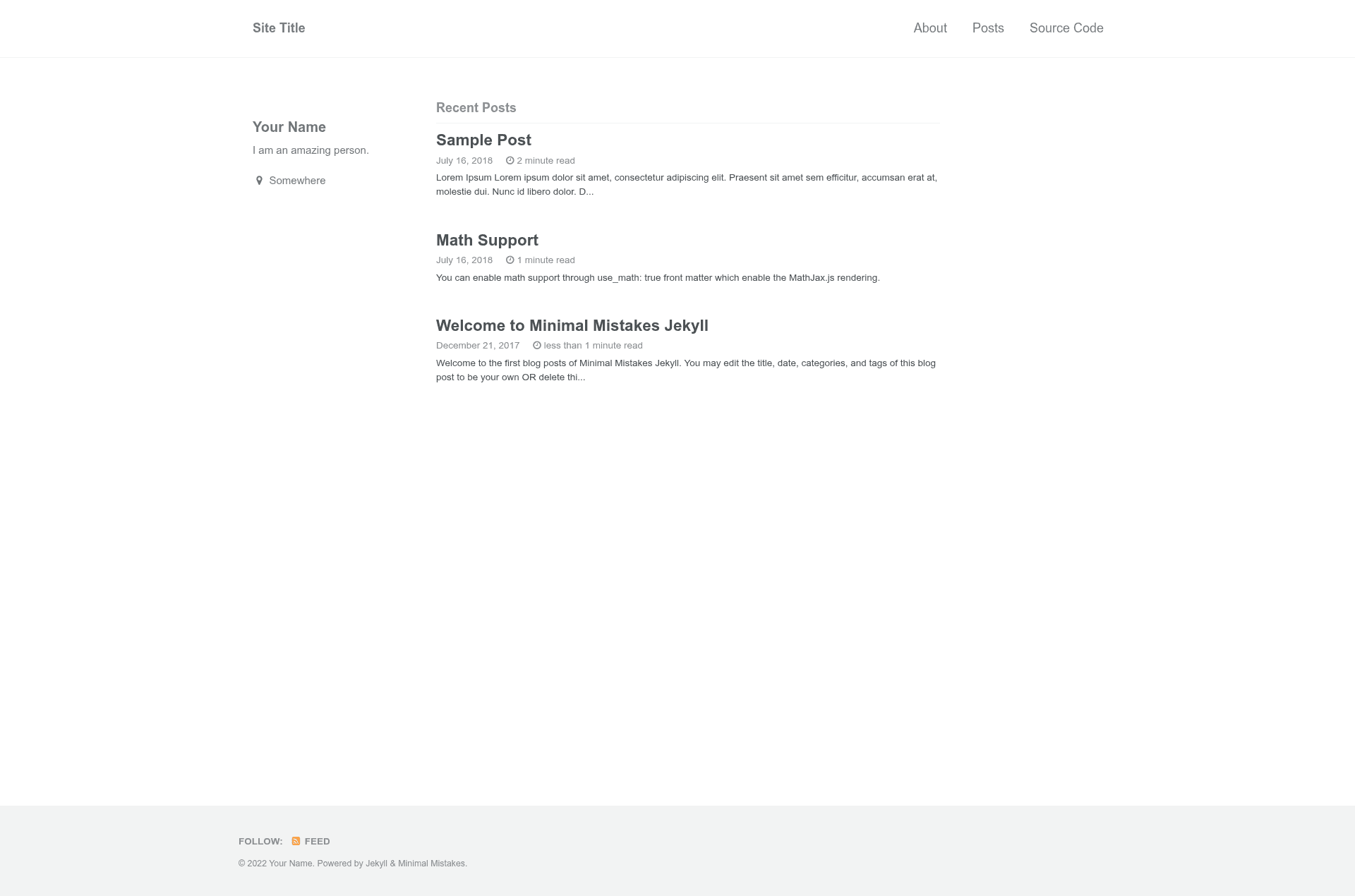
Minimal Mistakes Jekyll is a preconfigured Jekyll template that bundles the Minimal Mistakes theme (release 4.8.0) into a GitHub repository you can fork and immediately publish as a blog on GitHub Pages. It takes Markdown content with YAML front matter as input and produces a static website served at https://username.github.io (or a custom domain). The template is maintained by limyunkai19 and includes demo posts, a blank index.html, and documentation for non-technical users.
Key Features
- Fork-to-publish workflow — No Git or command line required; fork the repository, rename it to
username.github.io, and GitHub Pages serves the site automatically. - Minimal Mistakes theme bundled — Includes
_layouts,_sass,_includes, andassetscopied directly from Minimal Mistakes 4.8.0, with thesinglelayout set as the default. - Site configuration via
_config.yml— Edit settings liketitle,name,description, author details,minimal_mistakes_skin,search,permalink, andsticky_sidebar; the README documents which line numbers change what. - Organized content directories —
_posts/for blog posts,_pages/for static pages,_drafts/for unpublished drafts,_data/navigation.ymlfor the navigation bar, andassets/imagesfor uploaded files. - Math equation support — Set
use_math: truein a post's YAML front matter to enable LaTeX-style equations in that post. - Custom domain instructions — Repository settings plus DNS A and CNAME records for apex and
wwwdomains, with links to GitHub's official guides. - Search and skin options — Turn on search by setting
search: true; choose a color skin from Minimal Mistakes' documented variations. - Local development support — With Git and Jekyll installed, run
bundle exec jekyll serveto preview athttp://localhost:4000, or add--draftsto see unpublished drafts.
Who is it for?
- Non-technical bloggers — People who want a free blog on GitHub Pages without learning Git or the command line; they can create posts and pages entirely through the GitHub web interface.
- Jekyll beginners — Anyone wanting a working Jekyll site with the Minimal Mistakes theme plus a documented file structure to learn how Jekyll organizes themes, configuration, and content.
- Developers starting a quick blog — Those comfortable with Git can clone the fork, run the site locally with
bundle exec jekyll serve, and push changes to publish.
What can you do with it?
- Start a personal blog — Write posts in
_posts/using the requiredtitleanddatefront matter plus Markdown; commit and see the post live on GitHub Pages. - Add static pages — Create pages like an About page in
_pages/with a permalink and title, then expose them in the nav by editing_data/navigation.yml. - Manage drafts — Store unpublished posts in
_drafts/, preview them locally withbundle exec jekyll serve --drafts, and move them to_posts/to publish. - Add images and math — Upload images to
assets/imagesand reference them in posts; enable math support withuse_math: truein the front matter.
How does Minimal Mistakes Jekyll work?
The workflow is: fork the repository, rename it to username.github.io (or a project name), edit _config.yml to set your title, name, and author details, then add posts and pages. GitHub Pages automatically builds and serves the Jekyll site from the master branch. For local development, clone the fork and run bundle exec jekyll serve.
FAQ
Is Minimal Mistakes Jekyll free?
Yes. The repository is open source under the MIT license, as shown by the license badge, and the bundled Minimal Mistakes theme is also free.
Do I need to know Git or the command line?
No for the primary workflow. You only need to fork the repository and edit files on github.com. Git and the command line are required only if you choose to develop locally.
How do I add math equations to a post?
Add use_math: true to the post's YAML front matter, then write the equation in LaTeX syntax within the Markdown body. The template loads math support through _includes/head/custom.html.
How do I set up a custom domain?
In your repository settings, enter your domain under Custom domain. Then at your DNS provider, add an A record for @ pointing to username.github.io. and a CNAME record for www pointing to username.github.io..
How long until my changes appear on the site?
The README states to wait around 10 seconds after committing for GitHub Pages to rebuild and reflect the changes.