Template details
Hugo Discaptive
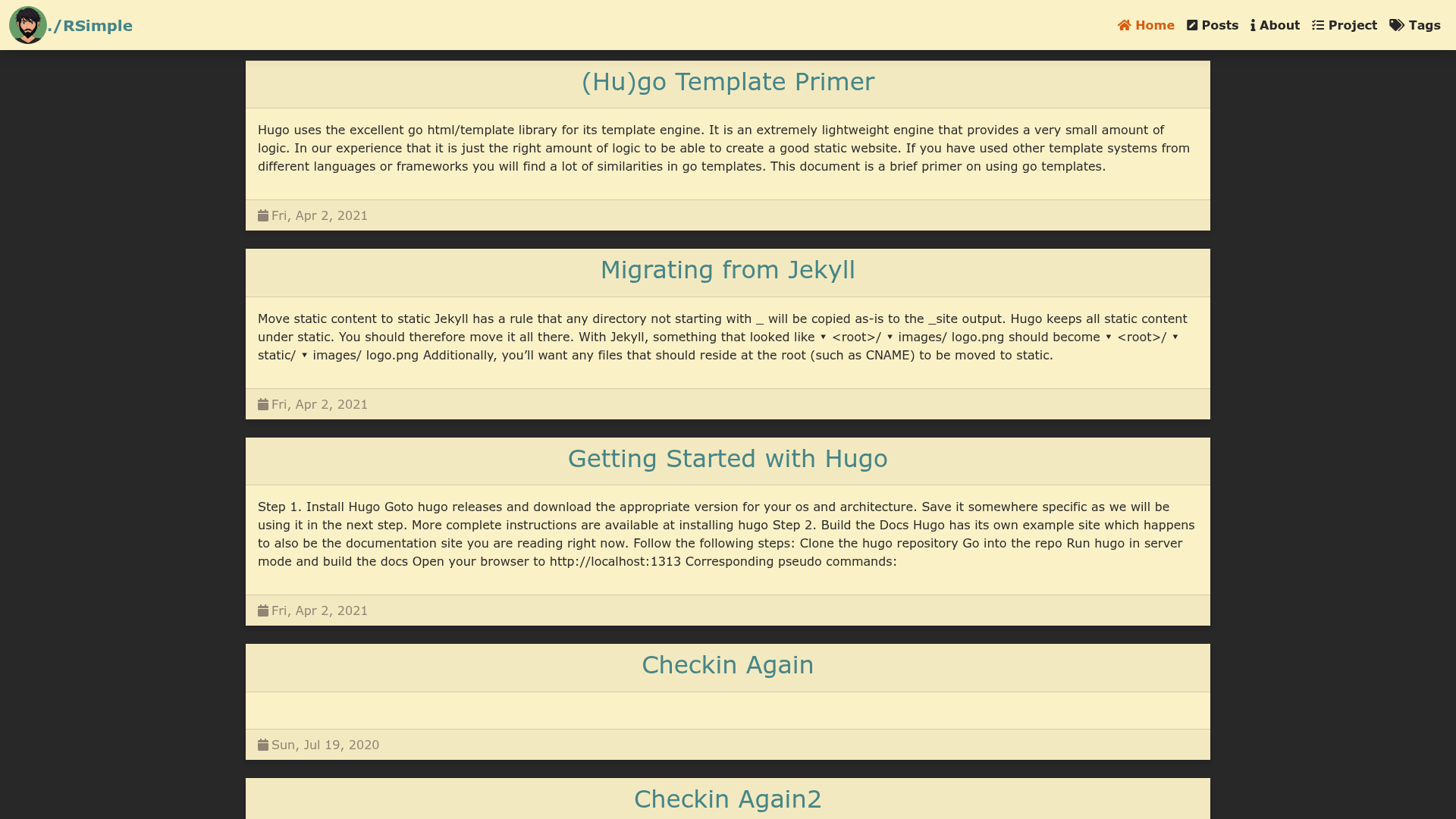
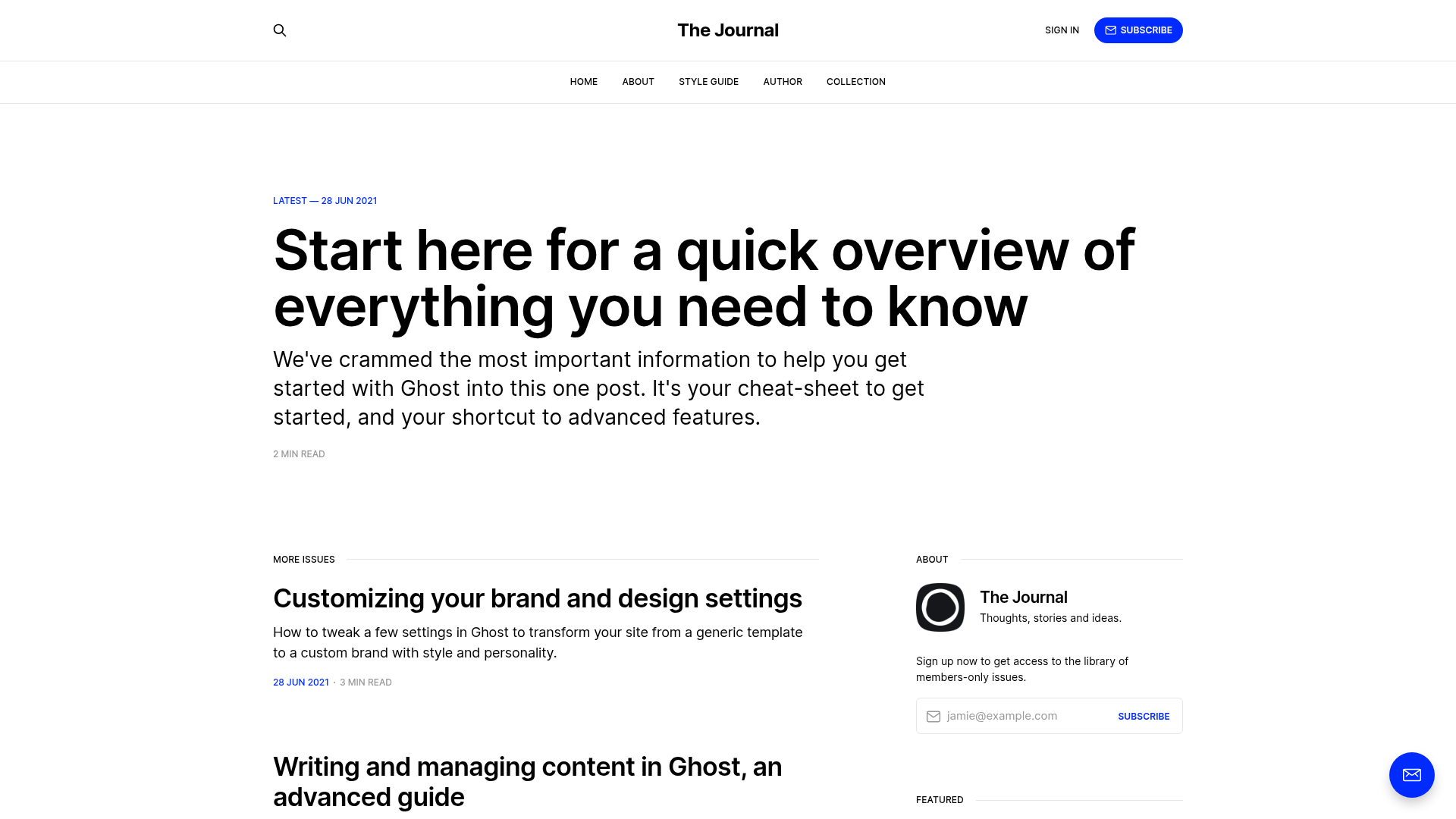
A simple light Hugo blog theme with TailwindCSS that is fully responsive.
About this template
Hugo Discaptive is a simple, light-weight Hugo blog theme styled with TailwindCSS that generates a fully responsive static site from Markdown content.
What is Hugo Discaptive?
Hugo Discaptive is a theme for the Hugo static site generator, designed for blogs and personal websites. It takes Markdown files organized in the Hugo content directory and outputs a static, lightweight site with no JavaScript framework dependencies. The theme was created by the developer discaptive and is distributed under the MIT license, with its design inspired by tailwind-nextjs-starter-blog. The theme's GitHub repository is https://github.com/discaptive/hugo-discaptive.
Key Features
- TailwindCSS styling — The theme uses TailwindCSS to provide a simple, light design that is fully responsive across screen sizes.
- Giscus comments — Optional GitHub-discussions-based comment section; enable by configuring the giscus parameter block in hugo.toml with your repository, repo ID, category, and category ID.
- Pagination — Built-in list pagination controlled by the
pagerSizesetting in hugo.toml; the default is 5 posts per page. - Customizable header menus — Define menu items such as Contact (mailto), Tags, and About directly in hugo.toml with a name, URL, and weight.
- Content directory structure — Each post is a folder containing an
index.mdfile plus any images, keeping all assets for a post together. - Example site — The theme includes an
exampleSitefolder; copying its contents to the project root provides a working preview. - Multiple installation methods — Install the theme either as a git submodule or as a Hugo module, with module updates via
hugo mod get -u. - MIT license — Free to use for personal and commercial projects.
Who should use Hugo Discaptive?
- Bloggers — Publish Markdown-based posts with a clean, responsive layout and optional comment section.
- Hugo developers — Drop the theme into an existing Hugo site as a module or submodule and customize via hugo.toml.
- Writers — Organize content in per-post directories with images, making it easy to manage assets.
- Minimalist site owners — Get a light theme without heavy JavaScript or complex build tooling.
Use cases
- Personal blog — Write posts in Markdown, add tags, enable giscus for discussions, and deploy a static site with pagination.
- Portfolio of articles — Use the simple content structure to present writing samples or documentation alongside images.
- Testing Hugo workflow — The included exampleSite lets you experiment with theme configuration, giscus, and menus before publishing.
How does Hugo Discaptive work?
After installation, copy the exampleSite content to your project root, set your baseURL, title, and parameters in hugo.toml, then run hugo serve to preview locally. The theme reads each post's index.md and renders it according to the content structure, and the pagination setting controls how many posts appear on list pages. The build produces a completely static site.
Pricing
Hugo Discaptive is free and open source under the MIT license.
FAQ
Is Hugo Discaptive free?
Yes, the theme is released under the MIT license, allowing free use for both personal and commercial projects.
How do I set up giscus comments?
In your hugo.toml, add a [params.giscus] block with the repository, repoId, category, categoryId, and mapping values obtained from giscus.app. The theme will then render a comment section on posts.
Can I adjust how many posts appear per page?
Yes, change the pagination.pagerSize value in hugo.toml. The default setting is 5.
What content structure does the theme expect?
Each post lives in its own directory with an index.md file. Images placed in the same directory can be referenced from the Markdown content. The theme supports any number of such directories.