Template details
Left
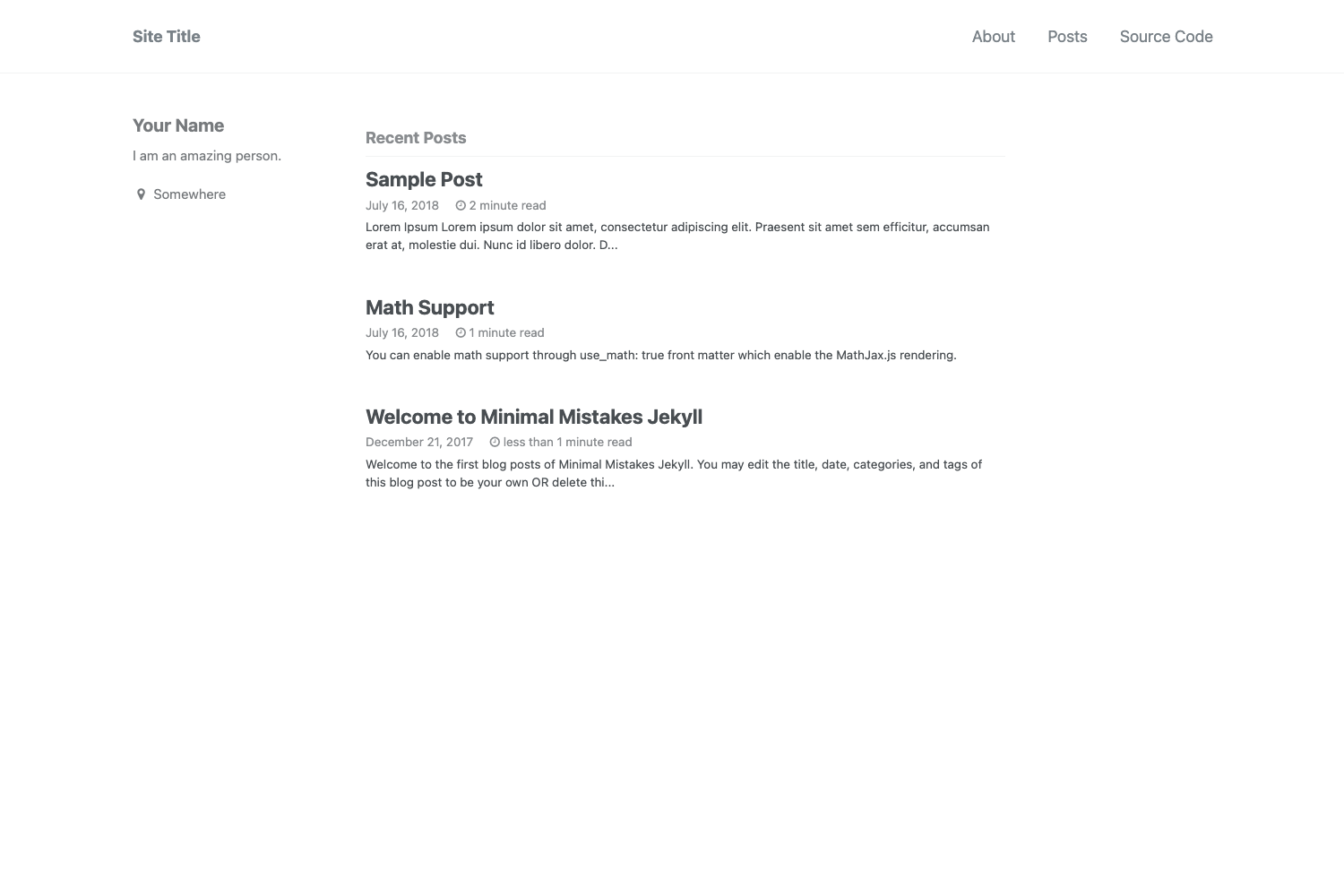
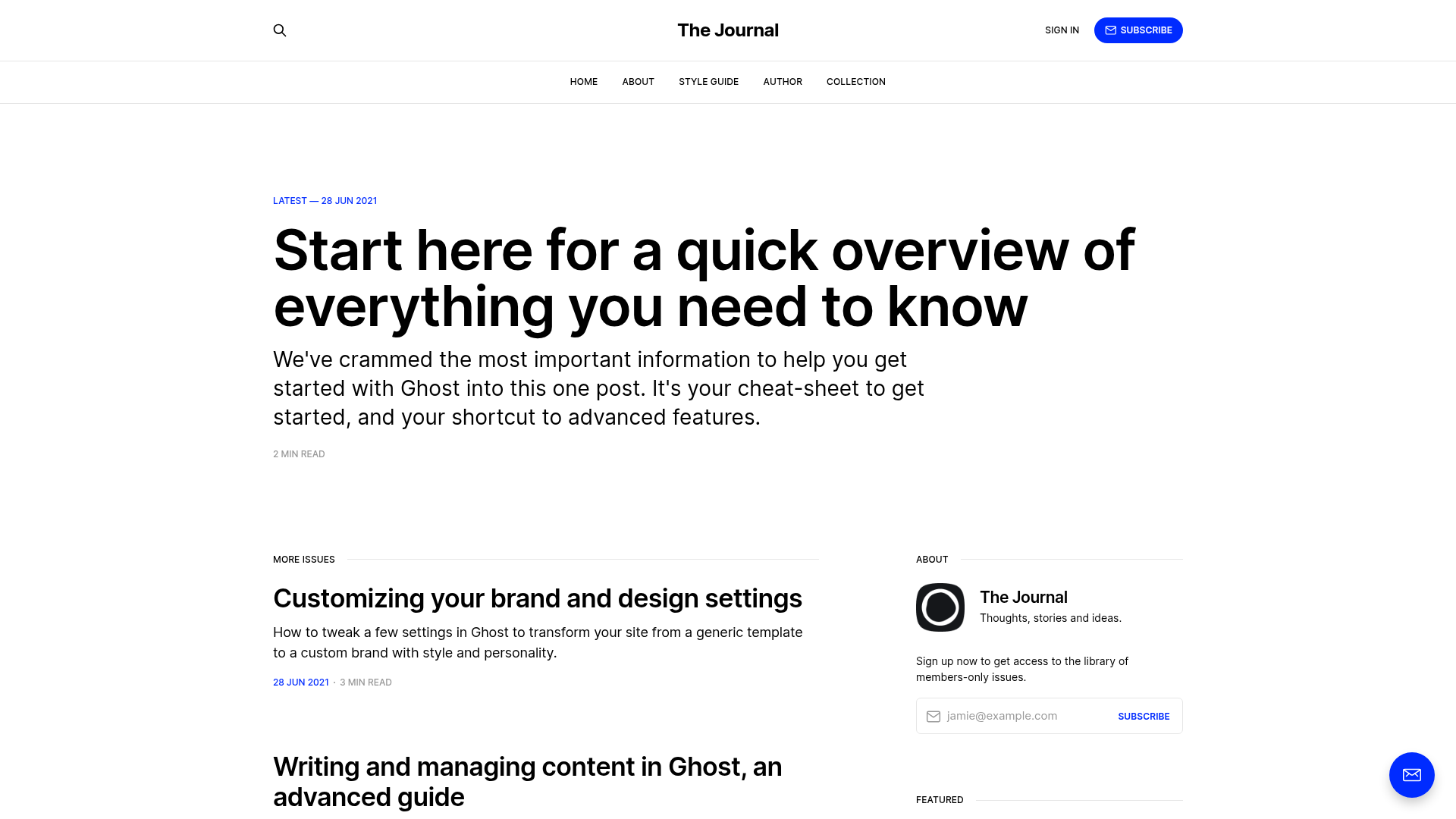
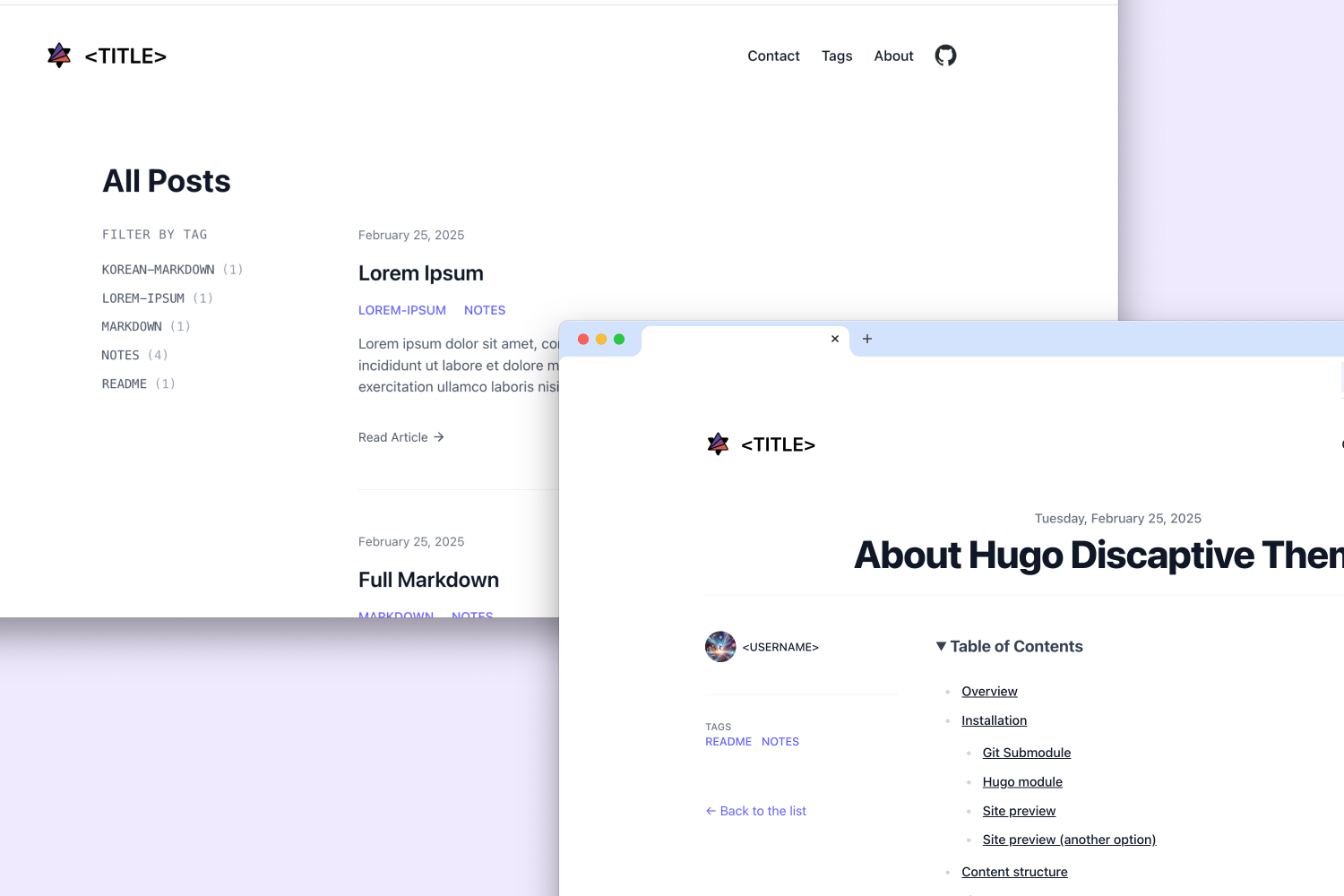
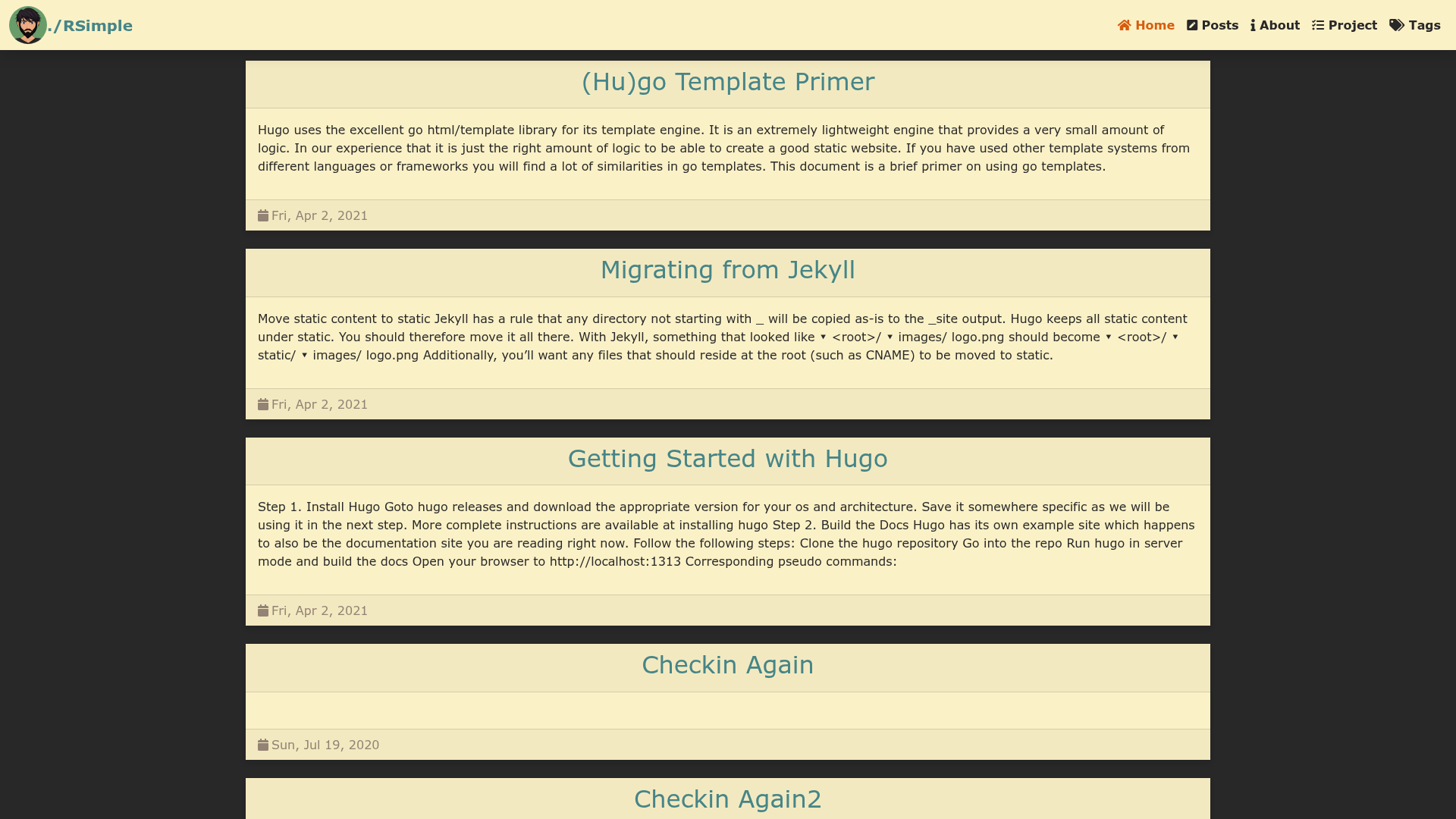
Left is a clean, whitespace-happy Jekyll blog layout for GitHub Pages, extracted from Zach Holman's site.
About this template
Left is a clean, whitespace-heavy Jekyll blog theme extracted from Zach Holman's personal site that turns a GitHub Pages repository into a minimal personal blog.
What is Left?
Left is a Jekyll layout for personal blogs, originally extracted from zachholman.com, designed to be an easy-to-modify starting point. It takes Markdown blog posts and configuration from _config.yml and renders them into a static HTML site with a clean, whitespace-focused design. The template runs on Jekyll and is optimized for deployment to GitHub Pages, where it uses GitHub repository metadata for your avatar and profile links.
Key Features
- Jekyll-based static generation — content is written in Markdown and built into static HTML; no database or server-side processing.
- Whitespace-happy design — a minimal layout focused on readability, extracted from years of blogging at Zach Holman's site.
- GitHub Pages deployment — works with the
gh-pagesbranch and repository metadata to auto-fill your GitHub URL and avatar. - Centralized configuration — site name, Twitter username, and other settings live in
_config.yml. - Custom domain ready — edit the
CNAMEfile to point the site at your own domain. - Brandable icons — replace
favicon.icoandapple-touch-icon.pngwith your own graphics. - MIT licensed — free to use commercially without attribution or disclaimers.
Who is it for?
- Personal bloggers — set up a clean, minimal blog on GitHub Pages without designing from scratch.
- Jekyll developers — use Left as a base to hack on; it's structured to be easy to modify.
- Fans of Holman's design — reuse the exact layout that powered zachholman.com for years.
What can you do with Left?
- Quick-start a blog — fork the repository, run
bundle install, then start a local server withscript/serverathttp://localhost:4000. - Publish to GitHub Pages — rename your repo to
username.github.com, push thegh-pagesbranch, and your site goes live athttp://username.github.io. - Match your brand — change the CNAME, favicon, and apple-touch-icon files to personalize the site.
How does Left work?
Left follows the standard Jekyll workflow: install dependencies with Bundler, start the local server with script/server, and write posts in Markdown. When you push the gh-pages branch to GitHub, GitHub Pages builds and serves the site automatically using the repository's metadata.
FAQ
Is Left free?
Yes, Left is open-source software released under the MIT license, so you can use, modify, and distribute it freely.
Does Left work with custom domains?
Yes, you can use a custom domain by putting the domain name on the first line of the CNAME file in the repository.
What tools do I need to run Left locally?
You need Ruby, Bundler, and Jekyll. The repository includes a Gemfile, so bundle install handles the dependencies.
Where can I see a live demo?
The live demo is hosted at zachholman.com/left.