Template details
Bajawa
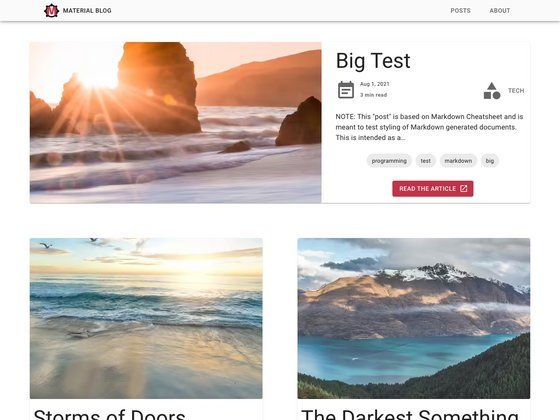
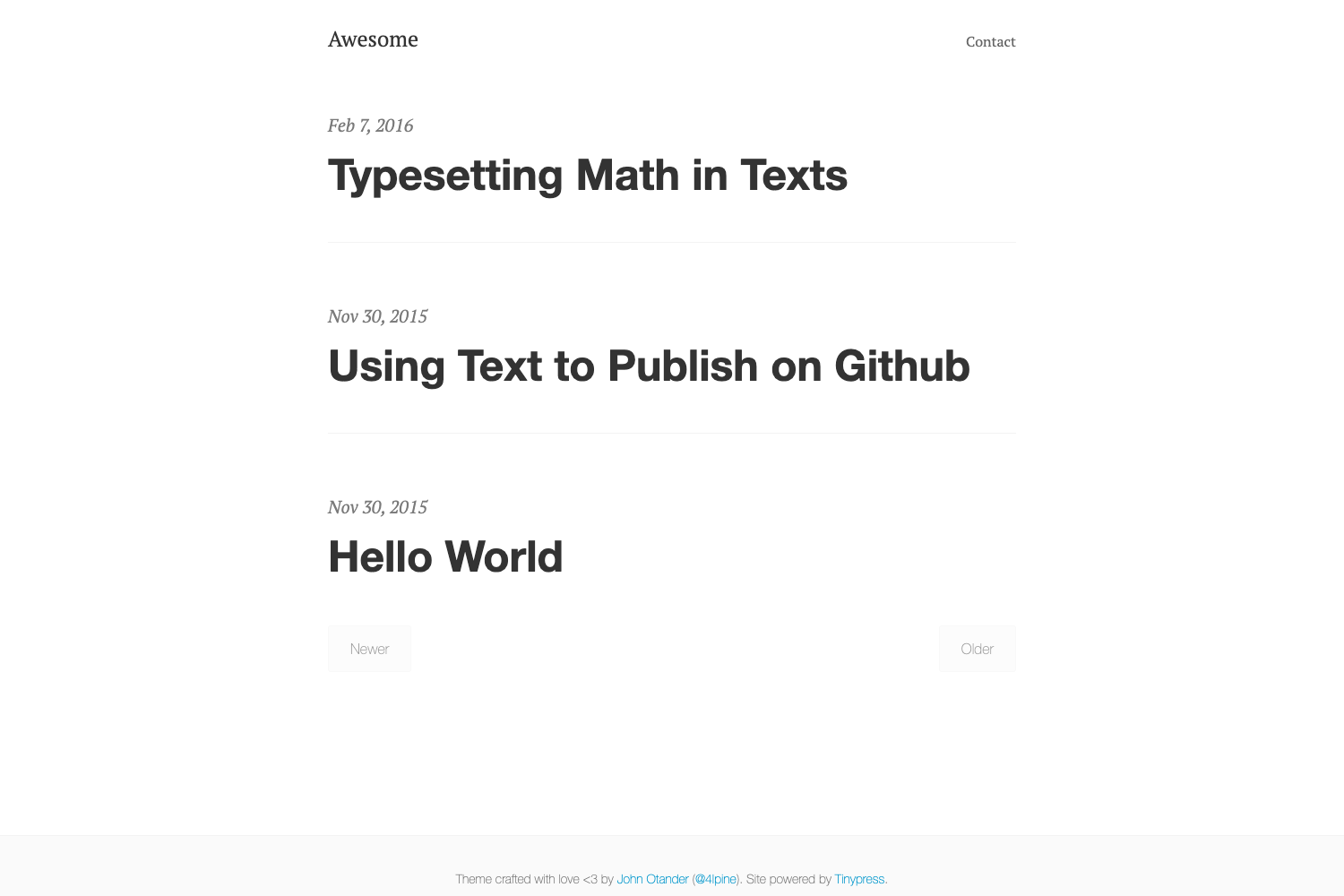
Bajawa is a simple, pastel-colored Jekyll theme starter with five layouts, Font Awesome icons, and a lunr.js-powered search page.
About this template
Bajawa is a simple and clean Jekyll theme starter with pastel colors, built for blog and personal sites, developed by C. Ayu W. and available on GitHub.
What is Bajawa?
Bajawa is an open-source Jekyll theme (version 0.1.0) designed to kick-start a blog or personal website. It runs on Jekyll, the static site generator that transforms Markdown and Liquid templates into a static HTML site. The theme takes a standard Jekyll project structure — pages, posts, and configuration in _config.yml — and outputs a ready-to-publish website with pastel-styled layouts. The repository is maintained at https://github.com/kulacino/bajawa, and the live preview can be viewed at https://kulacino.github.io/bajawa.
Key Features
- Pastel color scheme — A simple, clean aesthetic with a light pastel palette that distinguishes the theme from default Jekyll styling.
- Five predefined layouts — Includes
default,post,page,home, andsearchlayouts, giving you ready-made templates for standard blog pages. - Built-in search page — A dedicated
searchlayout powered by lunr.js, a client-side search library that indexes site content without a server-side database. - Font Awesome icons — Icons are loaded from the Font Awesome 4.7.0 CDN, with an option to self-host the CSS file under
assets/css/font-awesome.min.css. - Installation via Ruby Gem — Add
gem "bajawa"to your Gemfile and settheme: bajawain_config.yml, or install globally withgem install bajawa. - Starter-friendly structure — The theme follows the basic Jekyll directory layout, making it easy to customize with your own styles, pages, and content.
- MIT License — The theme is freely available under the MIT License, so you can use, modify, and distribute it without restriction.
- Contributor Covenant — The project welcomes bug reports and pull requests under an open Contributor Covenant code of conduct.
Who is it for?
- Bloggers — Start a minimal pastel-toned blog quickly without designing a layout from scratch; just add Markdown posts and configure
_config.yml. - Jekyll beginners — Learn Jekyll conventions through a small, well-documented theme that serves as a teaching scaffold.
- Developers building a personal site — Use Bajawa as a starter to create a portfolio or personal landing page by customizing the
homeandpagelayouts. - Theme developers — Fork the repository to study or extend a Jekyll theme-gem, since the development workflow runs a standard
bundle exec jekyll serve.
What can you do with Bajawa?
- Launch a pastel blog — Write posts in Markdown and publish a clean, colorful blog with automatic search for readers.
- Build a personal portfolio — Reuse the
homelayout as a starting point for an about-me page with links and icons. - Self-host a searchable site — Use the lunr.js-based search layout to let visitors search your static site without extra infrastructure.
- Learn Jekyll theming — Explore how a theme-gem is structured; the release bundles
_layouts,_includes,_sass, andassetsdirectories.
How does Bajawa work?
Installation follows the standard Jekyll theme workflow. Add the gem to your Gemfile and run bundle, or install it directly with gem install bajawa. Set theme: bajawa in your _config.yml, then run bundle exec jekyll serve to start a local server at http://localhost:4000. The theme includes a development guide for modifying and testing your own changes.
Pros and cons
- Pros: Free and open source; simple pastel design; includes a working search page; uses Font Awesome for icons; easy to install as a Ruby gem.
- Cons: Version 0.1.0 is early-stage, and the README leaves many sections (like GitHub Pages installation and configuration details) marked "to be added," so developer documentation is incomplete.
Pricing
Bajawa is free to use and distribute under the MIT License. The author accepts PayPal tips (linked in the repository) to support continued development, but there is no paid tier or licensing fee.
FAQ
Is Bajawa free?
Yes, Bajawa is released under the MIT License, which permits free use, modification, and distribution. You can also support the author via a PayPal tip, though it is entirely optional.
What layouts does Bajawa include?
Bajawa provides five layouts: default, post, page, home, and search. The search layout integrates lunr.js for client-side search, while the others cover standard blog and page structures.
How do I install Bajawa?
Add gem "bajawa" to your Gemfile, set theme: bajawa in _config.yml, and run bundle. Alternatively, install the gem globally with gem install bajawa. The GitHub Pages installation method is not yet documented in the README.
Does Bajawa use any external assets?
Yes, it links Font Awesome 4.7.0 icons from a CDN, and the search layout uses lunr.js. You can self-host the Font Awesome CSS by downloading it and placing it in assets/css/font-awesome.min.css.
What is the version of this theme?
The current version is 0.1.0, both as a release and as a Ruby gem. It is still an early release, and the README indicates that several sections, such as site settings and navigation documentation, are pending.