Template details
Kactus
A Jekyll port of Cactus's default theme with pagination, RSS, Disqus, and author profiles.
About this template
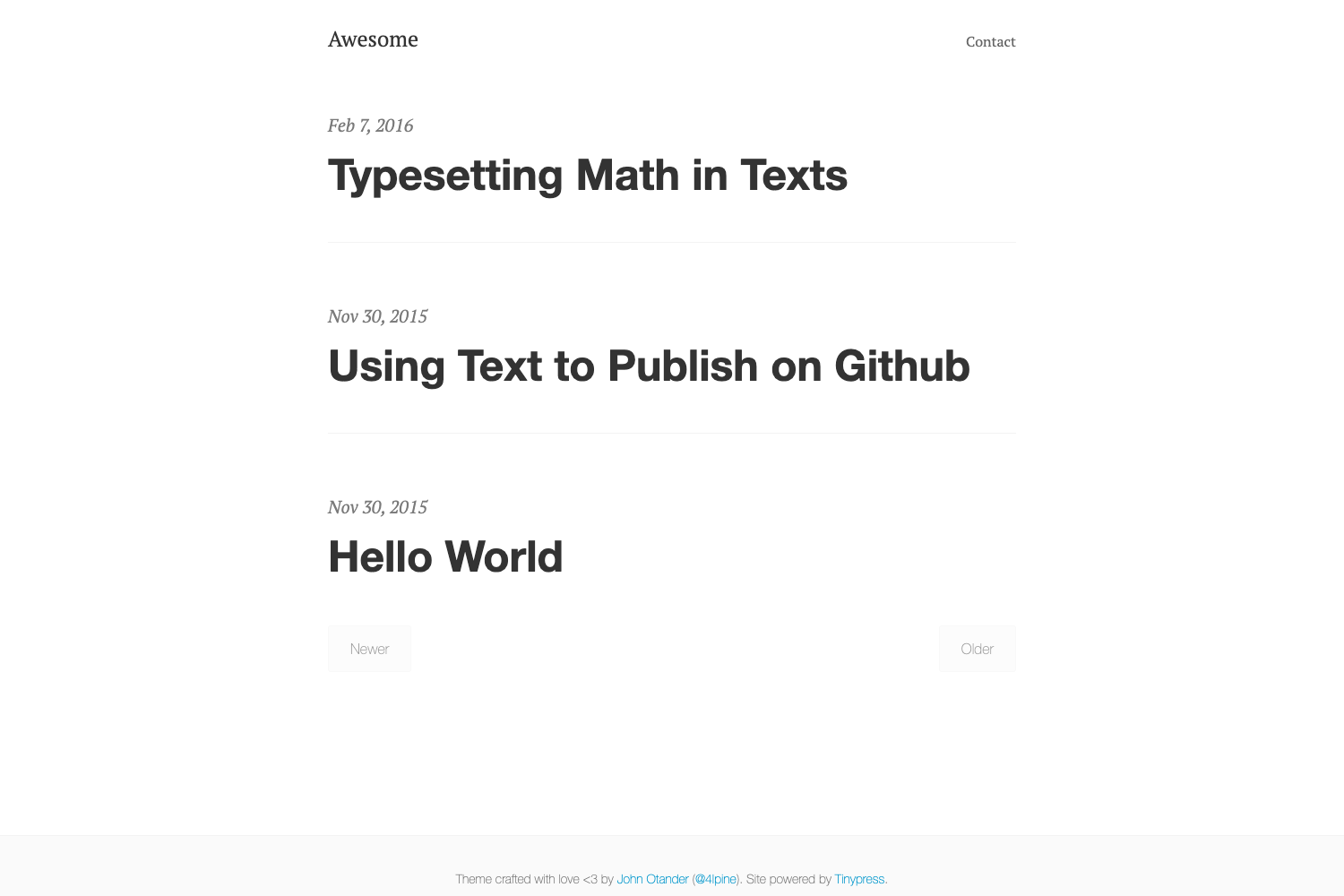
Kactus is a Jekyll theme that ports Cactus's default theme to Jekyll, providing a minimalist, mobile-friendly layout for static blogs.
What is Kactus?
Kactus is a free, open-source Jekyll theme that ports the default theme of Cactus, a static site generator for Mac, to Jekyll. It takes your Jekyll site content and renders it as a static blog with a clean, minimalist design. The theme was created by nickbalestra and is released under the MIT License. It is fully compliant with GitHub Pages, so you can host it for free directly from a repository.
Key Features
- Pagination — Splits your blog posts into multiple numbered pages so readers can navigate your archive without a single long scroll.
- RSS feed — Generates an XML feed for your posts, making it easy for subscribers to follow your blog with their favorite feed reader.
- Google Analytics — Includes a built-in tracking code slot so you can add your Google Analytics ID and measure site traffic.
- Code syntax highlighting — Highlights code blocks in your posts and pages, supporting many programming languages via Jekyll's built-in highlighter.
- Author profile with picture — Displays an author bio with a profile picture in the header or post pages, giving your blog a personal touch.
- Social share buttons — Adds Twitter and Facebook share buttons to each post so visitors can spread your content on social media.
- Archive list — Shows a list of all posts under each post, giving readers quick access to your archive.
- Disqus comments — Integrates Disqus, a popular commenting platform, so readers can leave comments on your posts.
Who is it for?
- Personal bloggers who want a clean, minimal blog without extra clutter; they can clone the repo and start writing Markdown posts.
- Developers who want a simple Jekyll starter that works on GitHub Pages; they can customize the HTML and CSS directly.
- Technical writers who need a lightweight blog with code highlighting and RSS for documentation or a devlog.
- Portfolio owners can use its author profile and archive layout to showcase writing and projects.
What can you do with Kactus?
- Set up a personal blog in minutes — clone the repository, run
jekyll serve, and start adding posts in Markdown. - Publish on GitHub Pages — since the theme is compliant with Pages, you can push the repo and have your site live at your github.io URL.
- Run a self-hosted Jekyll site — use it locally with any static hosting service, and take advantage of pagination and RSS without a database.
How does Kactus work?
Clone the repository to your local machine, then run jekyll serve inside the directory to build and preview the site. The theme processes your Markdown posts and layouts through Jekyll's build pipeline and outputs a static HTML site. Because it is fully compliant with GitHub Pages, you can also upload the repository to GitHub and enable Pages to go live.
Pricing
Kactus is free and open source, released under the MIT License. You can use, modify, and redistribute it for personal or commercial projects without paying any fees.
FAQ
Is Kactus free?
Yes, Kactus is released under the MIT License, which means you can use it for free for personal or commercial projects. The license allows you to modify and distribute the theme as long as you include the original copyright notice.
How do I install Kactus?
Clone the repository from GitHub, then run jekyll serve in the directory to build the site. That's all; Jekyll and its dependencies must be installed on your machine. You can also deploy directly to GitHub Pages by pushing the repo.
Does Kactus support GitHub Pages?
Yes, the theme is fully compliant with GitHub Pages and their dependencies. You can host the generated site on GitHub Pages for free, following the official guide for using Jekyll with Pages.
What features does Kactus include?
Kactus includes pagination, an RSS feed, Google Analytics tracking, code syntax highlighting, an author profile with picture, Twitter and Facebook share buttons, an archive list under each post, and Disqus comments. These features are baked into the layout, so you don't need to install plugins.