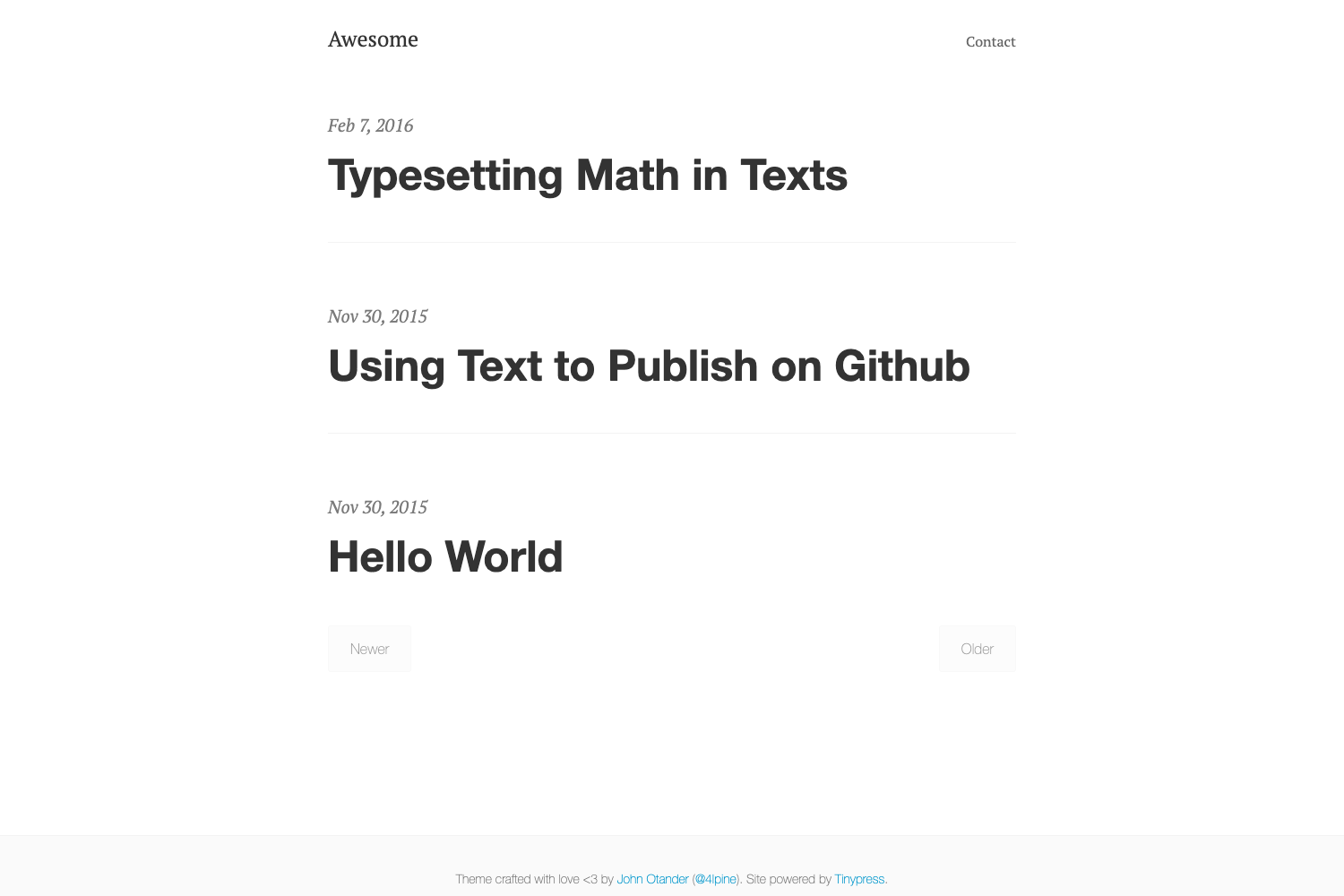
Template details
Tufte Hugo Theme
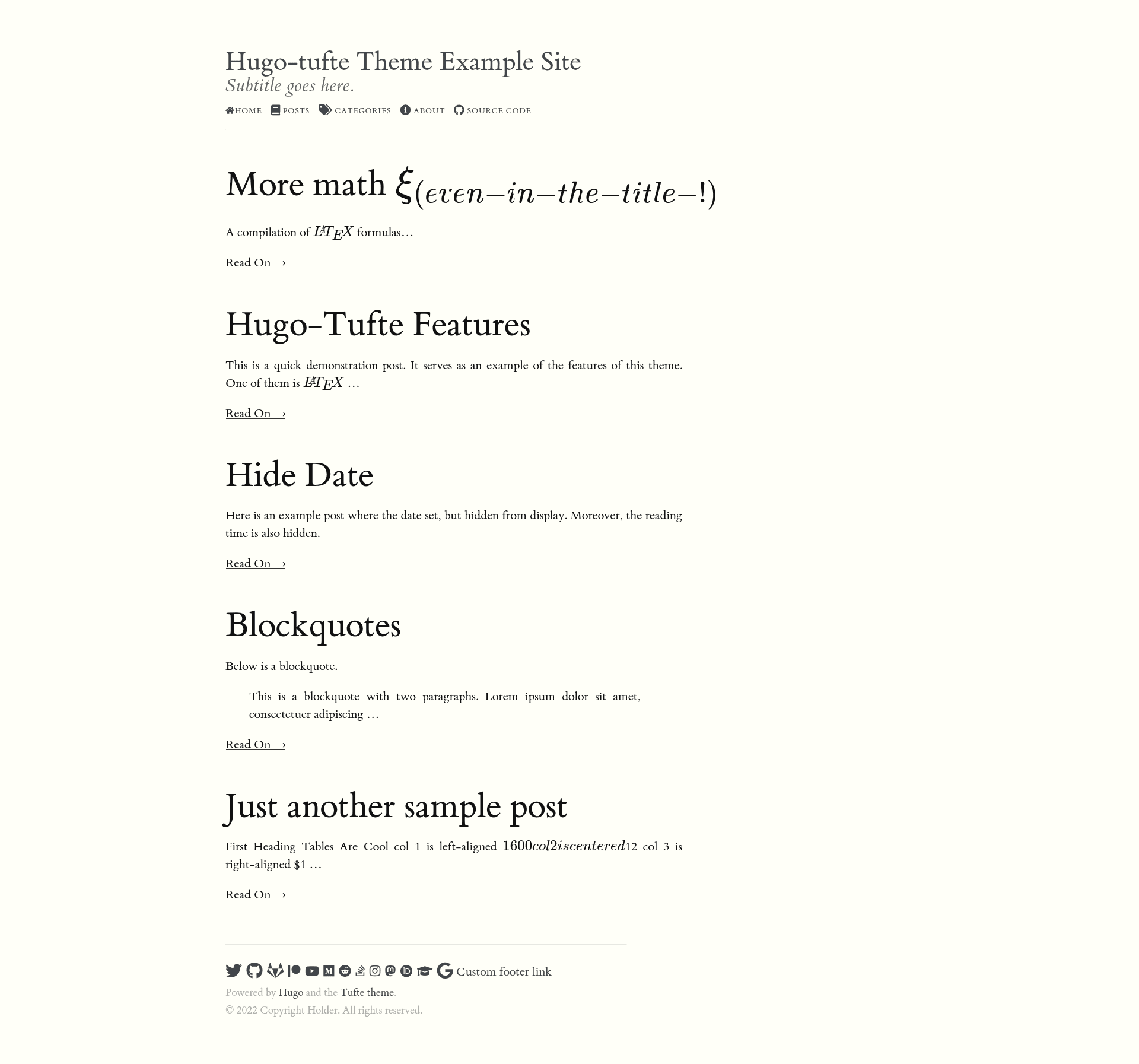
A minimalist Hugo blog theme implementing Tufte-css with sidenotes, margin notes, and LaTeX math via KaTeX or MathJax.
About this template
Tufte Hugo Theme is a minimalist blog theme for the Hugo static site generator that brings Edward Tufte's classic Tufte-css design to Markdown-based sites, including LaTeX math rendering through KaTeX or MathJax.
What is Tufte Hugo Theme?
Tufte Hugo Theme is a fork of the original hugo-tufte theme by shawnohare, built by slashformotion for Hugo. It takes Markdown content and renders it as a blog-style site with a distinctive, content-focused layout that mimics the style of Edward Tufte's books. The theme requires Hugo Extended because it compiles SCSS, and it is no longer maintained — the README directs users to the loikein/hugo-tufte fork instead.
Key Features
- Faithful Tufte-css implementation — Reproduces the typography, sidenotes, and margin notes from Edward Tufte's tufte-css project within a Hugo theme.
- LaTeX math typesetting — Renders math written in Markdown using either KaTeX (default) or MathJax; set the
katexparameter to false to switch to MathJax. - Sidenote and marginnote shortcodes — Use
{{< sidenote >}}for automatically numbered notes and{{< marginnote >}}for numberless margin notes. - Epigraph and blockquote shortcodes — Include pull quotes with attribution via
{{< epigraph >}}and{{< blockquote >}}, supporting parameters likeciteandpre. - Customizable site parameters — Configure subtitle, copyright, math kill-switch, dark code blocks, and a dozen social media links (GitHub, Twitter, YouTube, etc.) from
config.toml. - Per-page options — Control date visibility, reading time, table of contents, and math rendering with front-matter parameters like
hideDate,toc, andmath. - SCSS-based styling — Styles are written in SCSS, so the theme requires Hugo Extended to build.
Who is it for?
- Academics and researchers — Write blog posts containing LaTeX equations, with KaTeX or MathJax handling inline and displayed math.
- Design-conscious bloggers — Publish content in the clean Tufte aesthetic with margin notes and epigraphs for a book-like reading experience.
- Hugo users who want a minimal theme — Set up a fast static blog with a single theme dependency, then customize via partials and shortcodes.
What can you do with it?
- Academic blogging: Create posts with mathematical notation like
$\frac{1}{2}$and$$f(x, y) := e^{x^2 - y^2}$$, rendered inline or as displayed equations. - Writing with side notes: Insert sidenotes and margin notes into long-form articles, exactly as in Tufte's printed books.
- Custom layouts: Use the
div,section, andblockquoteshortcodes to craft complex blocks of HTML mixed with Markdown.
How does Tufte Hugo Theme work?
Install Hugo Extended, create a new site with hugo new site <your-site-name>, clone this theme into the themes directory, and set theme = 'hugo-tufte' in config.toml. Then run hugo server -D to preview the site locally.
Pros and cons
- Pros: Effectively brings Tufte-css to Hugo; offers both KaTeX and MathJax; includes a full set of Tufte-specific shortcodes; extensive configuration options via site and page parameters.
- Cons: No longer maintained (the README advises using loikein/hugo-tufte); requires Hugo Extended, not the standard build; some LaTeX environments such as
alignedneed to be wrapped in<p>tags to render correctly.
Alternatives
- loikein/hugo-tufte — Recommended in the README as an up-to-date continuation of this fork.
- shawnohare/hugo-tufte — The original theme this fork is based on.
FAQ
Is Tufte Hugo Theme free?
Yes, it is an open-source Hugo theme released without a price, and the source code is publicly available on GitHub.
Does the theme require Hugo Extended?
Yes, because the theme's styles are built from SCSS, you must install Hugo Extended to compile the site locally.
Can I use MathJax instead of KaTeX?
Yes. Set the katex parameter to false in your site configuration, and MathJax will render the LaTeX instead of KaTeX.
Is Tufte Hugo Theme still maintained?
No. The repository states "This theme isn't maintained anymore" and recommends switching to the loikein/hugo-tufte fork.
How do I include a sidenote?
Use the {{< sidenote >}} shortcode around the note text; it will be automatically numbered. For a numberless note, use {{< marginnote >}} instead.