Template details
Serial Programmer
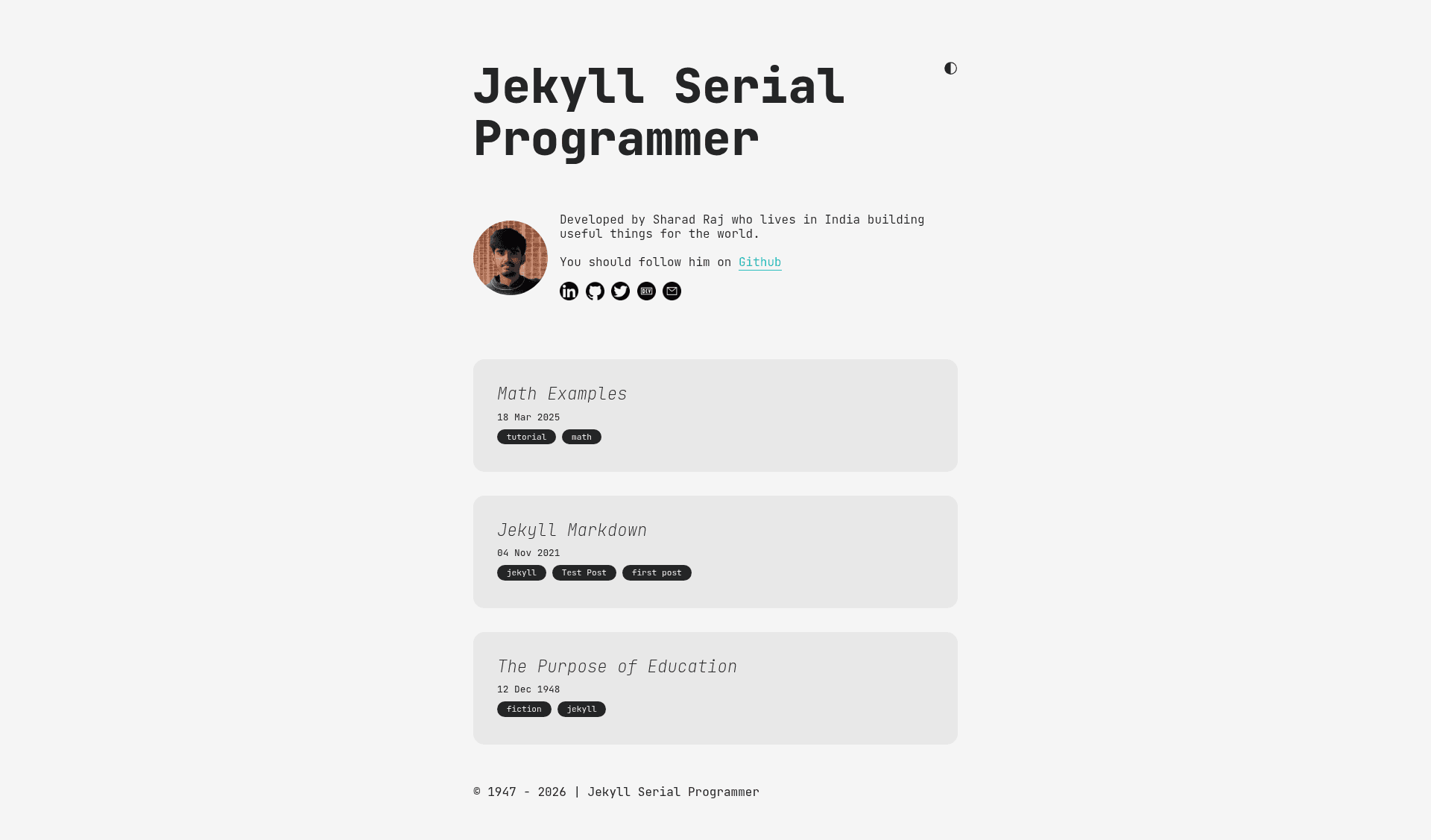
A Jekyll blog theme for developers with dark/light mode, LaTeX math rendering, and one-click code copy.
About this template
Serial Programmer is a Jekyll blog theme aimed at developers and technical writers, offering a responsive layout, toggleable dark and light modes, LaTeX math rendering, and a built-in code copy button. The theme is built on Jekyll, the Ruby-based static site generator, and is configured through _config.yml and _data/author.yml files. It is maintained by Sharadcodes and published on GitHub with a live demo at sharadcodes.github.io/jekyll-theme-serial-programmer.
What is Serial Programmer?
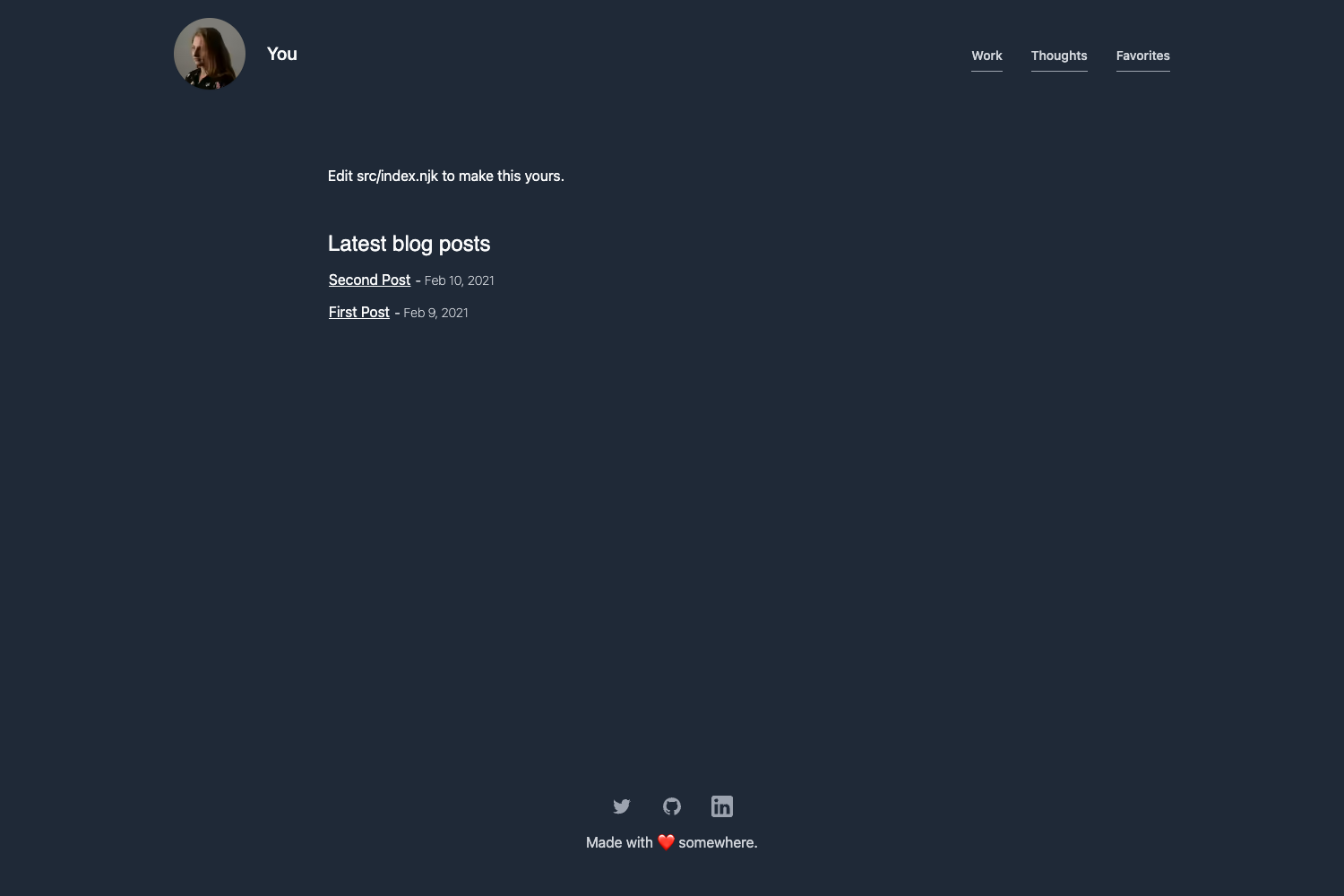
Serial Programmer is a free, open-source Jekyll theme for creating static blogs. As input, it takes Jekyll project files — posts written in Markdown, configuration in _config.yml, and author metadata in _data/author.yml — and produces a fully static HTML site that can be hosted on GitHub Pages. The theme includes a blog listing page, individual post layouts, and mobile-optimized layouts shown in the repository screenshots.
Key Features
- Dark/Light mode — includes a toggle that switches the entire site between dark and light color schemes, with code copy buttons styled for both themes.
- LaTeX math support — renders mathematical equations written in LaTeX, with inline syntax like
$E=mc^2$and display syntax like$$x=\frac{-b\pm\sqrt{b^2-4ac}}{2a}$$. - Code copy button — adds a one-click copy control to code blocks; it appears at the bottom right on hover and shows a "Copied!" indicator after clicking.
- Syntax highlighting — highlights code in blog posts for readability across programming languages.
- RSS feed — automatically generates a feed for subscribers to follow new posts.
- Sitemap — generates a sitemap.xml file to help search engines index the blog.
- Responsive design — layouts for blog listing and post pages are optimized for both desktop and phone widths, as shown in the README screenshots.
- Category pills — posts can be filtered by category using clickable pills; the navigation logic lives in
assets/js/categories.js, which the README warns not to edit unless you understand it.
Who is it for?
- Developer bloggers who want a clean, readable layout for code-heavy articles without building a site from scratch.
- Technical writers who publish tutorials and need LaTeX math for equations in their posts.
- Students and researchers who want a simple personal blog on GitHub Pages with minimal setup.
- Open-source enthusiasts who prefer a free Jekyll theme that can be customized to match their own brand.
What can you do with Serial Programmer?
- Set up a personal blog — clone the repository, run
bundle install, thenbundle exec jekyll serveto test locally before uploading to your own GitHub Pages repository. - Write math-heavy posts — use
$...$for inline math and$$...$$for display math, and the theme renders them as equations. - Share code snippets — readers can copy code blocks with a single click instead of manually selecting text.
- Publish a feed — readers can subscribe via the automatically generated RSS feed.
How does Serial Programmer work?
The README outlines a simple setup: clone or download the repo from GitHub, enter the folder, run bundle install to install dependencies, start the local server with bundle exec jekyll serve, and open the localhost address. After editing _config.yml and _data/author.yml, you upload the files to your repository. For a user-specific GitHub Pages site, you must remove the url and baseurl fields from _config.yml.
FAQ
Is Serial Programmer free?
Yes, the theme is open source and available for free on GitHub. The author accepts optional donations through a GitHub Sponsor button, but the theme itself is free to download and use.
Does Serial Programmer support math equations?
Yes, it supports LaTeX-style math. Inline math is written with single dollar signs, such as $E=mc^2$, and display math with double dollar signs, such as $$x = \frac{-b \pm \sqrt{b^2 - 4ac}}{2a}$$.
Can I deploy Serial Programmer to GitHub Pages?
Yes. The README gives instructions: for a user page at your-username.github.io, remove the url and baseurl entries from _config.yml before uploading. For project pages, those fields can be set to your repository's URL.
What should I avoid editing in this theme?
The README specifically warns not to touch assets/js/categories.js because it generates the links for the category pill navigation. It also recommends using GitHub Discussions for questions rather than opening issues unless you've found a genuine bug.
Does the theme work on mobile?
Yes, screenshots in the README show blog and post layouts on both PC and phone, and the theme is described as responsive.