Template details
Bitwiser
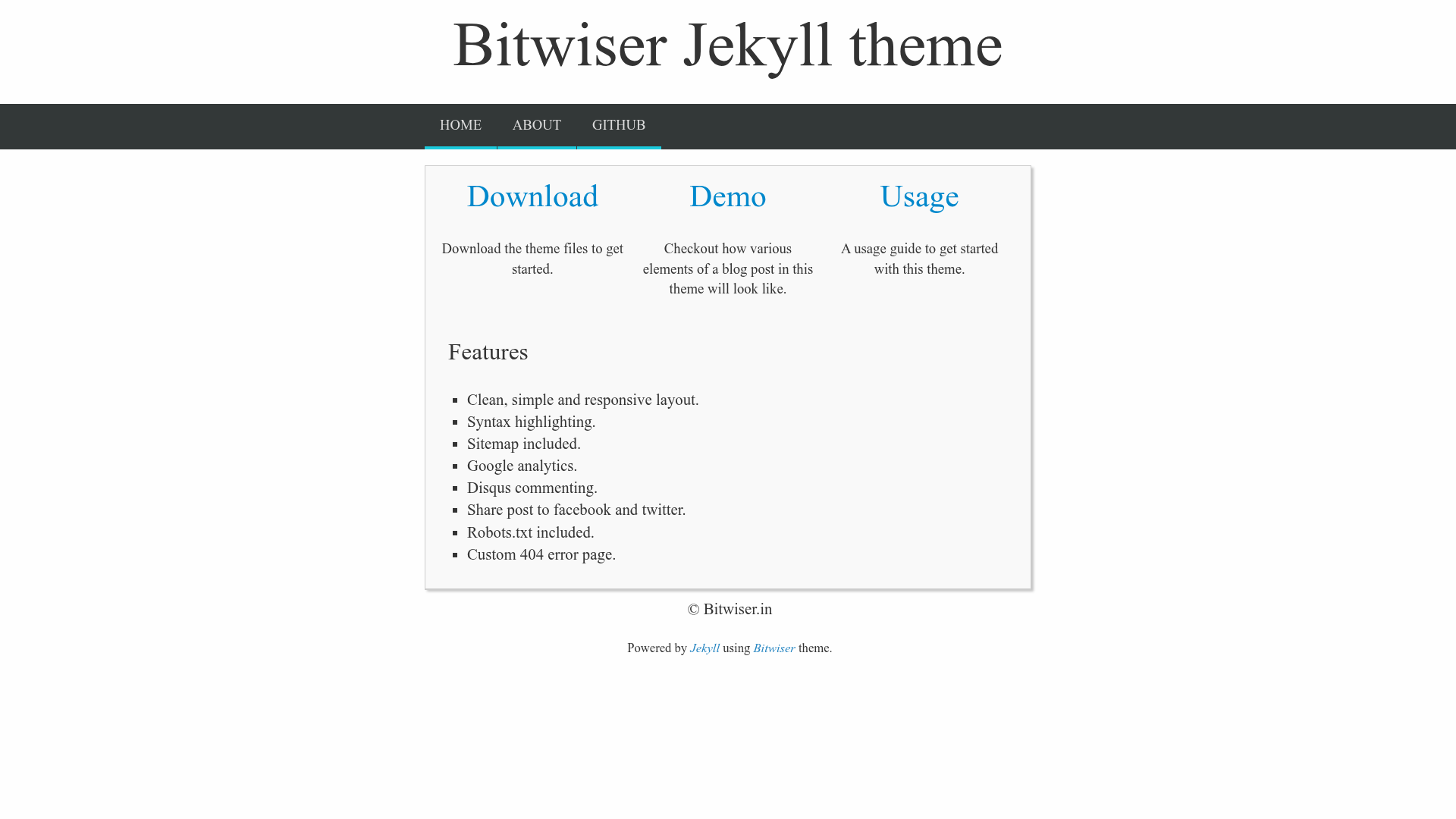
A minimalist Jekyll theme that puts focus on content.
About this template
Bitwiser is a minimalist Jekyll theme for content-focused blogs that runs on GitHub Pages and converts standard Jekyll markdown posts into a clean, responsive static site.
What is Bitwiser?
Bitwiser is a public Jekyll theme hosted on GitHub, created by developer brijeshb42. It takes markdown files from the _posts directory, applies a material-inspired responsive layout, and produces a static blog with a sitemap, robots.txt, and a custom 404 page. The theme is designed for Jekyll and GitHub Pages, and can be built locally with Ruby and jekyll serve.
Key Features
- Responsive material layout — A clean, simple layout inspired by material design, including a navigation menu optimized for small screens.
- Disqus commenting — Disqus is loaded lazily and automatically added to all blog posts when the
disqusvariable is set in _config.yml. - Google Analytics — Set
ga_idandga_domainin _config.yml to inject the Google Analytics tracking code into every page. - Social sharing — Every post includes share buttons for Facebook and Twitter.
- SEO essentials — A sitemap and robots.txt are included; meta description and keywords are read from _config.yml.
- Optional sidebar — Enable the sidebar with the
sidebarvariable; it displays an about image that defaults to your GitHub profile picture when a GitHub link is configured. - Flexible configuration — All site settings, such as name, description, keywords, social links, and about image, are managed through _config.yml without touching HTML templates.
Who is it for?
- Bloggers who want a content-first design with minimal visual distraction.
- Jekyll developers who want a theme that can be customized entirely through _config.yml.
- GitHub Pages users who need a free static blog with comments, analytics, and social sharing pre-configured.
What can you do with Bitwiser?
- Launch a personal blog: Download the theme, edit _config.yml, add posts under _posts, and push to your GitHub Pages repository to publish.
- Add comments: Enter your Disqus forum name in _config.yml to enable comment threads on every post.
- Measure traffic: Insert your Google Analytics ID and domain to start tracking visitor behavior.
- Use a custom domain: Edit the CNAME file to point your own domain to GitHub Pages.
How does Bitwiser work?
Clone the repository or download the latest zip, install Ruby and Jekyll, then update _config.yml with your site name, social links, and optional Disqus or Google Analytics IDs. Create posts as YYYY-MM-DD-title.md files in the _posts directory, run jekyll serve to preview locally, and push the repository to your GitHub Pages URL to publish.
FAQ
How do I install Bitwiser?
Download the latest zip from the GitHub releases page or clone the repository. If you clone, delete the gh-pages branch, install Jekyll, edit _config.yml, and test with jekyll serve before pushing to GitHub Pages.
Does Bitwiser support comments?
Yes. Set the disqus variable in _config.yml to your Disqus forum name, and Disqus commenting will be automatically added to all blog posts. The comments load lazily to keep the initial page fast.
Can I use Bitwiser with a custom domain?
Yes. Edit the CNAME file in the theme root to contain your domain name, and make sure your domain points to GitHub's IP addresses. Then push the changes to your GitHub Pages repository.
What post formats does Bitwiser accept?
Posts in the _posts directory can use any Jekyll-supported extension, including .md, .markdown, .mkd, .textile, or .html.