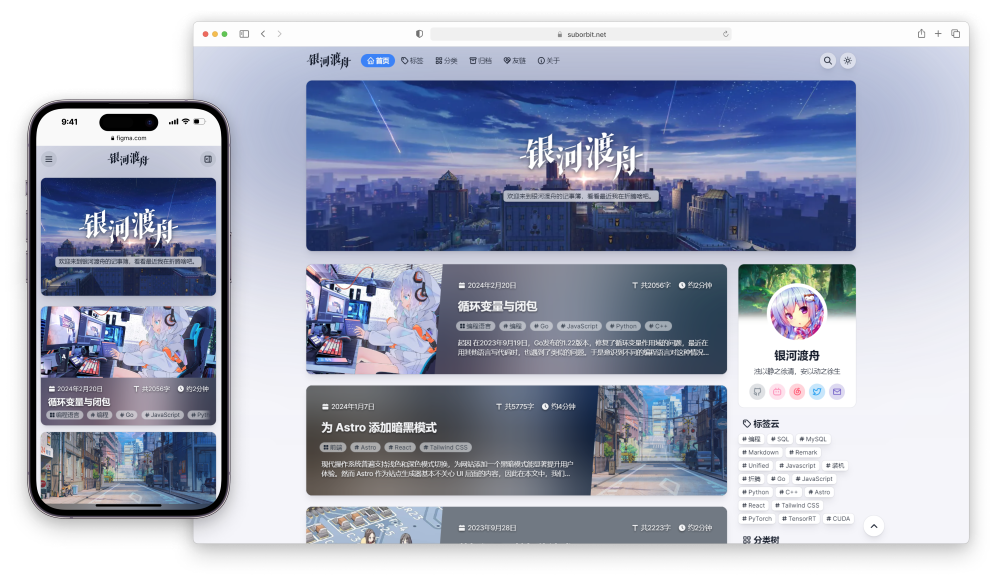
Template details
hero
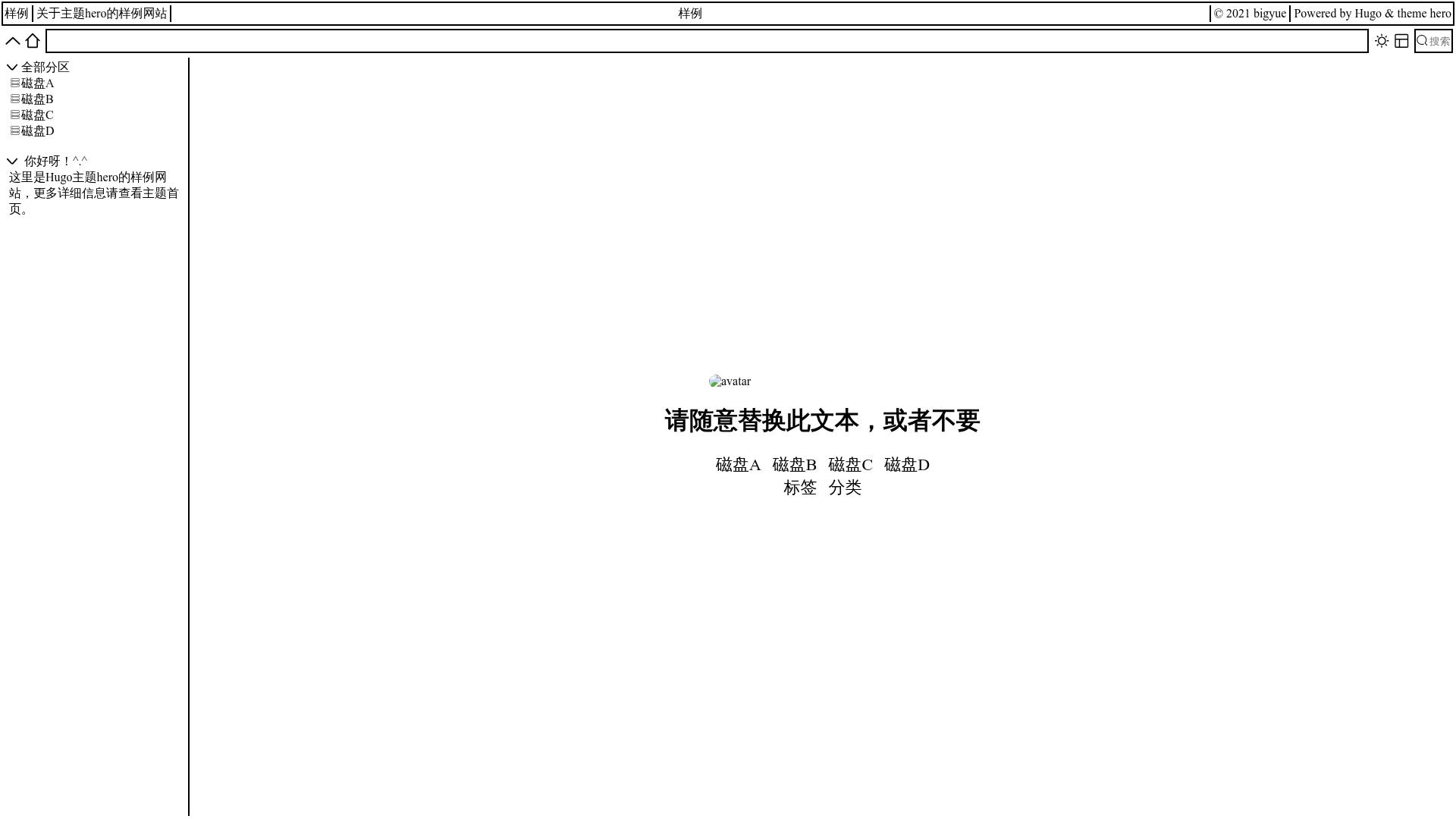
A Hugo theme with file explorer style
About this template
Hero is a Hugo theme for building blog sites with a file-explorer-style interface, presenting content as a browsable tree of sections and posts.
What is hero?
Hero (short for Hugo Explorer Read Only) is a Hugo theme that renders a blog as a file explorer interface instead of a traditional card or list layout. It takes standard Hugo content — markdown files, sections, and taxonomy pages — and outputs a static website with a sidebar tree, breadcrumb navigation, and configurable widgets and blocks. The theme is authored by yue1124 and distributed on GitHub; you add it to a Hugo site as a git submodule. It does not edit or manage markdown files; it displays them read-only.
Key Features
- File explorer style — The site shows a section tree on the sidebar so visitors browse posts and sub-sections like folders in a file manager.
- Customizable widgets and blocks — The layout is split into widget areas and block areas; you choose which widgets and blocks appear on each page type (home, section, single, terms, term) via
config.toml. - Breadcrumb Navigation — Each page automatically shows a breadcrumb trail (e.g., Home > Section > Post) to help orient visitors.
- Dark mode support — The theme includes a dark color scheme that can be toggled.
- Iconfont integration — Top-level sections can have icons defined in the
iconfrontmatter of their_index.md, and you can replace the icon font with a custom iconfont library via theiconfontparameter. - JSON search output — Hugo's
jsonoutput format is enabled on the homepage, allowing a search feature across all regular pages without an external search service. - Extensible — You can create custom widgets and blocks beyond the provided ones (section, welcome, markdown, folder, profile).
Who is it for?
- Hugo bloggers who want an unconventional tree-based layout for their posts and an easy way to reorganize sections.
- Developers building documentation or knowledge-base sites who need breadcrumb navigation and a file-like hierarchy.
- Hugo theme tinkerers who want a theme with a simple, documented widget/block system they can extend.
Use cases
- Personal bloggers: Organize posts into section folders (e.g.,
posts/tech/,posts/life/) and let readers browse them like a file system. - Technical writers: Publish multi-section documentation with automatic breadcrumbs and a sidebar tree for navigation.
- Digital gardeners: Present notes and essays in a folder-based structure that mirrors your local file hierarchy.
How does it work?
After installing Hugo, you create a new site, add the theme as a git submodule, and set theme = "hero" in config.toml. Then you create content as markdown files, optionally define widgets and blocks per page type in config.toml, and run hugo server -D for local preview or hugo -D to build static pages. The theme reads the content structure and renders the explorer interface.
Pros and cons
- Pros: Lightweight (no JavaScript framework required), all layout configuration is in TOML, has dark mode and breadcrumbs, and supports JSON-based search.
- Cons: The theme does not yet include a markdown theme or a table-of-contents theme, and its layout is not suitable for mobile or small screens ("not suitable for mobile or some devices" per the author).
FAQ
Is hero a real file manager?
No. It only displays the structure of your markdown content as a file tree; it cannot create, edit, or delete files. That is why the author calls it "Read Only".
Can I use hero without Hugo?
No. Hero is a theme for the Hugo static site generator. You need Hugo installed to build a site with it.
How do I customize widgets and blocks?
You add a [params.widgets] and [params.blocks] section to config.toml. For each page type (home, section, single, terms, term) you list the widget or block names to display. For example, home = ["section", "welcome"] in widgets and home = ["profile"] in blocks.
Is hero suitable for mobile?
The author states it is not suitable for mobile or some devices. If mobile support is critical you may need to adapt the layout yourself.
Does hero include a search feature?
It outputs the home page in Hugo's json format, which enables a custom search across all regular pages. The search UI itself is not fully implemented in the theme (no markdown theme and TOC theme yet), so you may need to add your own search interface.