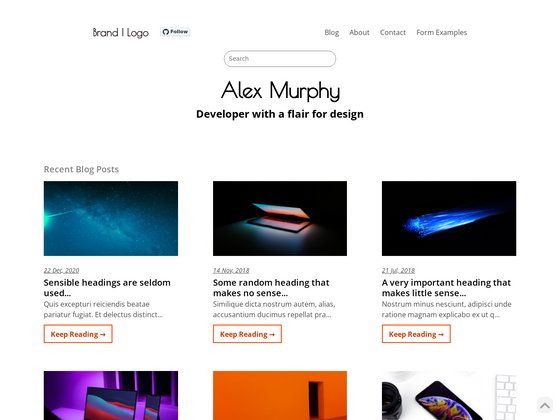
Template details
Blog In Gatsby
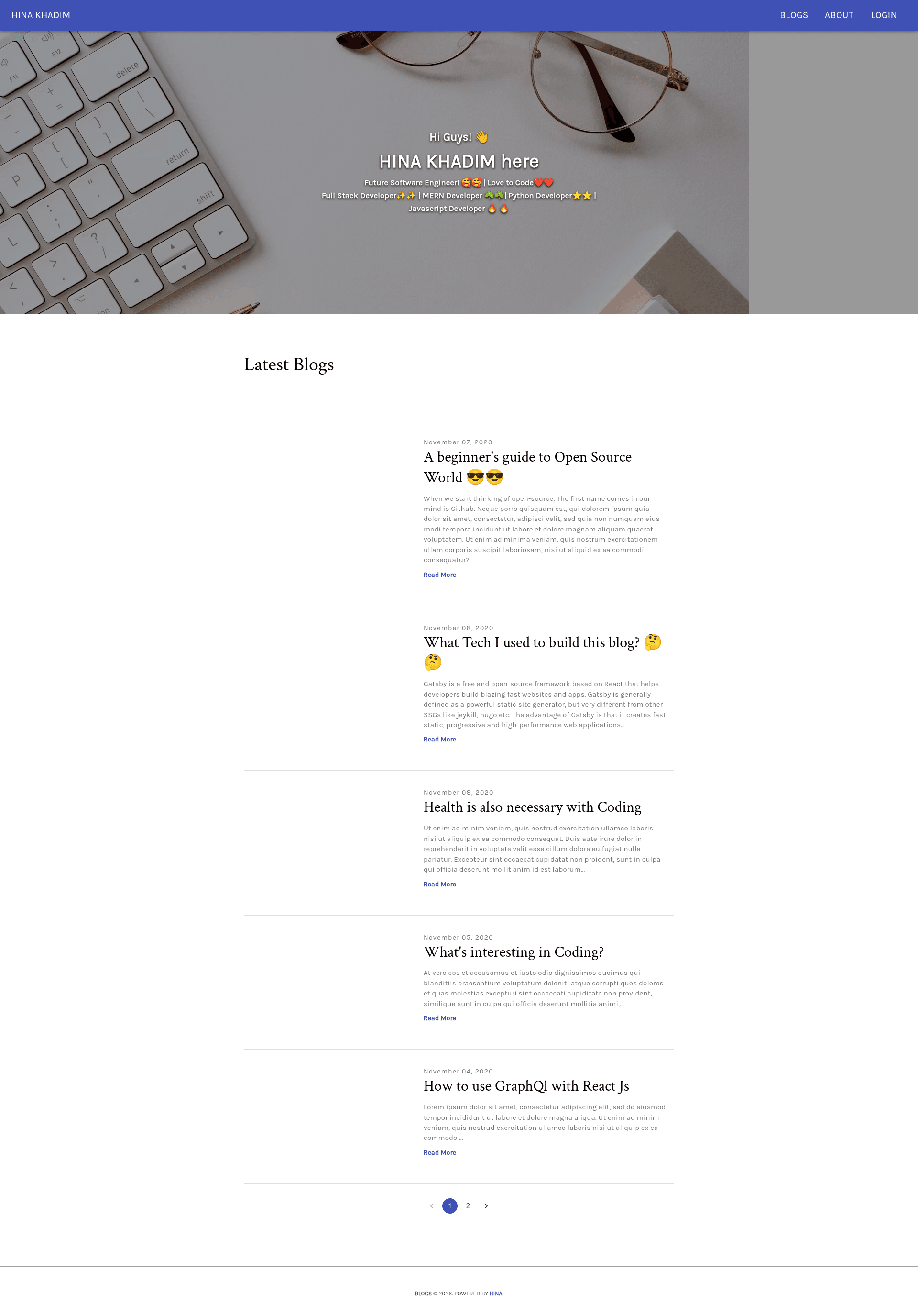
A Gatsby blog starter with Contentful CMS, Firebase authentication, Material UI, and GraphQL, hosted on Netlify.
About this template
Blog In Gatsby is a blog template built on the Gatsby Minimal Starter that integrates Contentful as a headless CMS, Firebase Authentication for user login, and the Material UI component library, producing a statically generated blog site that can be deployed to Netlify.
What is Blog In Gatsby?
Blog In Gatsby is a starter project for a blog website, based on the official Gatsby Minimal Starter. It takes content authored in Contentful (a headless CMS) and transforms it into static pages using Gatsby's build process, with GraphQL queries pulling the data. Client-side features include Firebase Authentication for login and React Context API for state management, and the entire site is styled with Material UI. The repository includes a live demo at http://hina-blogs-2002.netlify.app/ and is written in TypeScript according to the project topics.
Key Features
- Gatsby static site generation — Builds a fast static blog from the Gatsby Minimal Starter, with each post generated at build time.
- Contentful headless CMS — Authors write and manage blog posts in Contentful, and the content is fetched into Gatsby through GraphQL.
- Firebase Authentication — Provides user sign-in and authentication, giving the blog the ability to gate content or personalize the experience per user.
- Material UI components — The UI layer is built with Material UI components, giving a consistent React component library for styling.
- React Context API state management — Client-side state such as authentication status is handled with the React Context API, avoiding a heavier state library.
- GraphQL data layer — Gatsby uses GraphQL to query content from Contentful and other sources, made available to components.
- Netlify deployment — The repository includes a Netlify deploy badge and is hosted live on Netlify; continuous deployment is configured through Netlify's integration.
- TypeScript — The project is written in TypeScript, as listed in the repository topics.
Who is it for?
- Bloggers who want a CMS-based workflow — Use Contentful to write and publish posts without touching code, while Gatsby compiles them into static pages.
- Developers learning the Gatsby + Contentful stack — Study the project to see how GraphQL queries, Material UI theming, and Firebase Auth are wired together in a real starter.
- Teams needing authenticated blog features — Use the Firebase Authentication integration to add members-only posts or comment areas, since login state is already handled.
What can you do with Blog In Gatsby?
- Content editors: Manage all blog content from the Contentful dashboard, using its editing interface, and see changes reflected after Gatsby rebuilds.
- Developers: Customize the Material UI theme and React components to change the site's look and layout without altering the content pipeline.
- Site owners: Deploy the site to Netlify with continuous deployment, using the existing configuration to update the live blog automatically.
How does Blog In Gatsby work?
The quick start shows a typical Gatsby workflow: create a new site with the CLI using the Gatsby Minimal Starter, then run gatsby develop to start a local server at http://localhost:8000. The code can then be customized by editing Gatsby pages and components, while the Contentful data is pulled in via GraphQL during both development and build.