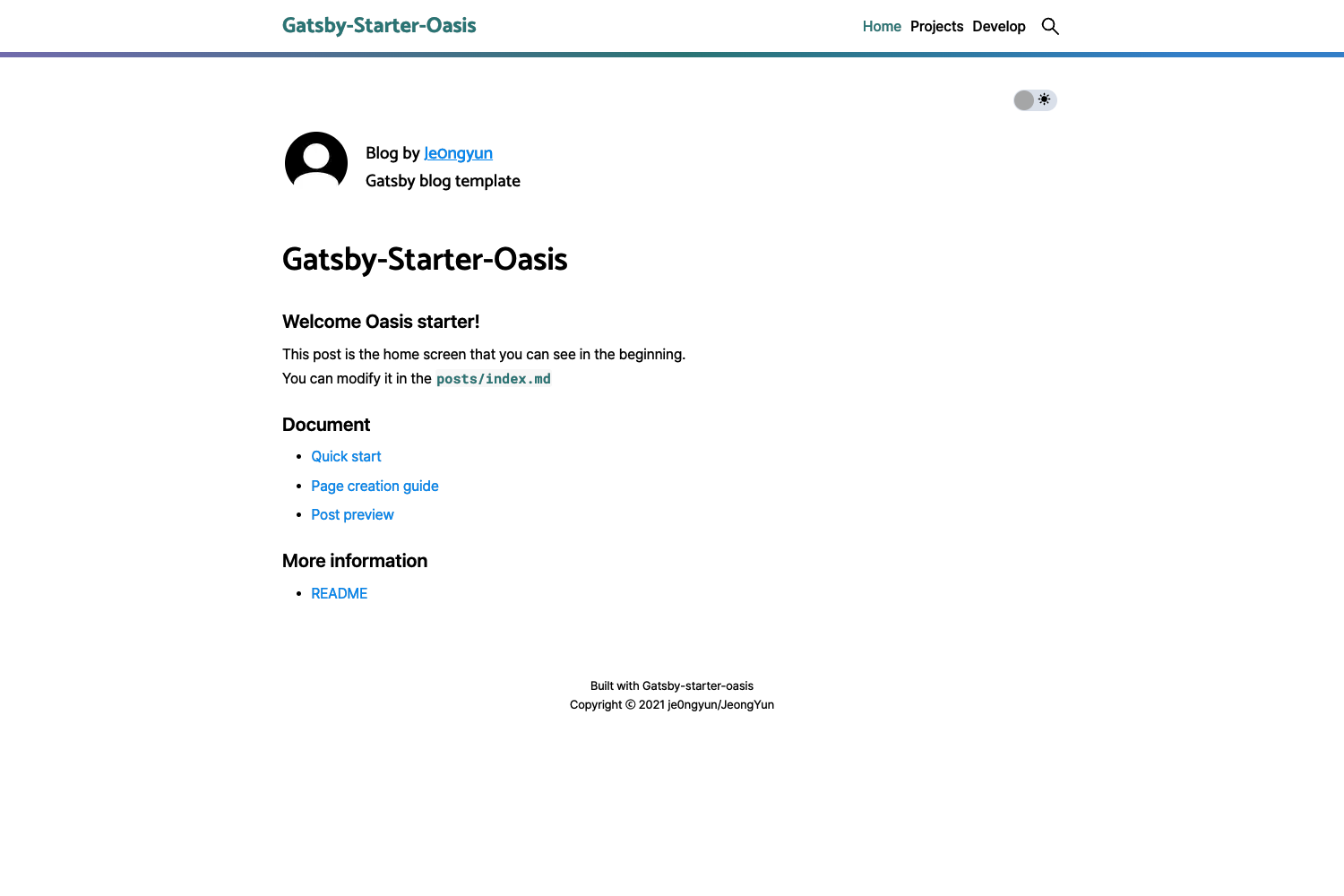
Template details
Brook 2
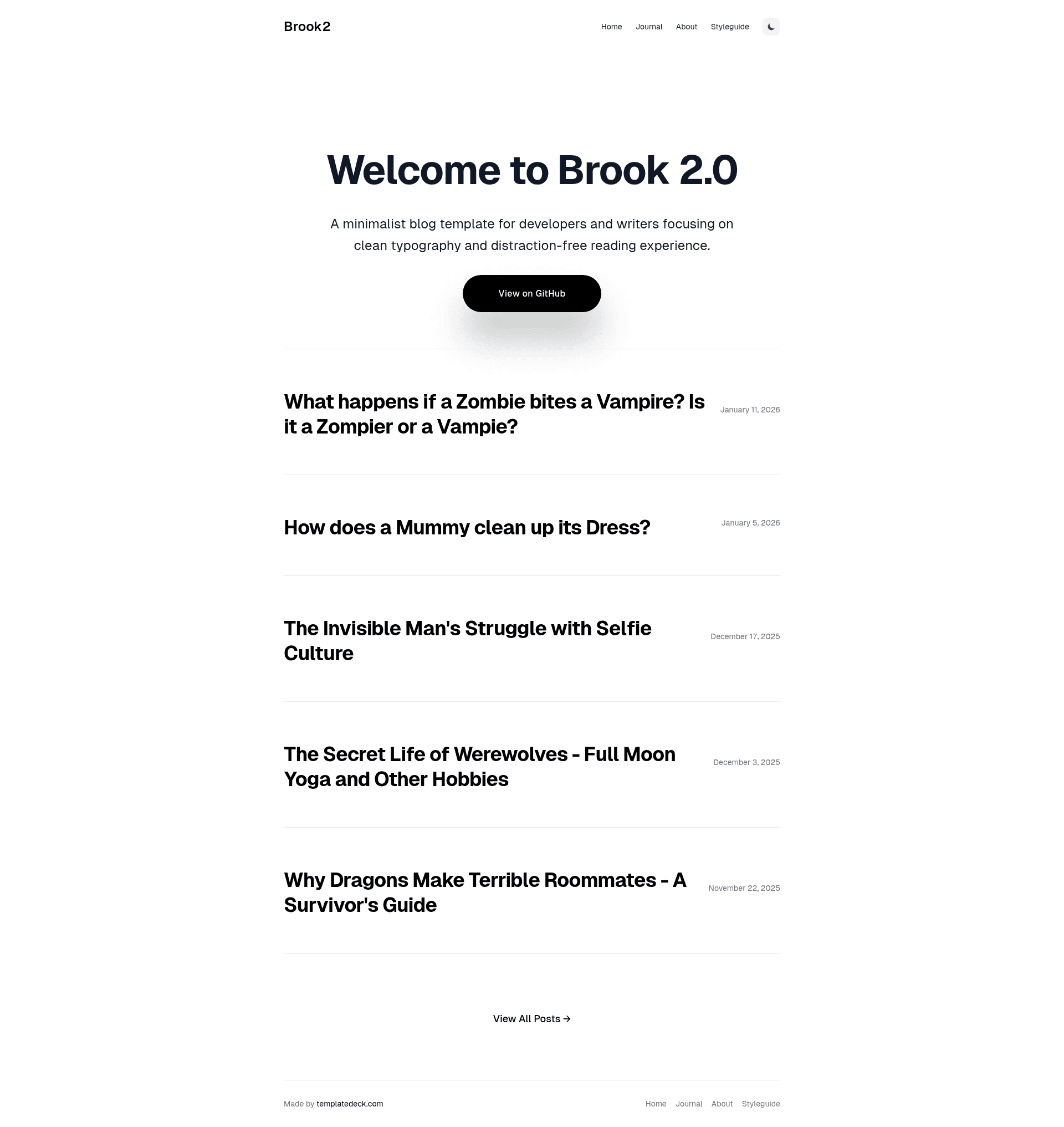
A minimalist Astro 6 blog template for developers and writers with dark mode, MDX, and content collections.
About this template
Brook 2 is a minimalist, open-source Astro blog template for developers and writers, delivering a clean, typography-first reading experience with dark mode, tag filtering, and an auto-generated RSS feed.
What is Brook 2?
Brook 2 is a free and open-source blog theme built on the Astro framework using TypeScript and Tailwind CSS. It takes Markdown or MDX files as content input and outputs a fully static blog with content collections, per-tag archive pages, and a responsive layout. The template is maintained in the astro-brook GitHub repository by holger1411 and is licensed under the MIT License.
Key Features
- Dark/Light Mode — Complete built-in theme switching with smooth transitions; both modes are styled consistently across all pages.
- Content Collections — Blog posts live in
src/content/posts/and are validated with Astro's content collection schema. - Markdown and MDX — Write posts as
.mdor.mdxfiles; MDX allows embedding JSX components inside Markdown. - Automatic RSS Feed — Uses
@astrojs/rssto generate an RSS feed from the post collection without manual configuration. - Tagging System — Each post can define tags in frontmatter; the template generates filtered
/tags/[tag]pages automatically. - Code Syntax Highlighting — Code blocks are highlighted out of the box, with a theme that adapts to dark and light mode.
- SEO and Structured Data — Includes meta tags and JSON-LD structured data, plus an auto-generated sitemap via
@astrojs/sitemap. - Image Optimization — Images referenced in frontmatter are optimized through Astro's image pipeline.
Tech stack: Astro, TypeScript, Tailwind CSS (via @tailwindcss/vite), @astrojs/mdx, @astrojs/sitemap, @astrojs/rss, and date-fns. The template includes pages for home, about, journal (blog list), individual posts, and tag archives.
Who is it for?
- Developers who want a minimal technical blog with clean code highlighting and a fast static build deployable to Netlify, Vercel, Cloudflare Pages, GitHub Pages, or Deno Deploy.
- Writers and designers who need a distraction-free, typography-first blog with dark mode and no heavy JavaScript.
- Open-source maintainers looking for a small, MIT-licensed template they can fork and customize through Tailwind config and global CSS.
What can you do with Brook 2?
- Personal blog: Publish written posts as Markdown or MDX and get a tagged, RSS-fed, SEO-ready site instantly.
- Developer journal: Share code snippets and tutorials; syntax highlighting and reading time enhance the experience.
- Design-focused writing: Use the minimalist layout and adjustable typography settings to keep attention on content, with an optional about page.
How does Brook 2 work?
Start by cloning the repository, installing dependencies with npm install, and running npm run dev to preview at localhost:4321. To add a post, create a new .md or .mdx file in src/content/posts/ with frontmatter fields (title, date, excerpt, image, tags). Build and deploy with npm run build to any Astro-compatible static host.
Pricing
Brook 2 is free and open source, distributed under the MIT License. There are no paid tiers.
FAQ
Is Brook 2 free to use?
Yes, Brook 2 is completely free and open-source under the MIT License. You can use it for personal or commercial projects and modify it without restrictions, as long as you keep the license file.
How do I create a new blog post with Brook 2?
Create a .md or .mdx file in the src/content/posts/ directory and add frontmatter with title, date, excerpt, image, and tags. The template automatically picks it up in content collections and serves it on the blog overview and post detail pages.
Does Brook 2 support dark mode?
Yes, Brook 2 includes a full dark and light mode with smooth transitions. Users can toggle between modes, and both are styled consistently.
What technologies does Brook 2 use?
Brook 2 is built with Astro, TypeScript, and Tailwind CSS (v4 integration via @tailwindcss/vite). It uses @astrojs/mdx for MDX support, @astrojs/rss for feeds, @astrojs/sitemap for sitemaps, and date-fns for date formatting.
Where can I deploy Brook 2?
Brook 2 is a static Astro site and can be deployed to any static host that supports Astro, including Netlify, Vercel, GitHub Pages, Cloudflare Pages, and Deno Deploy. The README recommends Netlify and provides a netlify deploy command.