Template details
Next App Router Blog
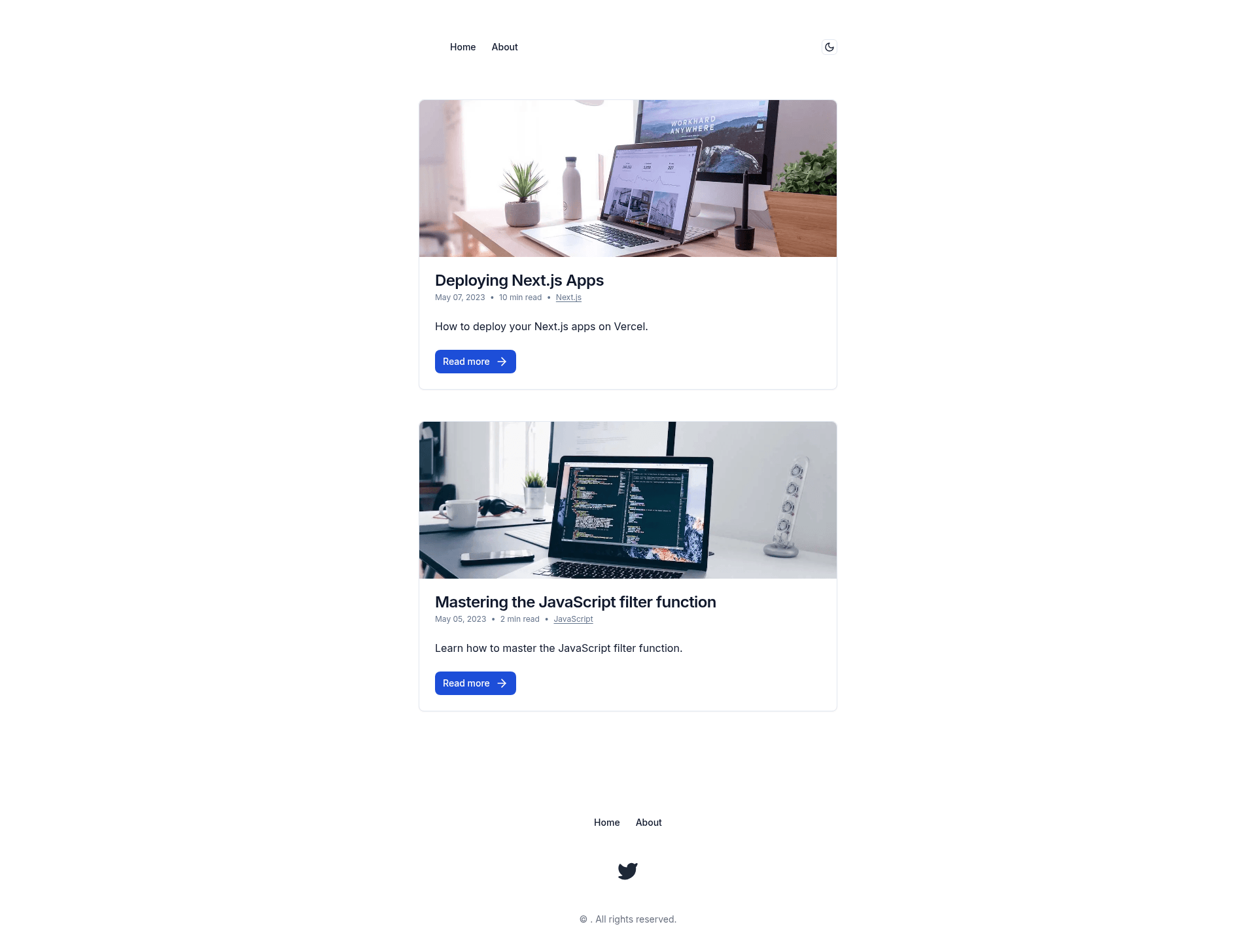
A Next.js markdown blog template for developers. It uses the new Next.js App Router.
About this template
Next App Router Blog is a free, open-source Next.js blog template that uses the App Router and Contentlayer to render Markdown/MDX files into a complete developer blog.
What is Next App Router Blog?
Next App Router Blog is a Next.js blog template for developers, built on the new App Router and Contentlayer. It takes Markdown/MDX files as input and generates a styled blog with categories, featured images, reading time, and automatic sitemap generation. The project is based on shadcn's next-contentlayer starter and is available on GitHub, where the repository currently shows 48 stars.
Key Features
These are the documented features of the template:
- Next.js App Router — Uses the App Router introduced in Next.js 13, with file-based routing and server components.
- Contentlayer with MDX — Contentlayer processes Markdown and MDX files into typed content for pages and posts, enabling frontmatter-driven metadata.
- Tailwind CSS — Styling is built with Tailwind CSS utility classes.
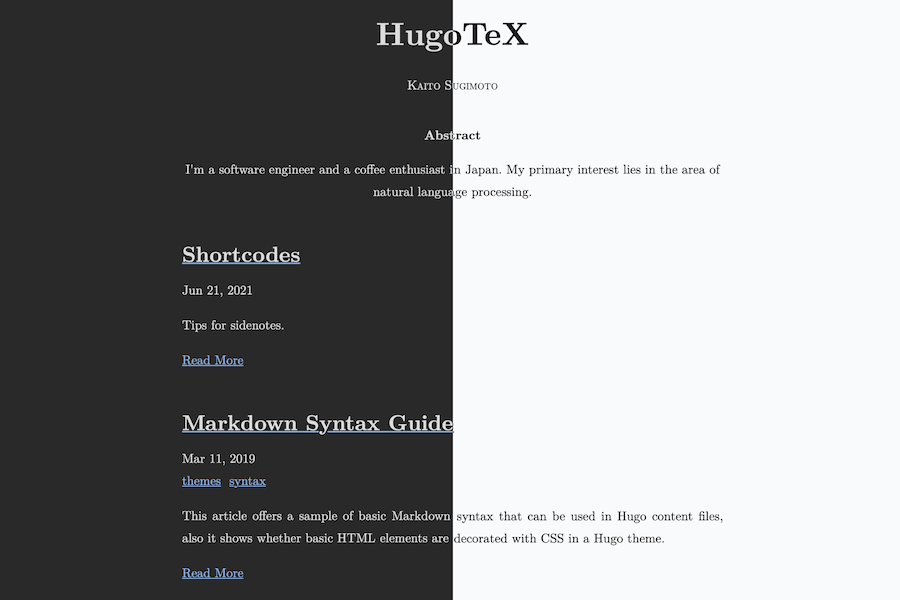
- Light and dark mode — The template includes theme switching between light and dark appearances.
- Blog categories and featured images — Posts can be organized into categories and each post can have a featured image.
- Reading time and Twitter share — Each blog post displays an estimated reading time and a Twitter share button for readers.
- Prism code highlighting — Code blocks are highlighted with Prism for syntax highlighting.
- Automatic sitemap generation — A sitemap.xml is generated automatically during the build process.
Who is it for?
- Developers — Start a personal blog or project documentation site by cloning the repo, adding MDX files, and running
yarn devlocally. - Next.js learners — Study a working App Router project with Contentlayer integration, theme switching, and sitemap generation.
- Technical writers — Publish markdown-based content with category organization, featured images, and reading time without managing a separate CMS.
What can you do with it?
- Create a blog — Add MDX files to the content directory and the App Router generates pages for each post with metadata like categories and reading time.
- Customize the theme — Modify Tailwind CSS classes and the light/dark mode toggle to match your brand.
- Share posts on Twitter — Each post includes a Twitter share button so readers can promote your content.
How does it work?
The README lists three local setup steps: install dependencies with yarn, copy .env.example to .env.local and update environment variables, then start the development server with yarn dev. Content is authored as Markdown/MDX files that Contentlayer processes into typed data consumed by the App Router pages.
FAQ
What is Next App Router Blog?
Next App Router Blog is a free, open-source Next.js blog template that uses the App Router and Contentlayer to render Markdown/MDX files into a styled blog with categories, featured images, reading time, and a generated sitemap. It is based on shadcn's next-contentlayer starter.
How do I run it locally?
Copy the repository, run yarn to install dependencies, copy .env.example to .env.local and set the variables, then run yarn dev. The development server will serve the blog locally, and the README describes these steps in detail.
Does the template support dark mode?
Yes, the template includes both light and dark mode styles. A toggle allows visitors to switch between the two appearances, and the styling is handled with Tailwind CSS.
What file format are posts written in?
Posts and pages are authored as Markdown or MDX files. Contentlayer reads frontmatter from these files to populate categories, featured images, and other metadata before the App Router renders them as pages.
Is Next App Router Blog free?
The template is publicly available on the GitHub repository and is free to use. It credits shadcn's next-contentlayer as a starting point, and the repository has 48 stars at the time of writing.