Template details
Hugo Yaz
A simple and beautiful theme for Hugo.
About this template
Hugo Yaz is a simple and beautiful theme for the Hugo static site generator, providing users with a minimal, clean starting point for building static websites.
What is Hugo Yaz?
Hugo Yaz is a Hugo theme hosted publicly on GitHub in the ympons/hugo-yaz repository. It takes the markdown content files of a Hugo site and renders them into a static website with a simple, visually clean layout. The theme is installed via git clone into a site's themes directory, following the standard Hugo theme setup workflow described in the official Hugo installation guide. The repository contains the theme source code and a preview screenshot in its images folder.
Key features
- Hugo native — Built specifically for the Hugo static site generator, so it integrates directly with Hugo's content folders, templates, and build process.
- Minimal design — The repository description calls the theme "simple and beautiful," indicating a focus on a clean, uncluttered visual style with minimal decoration.
- Installation via git — Installed by running
git clone https://github.com/ympons/hugo-yaz.gitinside a site's themes folder, which is the standard Hugo theme installation method. - Public source code — The entire theme is viewable on GitHub at ympons/hugo-yaz, so users can examine every template file and adjust the styling to match their needs.
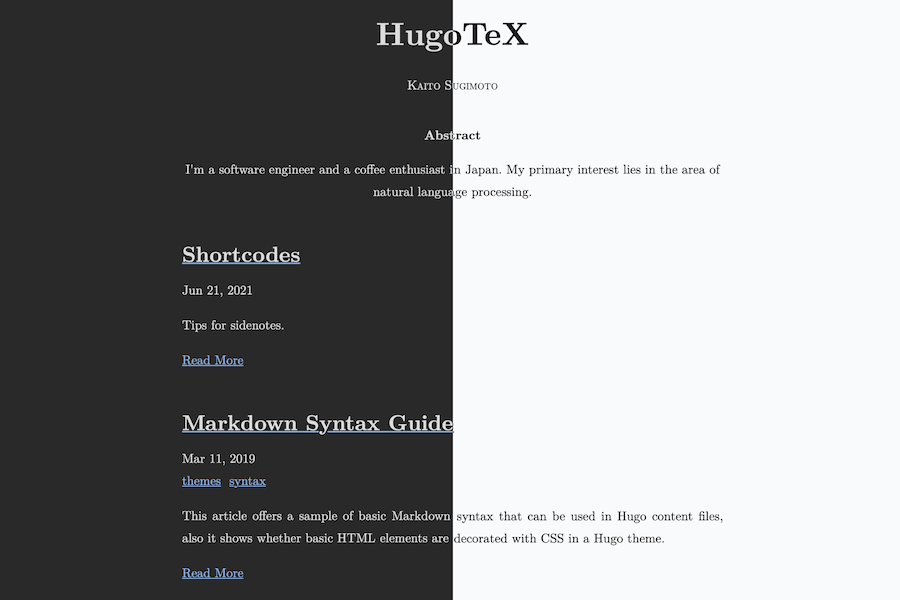
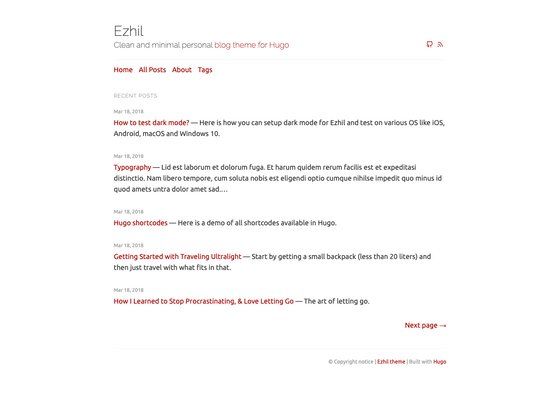
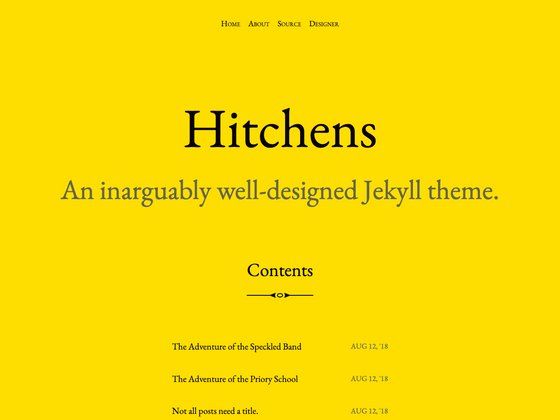
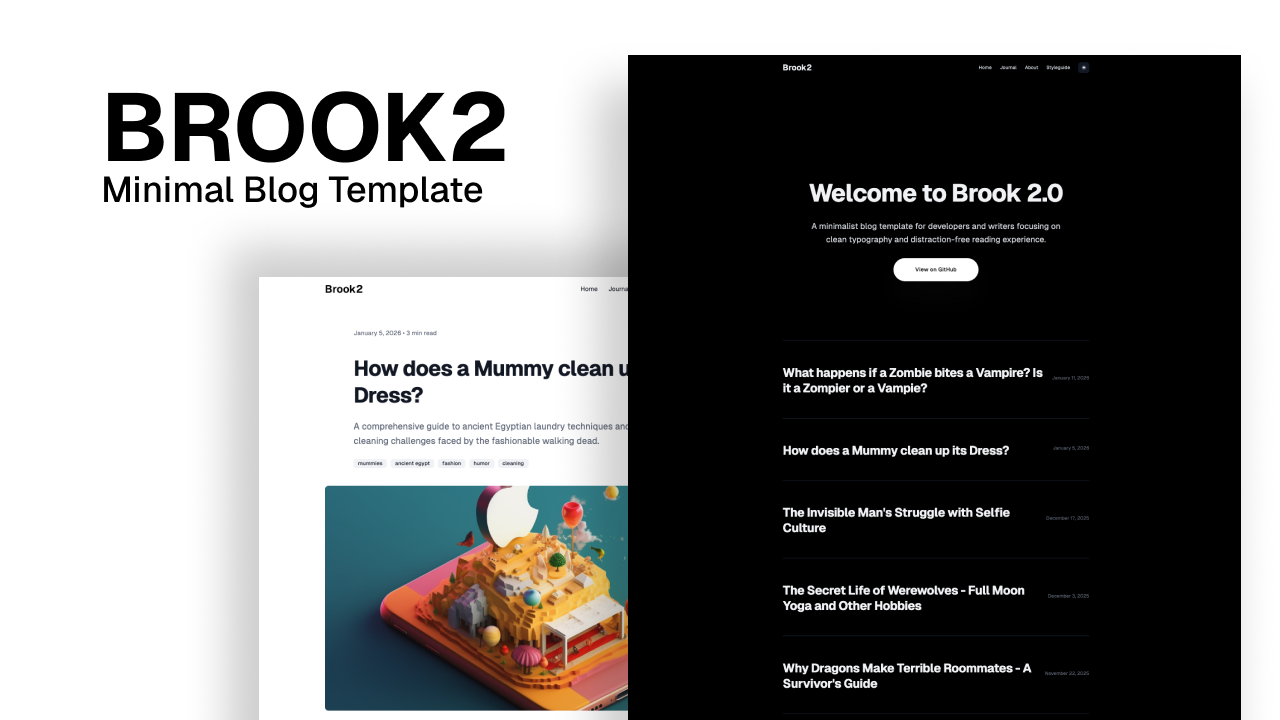
- Preview screenshot — The repo includes a screenshot under images/screenshot.png, giving a quick look at the intended appearance before installation.
Who is Hugo Yaz for?
- Hugo site owners — People who already run Hugo and want a straightforward, no-frills theme that works without heavy customization.
- Developers learning Hugo — Programmers who want a compact theme codebase to inspect and learn how Hugo template files, partials, and content rendering fit together.
- Static site enthusiasts — Anyone who prefers fast, static websites and wants a simple theme they can clone and modify freely for personal projects or blogs.
How do you install and use Hugo Yaz?
The repository gives a direct installation path: create a themes folder inside your Hugo site folder if it doesn't exist, then clone the theme with git clone https://github.com/ympons/hugo-yaz.git from inside that folder. After cloning, set the theme name in your site's configuration and run Hugo as usual to generate the static output. Full setup details are covered in Hugo's official setup guide linked from the repository.