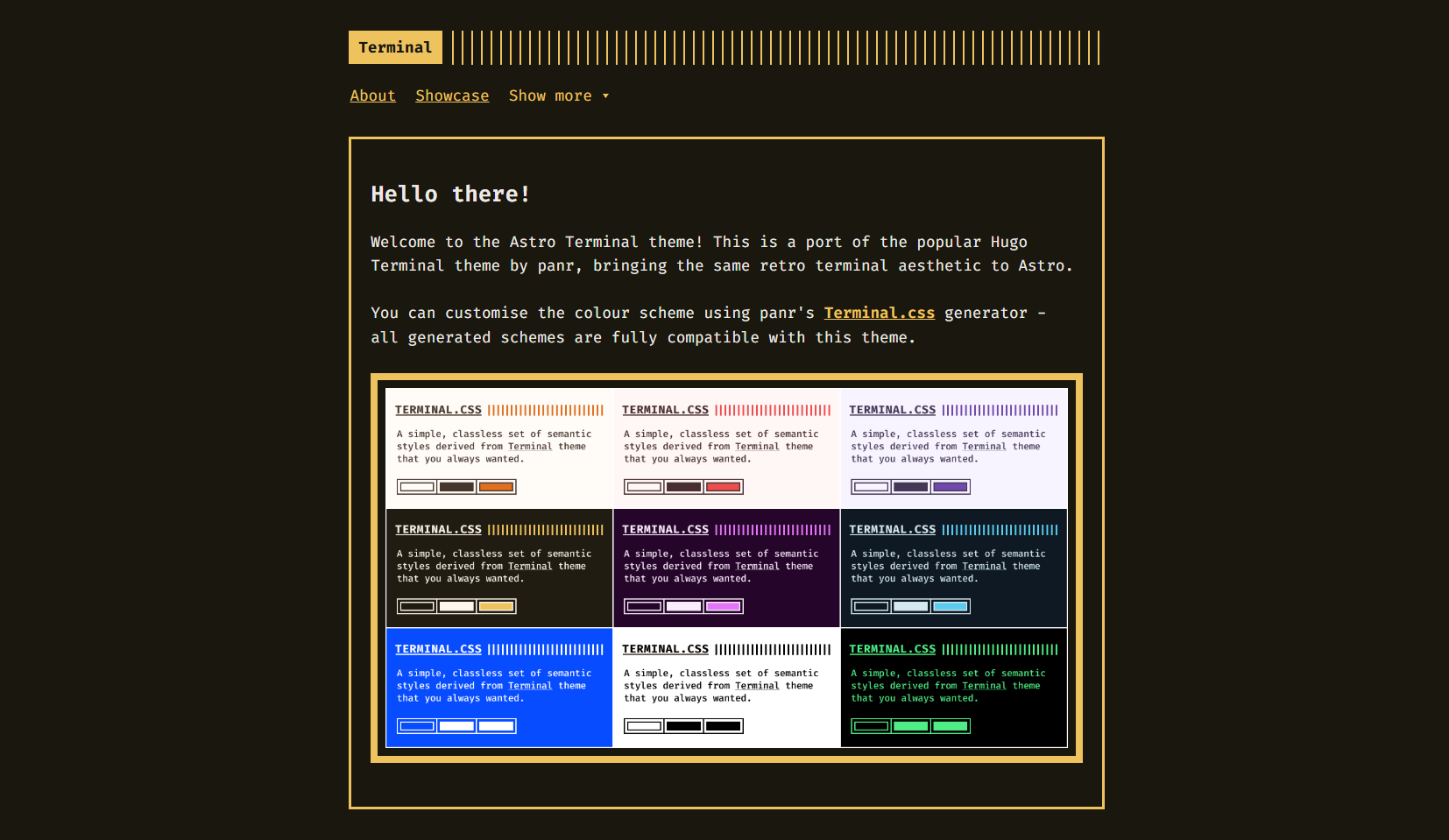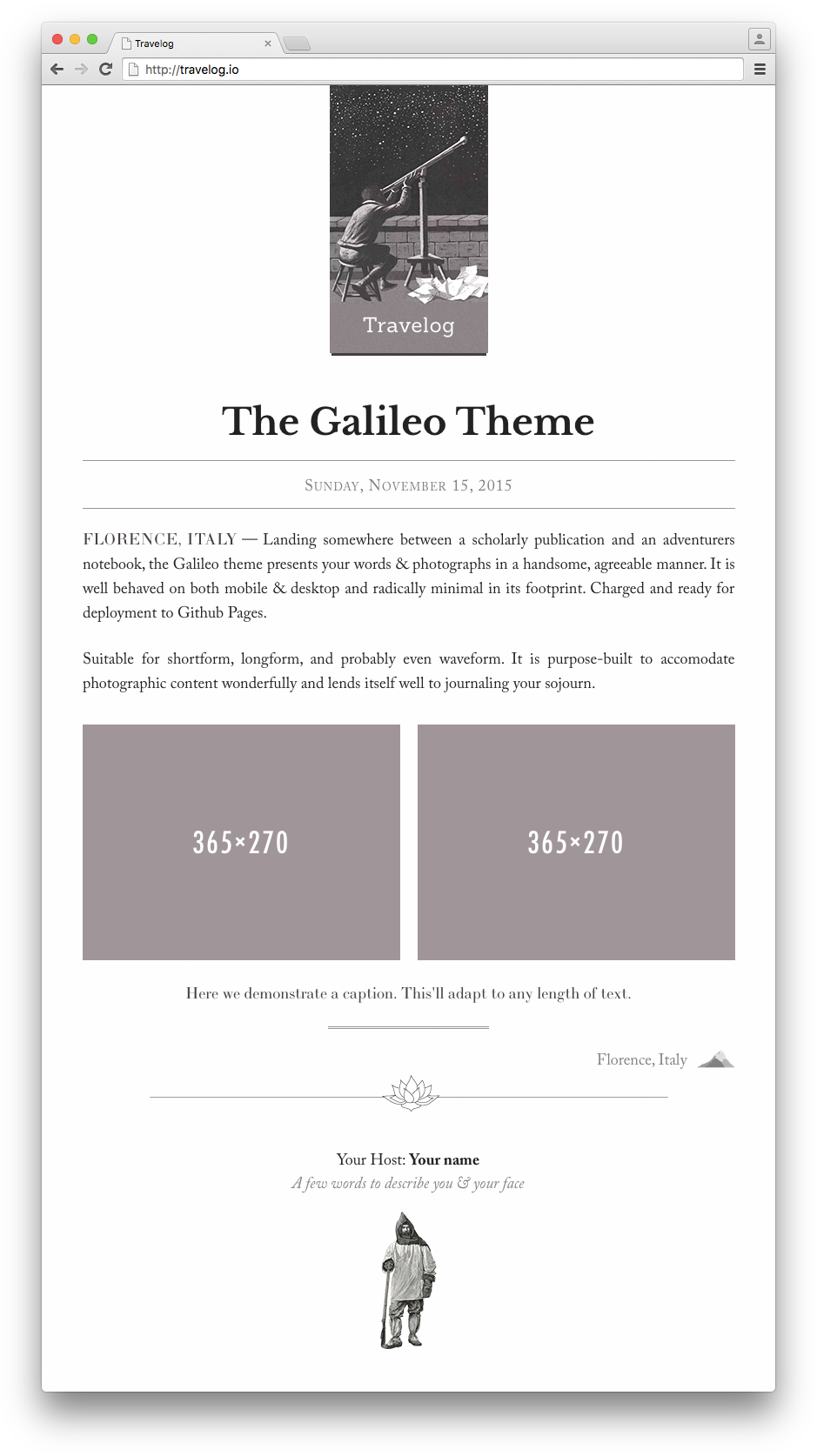
Template details
Buhara
Buhara is a Jekyll theme hosted on GitHub, tagged with css and themes, for building static websites.
About this template
Buhara is a Jekyll theme published on GitHub under the repository name "buhara" with the description "jekyll-theme-buhara," and its topics include buhara, css, jekyll-theme, and themes.
What is Buhara?
Buhara is a theme for Jekyll, the static site generator that transforms Markdown and Liquid templates into a static HTML website. The repository description labels it as "jekyll-theme-buhara," following the conventional naming scheme for Jekyll themes. Its topic list includes "css," which indicates the theme includes custom stylesheets for layout and visual design, and "themes," placing it in the broader Jekyll theme ecosystem. Because it is a Jekyll theme, it is designed to be dropped into an existing Jekyll project to control the site's appearance while content remains in Markdown files. The GitHub repository currently shows zero stars, meaning it has not yet gathered an audience.
Key Features
- Jekyll theme — Built for Jekyll, a Ruby-based static site generator that produces pre-built HTML pages, meaning the theme outputs purely static files that require no server-side processing.
- CSS styling — The "css" topic signals that the theme ships with its own stylesheets, which likely define colors, fonts, and spacing for the generated pages.
- GitHub-based distribution — Available as a public GitHub repository, so users can install it by cloning, forking, or pulling the theme into their own Jekyll projects.
- Themes ecosystem — Listed under the "themes" topic, it belongs to the collection of Jekyll themes that users can browse and compare on directory sites.
Who is it for?
- Bloggers — Want to publish a blog using Jekyll and need a ready-made theme to control the blog's visual presentation.
- Developers — Building a personal portfolio, documentation site, or project landing page with Jekyll's static output and Markdown-based content workflow.
- GitHub Pages users — Because Jekyll is the engine behind GitHub Pages, this theme is compatible with free hosting on GitHub Pages, assuming its plugins are supported.
What can you do with Buhara?
- Set up a static site — Use the theme to turn a folder of Markdown files into a complete website with pages, posts, and tag archives, styled with the included CSS.
- Host on GitHub Pages — Connect the theme to a GitHub repository and publish a site through GitHub Pages' built-in Jekyll support without extra costs.
- Experiment with Jekyll themes — Since the theme is open source, developers can study its code to learn how Jekyll themes are structured or fork it as a base for custom designs.