Template details
SB Clean Blog Angular
Free Bootstrap-themed Angular 9 starter project for building clean blogs with a Node.js backend and admin authentication.
About this template
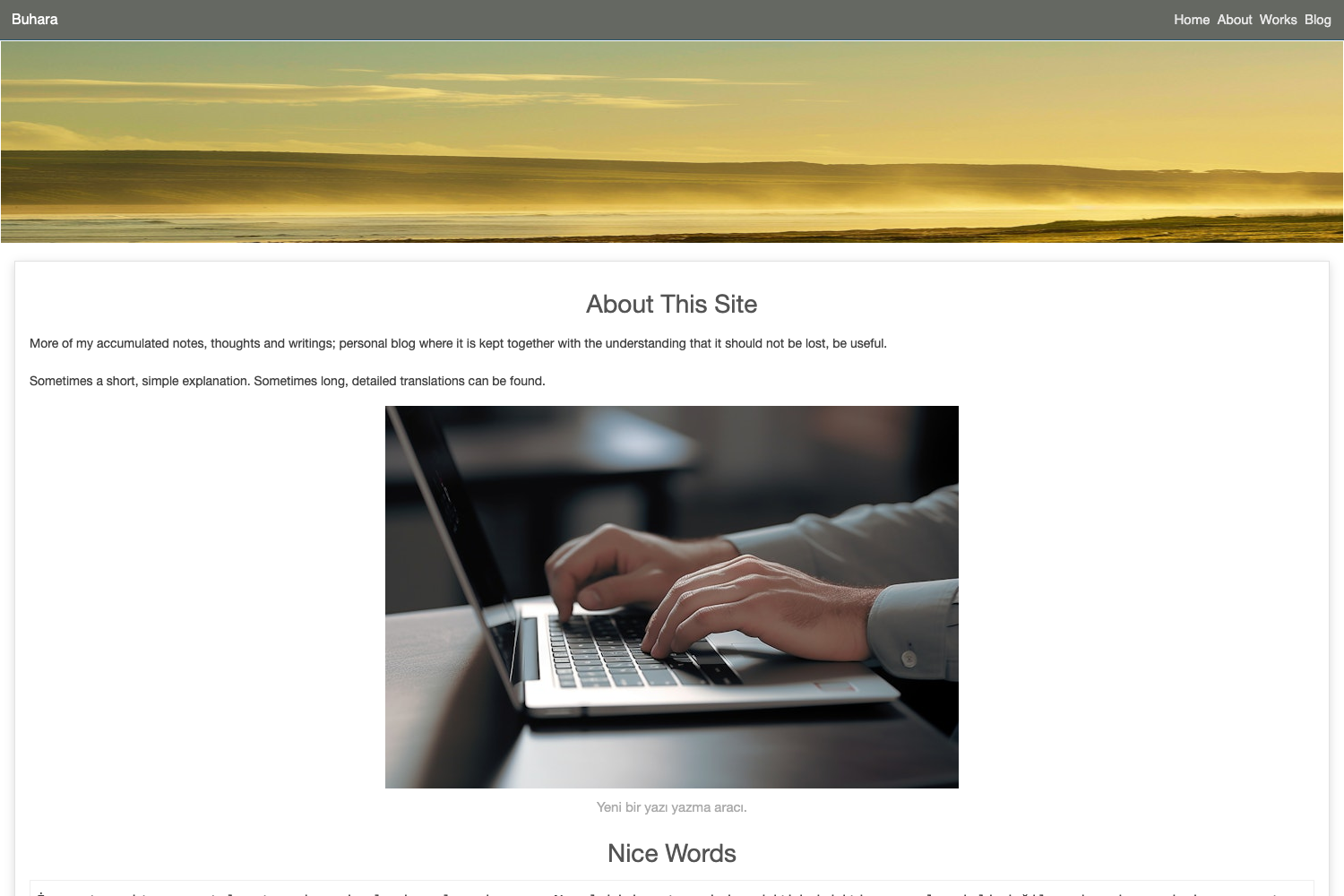
SB Clean Blog Angular is a free, open-source Angular 9 starter project built on Bootstrap that provides a clean, functional blog layout with a companion Node.js backend and admin authentication.
What is SB Clean Blog Angular?
SB Clean Blog Angular is a free and open-sourced Bootstrap-themed Angular 9 starter project created by Start Bootstrap, designed for building blog websites. It includes a base implementation of navigation and layouts, and it relies on a separate Node.js backend (sb-clean-blog-node) for post data and authentication. The project shares its project structure and a subset of tooling with the commercial SB Admin Pro Angular theme, so parts of that product's documentation apply. The core output is a responsive Angular frontend that can be served statically or via Docker.
Key Features
- Angular 9 + Bootstrap: The frontend is built on Angular 9 with Bootstrap styling, providing a responsive and mobile-friendly blog interface.
- Companion Node.js backend: sb-clean-blog-node is built with Node.js, TypeScript, Fastify, and TypeORM, supplying the REST API for posts and login.
- Built-in authentication: A login route at /auth/login authenticates against the backend's DB_ROOT_USER_PASSWORD, enabling admin post creation, updates, and deletion.
- MVCC code generation: npm scripts generate modules, components, containers, directives, and services with path arguments, following the Model-View-Container-Component pattern where containers arrange components.
- Unit and e2e tests: Pre-configured test commands include npm run test for unit tests and npm run e2e for end-to-end tests, plus an e2e:running variant that targets an existing server.
- Production Docker support: A production-ready Dockerfile and npm scripts (docker:build, docker:run) containerize the built Angular application.
- Configurable dev port: The development server defaults to port 4200, but the PORT environment variable can override it, for example export PORT=4205 && npm start.
- Public code coverage: Hosted coverage reports for both the Angular app and the Node backend are linked in the README.
Who is it for?
- Angular developers who want a working blog starter with a backend and authentication rather than building navigation and layouts from scratch.
- Blog owners who prefer a clean, Bootstrap-styled interface and need a login-gated admin area to manage posts.
- Developers learning MVCC who seek a reference implementation of containers and components, along with test coverage and Docker setup.
What can you do with SB Clean Blog Angular?
- Launch a blog quickly: Clone the repo, run npm install and npm start, then start the Node backend to have a live blog with post listing and admin login in minutes.
- Manage posts through the admin UI: Log in at /auth/login with the backend's DB_ROOT_USER_PASSWORD to create, update, and delete posts.
- Extend the project: Use the provided generation scripts to add modules, components, directives, and services following the project's MVCC conventions.
- Deploy with Docker: Build the app with npm run build and containerize it using the included Dockerfile and npm commands.
How does it work?
The quick start involves cloning the repository, installing dependencies, and running npm start, which launches the Angular development server on http://localhost:4200. Posts are not visible until the sb-clean-blog-node backend is running; the frontend consumes the backend's API for post data and authentication. After building, users can containerize the static output with the provided Dockerfile.
FAQ
Is SB Clean Blog Angular free?
Yes, it is free and open-sourced. The repository can be cloned and used as a starter project without cost.
Why do I not see any posts?
The Angular frontend requires the companion Node.js backend (sb-clean-blog-node) to be running and configured. Without that backend, the blog has no post data to display.
How do I create or delete posts?
Navigate to http://localhost:4200/auth/login and authenticate with the password set for DB_ROOT_USER_PASSWORD in the backend's .env file. Once logged in, the admin interface allows creating, updating, and deleting posts.
What stack is used for the backend?
The backend is built with Node.js, TypeScript, Fastify, and TypeORM, and it is maintained in a separate repository, sb-clean-blog-node.
Can I change the development server port?
Yes, set the PORT environment variable before running npm start. For example, export PORT=4205 && npm start will start the dev server on port 4205.