Template details
Cassidy's blog template
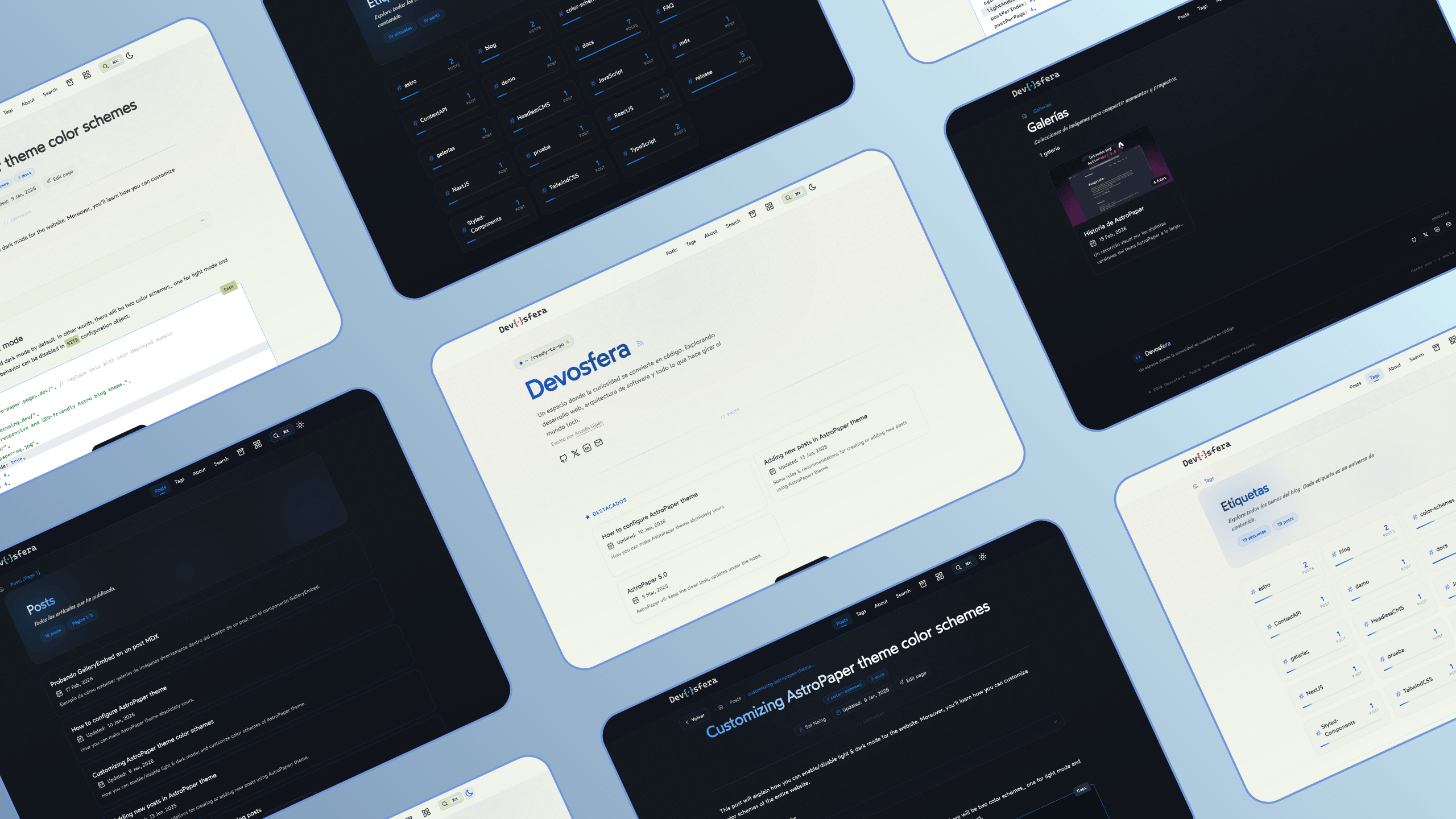
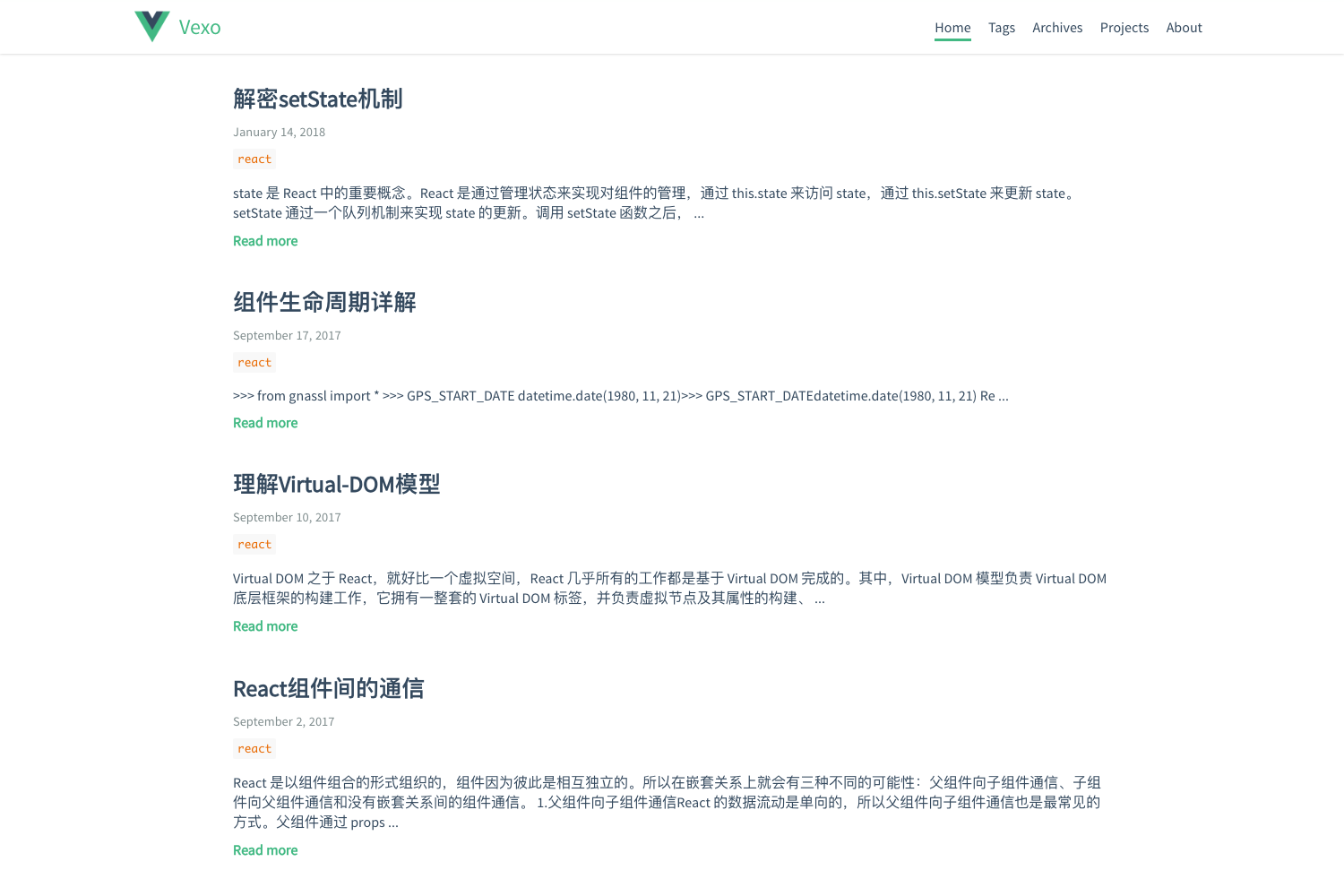
A minimalist, customizable, and open source blog template built with just Astro and TinaCMS.
About this template
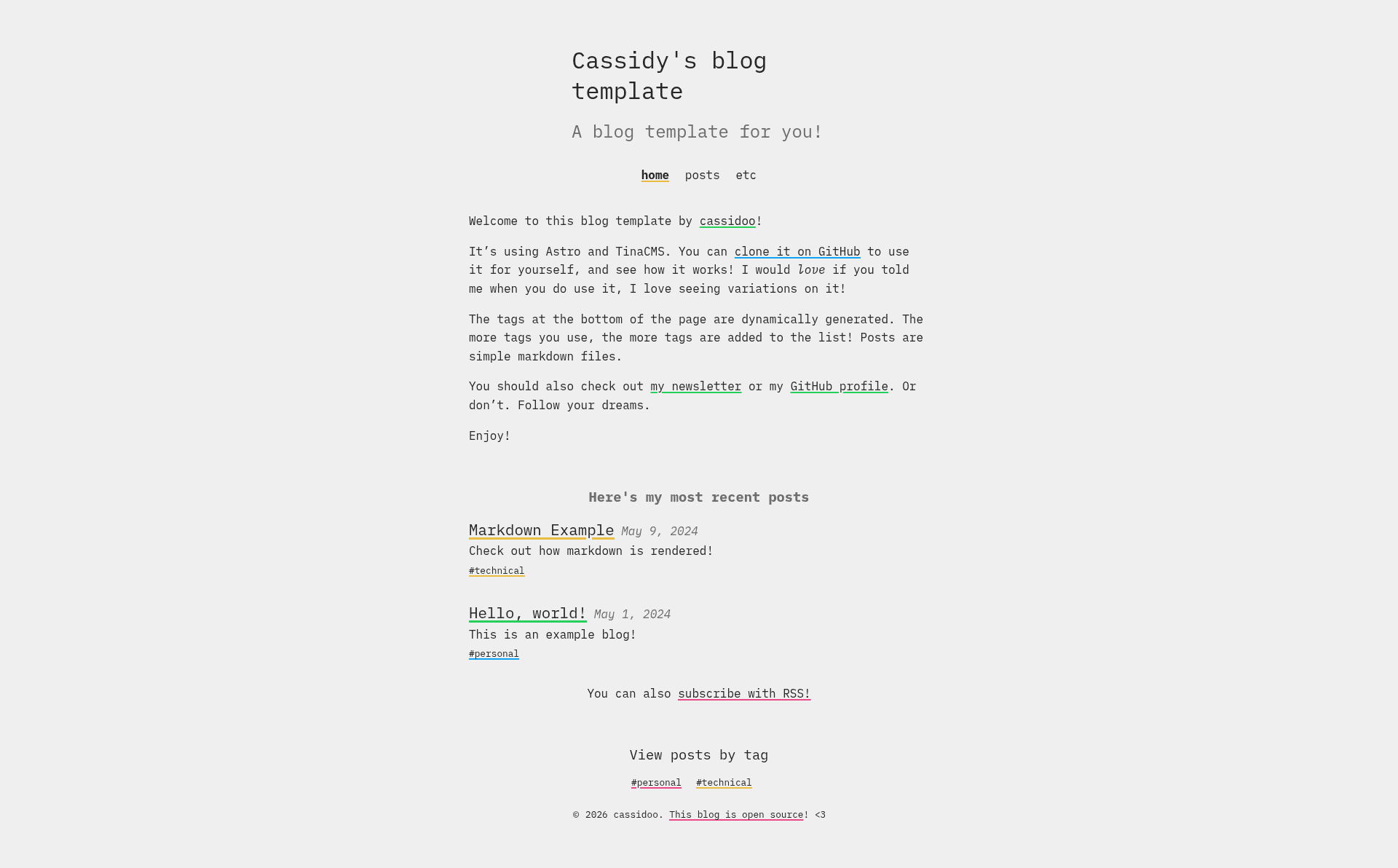
Cassidy's blog template (nicknamed blahg) is an open-source blog starter built with Astro and TinaCMS that turns Markdown articles into a deploy-ready static blog with a visual editing interface. It's authored by Cassidy (cassidoo on GitHub) and is available as a GitHub template with a one-click Netlify deployment option.
What is Cassidy's blog template?
Cassidy's blog template is a starter project for creating a personal blog. It takes Markdown files placed in the posts/ directory as input and produces a static Astro site when you run npm run build, outputting the result to ./dist/. The blog runs on any static hosting service; the README includes a Deploy to Netlify button for that platform. The template's author is Cassidy, whose GitHub handle is cassidoo, and a live demo is hosted at blahg.netlify.app.
Key features
- Astro framework — The site is generated with Astro, and the build command (
npm run build) outputs a static site to./dist/ready for deployment. - TinaCMS integration — Content editing is handled through TinaCMS; an admin panel is available at
yoururl.com/adminin production and atlocalhost:4321/admin/index.htmlwhen running locally. - Markdown authoring — Blog posts are written as Markdown files in the
posts/folder, which the Astro build processes into HTML. - Configurable site settings — Core settings like site name and metadata live in
src/settings/settings.jsonand can also be edited through the TinaCMS admin. - RSS feed with custom styling — The template includes an RSS feed with a custom stylesheet at
public/rss-styles.xsl; note that this XSL file does not hot-reload during development, so you must refresh manually. - Deployment automation — A Deploy to Netlify button in the README connects the repo to Netlify, and the project also works with any static host via the standard Astro build.
- SEO and metadata basics — The
BaseHeadcomponent includes atwitter:creatormeta tag to set your Twitter handle, and arobots.txtfile with a placeholder URL to update. - Customizable navigation and about page — Header links are edited in
src/components/Header.astro, and the about page content lives inpages/about.md.
Who is it for?
Cassidy's blog template suits developers who want a minimal, code-first blog with a CMS fallback. The target users include:
- Developers starting a personal blog — they can clone the template, run
npm installandnpm run dev, then write posts in Markdown. - Writers who prefer a GUI editor — they can use the TinaCMS admin at their deployed URL to create and edit posts without touching code.
- Astro users who want a ready-made starting point — the template provides a project structure with settings, header, RSS, and an about page already wired up.
What can you do with it?
- Personal bloggers: publish Markdown posts and manage them through TinaCMS at
yoururl.com/admininstead of editing files directly. - Portfolio and about pages: customize
pages/about.mdand header links to create a simple personal site with a blog attached. - RSS distribution: use the included RSS feed with custom XSL styling so readers can subscribe to your posts.
How does it work?
The README outlines a clear setup workflow. First, connect the repository to a hosting provider, or click the Deploy to Netlify button for one-click setup. Next, create an account at tina.io and add the TinaCMS keys (TINACLIENTID, TINATOKEN, and TINASEARCH) to a .env.development file for local development. Then update astro.config.mjs with your domain, edit src/settings/settings.json, and add your content either as Markdown files in posts/ or through the admin panel at localhost:4321/admin/index.html. Run npm run dev to start the local server on port 4321, and npm run build to produce the production site.
FAQ
Does the template require a paid TinaCMS plan?
The README doesn't mention any pricing or paid tiers; it only instructs you to create an account at tina.io and add the provided keys. The local development setup uses those keys to connect the Admin panel, but no costs are mentioned on this page.
Where is the CMS admin panel located?
In production, the admin panel is at yoururl.com/admin; during local development it's at localhost:4321/admin/index.html. You need to run the dev server to access it, and you'll need the TinaCMS keys in a .env.development file.
How do I add a new blog post?
Write a new Markdown file in the posts/ directory and fill it with your content; the Astro build will include it automatically. Alternatively, use the TinaCMS admin interface at yoururl.com/admin to create posts through the visual editor without editing files directly.
What if I get a remote GraphQL schema error?
The README says the likely fix is to update TinaCMS. It also links to the TinaCMS FAQ, which explains how to resolve local and remote GraphQL schema mismatches, so check that page for step-by-step instructions.
How do I change the RSS feed style?
Edit the public/rss-styles.xsl file. The README notes that this file doesn't have hot reloading, so you'll need to refresh the page manually after each change to see your new styles.