Template details
Zola Henry
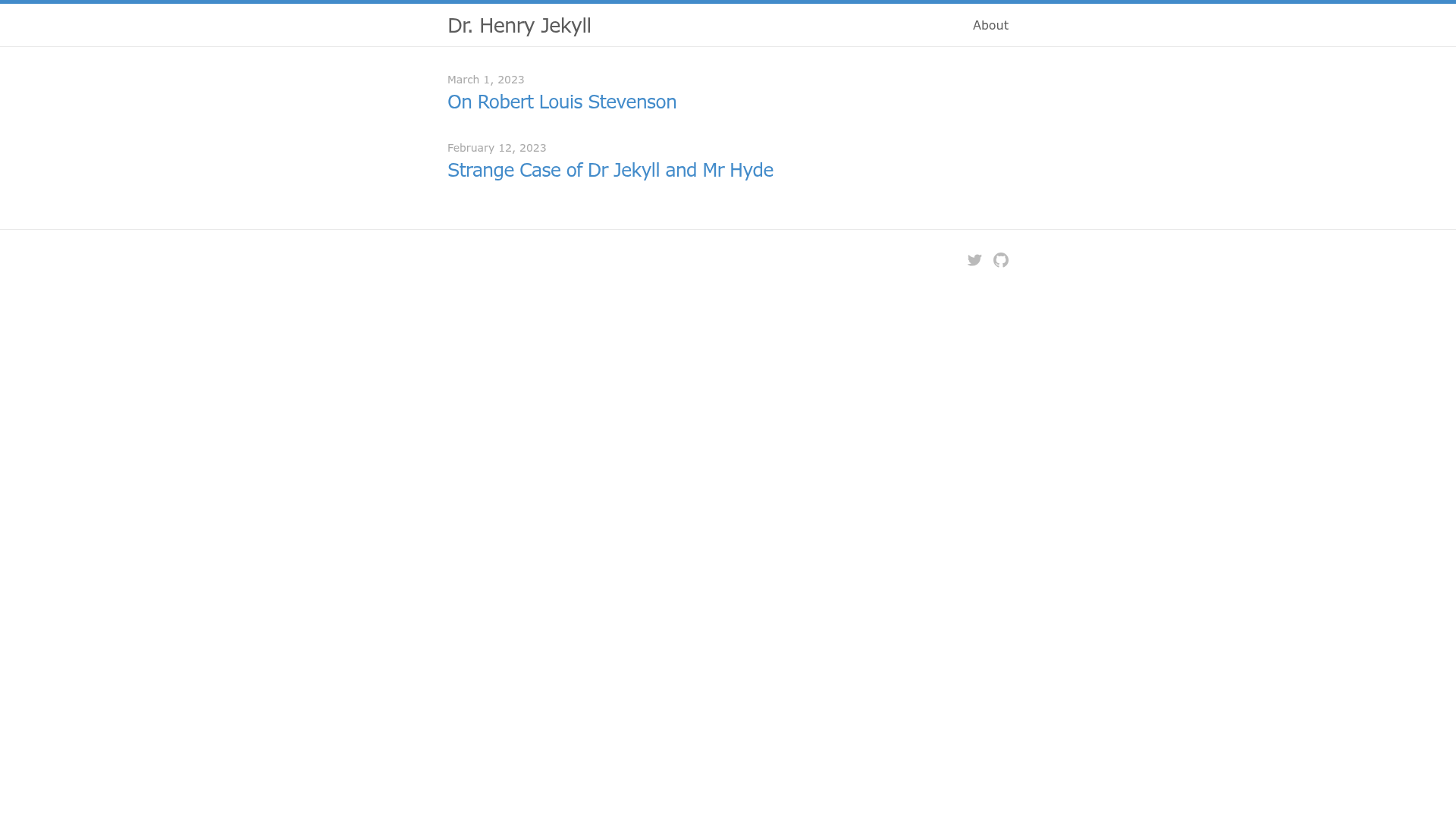
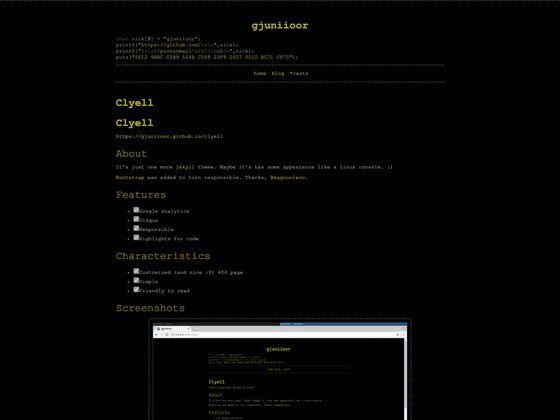
Dr. Henry Jekyll inspired a theme. This is that theme in Zola.
About this template
Zola Henry is a single-column blogging theme for the Zola static site generator, inspired by the original Jekyll styles and available on GitHub under the MIT license.
What is Zola Henry?
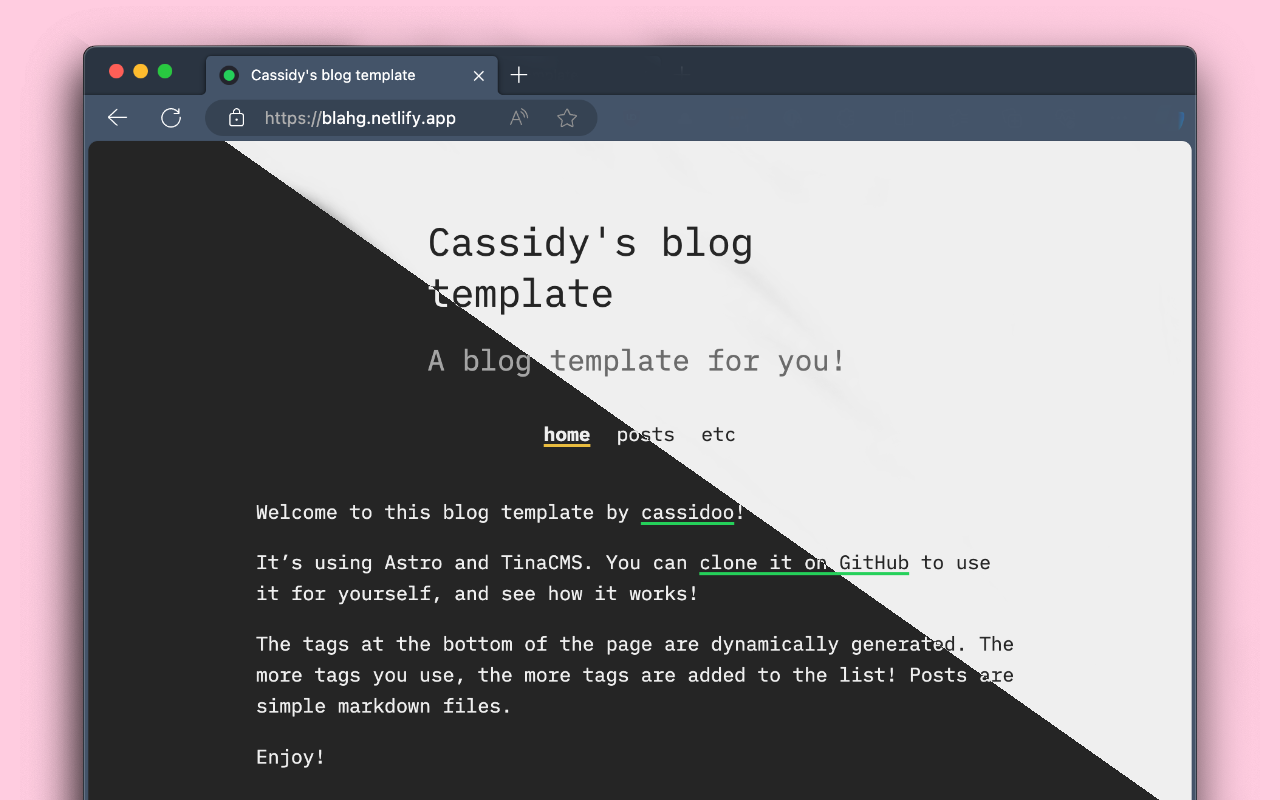
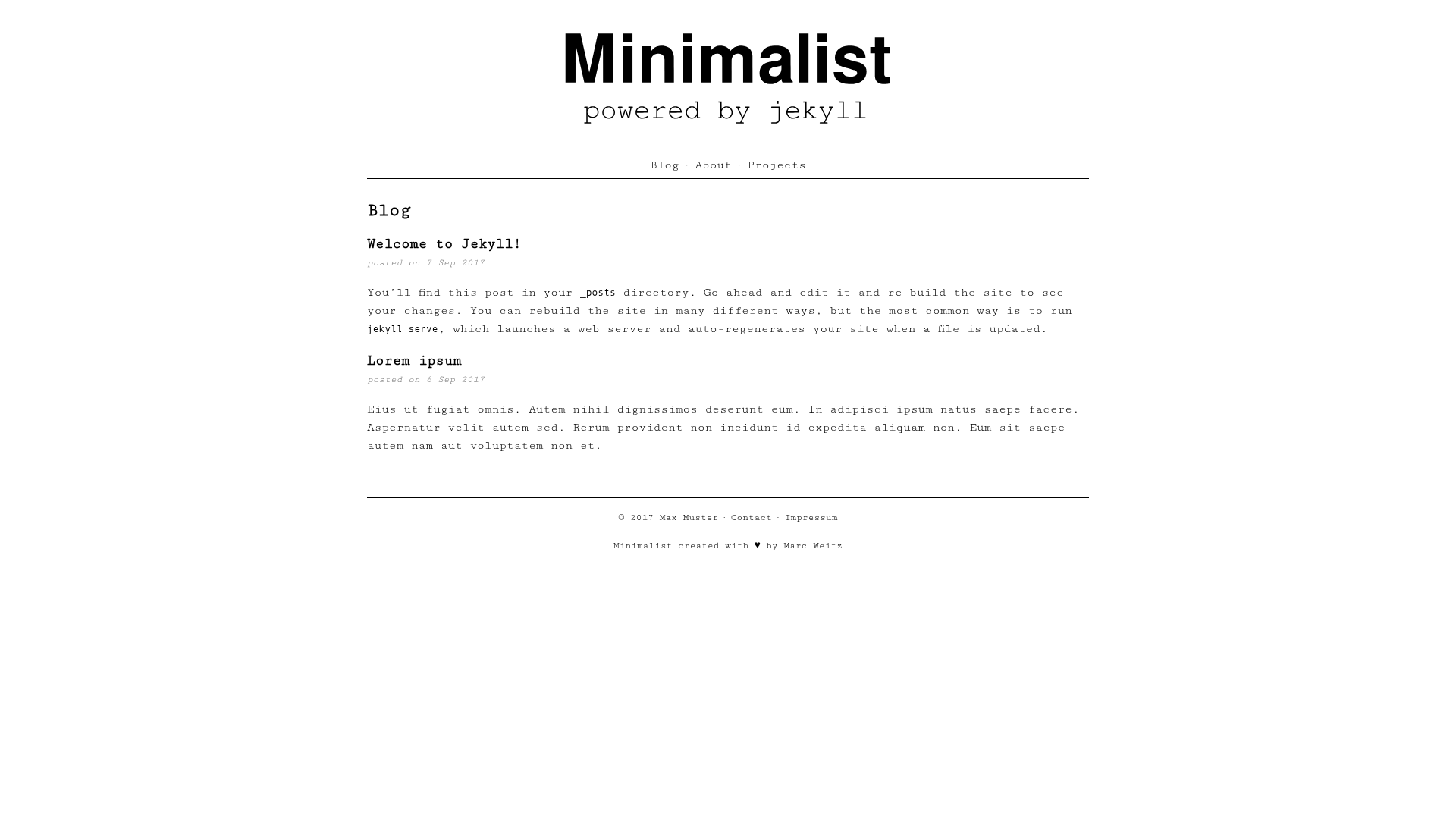
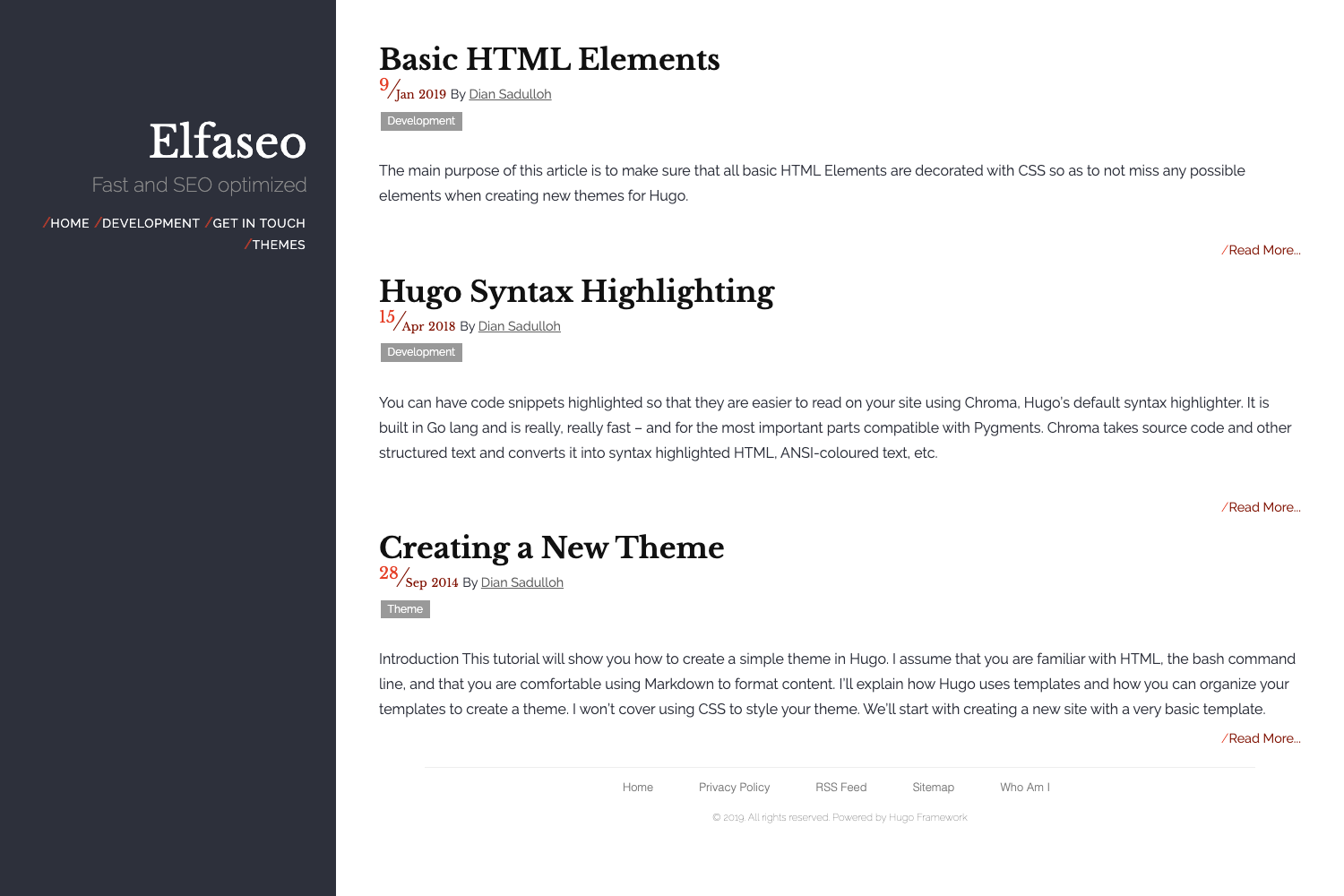
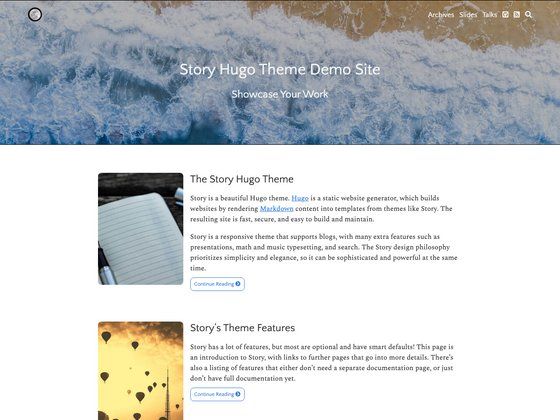
Zola Henry is a Zola theme that transforms Markdown content into a minimal single-column website, just like the classic Jekyll default theme. It provides layouts for the home page, individual posts, and generic pages — each shown in screenshots on the repository. The theme is installed by cloning the repository into your themes directory and activating it with theme = "henry" in your config.toml. It is maintained on GitHub at sirodoht/zola-henry.
Key Features
- Single-column layout — a clean, distraction-free reading style that mirrors the original Jekyll theme.
- Zola-native configuration — set
theme = "henry"in your site'sconfig.toml; all options live under the[extra]section. - Customizable nav links — define navigation items through an
extrakey namedhenry_links, where each item has aurland aname. - Footer GitHub icon — display a GitHub icon in the footer, with the link target set via
extra.henry_github. - Footer Twitter icon — display a Twitter icon in the footer, with the link target set via
extra.henry_twitter. - Multiple page layouts — includes templates for the home page, posts, and generic pages.
- MIT licensed — free to use, modify, and redistribute.
Who is it for?
Zola Henry suits developers and writers who use Zola and want a familiar, minimal blogging aesthetic. It's also a good fit for Jekyll users migrating to Zola who want to keep the same visual feel. Finally, it works for anyone building a personal site or blog who prefers single-column typography over multi-column dashboards.
What can you do with Zola Henry?
- Personal bloggers: publish Markdown posts that render in a readable single-column layout without extra styling overhead.
- Jekyll refugees: recreate the classic Jekyll look on Zola while benefiting from Zola's Rust-based build speed.
- Open-source tinkerers: fork the MIT-licensed theme and adapt its templates to your own needs.
How does Zola Henry work?
The repository README documents a three-step setup: first, clone the theme into your themes directory with git; second, enable it by adding theme = "henry" to your site's config.toml; third, optionally set extra values for navigation links, a GitHub link, and a Twitter link. The theme then takes your Markdown content and generates static HTML pages according to its templates.
FAQ
Is Zola Henry free?
Yes, Zola Henry is released under the MIT license, so it is free to use, modify, and include in your own projects.
How do I install Zola Henry?
Clone the repository into your themes directory (for example, git clone https://github.com/sirodoht/zola-henry.git henry) and set theme = "henry" in your config.toml.
Can I customize the navigation links?
Yes. Add an extra block in config.toml with a key called henry_links; each link in the list needs both a url and a name to appear in the site navigation.
Are GitHub and Twitter icons in the footer configurable?
Yes. You can change the GitHub icon's destination with the extra.henry_github setting and the Twitter icon's destination with extra.henry_twitter.
Pricing
Zola Henry is free and open source under the MIT license. There are no paid tiers or premium features.