Template details
freshPink
Minimalist Hugo blog theme with customizable primary color, KaTeX math, GitHub contribution graph, and configurable navigation.
About this template
freshPink is a minimalist Hugo blog theme that transforms a fresh Hugo site into a clean, customizable blog with a GitHub contribution graph, KaTeX math rendering, and a configurable navigation menu.
What is freshPink?
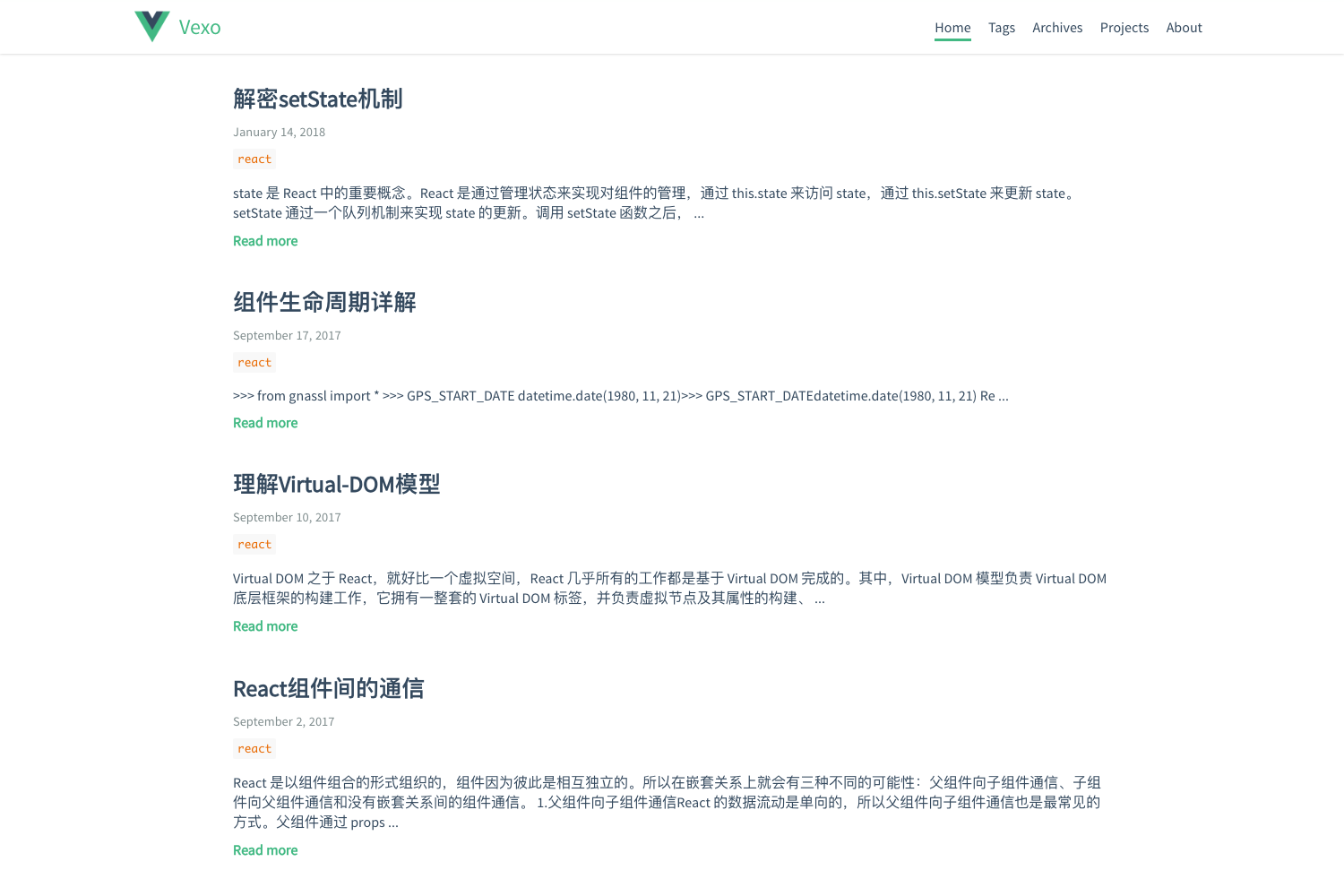
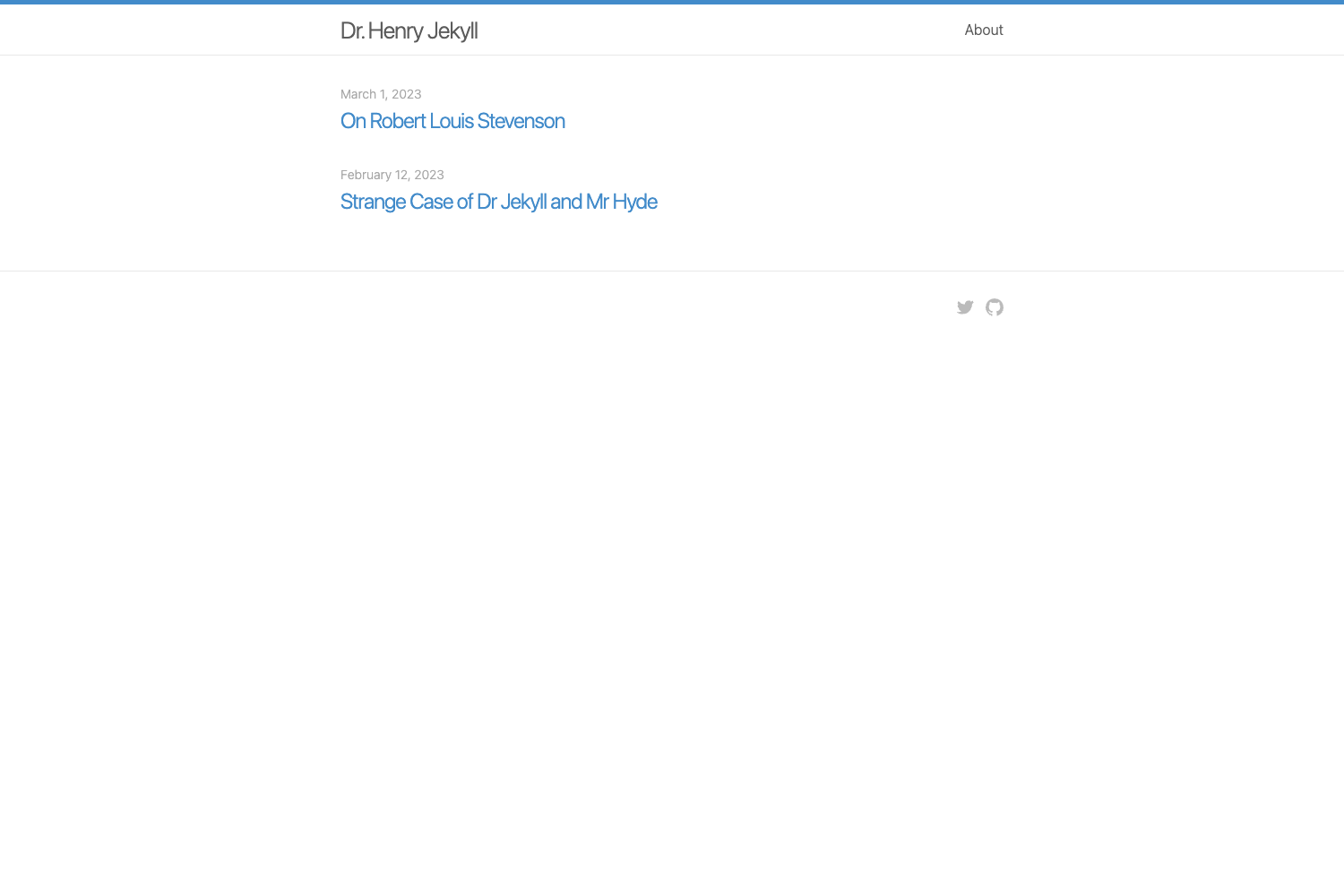
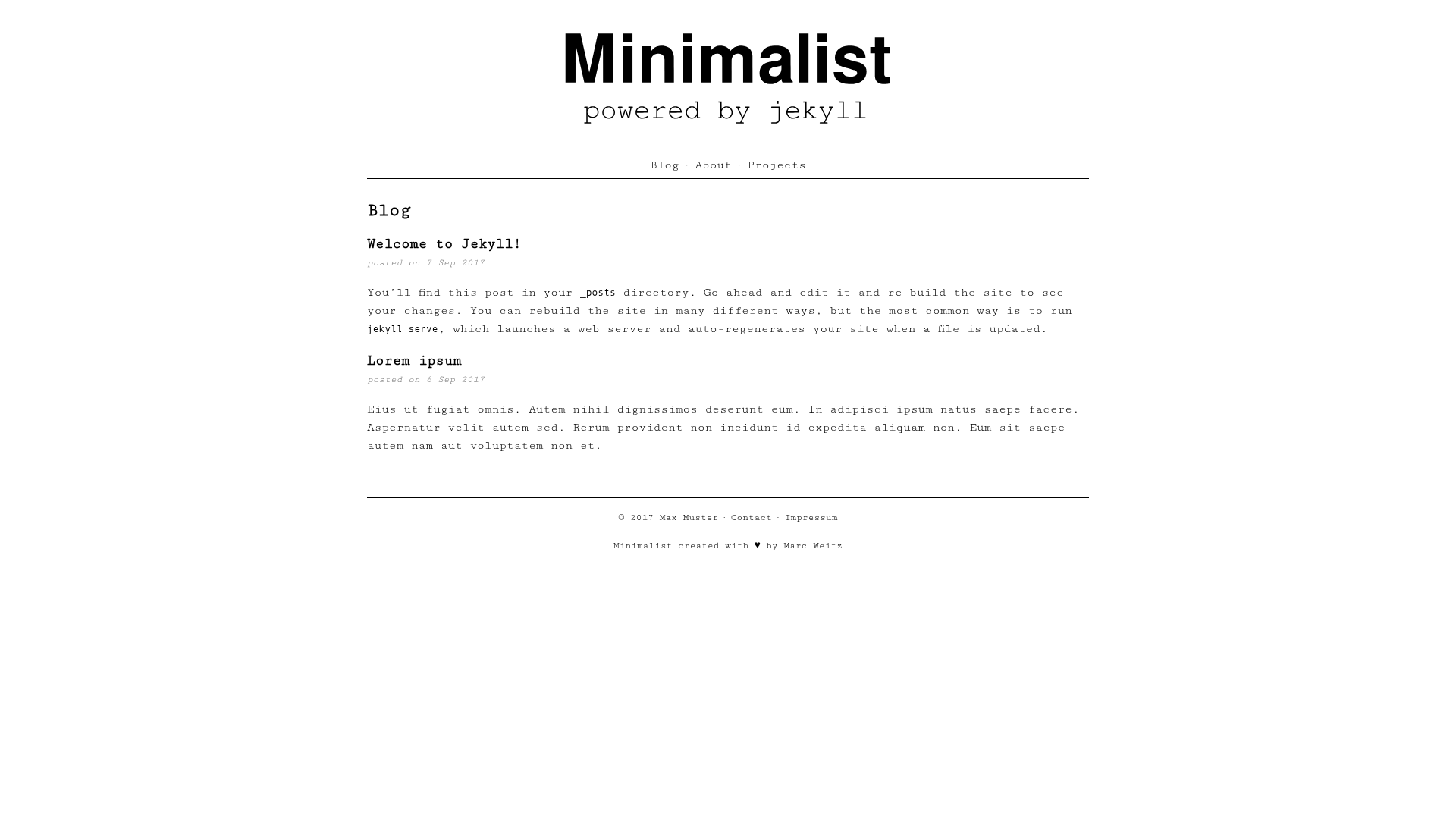
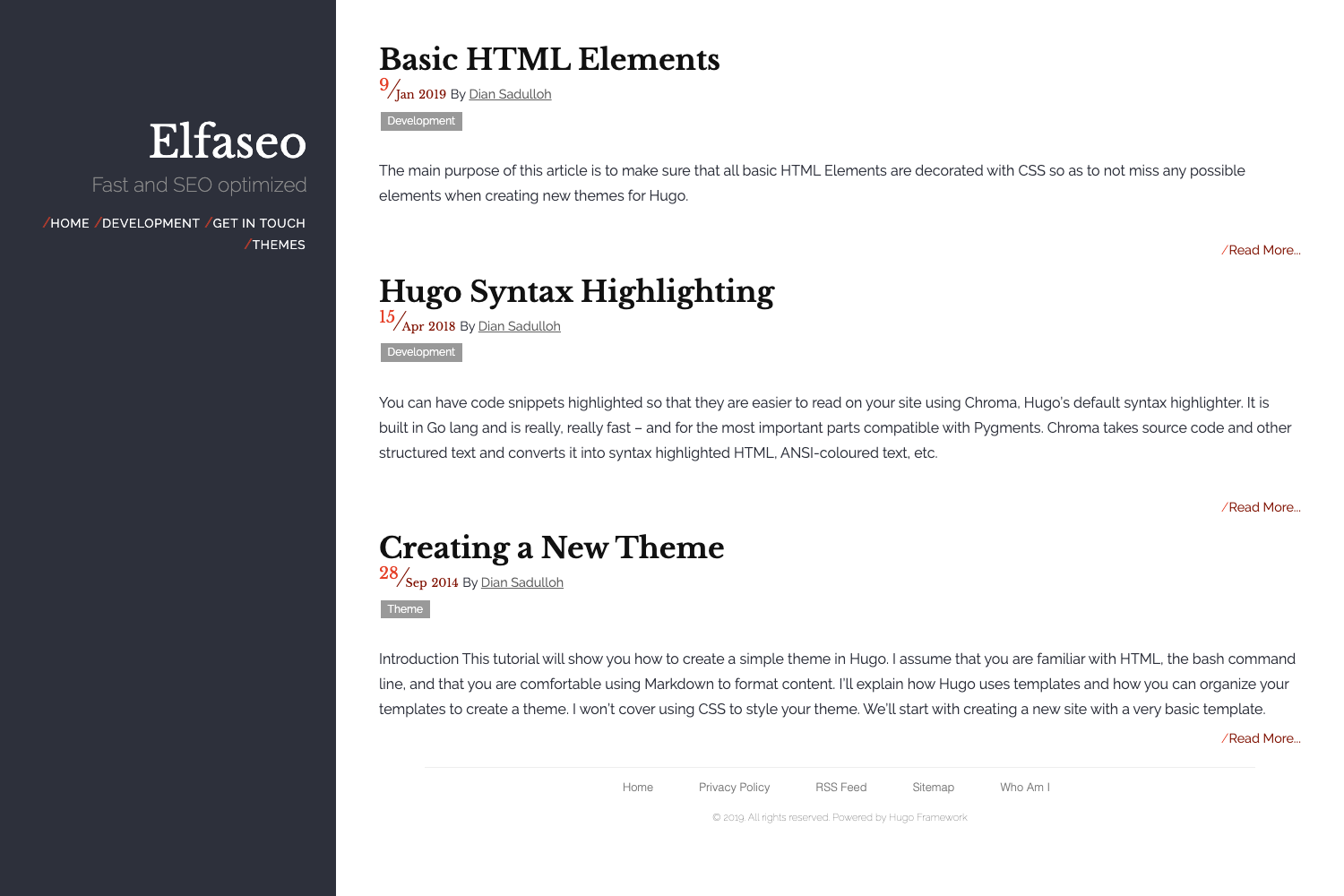
freshPink is an open-source blog theme for the Hugo static site generator. It takes a Hugo site's content and renders it as a minimal, single-column blog with a pink-accented default color scheme. The theme is maintained by GitHub user elecbrandy and installed via Hugo Modules, requiring Hugo extended version 0.116.0 or newer (the project documentation notes v0.110+ extended). It outputs a static HTML site from Markdown content, with support for tags, a homepage main image, and Google Analytics.
Key Features
- Customizable primary color — Set any hex code in the
primaryColorparameter ofhugo.tomlto change the theme accent (the default is pink#ec42ff). - KaTeX math rendering — Toggle the
mathparameter (true/false) to enable or disable LaTeX-style math typesetting on posts. - GitHub contributions graph — Plug in a
githubUsernameand setshowGithubChart = trueto display the user's GitHub contribution chart on the homepage. - Homepage main image — Control the hero image with
mainImageUrland hide or show it viashowMainImage. - Google Analytics integration — Add your tracking ID in the
googleAnalyticsparameter to enable site analytics. - Configurable navigation menu — Define the header menu entirely from
hugo.tomlwith[[menus.main]]entries, each specifyingname,pageRef, andweightfor ordering. - Tag taxonomy — Built-in support for tags through the
[taxonomies]section, generating a/tags/page. - Unsafe markdown rendering — The theme enables
markup.goldmark.renderer.unsafe = true, allowing raw HTML inside Markdown content.
Note: The theme does not include a built-in styling framework like Tailwind; it ships with its own minimalist CSS, and no JavaScript framework is required.
Who is it for?
- Bloggers who want a fast, minimal site — Set up a personal blog with a clean reading experience and no clutter, using Hugo's static site build.
- Developers familiar with Hugo Modules — Users who prefer to manage themes via Go modules will appreciate the
hugo modworkflow for installation and updates. - GitHub-savvy writers — Writers who want to display their GitHub contribution graph on their homepage to showcase activity can do so by setting two parameters.
- Academic or technical bloggers — The built-in KaTeX support makes it suitable for posts containing mathematical notation.
What can you do with freshPink?
- Launch a personal blog in minutes — Create a new Hugo site, initialize a module, paste the provided
hugo.toml, and runhugo server -Dto see your blog locally. - Customize the look without touching code — Change the accent color, toggle the main image, and show or hide the GitHub chart entirely from the configuration file.
- Add custom navigation pages — Create a folder under
content/(likeprojects) and register it as a menu item withpageRefpointing to that folder. - Use math in posts — Write LaTeX formulas and enable
math = trueso KaTeX renders them.
How does freshPink work?
The setup involves six steps. First, create a new Hugo site with hugo new site myblog. Next, initialize Hugo modules with hugo mod init. Then replace the generated hugo.toml with the provided configuration, which imports the theme as a module. After running hugo mod tidy, you create your first post with hugo new posts/hello.md and start the local server with hugo server -D. Updates are handled by running hugo mod tidy and hugo mod get -u.
FAQ
Is freshPink free?
Yes, freshPink is an open-source theme hosted on GitHub. The repository shows 24 stars and is available under the GitHub repository of user elecbrandy.
What do I need to run freshPink?
You need Hugo extended edition, version 0.116.0 or newer (the documentation mentions v0.110+ extended). The theme is installed via Hugo Modules, so you also need the hugo command-line tool.
How do I update the theme?
Run hugo mod tidy and then hugo mod get -u from the root of your Hugo project. These commands fetch the latest version from the theme's repository.
Can I add a new page to the navigation?
Yes, create a folder in content/ (for example content/projects), add an _index.md file, then add a [[menus.main]] entry to hugo.toml with the matching pageRef and a weight to control its position.