Template details
Git-Wiki
A Jekyll theme for building wiki sites from Git repositories, with this repo as its demo and documentation.
About this template
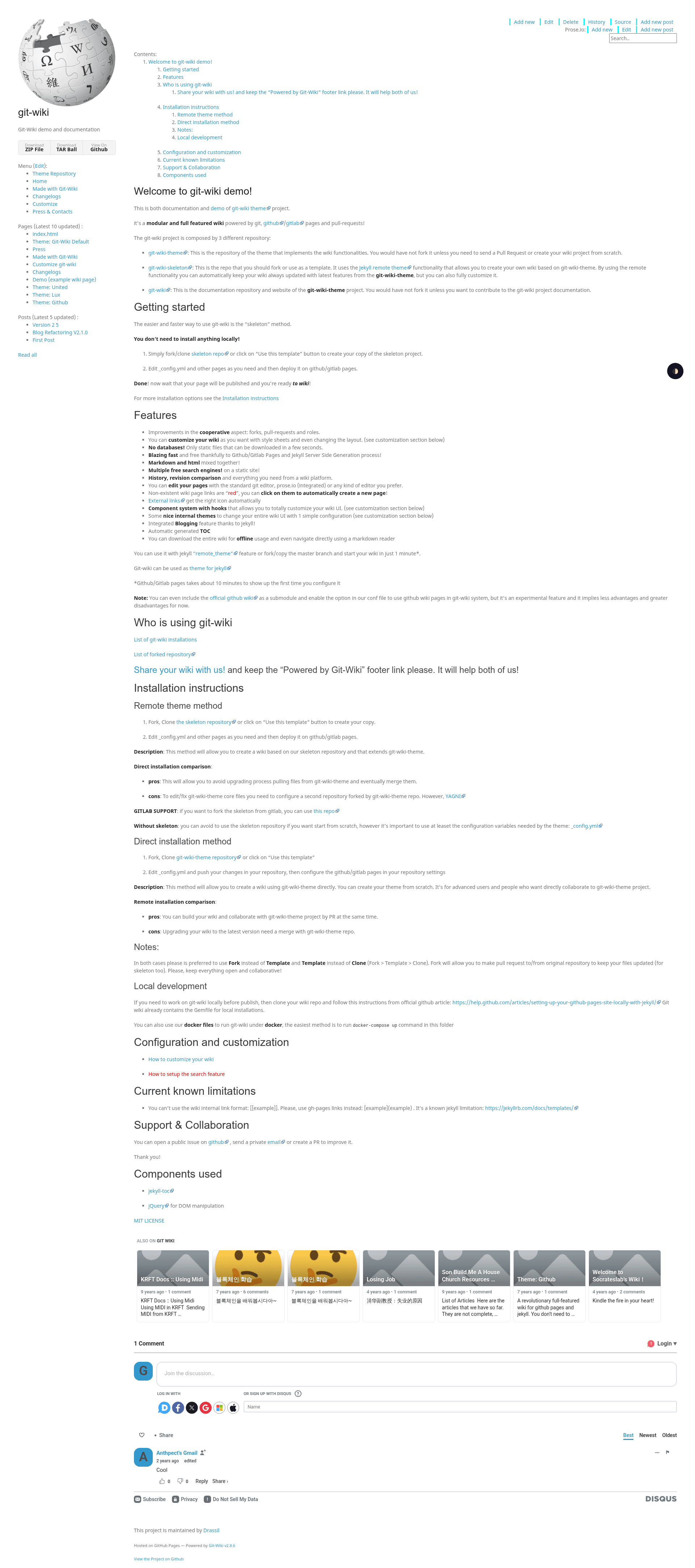
Git-Wiki is a Jekyll theme for turning a Git repository into a wiki, and this repository is its live demo and documentation site. The project is maintained by Drassil, and the demo has 77 stars on GitHub, showing active interest from developers. The theme's content is stored as Markdown files, so every edit is tracked as a commit and can be reviewed through pull requests. Because it is built on Jekyll, the wiki compiles to static HTML and can be hosted for free on GitHub Pages without a database or backend server.
What is Git-Wiki?
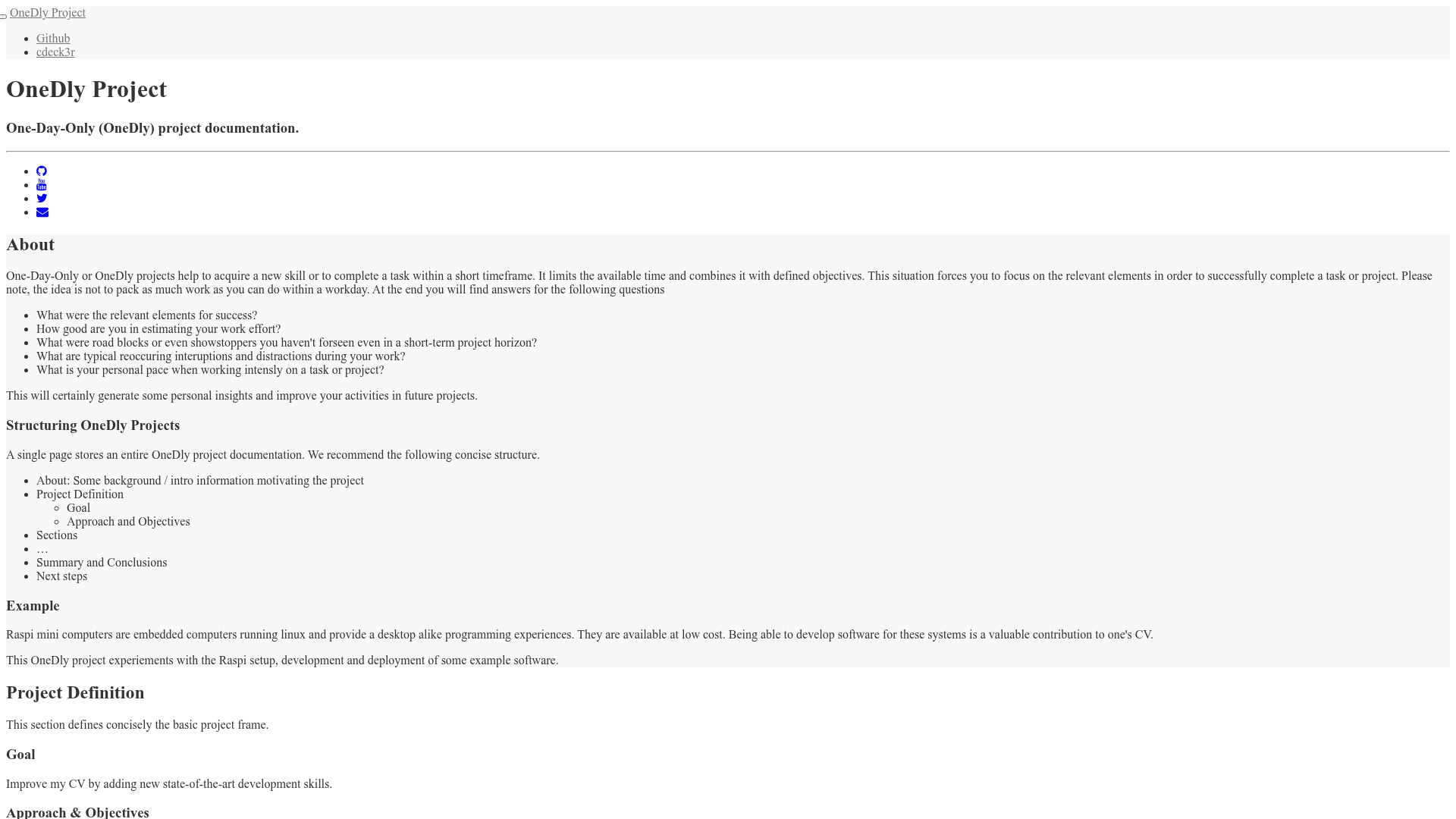
Git-Wiki is a Jekyll theme that transforms a GitHub repository into a collaborative wiki site. This repository serves as the official demo and documentation for the git-wiki-theme project. The wiki content is written in Markdown and kept in the same Git repository as the code, giving every page a version history. The theme is designed for GitHub Pages, so publishing is as simple as pushing changes to the repository.
Key Features
- Markdown-based pages — All wiki pages are plain Markdown files, which makes them easy to edit with any text editor and to review in GitHub.
- Git-native collaboration — Because the wiki is a Git repository, users can contribute by submitting pull requests, and all changes are versioned.
- Static site output — Jekyll pre-renders the wiki into static HTML, so pages load quickly and require no server-side processing.
- GitHub Pages deployment — The documentation explains how to deploy the wiki to a GitHub Pages URL using the repository's existing Jekyll support.
- Customizable layouts — The theme offers layout templates and includes that can be overridden to change the wiki's appearance.
Who is it for?
- Open-source project maintainers who want a low-maintenance wiki that lives alongside their code and uses the same contribution workflow.
- Technical writers who prefer writing in Markdown and managing content through Git rather than a web-based editor.
- Small teams looking for a private or public knowledge base that can be backed up by cloning the repository.
Use cases
- Project documentation: Set up a community-editable wiki where users can open pull requests to add or fix documentation.
- Personal knowledge base: Keep a personal wiki of notes and links that is versioned and synced across machines via Git.
- Lecture or tutorial notes: Build a structured, navigable wiki for course materials that can be updated incrementally.
FAQ
What is the difference between Git-Wiki and Git-Wiki Theme?
Git-Wiki is the demo and documentation repository shown here, while Git-Wiki Theme is the actual Jekyll theme code that is installed and used in other repositories. The demo site displays the theme's default look and provides setup instructions.
Does Git-Wiki require a database?
No. Git-Wiki builds to static HTML using Jekyll, so it does not need a database or backend server. All content lives in Markdown files in the Git repository.
Can I host Git-Wiki on GitHub Pages?
Yes, the documentation is built around GitHub Pages. Because GitHub Pages natively supports Jekyll, you can publish the wiki by pushing the repository to GitHub.
How do I edit a Git-Wiki page?
Pages are plain Markdown files in the repository. You can edit them through the GitHub web interface, use a local editor and push, or accept contributions via pull requests.