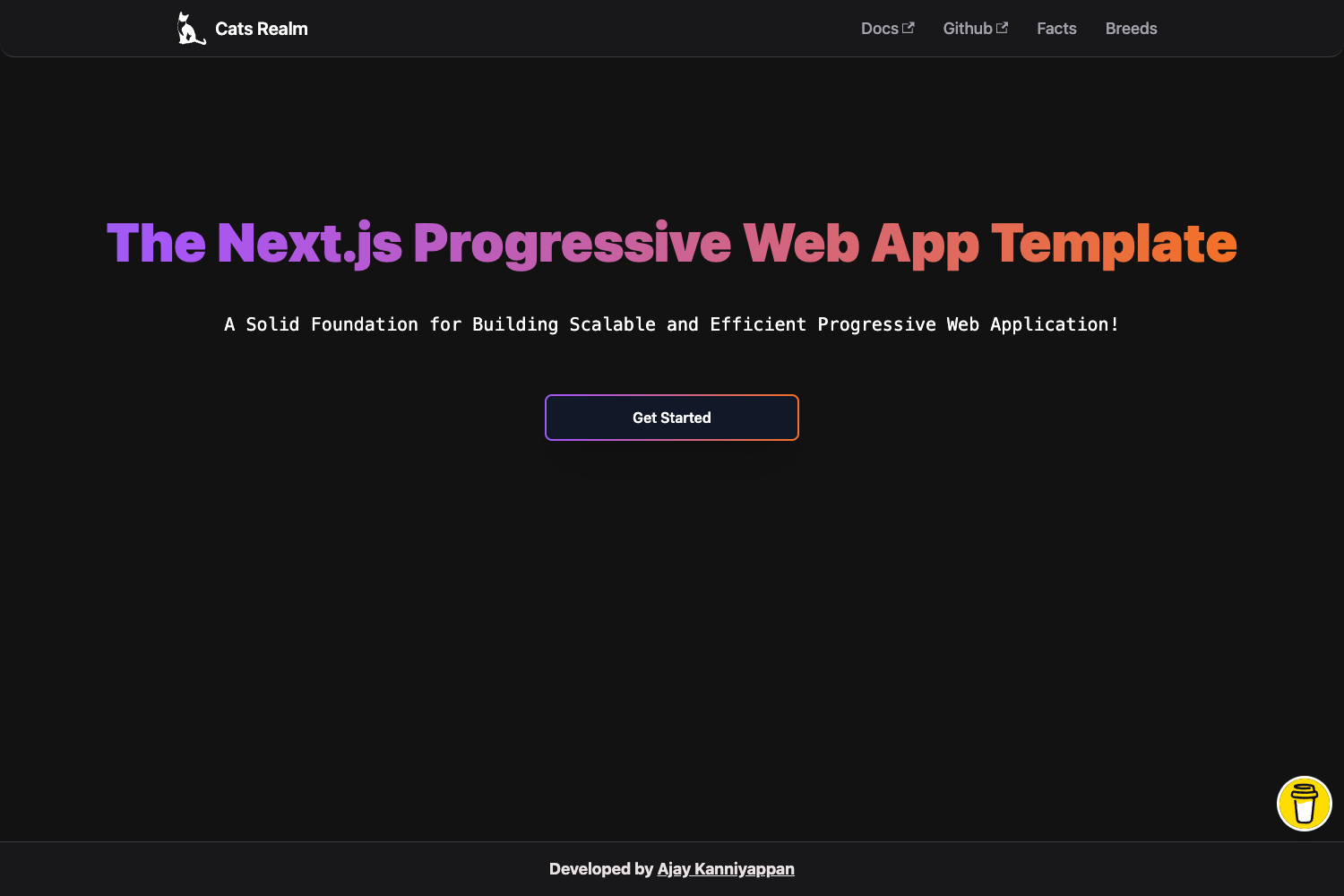
Template details
Full Static Nuxt Storyblok
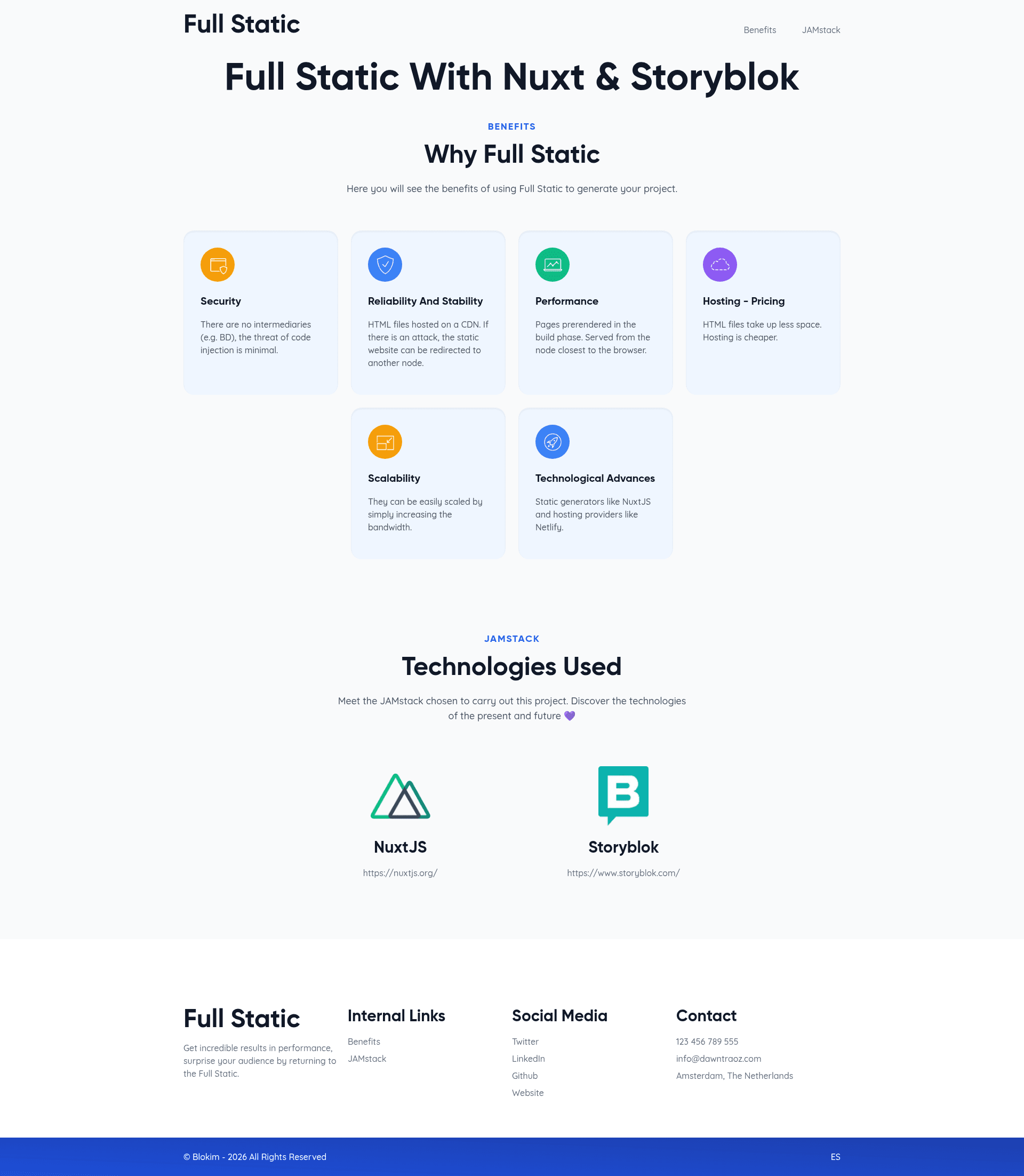
A boilerplate project designed to demonstrate the benefits of using JAMStack and the easy configuration of a project with NuxtJS and Storyblok
About this template
Full Static with NuxtJS and Storyblok is a boilerplate project that demonstrates how to build a fully static JAMstack site using NuxtJS as the frontend framework and Storyblok as the headless CMS. It provides a pre-configured NuxtJS application that generates static HTML at build time, with content managed through Storyblok's visual editor and component-based schema system.
What is Full Static with NuxtJS and Storyblok?
Full Static with NuxtJS and Storyblok is a starter repository that pairs NuxtJS (a Vue.js framework) with Storyblok (a headless CMS) to produce a static site. It takes Storyblok content structured by custom component schemas and outputs a deployable static website via NuxtJS's yarn generate command. The project includes a predefined set of components — Page, Heading Section, Benefit Card, Tech Card, Benefits, and Tech Stack — that define how editors build pages in Storyblok. It is available as a public GitHub repository (33 stars) and is designed for developers who want a reference implementation of the JAMstack architecture.
Key Features
- NuxtJS static generation — The frontend uses NuxtJS with
yarn generateto produce a fully static site ready for any static hosting provider;yarn devserves hot-reload at localhost:3000 for development. - Storyblok integration — Content is pulled from a Storyblok space; the boilerplate includes a complete schema guide for setting up the required content types, nestable molecules, and organisms.
- Component-based content modeling — The project defines a Page content type with a
bodyBlocks field that allows only specific organisms (Benefits, Tech Stack), and those organisms contain nested molecules like Heading Section, Benefit Card, and Tech Card. - Predefined component schemas — Six components are specified in detail: Page, Heading Section (title, subtitle, intro), Benefit Card (icon, color, name, description), Tech Card (logo, name, url), Benefits (heading + up to 6 Benefit Cards), and Tech Stack (heading + Tech Cards).
- Field type variety — The schemas demonstrate Text, Textarea, Asset, Single-Option, Link, and Blocks field types, including options like color palettes (orange, purple, blue, green) and component restrictions.
- JAMstack demo content — A homepage example shows how to assemble organisms and molecules into a page, covering the exact workflow from Storyblok's visual editor to the NuxtJS frontend.
- Yarn-based workflow — Commands for install, dev, build, start, and generate are included, making it straightforward to run the project locally or deploy statically.
- Open-source boilerplate — The repository is publicly available on GitHub with a description emphasizing JAMstack benefits and easy configuration, and it has accumulated 33 stars.
Who is it for?
Full Static with NuxtJS and Storyblok is aimed at developers who want a working reference for integrating NuxtJS with Storyblok and generating static sites. It suits frontend developers learning JAMstack patterns, teams migrating from monolithic CMS to headless setups, and anyone who needs a starting point for a Storyblok-powered NuxtJS project with structured page sections.
What can you do with it?
- Developers building JAMstack marketing sites: Use the boilerplate to scaffold a NuxtJS + Storyblok site with pre-defined sections like benefit cards and tech stack listings, then customize the components.
- Storyblok users: Follow the schema definitions to replicate the content model in their own Storyblok space, allowing editors to assemble pages from the provided blocks.
- Prototyping teams: Quickly spin up a static site with hot reload and static generation, then replace the demo components with production content.
- Educators and learners: Study the documented setup to understand how content types, nestable components, and Blocks fields work together in the Storyblok visual editor.
How does it work?
The workflow begins in Storyblok: create an account, start an empty space, and define the component schemas described in the documentation. For the homepage, you fill the Page content type's title field and add Benefits and Tech Stack organisms to the body Blocks field. Then run the NuxtJS build commands — yarn install, yarn dev for local development, or yarn generate to build static files.
FAQ
Do I need a Storyblok account to use this template?
Yes. The boilerplate requires a Storyblok space to configure the component schemas and provide content. The setup guide walks through creating an account at app.storyblok.com and creating an empty space before configuring the Page, Heading Section, Benefit Card, Tech Card, Benefits, and Tech Stack components.
What does this template produce?
It produces a fully static website generated by NuxtJS. Running yarn generate outputs static HTML, CSS, and JavaScript that can be hosted on any static hosting service. During development, yarn dev runs a live-reload server at localhost:3000.
Which Storyblok field types are used?
The component schemas use Text, Textarea, Asset (for images), Single-Option (for the Benefit Card color), Link (for Tech Card URL), and Blocks (for nesting components). The Blocks fields restrict allowed components, such as limiting the Benefits organism to one Heading Section and up to six Benefit Cards.