Template details
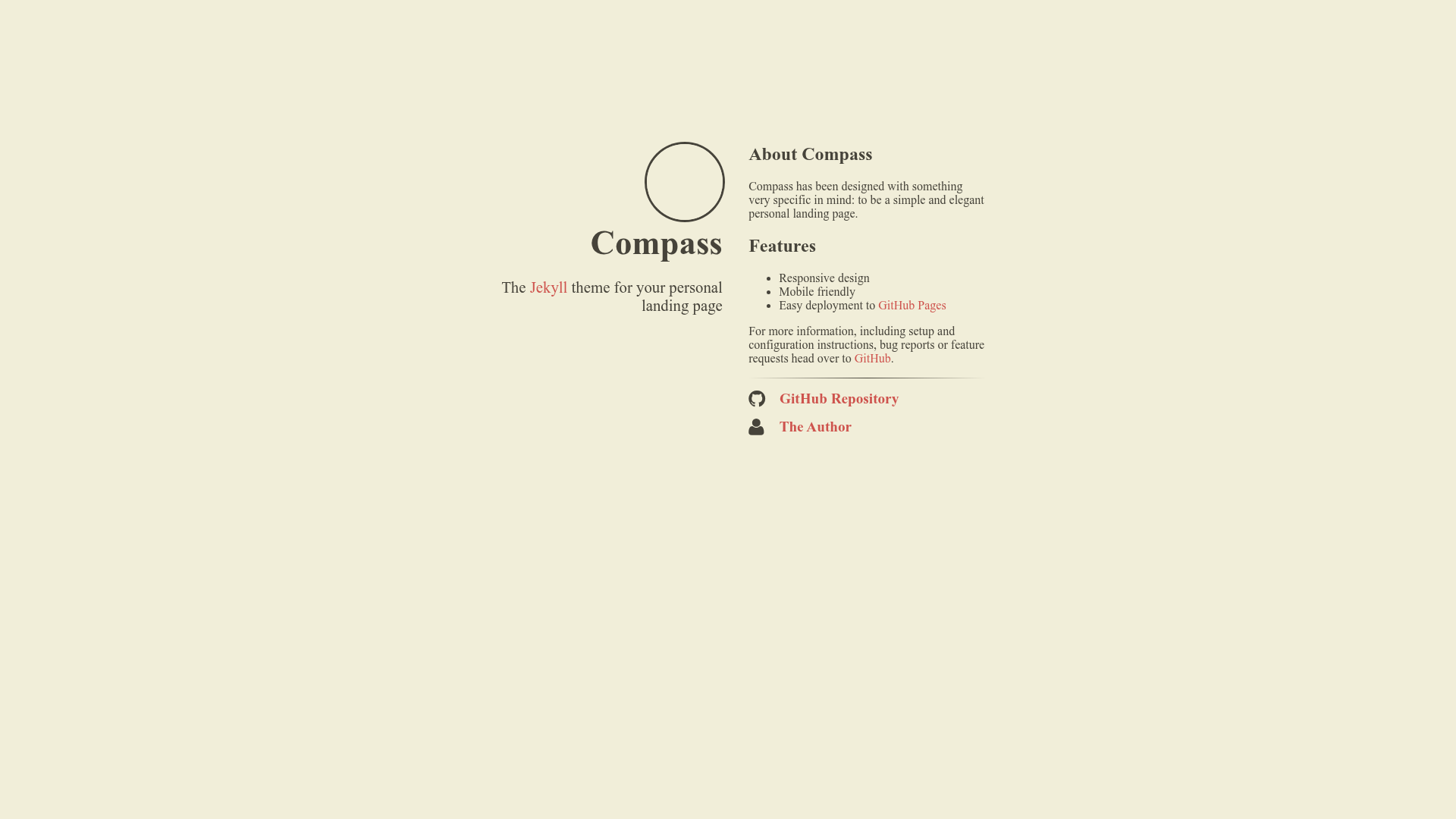
Compass
The Jekyll theme for your personal landing page.
About this template
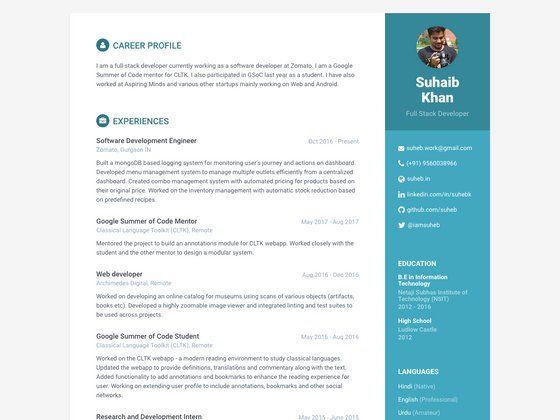
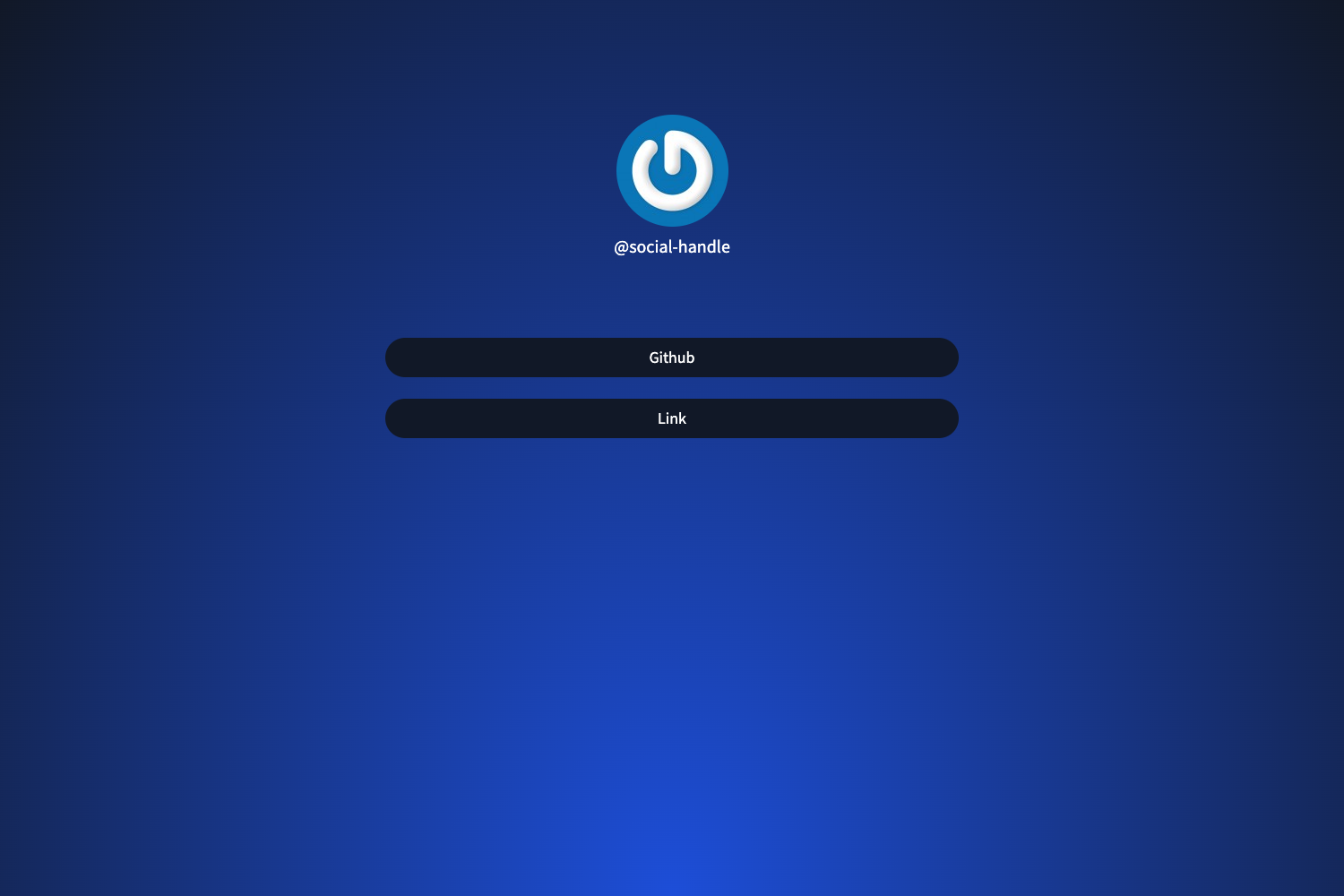
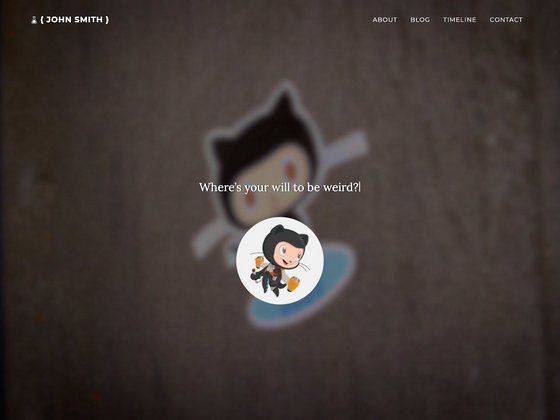
Compass is a Jekyll theme built for one specific job: to be a simple and elegant personal landing page that you can deploy directly to GitHub Pages.
What is Compass?
Compass is a Jekyll theme designed around a personal landing page — a single, clean page that presents who you are and where people can find you. It takes a Jekyll project (with a _config.yml file) as input and produces a static HTML page that can be hosted for free on GitHub Pages. The theme lives in the GitHub repository excentris/compass and currently has 197 stars.
Key Features
- One-page personal landing — Compass is not a multi-page theme; it is intentionally a single landing page that you configure through
_config.yml. - GitHub Pages ready — To publish, rename your repository to
username.github.ioand GitHub builds and serves the page automatically at that URL. - Custom domain support — The repository includes a CNAME file you can modify to point a custom domain at your GitHub Pages site, with instructions linked in the documentation.
- Standard Jekyll workflow — Setup uses familiar Jekyll commands:
bundle installto install dependencies, thenbundle exec jekyll serveto preview locally athttp://localhost:4000. - Minimal dependencies — The only required tools are Bundler and Jekyll; no database or build tooling beyond the Ruby gem environment.
- Open source availability — The full source is on GitHub, so you can fork it, inspect how it works, and customize it however you like.
Who is it for?
Compass is aimed at developers and technical users who already work with Jekyll or are willing to run a few command-line commands. It is also a good fit for freelancers, students, or professionals who want a no-frills personal page without signing up for a website builder. Because the theme is minimal, it suits anyone who wants a clean online presence that loads fast and requires almost no maintenance.
What can you do with Compass?
- Developers: publish a personal landing page with your GitHub username as the URL (for example
username.github.io) by forking the repo and renaming it. - Freelancers and designers: point a custom domain such as
yourname.comat your GitHub Pages site by editing the included CNAME file. - Jekyll learners: use Compass as a small, readable example of how a Jekyll theme structures its configuration and layout files.
How does Compass work?
The documentation walks through seven steps: install Bundler with gem install bundler, fork the Compass repository, clone your fork, run bundle install to fetch Jekyll and its dependencies, edit _config.yml, start the local server with bundle exec jekyll serve, and view the site at http://localhost:4000. After you are happy with the result, you rename the repository to username.github.io and push; GitHub Pages builds the site automatically.
FAQ
Is Compass free to use?
Yes. Compass is a public Jekyll theme hosted on GitHub, so you can fork it and use it for your own landing page at no cost.
How do I deploy Compass to GitHub Pages?
After customizing your clone, rename the repository to username.github.io (replace "username" with your GitHub username) and push it. GitHub will build the Jekyll site and serve it at https://username.github.io. For a project page, you would follow the equivalent GitHub Pages procedure.
Can I use my own domain with Compass?
Yes. The repository includes a CNAME file. Edit it to contain your domain (for example example.com) and follow GitHub's instructions on adding a CNAME file to your repository. The documentation links to GitHub's guide for doing this.
What do I need to run Compass locally?
You need Ruby, Bundler, and Jekyll. The documented setup is: install Bundler, fork the repo, clone it, run bundle install, then bundle exec jekyll serve. The site then loads at http://localhost:4000.
Does Compass have a blog or multiple pages?
No. Compass is explicitly a personal landing page theme, not a blog theme. If you need multiple pages or a blog section, you would likely be better served by a different Jekyll theme.