Template details
Patrika
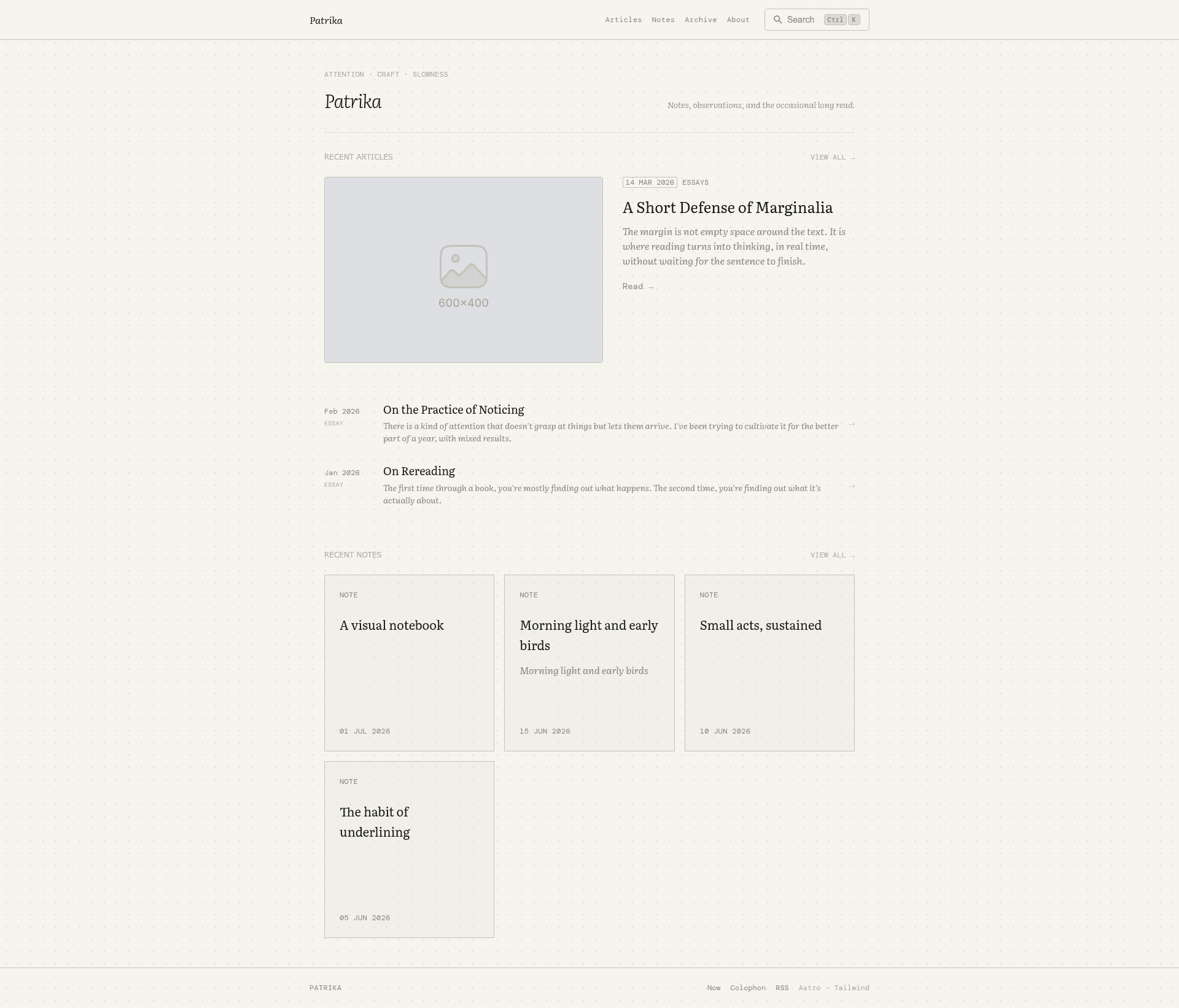
A notebook-inspired personal publishing theme built with Astro, favoring typography and whitespace over decoration.
About this template
Patrika
Patrika is a notebook-inspired personal publishing theme built with Astro, designed for digital gardens and personal sites that prioritize typography and whitespace over decoration.
What is Patrika?
Patrika is a static site theme that runs on Astro, taking content written in Obsidian-flavored Markdown as input and producing a fully static website with backlinks, search, RSS, and sitemap as output. It is built for personal publishing, letting authors organize essays, notes, and standalone pages into a cohesive digital garden. The theme is open source, with its source code available on GitHub, and it draws inspiration from commonplace books, field notebooks, literary journals, and printed magazines.
Key Features
- Content collections — Supports separate collections for essays, notes, and standalone pages, plus a config-as-content
siteConfigcollection for site-wide settings. - Obsidian-flavored markdown — Uses wikilinks (
[[Page]],[[Page#Heading]]), image embeds, comments (%%comments%%), highlights (==highlights==), and:::aside/:::annotationdirectives, processed by the native Sätteri markdown pipeline instead of remark/unified. - Backlinks — Computes and displays backlinks between notes based on wikilinks.
- Inline image galleries — Consecutive images in a post or note render as a gallery with a lightbox powered by GLightbox.
- Generic browse system — The
/browsepage is driven entirely by an optionalmetaobject in frontmatter and abrowseconfig block, with no hardcoded metadata keys. - Search — Integrated with Pagefind's native Component UI for client-side search.
- RSS and sitemap — Generated out of the box using Astro's built-in feed and sitemap integrations.
Who is it for?
Patrika is designed for writers, researchers, and digital gardeners who want to publish long-form content, notes, and essays in a structured, interconnected way. It is ideal for:
- Writers — Those who want to publish essays and articles with a focus on readability and typography.
- Researchers — Individuals who maintain a knowledge base with linked notes and want to expose those connections publicly.
- Digital gardeners — People who treat their website as an ever-growing collection of ideas, with backlinks and browsing features that encourage exploration.
What can you do with it?
- Publish a digital garden — Use content collections for notes and essays, with automatic backlinks to show relationships between ideas.
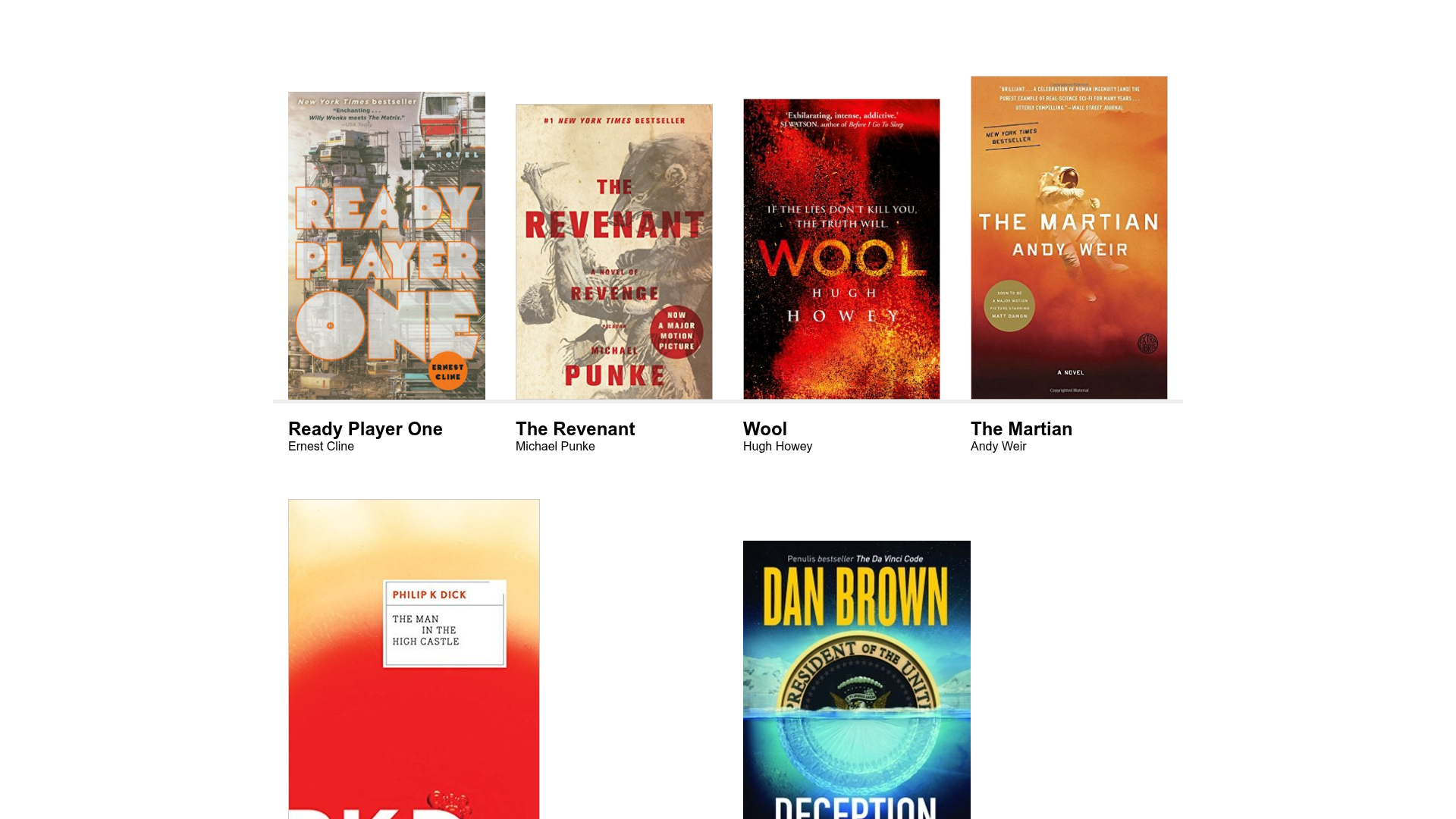
- Customize browsing — Configure the browse system to create indexes for places, trips, or any other metadata dimension you define in the config.
- Write in Obsidian-flavored Markdown — Use wikilinks and other Obsidian syntax in your source files to create a interconnected network of notes.
- Provide a searchable archive — Leverage Pagefind for fast, client-side search across all content.
How does it work?
Patrika uses Astro's static site generation to build a website from Markdown content. The quickstart process involves installing dependencies with pnpm, editing the config.yaml file to set your domain and author information, and adding your content to the src/content/posts/, src/content/notes/, and src/content/pages/ directories. The build command pnpm build generates the site to ./dist/ and also builds the Pagefind search index, which is copied into public/ for deployment.
FAQ
Does Patrika require a specific content format?
Yes, Patrika is designed for Obsidian-flavored Markdown. It supports wikilinks, image embeds, comments, and directives like :::aside, which are processed by the native Sätteri renderer.
How do I configure the navigation and social links?
You edit the config.yaml file in src/content/siteConfig/, where you set the URL, author, navigation, and social links. The matching site value in astro.config.mjs must also be updated to generate correct absolute URLs for RSS and sitemap.
What integrations does Patrika include out of the box?
Patrika includes RSS, sitemap, and Pagefind search. Image galleries use GLightbox. No CMS or payment integrations are included.
How do I add a new note or essay?
Place a Markdown file in the appropriate content directory: src/content/posts/ for essays, src/content/notes/ for notes, and src/content/pages/ for standalone pages. The content will automatically be included in the site build.
Can I customize the fonts and colors?
Yes, fonts can be configured in the fonts array in astro.config.mjs, and colors and typography are managed in src/styles/.