Template details
Personal
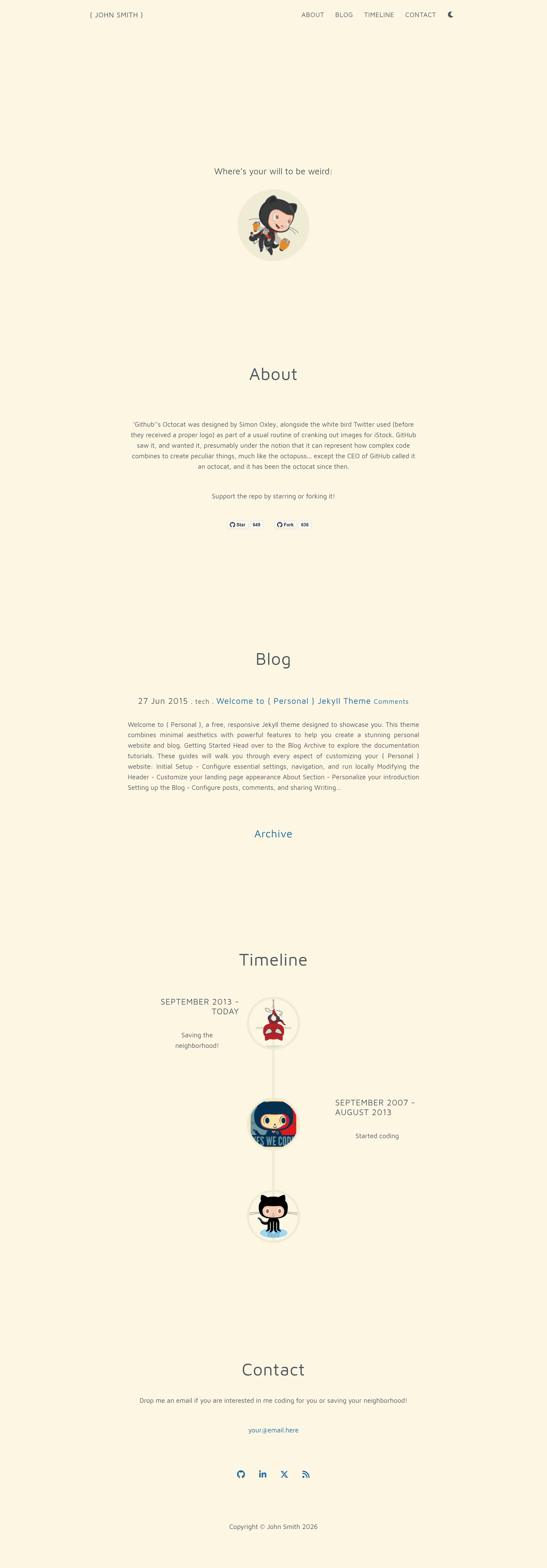
Personal is a free, responsive Jekyll theme for personal blogs and portfolios with a timeline, dark mode, and blogging features.
About this template
Personal is a free, responsive Jekyll theme built for personal blogs and portfolios, combining a minimal white-on-black design with a timeline, full blogging features, and one-command GitHub Pages deployment.
What is Personal?
Personal is an open-source Jekyll theme (Apache 2.0) that generates a static personal blog and portfolio site. It takes Markdown posts and a _config.yml file as input and outputs a static site with a blog archive, timeline, and SEO features. The theme runs on Jekyll with Ruby 3.1.1 and can be deployed free on GitHub Pages; it is a fork of the Timeline Jekyll theme, which itself combines Grayscale by Start Bootstrap and the Agency Jekyll theme.
Key Features
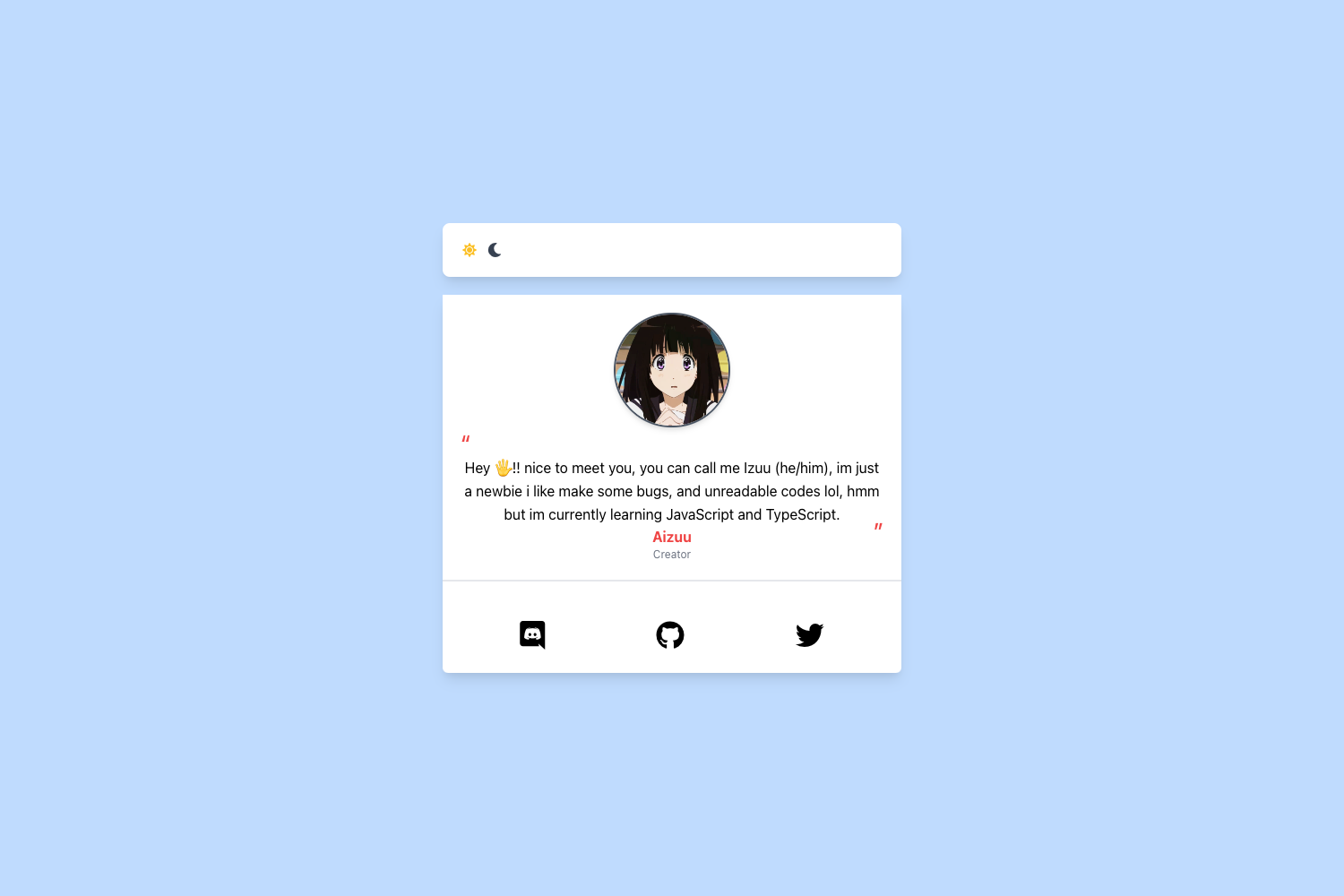
- Dark mode toggle — The theme ships with a built-in dark/light switch, and the selection is saved in the visitor's localStorage so it persists across visits.
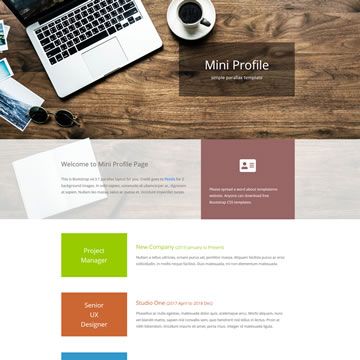
- Timeline — A visual vertical timeline for presenting career, education, or life milestones, each entry supporting an image, date, and description.
- Full blogging — Includes an archive page, hashtags and categories, syntax highlighting for code blocks, Mermaid diagram rendering, and an RSS feed.
- Cusdis comments — Comments are integrated through Cusdis, a lightweight comment widget that syncs with the theme's dark or light mode.
- Social sharing — Share buttons for X (Twitter), Facebook, LinkedIn, Reddit, Hacker News, and more are included on posts.
- SEO & analytics — Google Analytics is integrated, an XML sitemap is generated automatically, and SEO-friendly meta tags are included.
- Privacy touches — A cookie consent banner and email harvesting protection are built in.
- Customization — Configure the site title, author, profile image, header background, social links, and timeline entries entirely through
_config.yml.
Who is it for?
- Personal bloggers who want a clean, fast static site with a blog archive, categories, and RSS without paying for hosting.
- Portfolio owners who need a vertical timeline to show career milestones alongside a blog.
- Developers comfortable with Markdown who want a Jekyll theme they can fork, customize, and automate via GitHub Actions.
What can you do with Personal?
- Publish a personal blog — Write posts in Markdown with hashtags, categories, code highlighting, and Mermaid diagrams, then share them via RSS and social buttons.
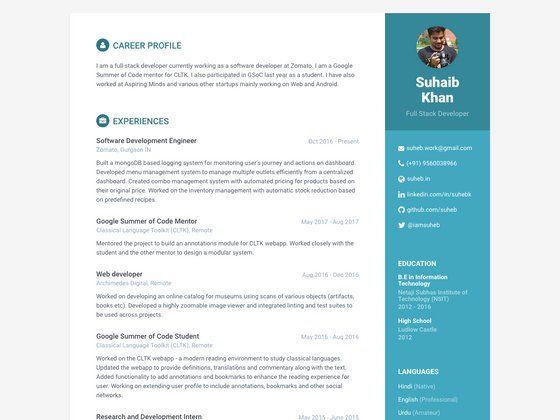
- Showcase a career timeline — Add milestones with dates, images, and descriptions in the timeline, ideal for a resume-style portfolio.
- Launch a site on GitHub Pages for free — Fork the repo, rename it to yourusername.github.io, edit
_config.yml, and a GitHub Action builds and deploys the site automatically.
How does Personal work?
To get started, fork the repository and rename it to yourusername.github.io, then update the url and baseurl in _config.yml. A preconfigured GitHub Action handles the Jekyll build and deployment whenever you push a commit. Locally, you can either run docker-compose up --build to serve the site at localhost:4000, or install Ruby 3.1.1 and run bundle exec jekyll serve --watch --livereload.
Pros and cons
- Pros: Free and open source; responsive design with dark mode; no build cost on GitHub Pages; comments, analytics, and SEO are included out of the box.
- Cons: Local development requires Ruby 3.1.1 unless you use Docker; content is managed through Markdown files rather than a visual editor.
Pricing
The theme is completely free, released under the Apache License 2.0. Deploying it on GitHub Pages is also free; the only potential cost is a custom domain if you choose to buy one.
FAQ
Is Personal free?
Yes, Personal is free to use and open source under the Apache License 2.0. You can fork the repository and deploy it on GitHub Pages at no cost.
How do I deploy Personal to GitHub Pages?
Fork the repository, rename it to yourusername.github.io, update the url and baseurl in _config.yml, then commit. A GitHub Action automatically builds and publishes the site to your GitHub Pages URL.
What Ruby version do I need to run Personal locally?
Local development requires Ruby 3.1.1 and Bundler. If you don't want to install Ruby, the project includes a docker-compose setup that runs the site at localhost:4000.
Does Personal support dark mode?
Yes, the theme includes a theme toggle button, and the preference is saved in the visitor's localStorage. The Cusdis comment widget also syncs with the selected dark or light theme.