Template details
Raccoon Links
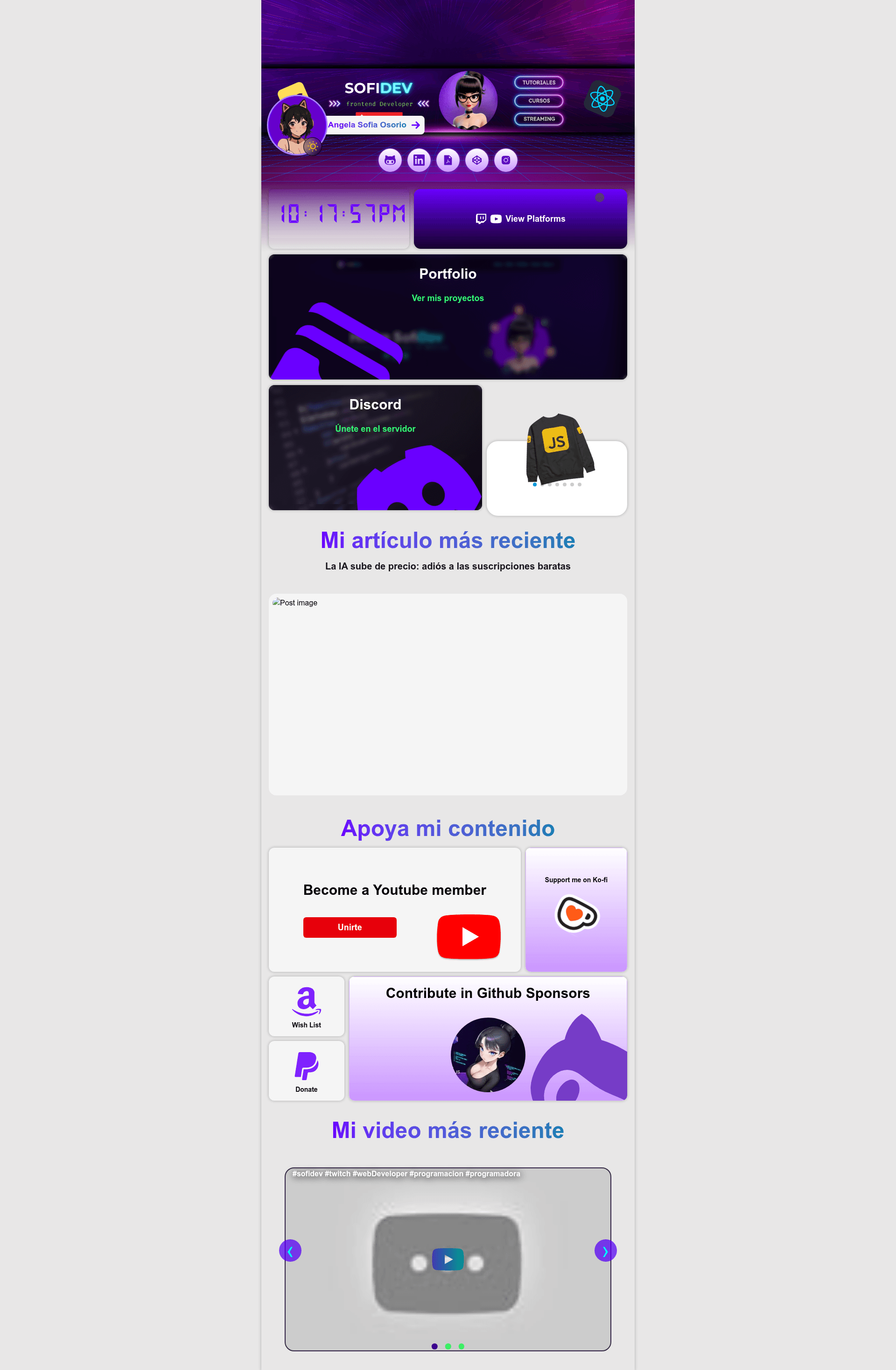
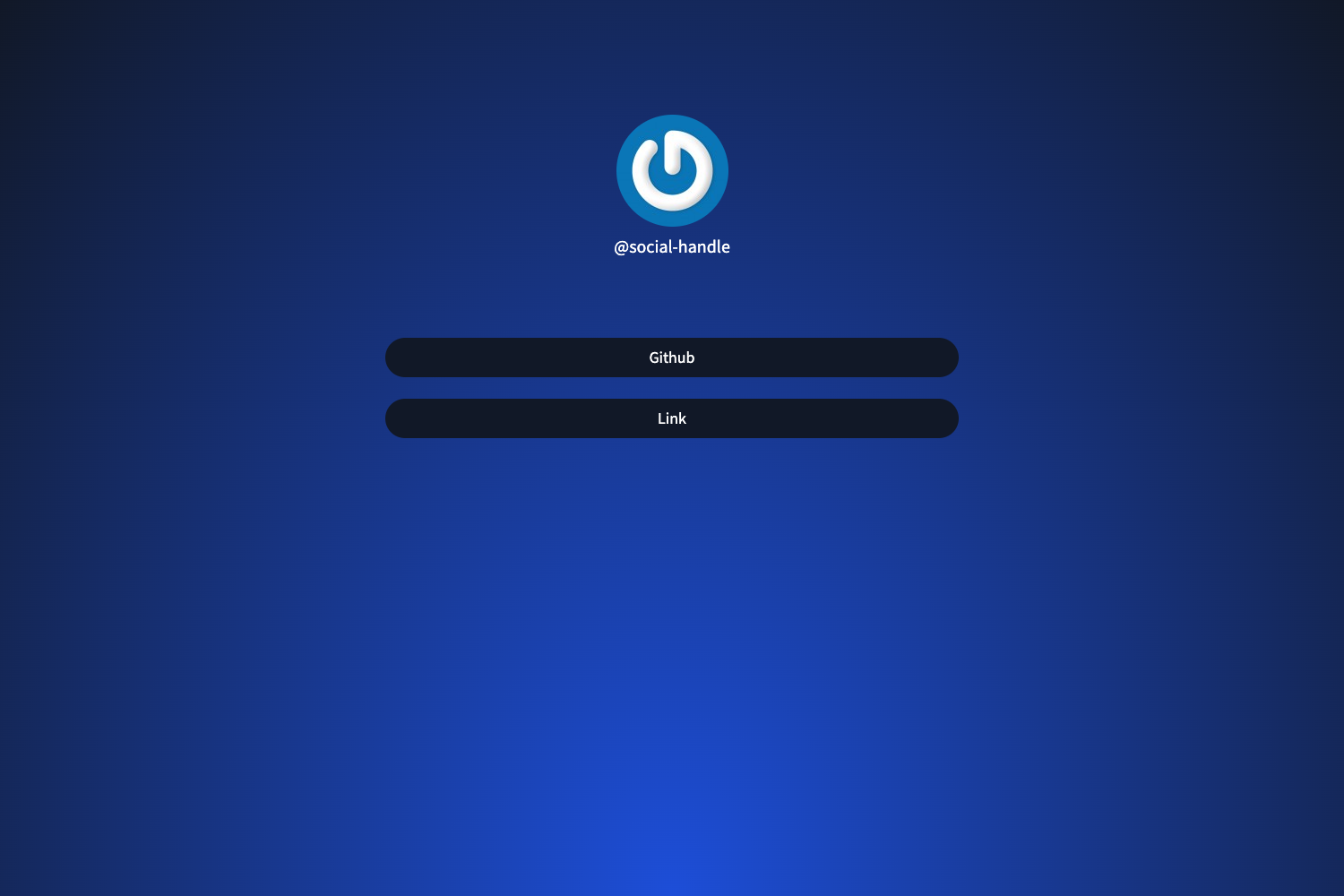
Open-source Astro template for a link-in-bio page that displays social, contact, and portfolio links, editable via JSON or MDX files.
About this template
Raccoon Links is an open-source Astro-based link-in-bio template that displays all your contact and social links on a single page, with data managed through editable JSON or MDX files.
What is Raccoon Links?
Raccoon Links is a link-in-bio web template built with the Astro static site generator. It takes your social, contact, and portfolio links — stored as structured data in the src/data directory — and generates a single HTML page to display them. The project is authored by SofiDev, released under the MIT License, and currently marked at version 2.0.0 via its version badge.
Key Features
- Astro framework — Uses standard Astro CLI commands:
npm run devfor development,npm run buildfor production builds,npm run previewto preview the build, andnpm run astrofor additional Astro CLI commands. - Data-driven links — Customize link titles, URLs, and icons by editing JSON or MDX files in the
src/datadirectory, without touching the page structure. - Iconify integration — Includes the Iconify CDN script (iconify-icon 2.1.0) in the head, so any Iconify icon can be used by specifying its identifier, such as
logos:react. - Profile and banner images — The sample data includes fields for a profile picture and a banner image, with paths under
/img. - Pre-filled example data — The default JSON shows fields for name, email, GitHub, LinkedIn, blog, portfolio, and a downloadable CV.
- MIT license — Free to use, modify, and redistribute; the LICENSE file is included in the repository.
- Version badge — Clearly labels the project as version 2.0.0.
Who is it for?
- Developers looking for a quick starter to build a personalized link-in-bio page with Astro and a data-driven workflow.
- Creators and freelancers who want to present their portfolio, blog, and CV in one place, with their own profile picture and banner.
- Anyone wanting a self-hosted alternative to commercial link-in-bio services, with full control over the design and content data.
What can you do with Raccoon Links?
- Personal branding: Showcase your GitHub, LinkedIn, blog, portfolio, and CV links on a single page, with your own profile picture and banner image.
- Customization: Edit the JSON or MDX files in
src/datato add your own link titles, URLs, and icon identifiers, then rebuild to see changes. - Icon choice: Add any icon from Iconify's sets (including logos) by pasting an identifier like
logos:reactinto the data file.
How does Raccoon Links work?
Clone the repository, run npm install, and start the dev server. To customize, edit the JSON or MDX files in src/data with your link information — the example shows fields for name, email, GitHub, LinkedIn, blog, portfolio, CV, profile picture, and banner image. When you rebuild or run the app, changes are reflected automatically. Icons are loaded through the Iconify CDN script included in the head, so you only need to specify the icon identifier in the data.
FAQ
Is Raccoon Links free to use?
Yes. The project is released under the MIT License, so you can use, modify, and distribute it freely, including for commercial purposes.
What framework does Raccoon Links use?
Raccoon Links is built with Astro, a static site generator. It uses standard Astro CLI scripts for development, building, and previewing.
How do I add my own links?
Open the files in src/data — they can be JSON or MDX — and edit the link title, URL, and icon field. Rebuild or restart the dev server to see your changes.
How do I add icons?
Include the Iconify CDN script (iconify-icon 2.1.0) in the head, then specify the icon identifier in the data file, such as logos:react for a React logo. Any icon from the Iconify sets can be used.
Who created Raccoon Links?
The author is SofiDev, with contributions from ElStron and Rickytodev, as listed in the project's contributors table.