Template details
Personal Hub
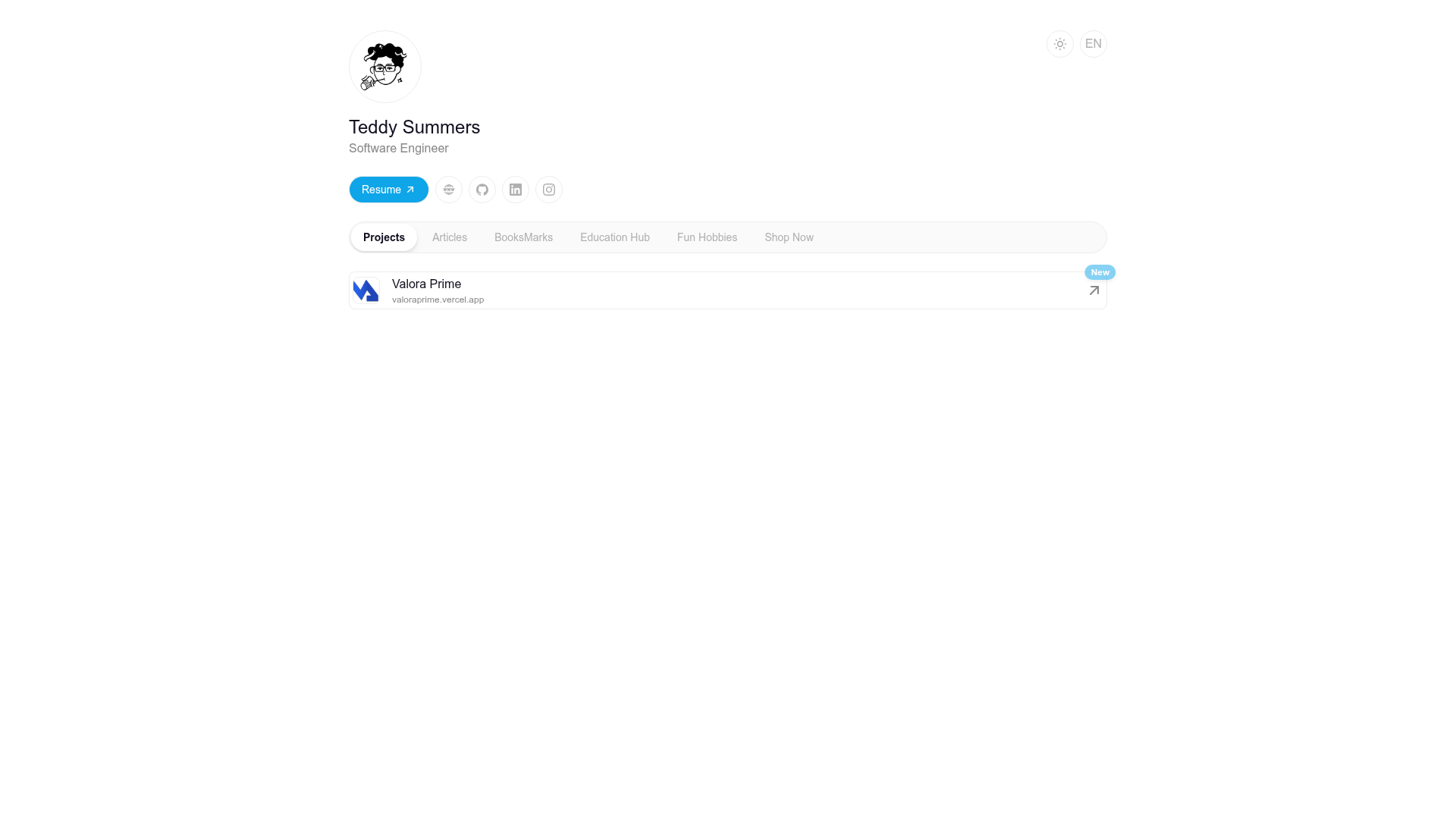
An Astro and Tailwind CSS template for building a customizable personal hub to centralize links, projects, and profile info.
About this template
Personal Hub is an open-source Astro template created by itsteddydev that centralizes personal or professional information — projects, links, and profile details — into a single customizable web page.
What is Personal Hub?
Personal Hub is an Astro-based template that produces a static personal hub website. The template takes user-supplied profile data, links, and widget configurations as input and outputs a responsive, mobile-friendly page that can be deployed to Vercel. It is distributed under the MIT license, allowing free use and modification.
Key Features
- Centralized Management — Access all your information from a single unified interface instead of maintaining separate pages for bio, projects, and links.
- Customization — Add, edit, or remove personal information, links, and modules from the running site without modifying core code.
- Integrations — Connect with various external platforms and services; the README lists integrations as a stated feature, though specific providers are not named.
- Security — Protect your data with authentication and authorization built into the template, as described in the README.
- Astro Framework — Built on Astro, a static site generator that outputs plain HTML and ships minimal JavaScript.
- Tailwind CSS Styling — Uses Tailwind CSS for utility-first styling and responsive design across viewports.
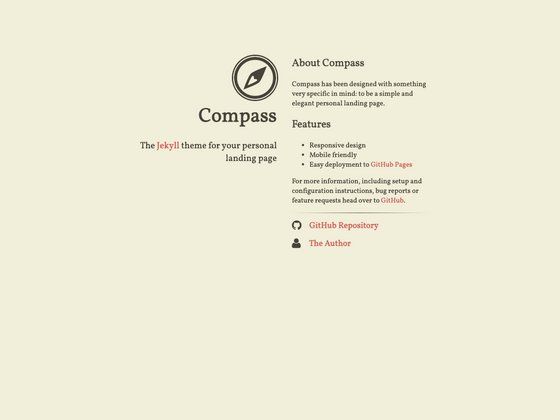
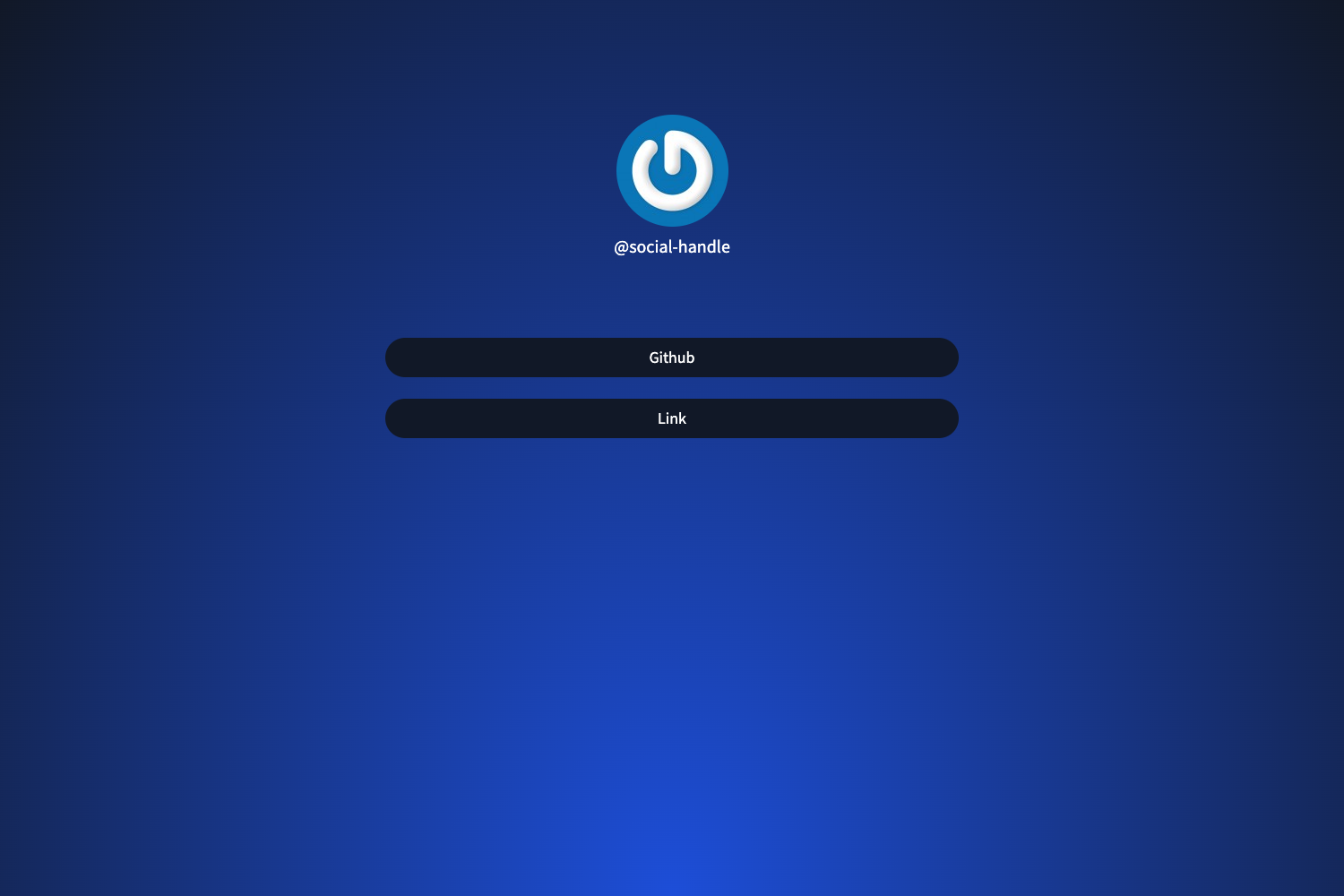
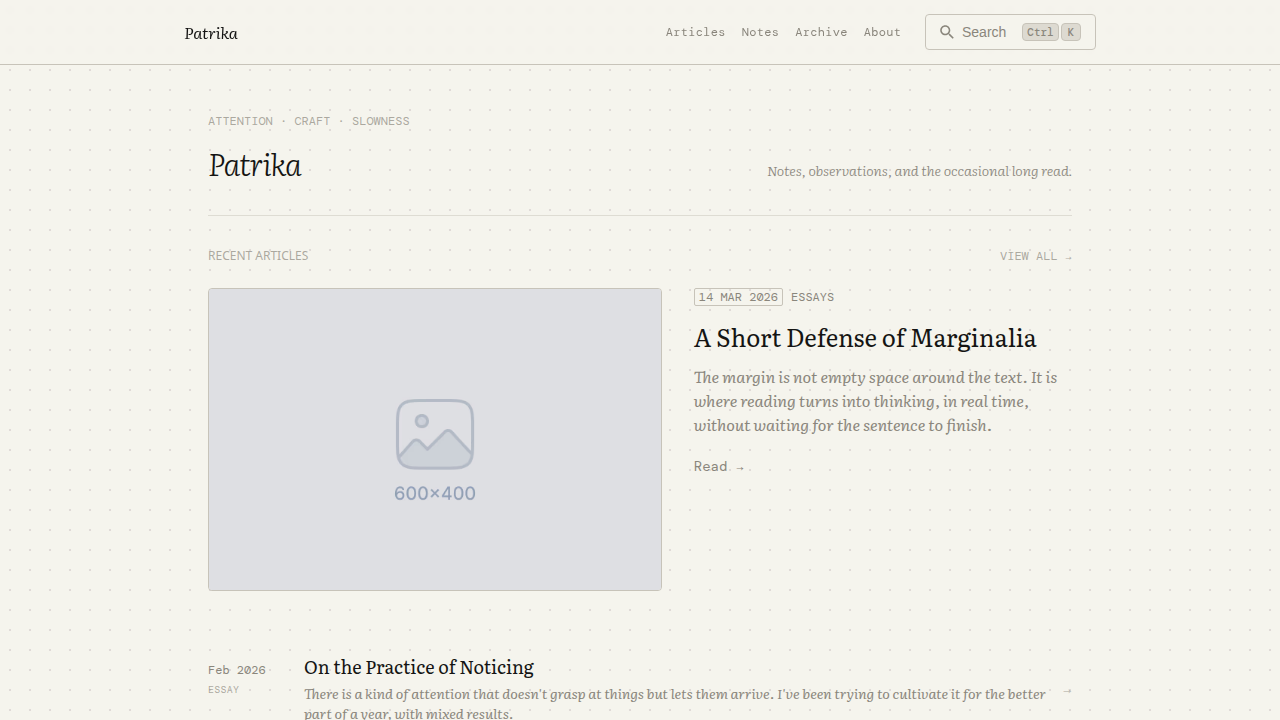
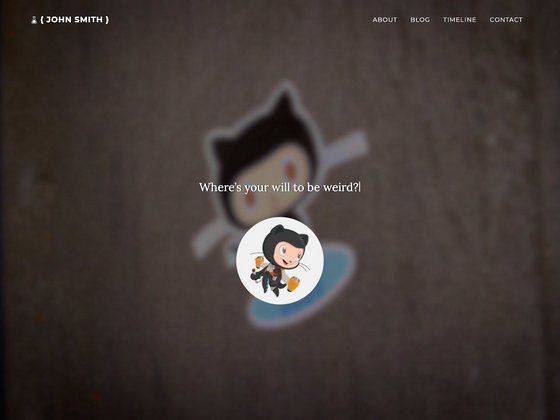
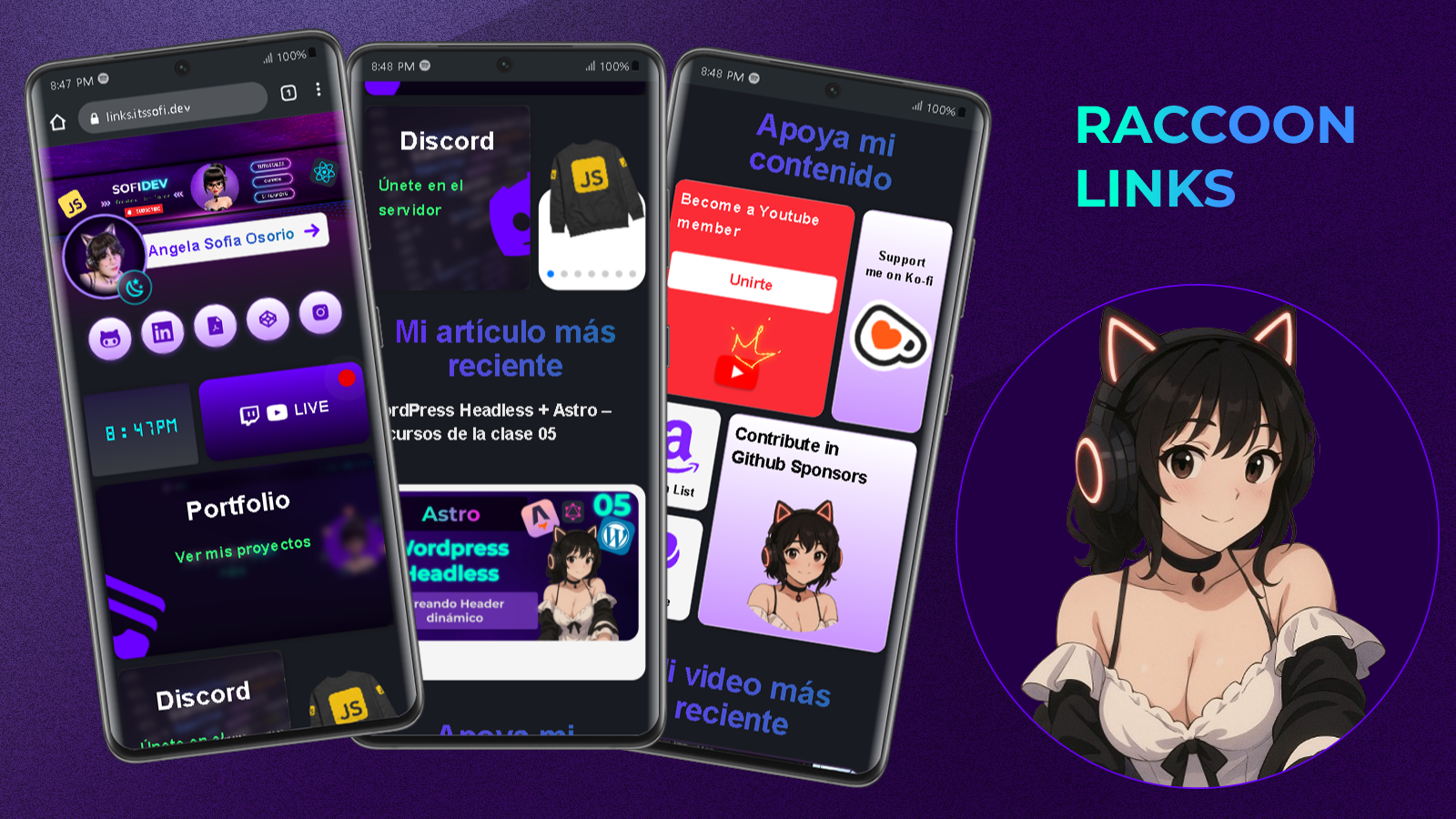
- Light and Dark Views — Repository screenshots show both a light main view and multiple dark-mode variants, indicating theme support.
- Vercel Deployment — Deploy the generated static site directly to Vercel, the platform listed in the project's technologies.
Who is it for?
- Developers who want to create a professional landing page showcasing their GitHub repositories, portfolio projects, and social profiles.
- Creators and influencers who need a single link hub to direct their audience to all content channels without paying for a link-in-bio service.
- Entrepreneurs and freelancers who want a minimal personal website to present their bio, services, and contact details without starting from scratch.
What can you do with Personal Hub?
- Developers: Set up a personal hub in minutes using
npm create astro@latest -- --template itsteddydev/hub-itsteddydev, then populate it with project links and a bio. - Content creators: Configure widgets to display social media feeds or important resources, giving followers one place to find everything.
- Job seekers: Publish a clean personal page with your resume, work samples, and contact information to include in applications.
How does Personal Hub work?
- Install via the
create astrocommand or by cloning the repository and runningnpm install. - Start the development server with
npm run devand edit your profile, links, and widgets athttp://localhost:4321. - Build the static site and deploy to Vercel or any static host.
Pricing
Personal Hub is free to use under the MIT License; no paid tiers or premium features are mentioned.
FAQ
How do I install Personal Hub?
Run npm create astro@latest -- --template itsteddydev/hub-itsteddydev to create a new project, or clone the repo and run npm install then npm run dev.
Is Personal Hub free?
Yes, it is open-source under the MIT License, which permits free use, modification, and distribution.
What tech stack does Personal Hub use?
It uses Astro as the main framework, Tailwind CSS for styling, and is configured for deployment on Vercel.
Does Personal Hub have dark mode?
Screenshots in the repository show both a light main view and dark-mode variants, so theme switching is supported.