Template details
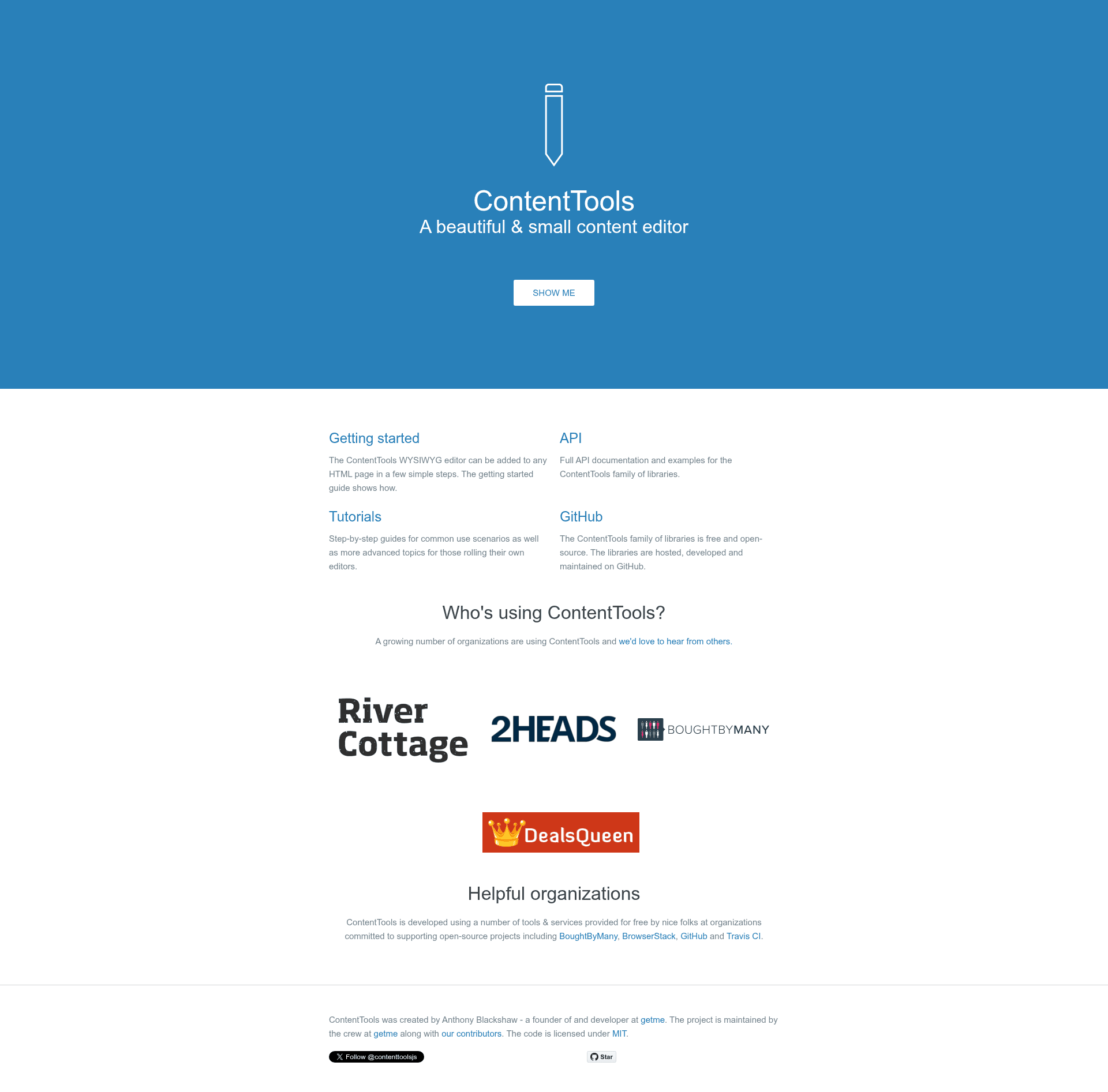
ContentTools
A JS library for building WYSIWYG editors for HTML content.
About this template
ContentTools is a JavaScript library for building WYSIWYG editors for HTML content, maintained by GetmeUK and published to bower, npm, and jsdelivr. It lets you embed an editable HTML region in a web page so users can format text and images in place.
What is ContentTools?
ContentTools is a standalone JavaScript library that turns HTML content into a WYSIWYG editing surface. It takes HTML as input, renders it as an editable region in the browser, and gives users a toolbar to apply formatting; the resulting edited HTML is then available to save back to your application. The project is developed by GetmeUK and has a separate roadmap repository for the 2.x version. It is distributed through bower (bower install --save ContentTools), npm (npm install --save ContentTools), and the jsdelivr CDN (for example https://cdn.jsdelivr.net/npm/ContentTools@1.6.1/build/content-tools.min.js).
Key Features
- In-place HTML editing — Users can edit the actual HTML content of a page without a separate admin interface.
- Framework-agnostic — ContentTools is a plain JS library with no dependency on a specific MVC framework, so it can be dropped into any web project.
- Multiple install methods — Installation is supported via bower, npm, or direct script tag from jsdelivr.
- SASS-based styling — The project's CSS is generated from SASS files, allowing you to build a custom stylesheet or override font and image references in the default CSS (the default CSS uses relative file paths).
- Cross-browser target — The library aims to support IE9+, Chrome, and Firefox. There are visual differences in IE9 because the UI uses CSS animations.
- Automated build and test tooling — The source is built with Grunt (
grunt build) and tested with Jasmine; tests can be run from the command line withgrunt jasmineor by openingSpecRunner.htmlin a browser.
Who is it for?
- Web developers who need to add content-editing capabilities to an existing site or application without adopting a full CMS.
- Product teams building custom content tools that require a WYSIWYG layer and want to control the styling with SASS.
- Maintainers of HTML-heavy projects who need a library that works in older browsers such as IE9 for content editing.
What can you do with ContentTools?
- Add in-page editing to a blog, documentation site, or dashboard so authorized users can edit text, links, and images directly on the page.
- Build a custom editor theme by modifying the provided SASS files and generating your own CSS instead of using the default stylesheet.
- Run a test suite for your edits using Jasmine and Grunt so you can confirm the library behaves correctly in IE9, Chrome, and Firefox.