Template details
Jekyll Anchor Headings
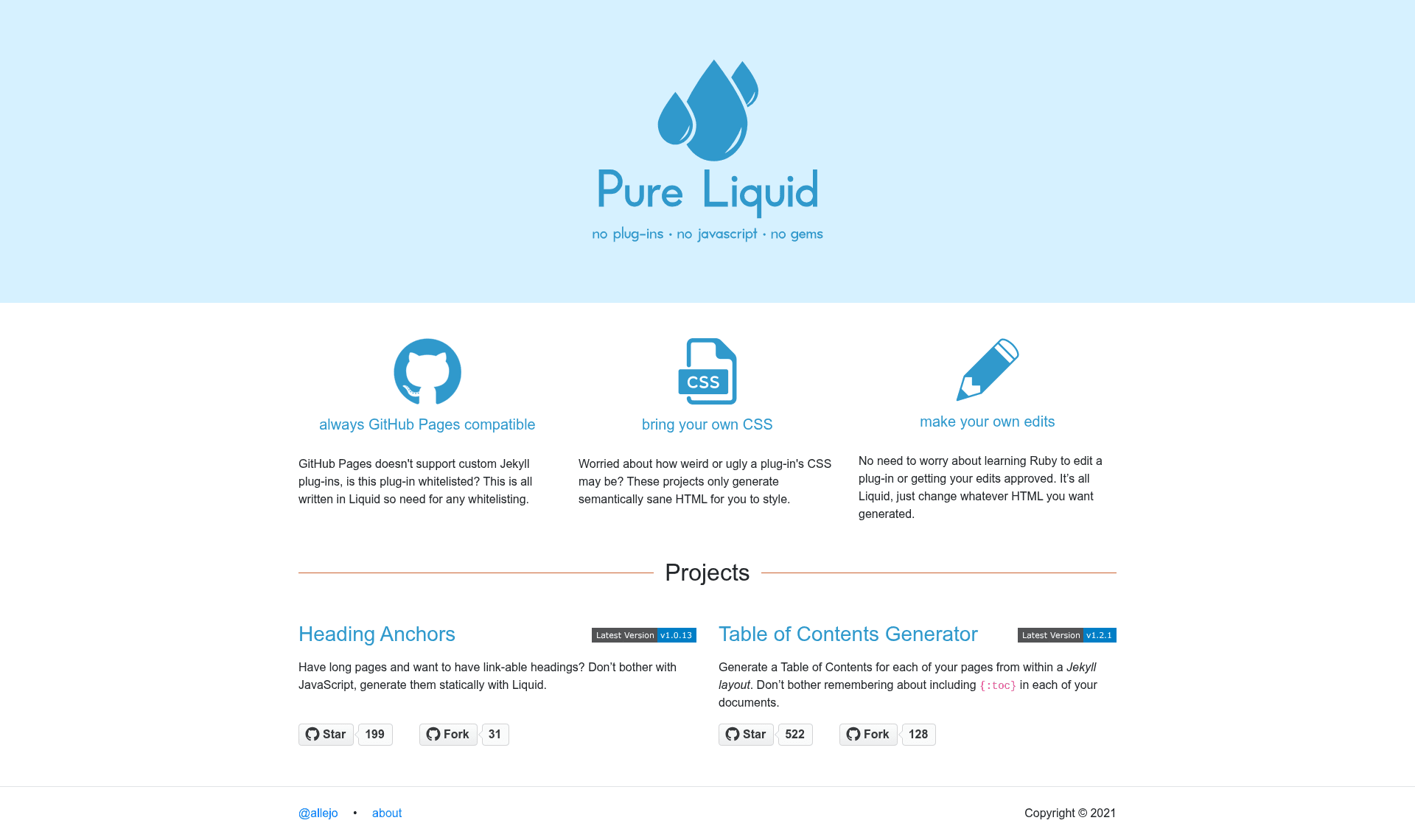
A GitHub Pages compatible Liquid snippet that adds anchor links to Jekyll headings without JavaScript or plugins.
About this template
Jekyll Anchor Headings is a pure Liquid include for Jekyll static sites that automatically injects anchor links into heading elements (h1 through h6) so every section has a deep-linkable URL, with no JavaScript and no custom plug-ins required.
What is Jekyll Anchor Headings?
Jekyll Anchor Headings is a single-file Liquid snippet that takes your page's compiled HTML (the markdown rendered by kramdown) as the html parameter and returns that same HTML with anchor <a> tags inserted into or before each heading. It runs entirely during Jekyll's build step, meaning the anchors are baked into the static files your server delivers. The project is developed by allejo as part of his "Pure Liquid" series, distributed under the MIT license.
What makes Jekyll Anchor Headings stand out?
- Pure Liquid, zero JavaScript — Anchors are generated server-side, so they work for users who disable JavaScript and don't cause any client-side layout shift.
- GitHub Pages compatible — GitHub Pages blocks custom Jekyll plugins, but this snippet uses only built-in Liquid tags and filters, so it works without modification on Pages projects.
- Twelve configuration parameters — Tune behavior with
beforeHeading,headerAttrs,anchorAttrs,anchorBody,anchorClass,anchorTitle,h_min,h_max,bodyPrefix,bodySuffix, andgenerateId, plus the requiredhtml. - Placeholder variables — Use
%heading%and%html_id%inside attribute and body strings to inject the heading text or generated ID dynamically. - Proven adoption — The snippet is used by Travis CI docs, Bitrise's dev center, Microsoft's former TypeScript website, DuckDB's website, VMWare Octant docs, Riot.js, the "Just the Docs" theme, and others listed on the project page.
- Measurable performance — On docs.travis-ci.com around August 2018, Jekyll's
--profilereported 0.695 seconds for 193 includes totaling 1667.96K bytes. - Accessibility flexibility — The project deliberately doesn't force an accessibility strategy; the wiki shows how to configure screen-reader-friendly anchors.
Who should use Jekyll Anchor Headings?
- Jekyll site owners who want heading anchors without adding a client-side JavaScript dependency.
- GitHub Pages users who can't install custom plugins and need a compliant, plugin-free solution.
- Jekyll theme developers who want to ship anchor support in their layouts, like the "Just the Docs" theme does.
- Documentation maintainers who publish long reference pages on Jekyll and need per-section deep links for readers.
What can you do with Jekyll Anchor Headings?
- Documentation sites: Automatically add anchor links to every heading in your docs so users can share and bookmark exact sections.
- Blog posts: Add subtle anchor links to post headings to improve navigation on long articles.
- Open-source project sites: Provide deep links into API references and tutorials, as done by DuckDB, TypeDoc, and the IRCv3 website.
- Customized accessible setups: Replace the default anchor body with your own HTML (e.g., a
spancontaining "link") and setanchorAttrswith accessible attributes.
How does Jekyll Anchor Headings work?
- Download
anchor_headings.htmlfrom the latest release or the master branch. - Copy the file into your site's
_includesdirectory. - In your layout, replace
{{ content }}with the include tag{% include anchor_headings.html html=content anchorBody="#" %}. - The snippet parses the HTML string and inserts anchors into every heading between
h_min(default 1) andh_max(default 6).
FAQ
Is Jekyll Anchor Headings free?
Yes, the snippet is open source under the MIT license and can be redistributed freely.
Can I use this on GitHub Pages?
Yes. GitHub Pages cannot run custom Jekyll plugins, and this snippet uses only stock Liquid, so it's fully compatible with GitHub Pages builds.
How do I change the anchor symbol or icon?
Leave anchorBody empty and use the CSS content property on the anchor's ::before pseudo-element, or pass HTML to anchorBody (e.g., a span with a sr-only label).
Why are my anchors duplicated in a child layout?
Because the snippet operates on the layout it's included in; if both a parent and child layout include it, headings get two anchors. Use it in only one layout per page.
How do I limit which headings receive anchors?
Set h_min and h_max to restrict the heading levels. For example, h_min=2 and h_max=4 would anchor only h2, h3, and h4 headings.