Template details
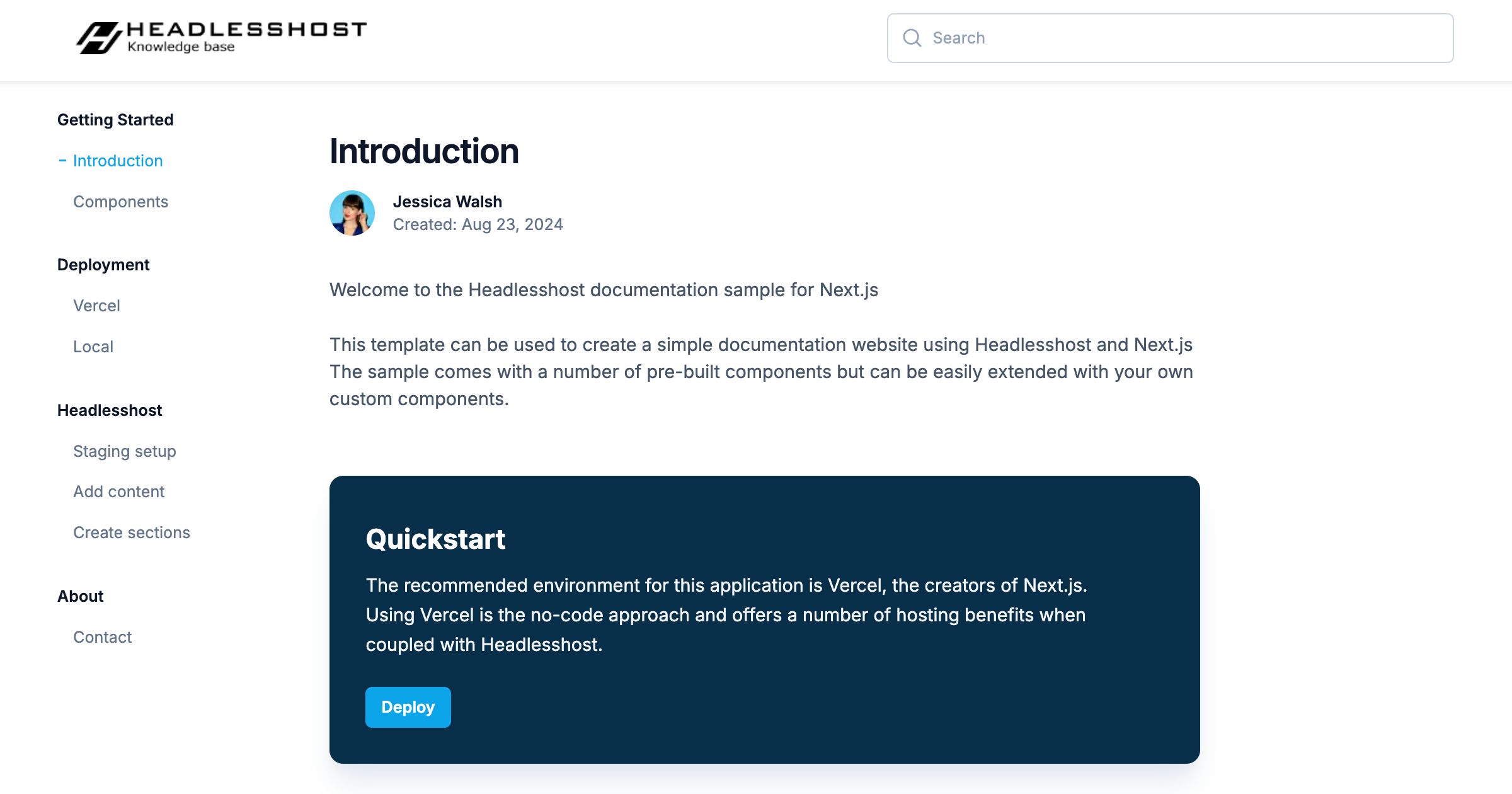
Gatsby Theme Help Center
A Gatsby theme for your knowledge base or help center
About this template
Gatsby Theme Help Center is a Gatsby theme for building knowledge base and help center sites; it consumes MDX articles and YAML category definitions and outputs a static help site with SEO metadata, featured and related articles, and full visual customization.
What is Gatsby Theme Help Center?
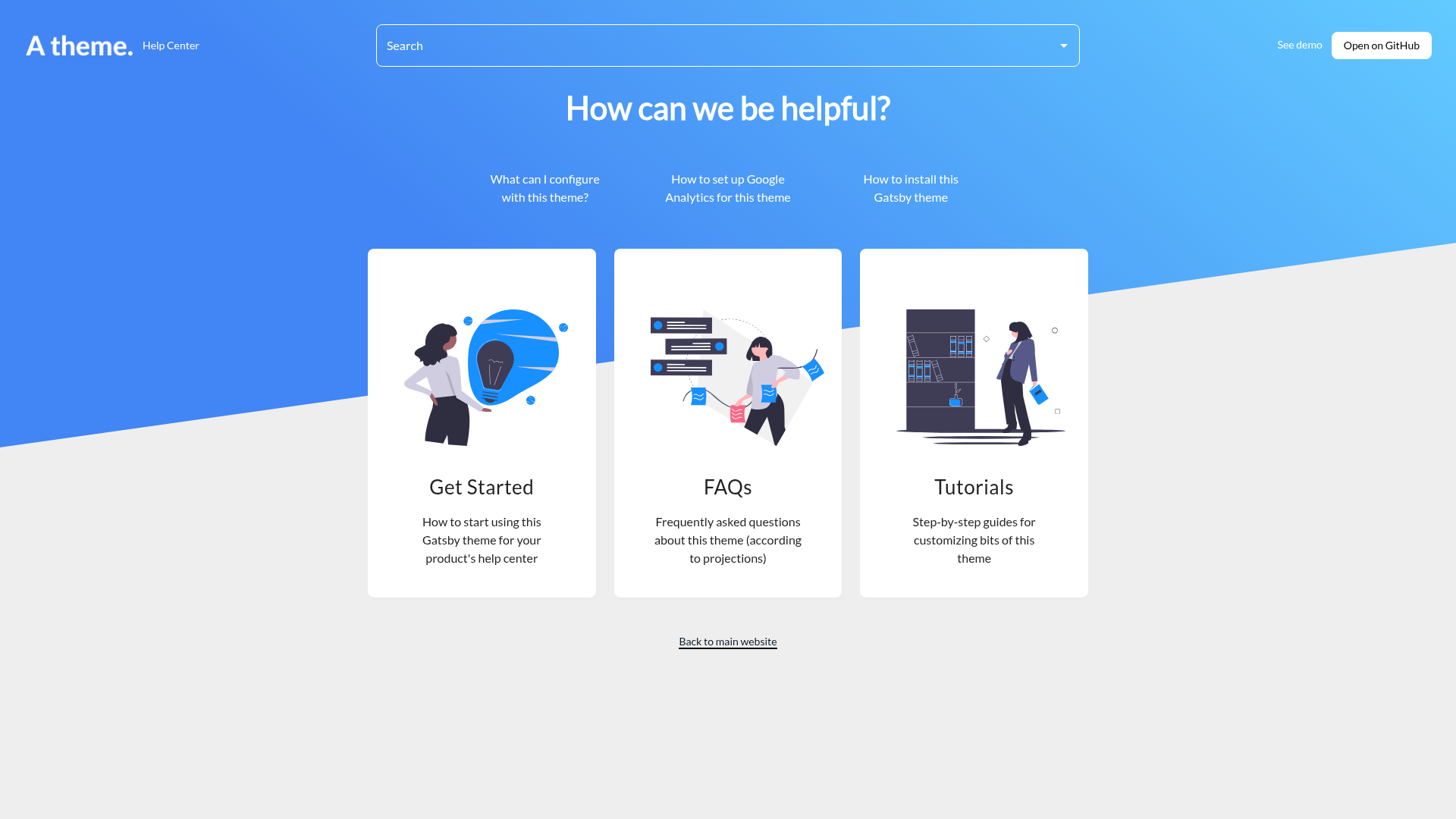
This theme, published as @mlent/gatsby-theme-help-center and authored by Monica Lent, provides a complete help center layout for the Gatsby framework. You give it content in two forms: YAML category definitions in src/data/categories/data.yml and MDX article pages in src/data/pages; it then generates the category landing pages, article pages, a homepage with featured articles, and related-article blocks. The theme is marked as work in progress, and a companion starter (gatsby-starter-help-center) is available for quick setup.
Key Features
- Categories — Define categories with name, slug, description, and image in a YAML file; articles can belong to multiple categories and appear in each.
- MDX articles — Write content as MDX with frontmatter for title, description, author, categories, date, featured, and related articles; the author field is not yet used in the layout.
- SEO and sharing metadata — Generates rich previews, social markup, and SEO metadata via react-helmet, including og:site_name, Twitter handle, and a social sharing image; extra tags can be added by shadowing the CustomHead component.
- Featured and related articles — Mark any article as featured to show it on the home page; list related article slugs in frontmatter to display links at the bottom of an article.
- Site metadata customization — Configure htmlLang, contentLang, title, titleTemplate, description, siteUrl, logoUrl, logoLabel, searchText, faviconUrl, socialSharingImageUrl, ctaButtonText/ctaButtonUrl, linkText/linkUrl, headline, footerText/footerUrl, plus optional Google Tag Manager and Google Analytics Measurement IDs.
- Color theming — Edit a shadowed
themes/colors.tsfile to set a primary color (used for the header stripe and links) and secondary/success/pending/error colors based on Ant Design's color palette. - Code syntax highlighting — Set the
shikiThemeoption in gatsby-config.js to any Shiki theme, such as 'nord', for fenced code blocks.
Who should use Gatsby Theme Help Center?
- SaaS and web app teams that need a public, searchable help center for product documentation, FAQs, and tutorials, without building a docs site from scratch.
- Gatsby developers who prefer a theme-based workflow: install the theme, shadow files for customization, and keep content in MDX/YAML within the theme's expected directories.
- Technical writers comfortable with Markdown/MDX who want structured categories, per-article SEO metadata, and related-content links out of the box.
What can you do with it?
- Create a multi-category help center: Define categories like Get Started, FAQs, and Tutorials with images and descriptions, then assign each MDX article to one or more categories.
- Configure branding and analytics: Set your logo, headline, call-to-action button, footer link, and Google Analytics IDs entirely through siteMetadata in gatsby-config.js.
- Customize the display: Use theme shadowing to override the CustomHead component for extra meta tags or scripts, and edit colors.ts to match your brand palette.
How does it work?
Install the theme with npm install --save @mlent/gatsby-theme-help-center (or yarn), then add it to the plugins array in gatsby-config.js with options like basePath and shikiTheme. Next, create src/data/categories/data.yml for categories and src/data/pages/*.mdx for articles; run gatsby develop and the site builds the home page, category pages, and article pages with the configured styling.
FAQ
Is the theme production-ready?
The repository explicitly marks the theme as work in progress, and there is a warning that the plugin may generate no Gatsby nodes in some setups. The troubleshooting section documents common issues like a GraphQL error after editing gatsby-config.js, which is resolved by restarting the development server.
How do I install the theme?
Either use the gatsby-starter-help-center starter via gatsby new your-site https://github.com/mlent/gatsby-starter-help-center, or install the theme package directly and add it to your gatsby-config.js plugins with options.
Can I add custom meta tags?
Yes, by shadowing the file src/@mlent/gatsby-theme-help-center/components/CustomHead.tsx with a React component that uses Helmet, enabling site verification tags and external scripts.
How do I set the site language?
Set the htmlLang and contentLang fields in siteMetadata, e.g., 'en' and 'en-us'. These control the lang attribute and content language.
Is the theme free?
The repository is public on GitHub with 102 stars and no mention of pricing or licenses; it is open source and free to use.