Template details
Hugo Project Doc
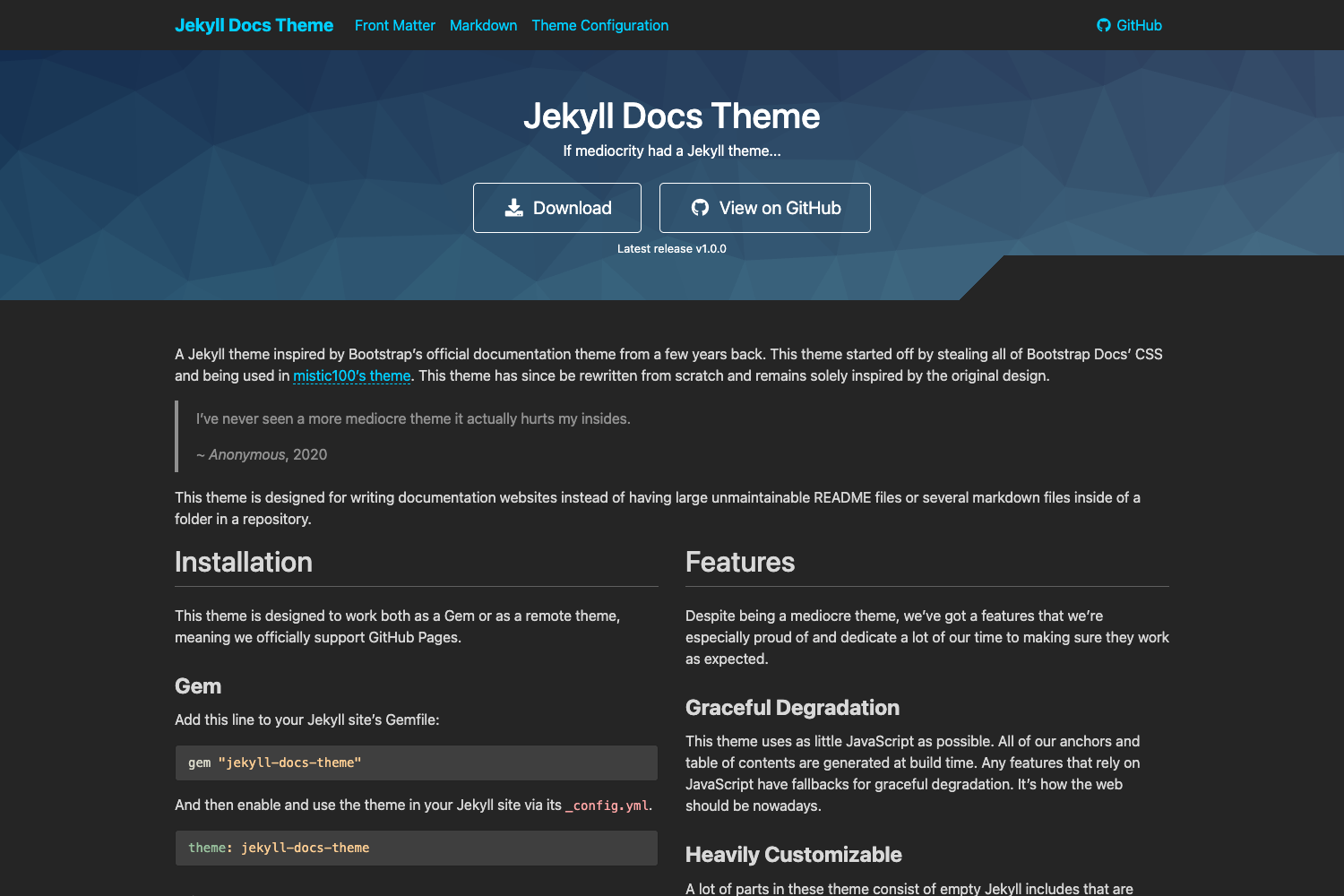
A free Hugo theme for software project documentation, ported from jekyll-doc-theme with Bootstrap Sass styling.
About this template
Hugo Project Doc is a documentation theme for the Hugo static site generator, ported from aksakalli's jekyll-doc-theme to help software teams publish project documentation as a static site.
What is Hugo Project Doc?
Hugo Project Doc is a Hugo theme built specifically for software project documentation. It takes Markdown content written for Hugo and produces a static documentation website through Hugo's standard build process. The theme is a partial port of Can Güney Aksakalli's jekyll-doc-theme, and it borrows code snippets from the DocDock and hugo-academic themes. It is released under the MIT license, so it can be freely used, modified, and redistributed.
Key Features
Hugo Project Doc provides a focused set of features for building static documentation sites.
- Built for Hugo — Works with the Hugo static site generator; content is authored as Markdown and output is a set of static HTML files.
- SCSS-based styling — The stylesheets are written in SCSS and must be compiled to CSS before the site can be used; the README shows the command
sass -t compressed _sass/main.scss:static/css/main.css. - Example site included — The
exampleSitedirectory contains an example config file and demo content that you can copy into the root of your own Hugo site to get started quickly. - Bootstrap Sass — The repository's topics list
bootstrap-sass, indicating the theme uses Bootstrap styles built from Sass. - Live preview with Hugo server — Run
hugo serverto view changes atlocalhost:1313while editing. - Static output for any host — Because the build result is static files, the generated docs can be hosted on GitHub Pages, Netlify, or any static web server.
- MIT licensed — Released under the MIT license with a license file available in the repository.
Who should use Hugo Project Doc?
Hugo Project Doc suits anyone who needs a free, straightforward documentation theme for Hugo.
- Software developers who want to publish API references, developer guides, or project wikis as a clean static site using Hugo.
- Open-source maintainers who need a lightweight documentation theme for their project's docs folder without setting up a heavy CMS.
- Technical writers comfortable with Markdown and Git who want a straightforward Hugo theme with an example site to adapt.
- Anyone evaluating Hugo documentation themes who wants a free, MIT-licensed option with Bootstrap-based styling.
What can you do with Hugo Project Doc?
You can use Hugo Project Doc to build and customize a static documentation site for a software project.
- Publish project docs: Write Markdown content in Hugo and generate a static documentation site ready for deployment.
- Customize the appearance: Modify the SCSS source files and recompile the CSS to change the theme's design.
- Iterate locally: Use Hugo's development server to preview content and style changes in real time.
- Clone and extend: Because it's a Hugo theme, you can override templates and partials following Hugo's theming conventions.
How does Hugo Project Doc work?
The installation and build process for Hugo Project Doc follows these steps.
- Install the theme by cloning its repository into your Hugo site's
themesdirectory. - Copy the contents of
exampleSiteinto the root of your website, overwriting the config if necessary. - Compile the SCSS to CSS with the
sasscommand provided in the README. - Run
hugo serverto develop locally, or runhugoto build the site for production.
Pricing
Hugo Project Doc is free to use.
The theme is released under the MIT license, and the repository includes a license file. There are no paid tiers or premium add-ons mentioned in the documentation.
Alternatives
Related documentation themes include the project's source and inspiration.
- jekyll-doc-theme — The original Jekyll theme by Can Güney Aksakalli that Hugo Project Doc ports to Hugo.
- DocDock — Another Hugo documentation theme that contributed snippets to this project.
FAQ
Is Hugo Project Doc free?
Yes, the theme is released under the MIT license, so you can use, modify, and distribute it freely. The license file is included in the repository.
How do I install Hugo Project Doc?
Clone the repository into your Hugo site's themes directory, copy the contents of exampleSite into your site root, compile the SCSS files to CSS, and then run hugo server or hugo to build.
Does Hugo Project Doc require SCSS compilation?
Yes, the styles are written in SCSS and need to be compiled into CSS before the site can be used. The included command uses sass to produce a compressed CSS file.
What static site generators does Hugo Project Doc work with?
It is designed exclusively for Hugo. It is not a universal theme and depends on Hugo's templating and content structure.
Does Hugo Project Doc include documentation of its own?
The theme's README serves as installation guidance, and the exampleSite folder provides demo content to illustrate how to structure a project's documentation.