Template details
codebar Tutorials
A Jekyll-based template for codebar's free coding tutorials, with structured lessons and a GitHub Pages workflow.
About this template
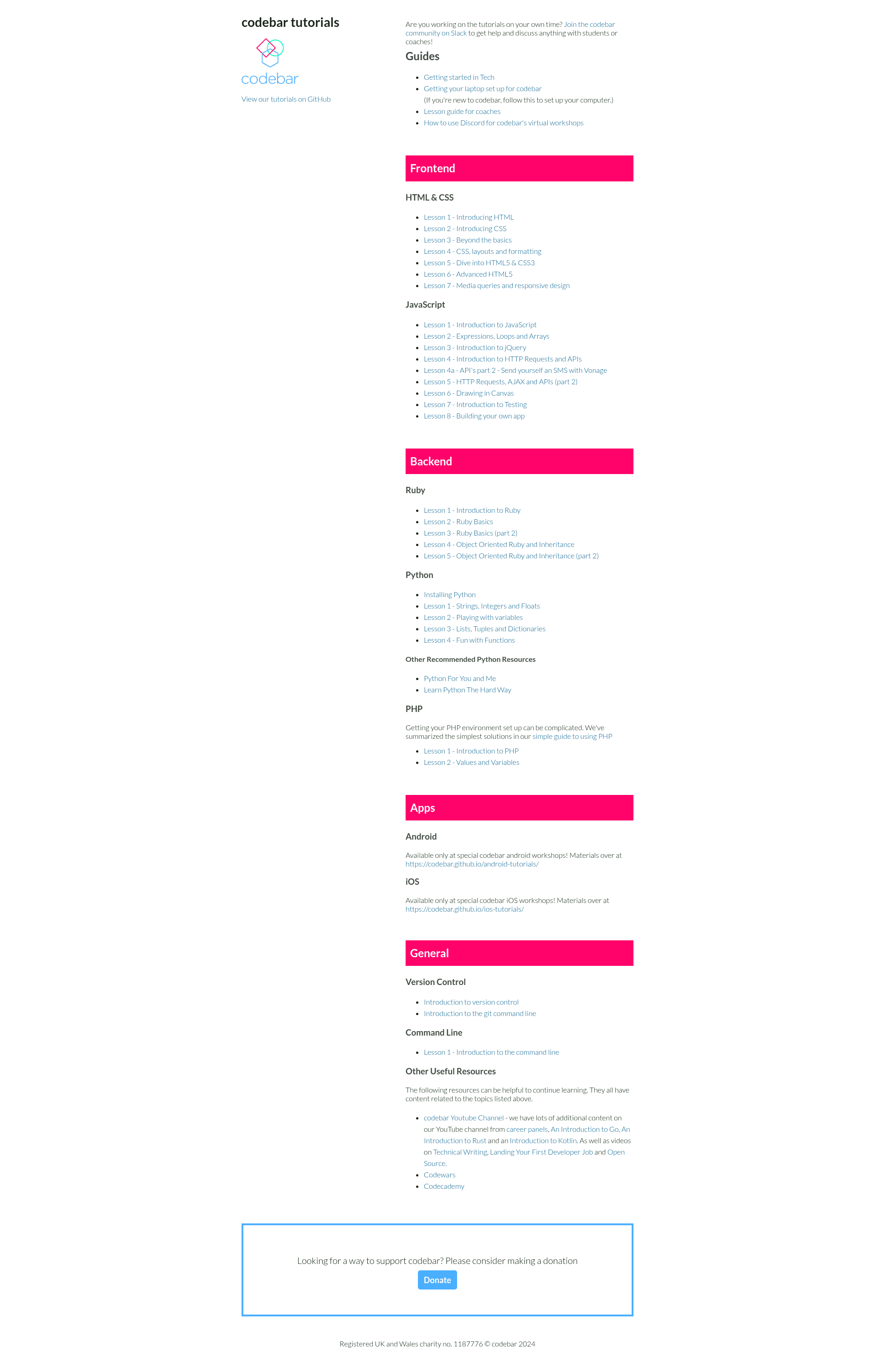
codebar Tutorials is a Jekyll-based template that powers codebar's public workshop tutorial site at http://tutorials.codebar.io/, providing a structured lesson format and a GitHub Pages-ready build pipeline for publishing free coding tutorials.
What is codebar Tutorials?
codebar Tutorials is the open-source repository behind codebar's tutorial website. It runs on Jekyll and is hosted on GitHub Pages, meaning the site is generated from Markdown source files and needs no separate hosting infrastructure. It takes tutorial files written in Markdown with YAML frontmatter and produces a static website of step-by-step lessons. The project is maintained by codebar, a community that organizes free programming workshops for under-represented groups in tech.
What makes codebar Tutorials stand out?
Structured lesson format — every tutorial follows the same template: Objectives, Goals, a set of exercises, plus optional Bonus activities and Further reading, which keeps lessons consistent and student-friendly.
Downloadable exercise files — tutorials can declare a list of files in the frontmatter (using a files variable), and the template automatically provides a "download" link so students can grab starter code.
Simple local workflow — after running bundle install, contributors can preview the site locally with jekyll serve; JavaScript changes are handled through gulp, which concatenates and minifies files from the javascripts-dev folder into the production javascripts folder.
Automated tests — the repository includes a test runner at test/specrunner.html so contributors can verify their JavaScript changes before pushing.
Built for repetition — the tutorial guidelines say repetition is good: exercises intentionally ask students to repeat similar steps (like getting a GET request, then a POST), reinforcing skills without overloading them.
Community contribution workflow — corrections and new tutorials are managed through GitHub issues, and contributors are directed to codebar's Slack channels (#tutorials and #general) for coordination.
Alternative environment setup — the README documents installing dependencies via RVM with a dedicated gemset, useful for developers who prefer it over the standard Ruby/bundler path.
Who should use codebar Tutorials?
codebar coaches — use the template to write and publish new tutorial content: create a folder with a tutorial.md, optionally add exercise files, declare them in the frontmatter, and commit.
codebar students — follow the tutorials to learn HTML, CSS, JavaScript, Python, Ruby, Git, and the command line; each tutorial walks them through building something they can show at the end of a workshop.
codebar organizers and maintainers — use the test suite and Gulp build to update the site's JavaScript and keep the tutorial library in order.
What can you do with codebar Tutorials?
Add a new tutorial: coaches create a folder with a tutorial.md and any starter files, then declare those files in the frontmatter; the "download" link is added automatically.
Customize the site's JavaScript: developers modify files in javascripts-dev, run gulp to concat and minify, and verify with the test specrunner.
Run the site offline: anyone can clone the repo, install Ruby and Node dependencies, and serve the full tutorial library at http://localhost:4000 for practice or contribution.
How does codebar Tutorials work?
The workflow starts by cloning the repo and installing the Ruby version listed in .ruby-version, then running bundle install and jekyll serve --watch. For JavaScript changes, contributors run npm install and gulp, which watches javascripts-dev and produces minified output in javascripts; tests run at /test/specrunner.html. Tutorial files are Markdown documents that Jekyll renders into pages, and GitHub Pages builds the site automatically from the main branch on each push.
License
codebar Tutorials are released under the Attribution-NonCommercial-ShareAlike 4.0 International license (CC BY-NC-SA 4.0).