Template details
Draco
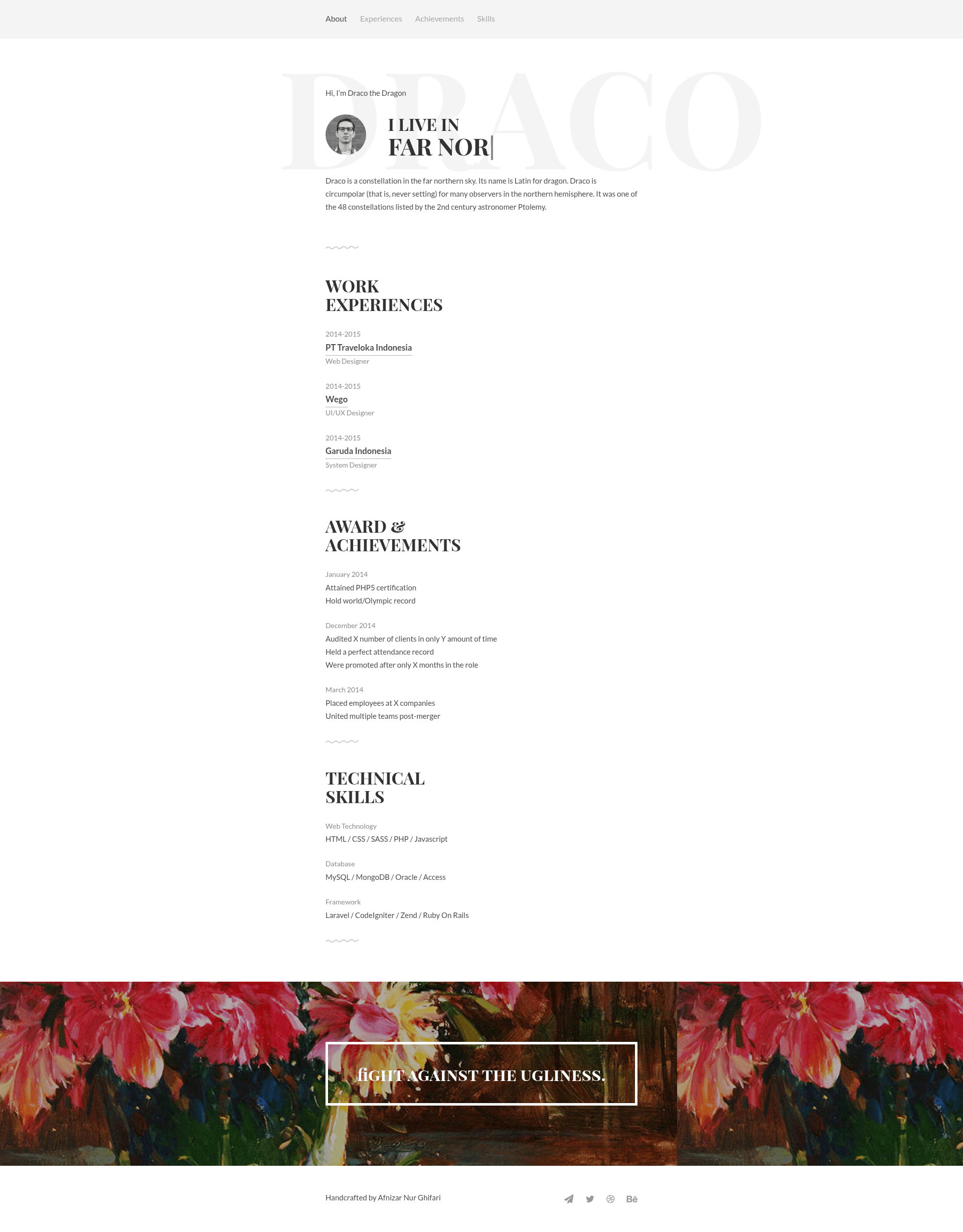
Free PSD & HTML resume template by Afnizar Nur Ghifari, licensed under CC BY-NC-SA 4.0.
About this template
Draco is a free PSD and HTML resume template created by Afnizar Nur Ghifari, distributed through GitHub, and designed to give job seekers a ready-made layout for their curriculum vitae.
What is Draco?
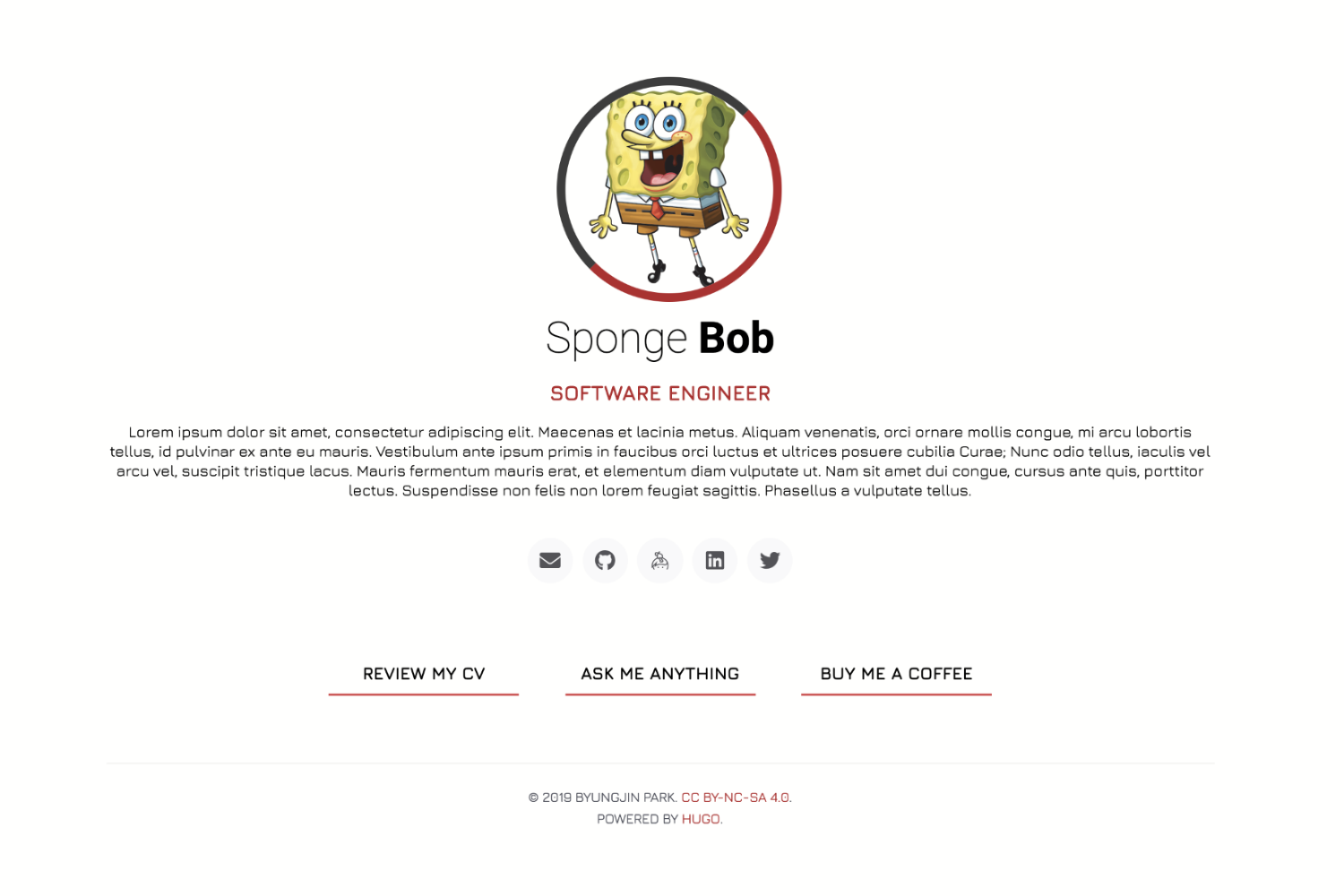
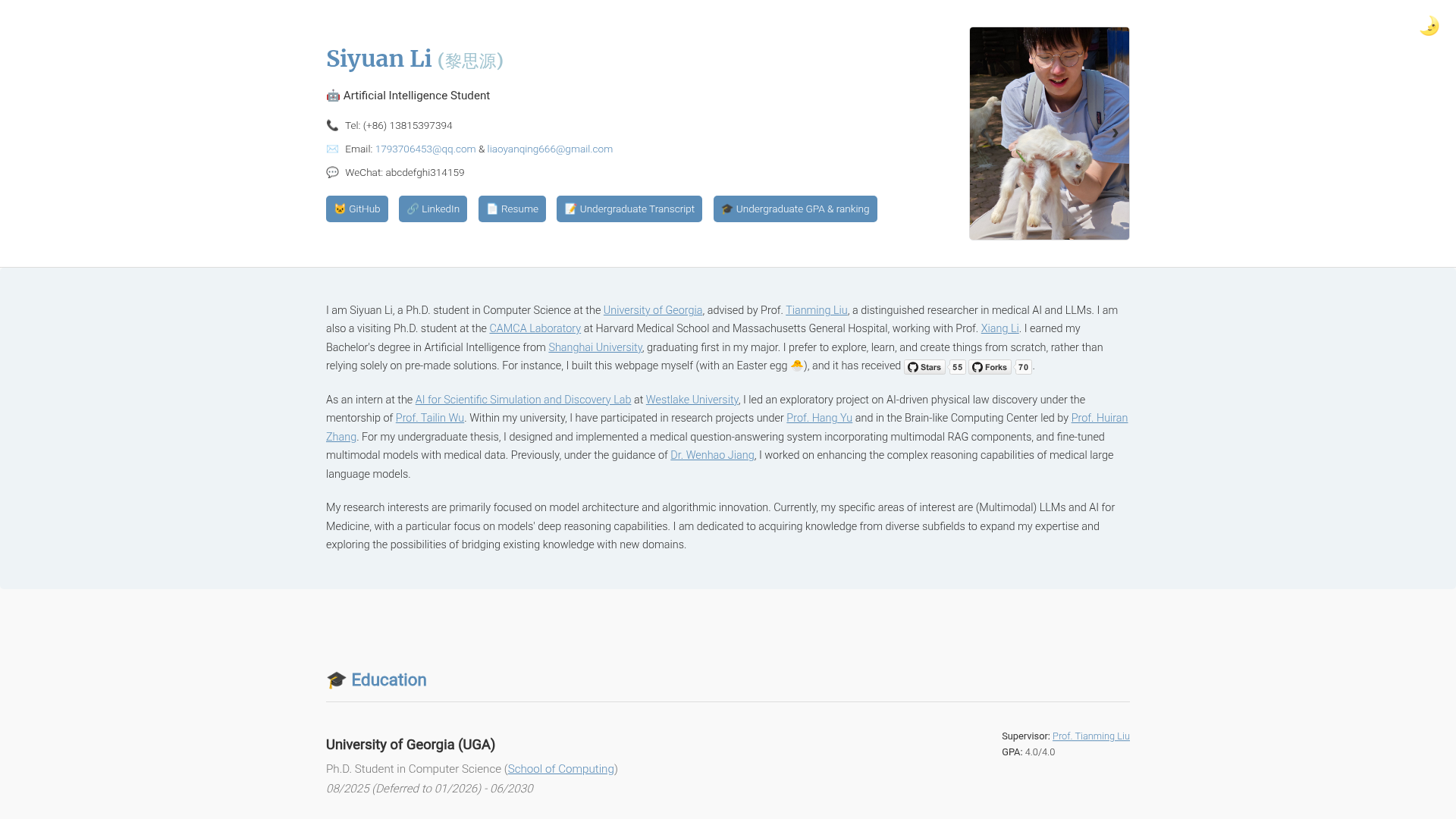
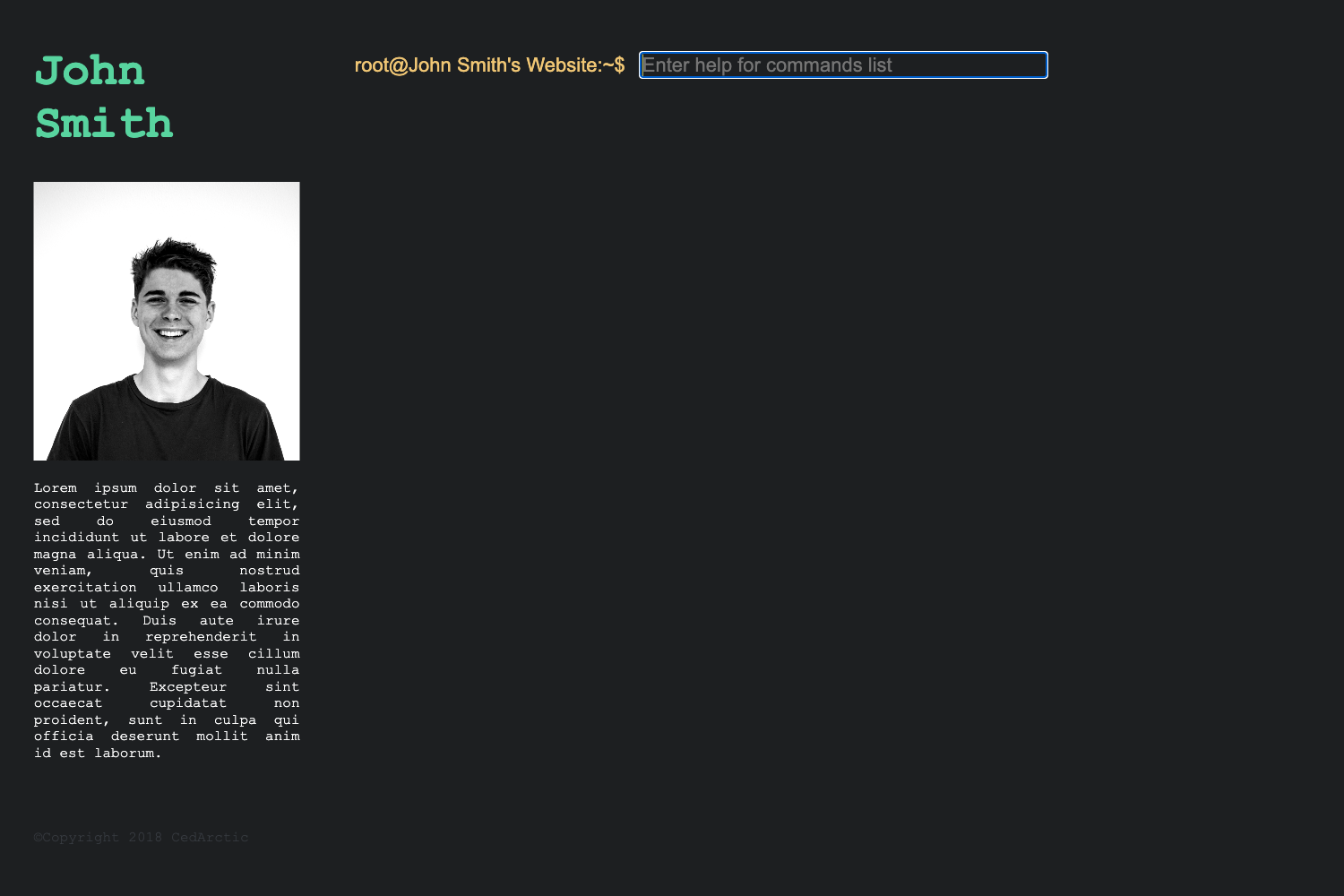
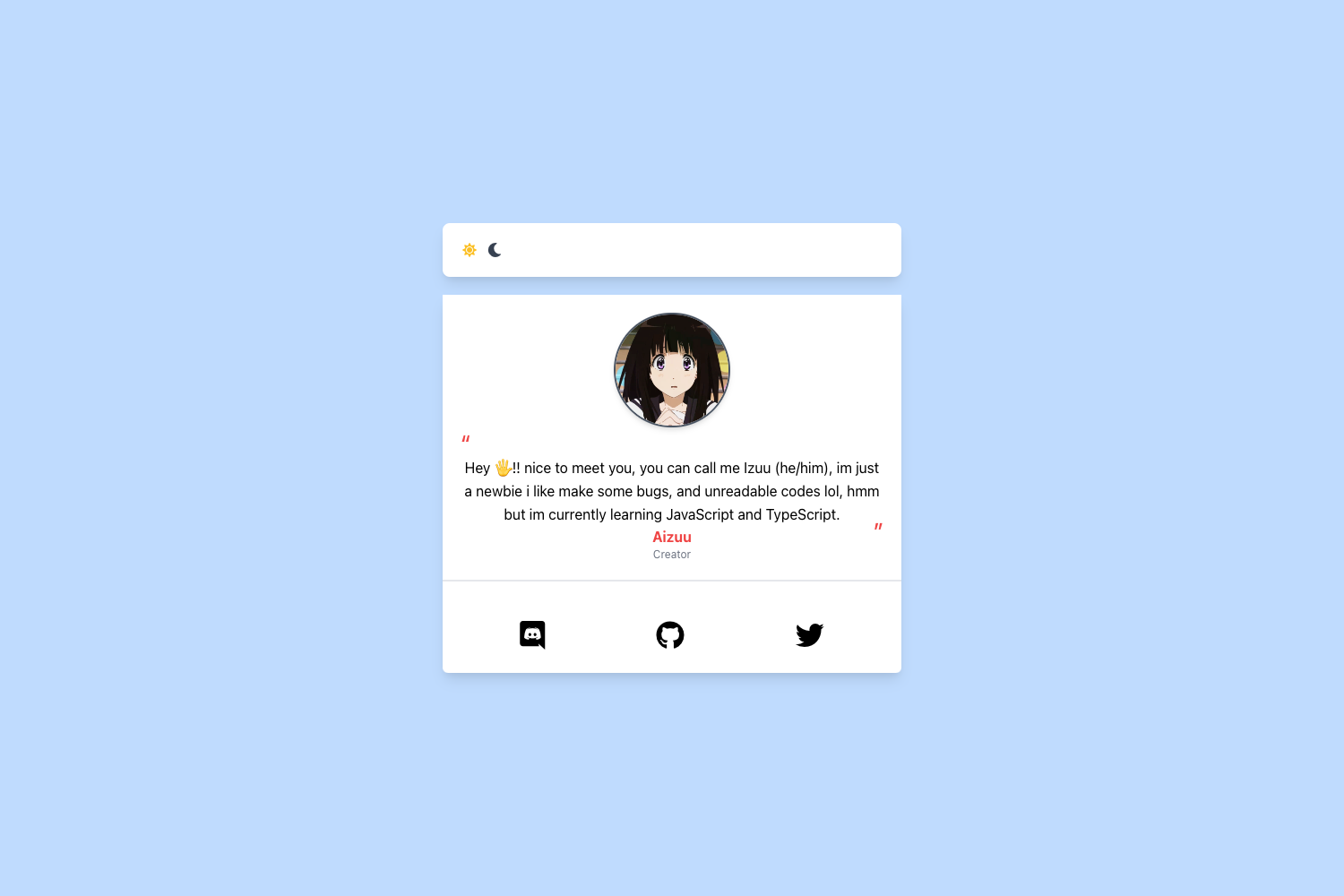
Draco is a free resume template that ships in two formats: a PSD (Photoshop) source file for design customization and an HTML version for direct use on the web. It was designed and developed by Afnizar Nur Ghifari and is distributed through a public GitHub repository with 219 stars. The template's demo is hosted at draco.afnizarnur.com, where visitors can preview the layout before downloading. Licensing is under Creative Commons CC BY-NC-SA 4.0, meaning the material may be copied, redistributed, remixed, transformed, and built upon under the same license terms.
Key Features
- Dual formats — Delivered as both a PSD file for customizing in Adobe Photoshop and an HTML file for displaying a resume in any modern web browser.
- Creative Commons license — Released under CC BY-NC-SA 4.0, granting freedom to copy, share, and adapt the template as long as derivative works use the same license and are non-commercial.
- Free to download — The latest release is available directly from the GitHub repository, with no price or sign-up requirement stated.
- Live demo — A hosted preview at draco.afnizarnur.com lets you see the rendered HTML resume in action before downloading.
- Clear authorship — Designed and developed by Afnizar Nur Ghifari, an individual designer, with repository topics including cv-template, free, html-template, and resume-template.
Who is Draco for?
- Job seekers — People who need a polished resume layout can download the HTML version and replace the placeholder content with their own details.
- Designers — Designers comfortable with Adobe Photoshop can open the PSD file to modify colors, spacing, typography, and structure before exporting their own version.
- Developers — Web developers who want a lightweight, dependency-free HTML resume can use it as a starting point or embed it in a personal site.
- Students and recent graduates — Those building their first CV can take advantage of the free license and simple customization.
What can you do with Draco?
- Job seekers: Download the HTML version, swap in their work history and education, and publish it as a personal resume page.
- Designers: Open the PSD file in Photoshop to adjust the visual design and then produce a static image or PDF for applications.
How does Draco work?
Draco is distributed as a downloadable release on GitHub. Visit the demo to preview the design, then download the latest release file and open the included HTML document in a browser or the PSD file in Photoshop for editing. No build step or package installation is mentioned on the repository page.
Pricing
Draco is free to download. The license is CC BY-NC-SA 4.0, which permits non-commercial use, sharing, and adaptation, but requires attribution and share-alike terms.
FAQ
Is Draco free to use?
Yes, Draco is free to download from GitHub and is licensed under Creative Commons CC BY-NC-SA 4.0.
Can I use Draco for commercial purposes?
The CC BY-NC-SA license is non-commercial, so using the template or derivatives for commercial purposes is not covered without permission from the creator.
What file formats are included?
Draco includes a PSD file for Adobe Photoshop and an HTML version for web display.
Where can I download Draco?
The latest release can be downloaded from the Draco GitHub repository at github.com/afnizarnur/draco/releases.
Who created Draco?
Draco was designed and developed by Afnizar Nur Ghifari.