Template details
bash-CV
Personal HTML Website Template with a Command Line Interface
About this template
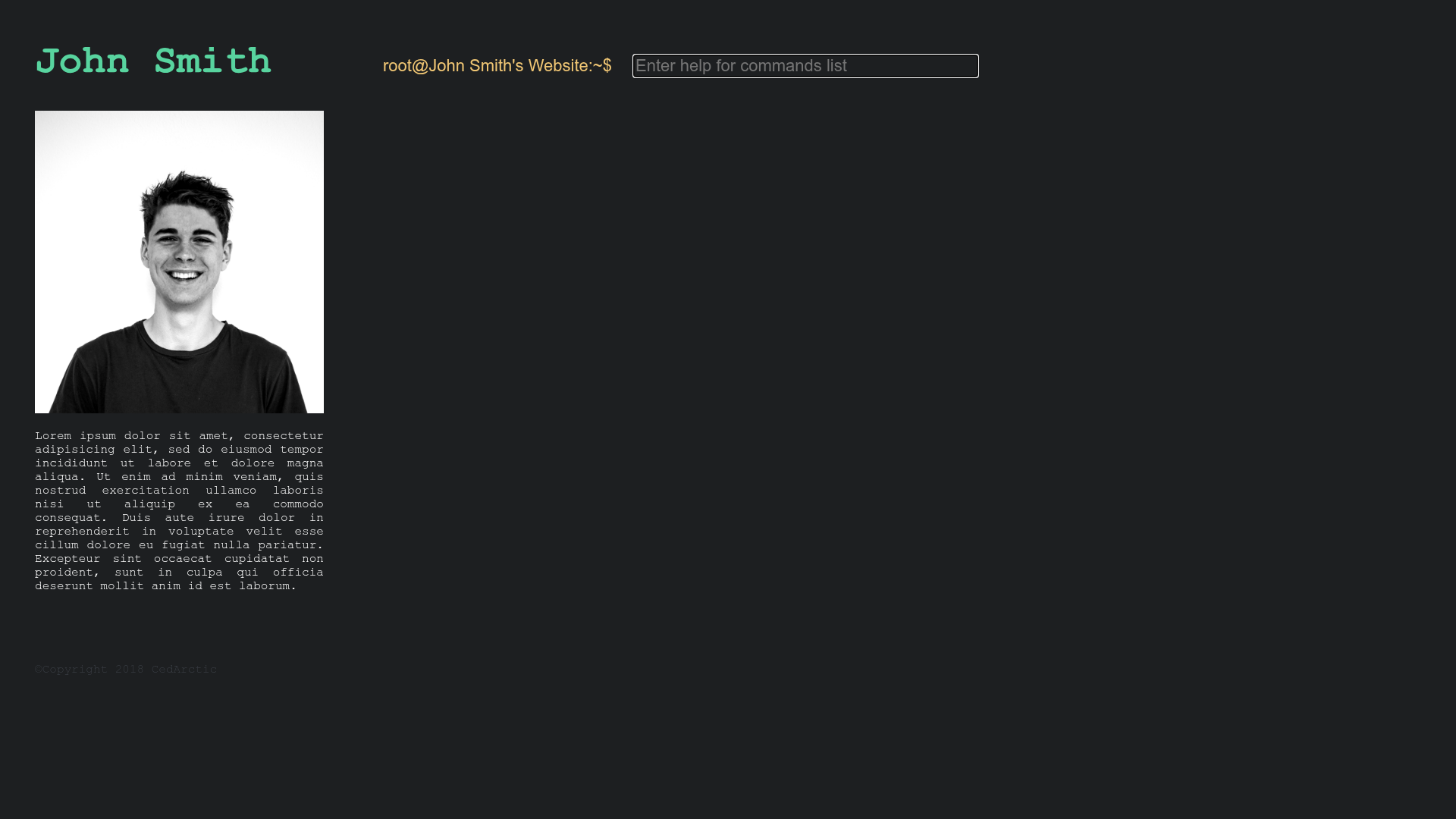
bash-CV is an open-source personal website HTML template that presents your resume through a command-line interface, built with plain HTML, CSS, and vanilla JavaScript, and designed to run on GitHub Pages.
What is bash-CV?
bash-CV is a free, open-source template for programmers and geeks who want a resume website that mimics a terminal window. You customize two files — index.html for the page structure and main.js for the commands and text — and publish the result to any static host. The template has no build step, no dependencies, and is fully compatible with GitHub Pages, as demonstrated by its live demo at https://cedarctic.github.io/bash-CV/. The repository has 31 stars and is tagged as a Hacktoberfest project, indicating it is open to community contributions.
Key Features
- Command-line interface — Visitors interact with your site by typing commands, similar to a Unix shell, and receive text output that you define.
- Plain HTML, CSS, and vanilla JavaScript — No frameworks, no build tools, no external libraries, making it easy to read, fork, and deploy anywhere static files are served.
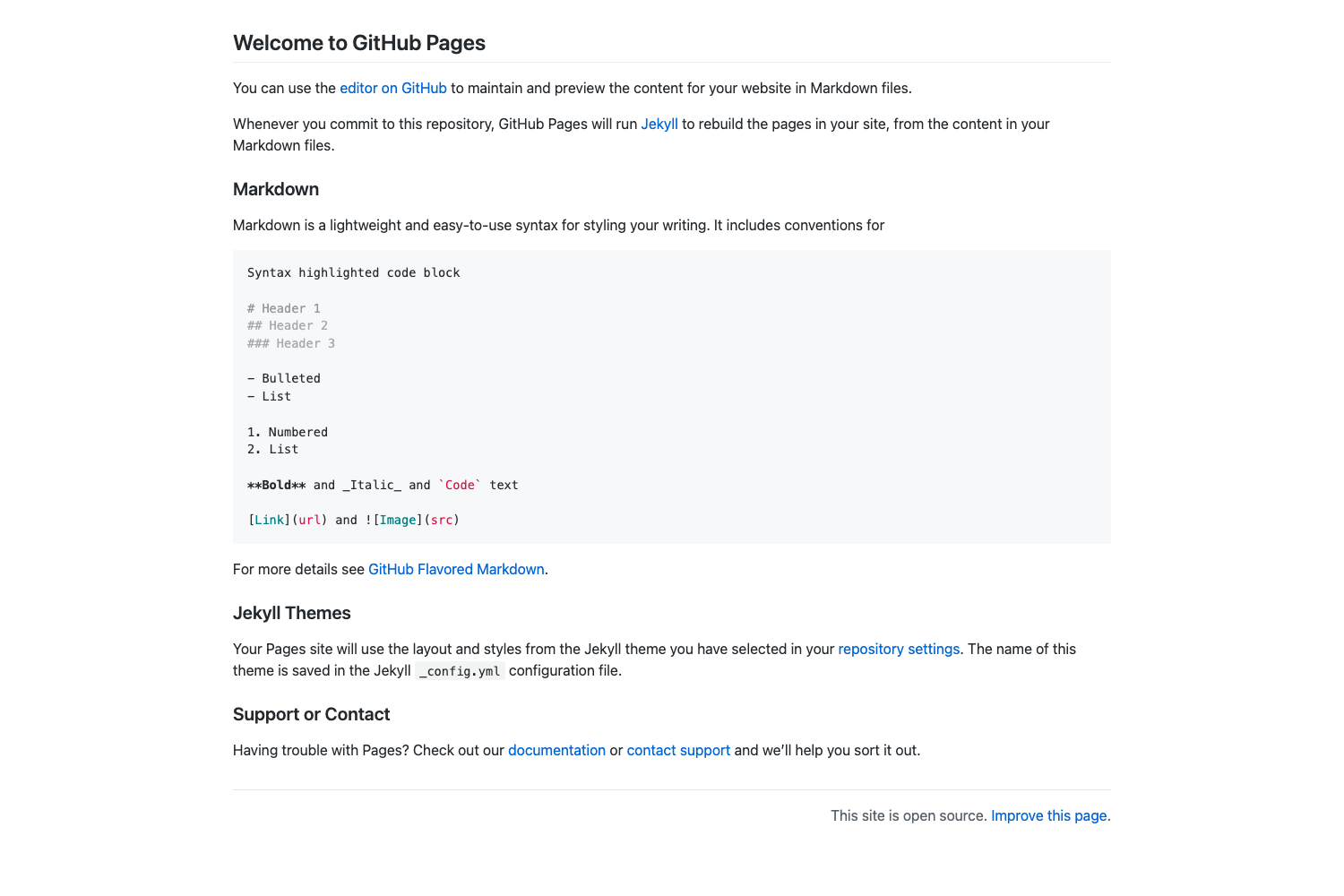
- GitHub Pages ready — Since it's a static site, you can publish it for free by pushing the repository to GitHub and enabling Pages.
- Fully customizable via index.html and main.js — Change the welcome text, command list, and responses by editing the source files directly.
- Simple setup — Fork or download the repository, open
index.htmlandmain.js, and replace the placeholder content with your own resume details. - Easter egg command — The live demo includes a
rickrollcommand, hinting that you can add fun or hidden responses to your terminal. - Open source with Hacktoberfest tag — The repository is public and encourages contributions, making it easy to adapt or extend.
Who is it for?
- Programmers and developers — They can show off a resume and personal site that reflects their comfort with command-line tools.
- Computer science students — They can use the template to build a portfolio for internships or graduate school applications with minimal web design experience.
- Geeks and terminal enthusiasts — Anyone who finds command-line interfaces cool can quickly create a unique personal page without learning a web framework.
What can you do with bash-CV?
- Create a terminal-style resume — Turn your professional experience, education, and skills into a series of typed commands like
help,about, andprojects. - Host it for free on GitHub Pages — Push the customized files to a GitHub repository and get a live personal website at no cost.
- Add hidden easter eggs — Insert custom commands such as
rickrollto entertain visitors and make the site memorable. - Learn basic web customization — Because it uses only HTML, CSS, and JavaScript, you can practice editing static files and understand exactly how the site works.
How does bash-CV work?
The process is straightforward: fork or download the repository, edit index.html and main.js to write your own command responses and page content, and then host the resulting static files on GitHub Pages or any other web server. The terminal interface listens for keyboard input and displays the matching output you have defined, giving visitors a shell-like browsing experience.
FAQ
Is bash-CV free?
Yes, it is open-source and free to use. You can fork the repository, modify it for your own resume, and host the result on GitHub Pages at no cost.
Do I need to know a programming language to use bash-CV?
Basic familiarity with HTML and JavaScript is helpful, since you customize the site by editing index.html and main.js. No build tools or frameworks are required, so even modest web experience is enough.
Can I use bash-CV with GitHub Pages?
Absolutely. The template is designed to be compatible with GitHub Pages. Simply push the files to a repository, enable Pages in the settings, and your site goes live.
What files do I need to edit?
You only need to modify two files: index.html for the page structure, heading, and metadata, and main.js for the commands, text responses, and any interactive behavior.
How do I add my own commands?
In main.js, you can define new commands as variables or functions that output text when the user types them. The live demo includes a rickroll command as an example of a custom response.