Template details
Personal Website
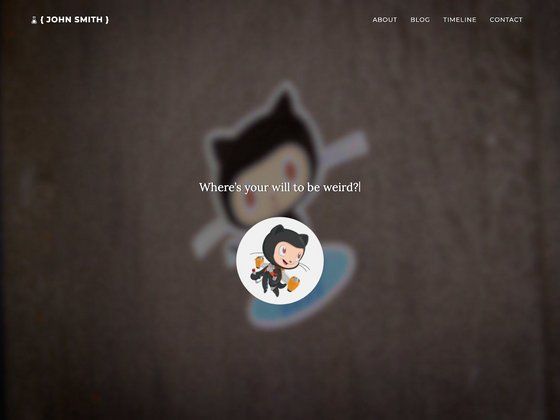
Simple personal page using next.js
About this template
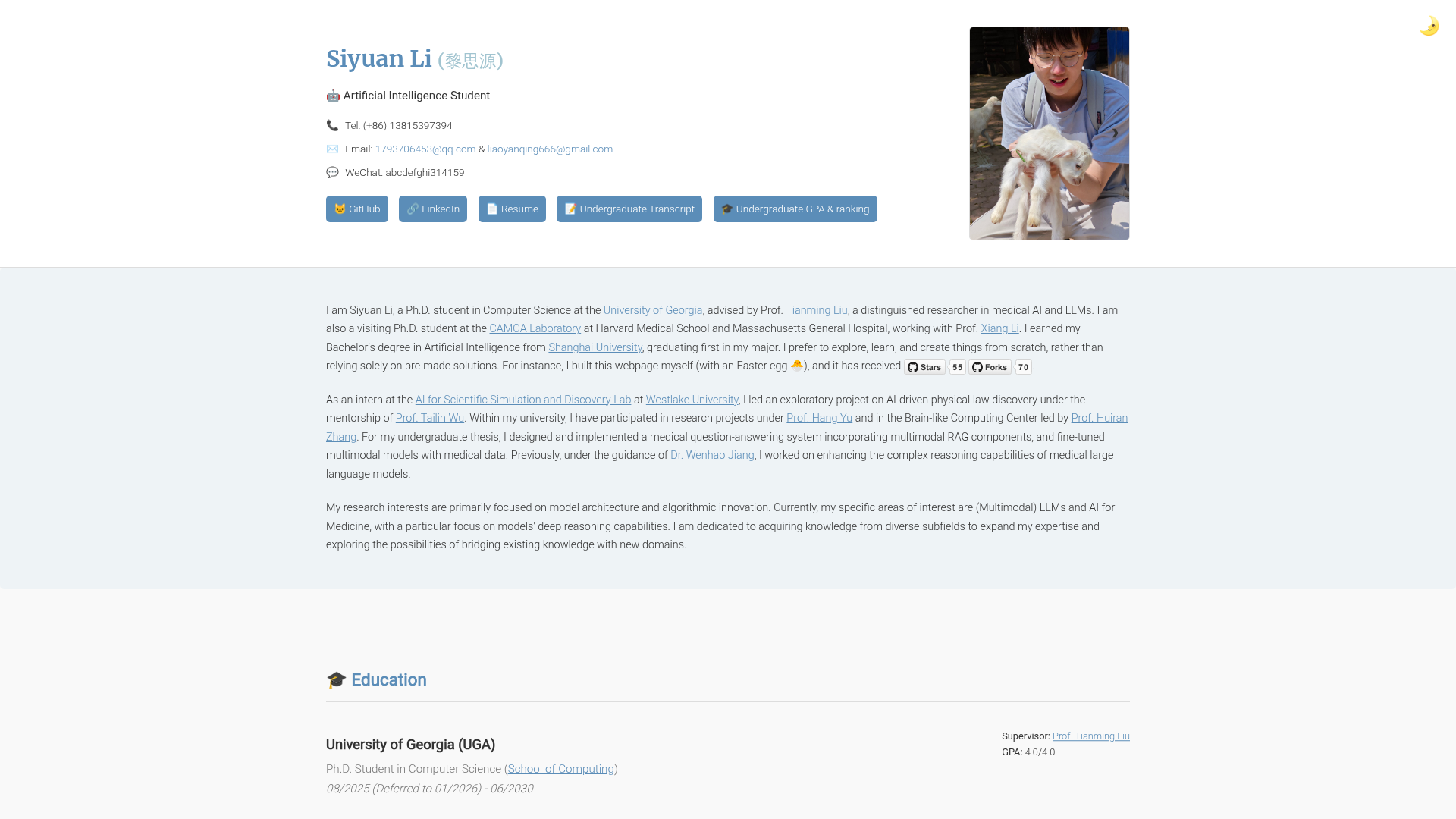
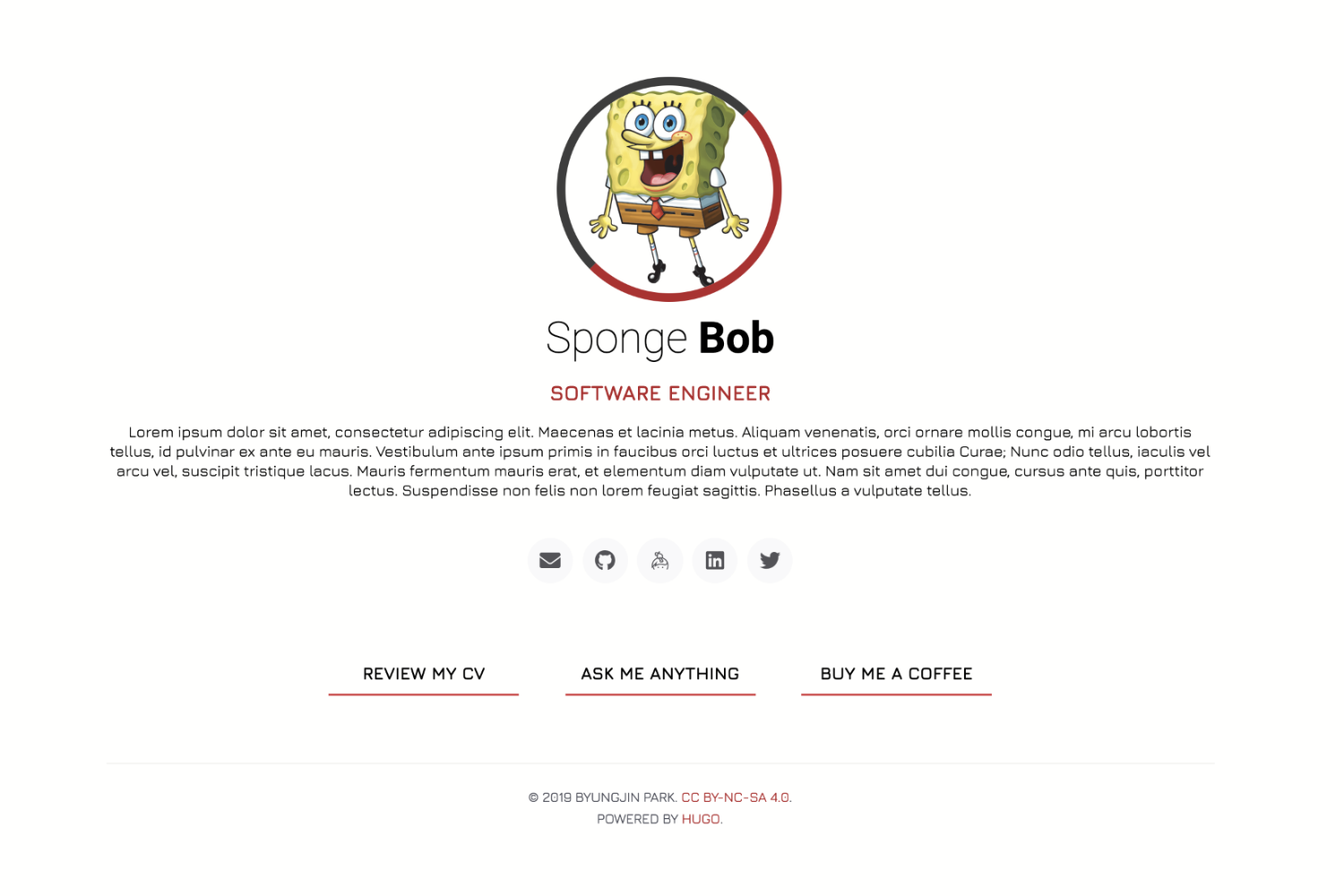
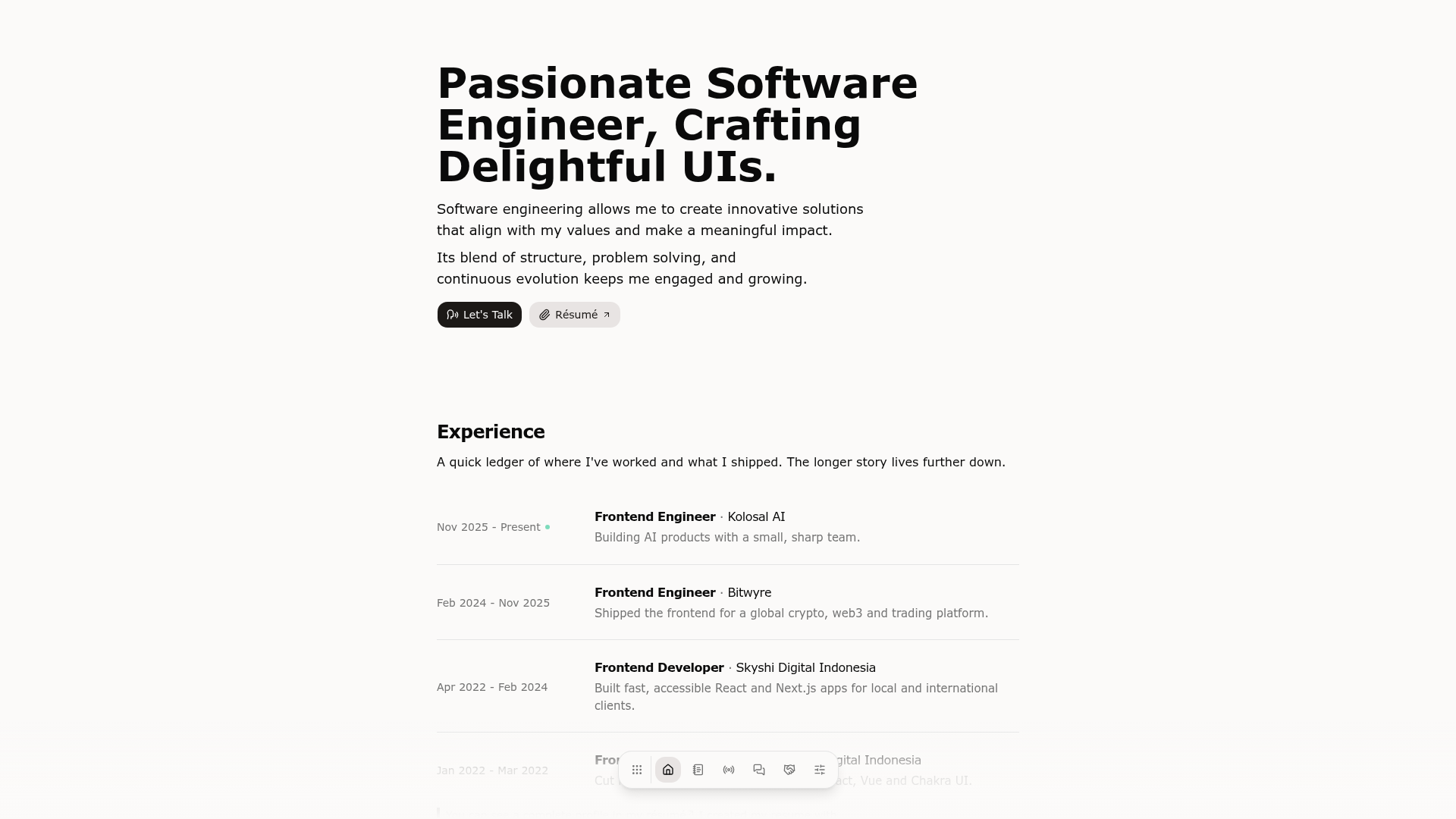
Personal Website is a minimal Next.js starter template for building a personal landing page, bootstrapped with create-next-app and styled with Tailwind CSS.
What is Personal Website?
Personal Website is a Next.js project that produces a simple personal page with a homepage and an API route, ready to deploy on Vercel. It uses the Pages Router (pages/index.js) and includes TypeScript, React, and Tailwind CSS. The repository is described as a "Simple personal page using next.js" and its topics list include nextjs-template, nextjs-typescript, personal-website, tailwind, and tailwindcss.
Key Features
- Next.js Pages Router — The template uses
pages/index.jsas the main entry point; editing that file updates the homepage automatically in development. - API routes — A built-in example endpoint at
pages/api/hello.jsis exposed at/api/hello, demonstrating how to create serverless functions. - Tailwind CSS — The project is set up with Tailwind for utility-first styling, so you can restyle the page without touching global CSS files.
- TypeScript support — The repository metadata includes
nextjs-typescript, indicating the template is written in TypeScript. - Vercel deployment ready — The standard Next.js deployment workflow is documented, and the live demo is hosted at aizuudemo.vercel.app.
- Simple development workflow — Run
npm run devto start the local server at http://localhost:3000; pages auto-reload on save.
Who is it for?
- Developers new to Next.js — Learn the basics of a Next.js project by editing
pages/index.jsand watching the page update. - Freelancers and professionals — Set up a personal landing page quickly, then customize the text and styles with Tailwind classes.
- Students — Use it as a starting point for a class project or personal portfolio page, with API routes included for experimentation.
What can you do with Personal Website?
- Personal branding: Replace the placeholder content with your name, bio, and links to create an online identity page.
- Prototyping: Use the bundled API route to test serverless functions before building a larger application.
- Learning Next.js: Follow the Next.js documentation linked from the README and explore how routing and API routes work in a minimal project.
How does Personal Website work?
- Install dependencies with
npm install(or runnpm run devafter cloning). - Run
npm run devto start the development server at http://localhost:3000. - Edit
pages/index.jsto change the homepage content; the page auto-updates. - Access the API route at http://localhost:3000/api/hello and edit
pages/api/hello.js.
The README also notes that the pages/api directory is mapped to /api/*, so files there become API routes instead of React pages.
FAQ
Does this template require payment?
The repository lists no pricing or licensing terms, and it follows the standard create-next-app structure. You can run it locally at no cost and deploy it to Vercel's free tier if you choose.
What tech stack does it use?
The template uses Next.js (Pages Router), React, TypeScript, and Tailwind CSS. The badges on the page show TypeScript, React, Vercel, and Next.js logos.
Can I deploy this on Vercel?
Yes, the README includes a "Deploy on Vercel" section with a link to Vercel's import platform, and the live demo is hosted at aizuudemo.vercel.app.
How do I edit the homepage?
Open pages/index.js in your editor and modify the JSX content. With the development server running (via npm run dev), the browser reloads automatically with your changes.