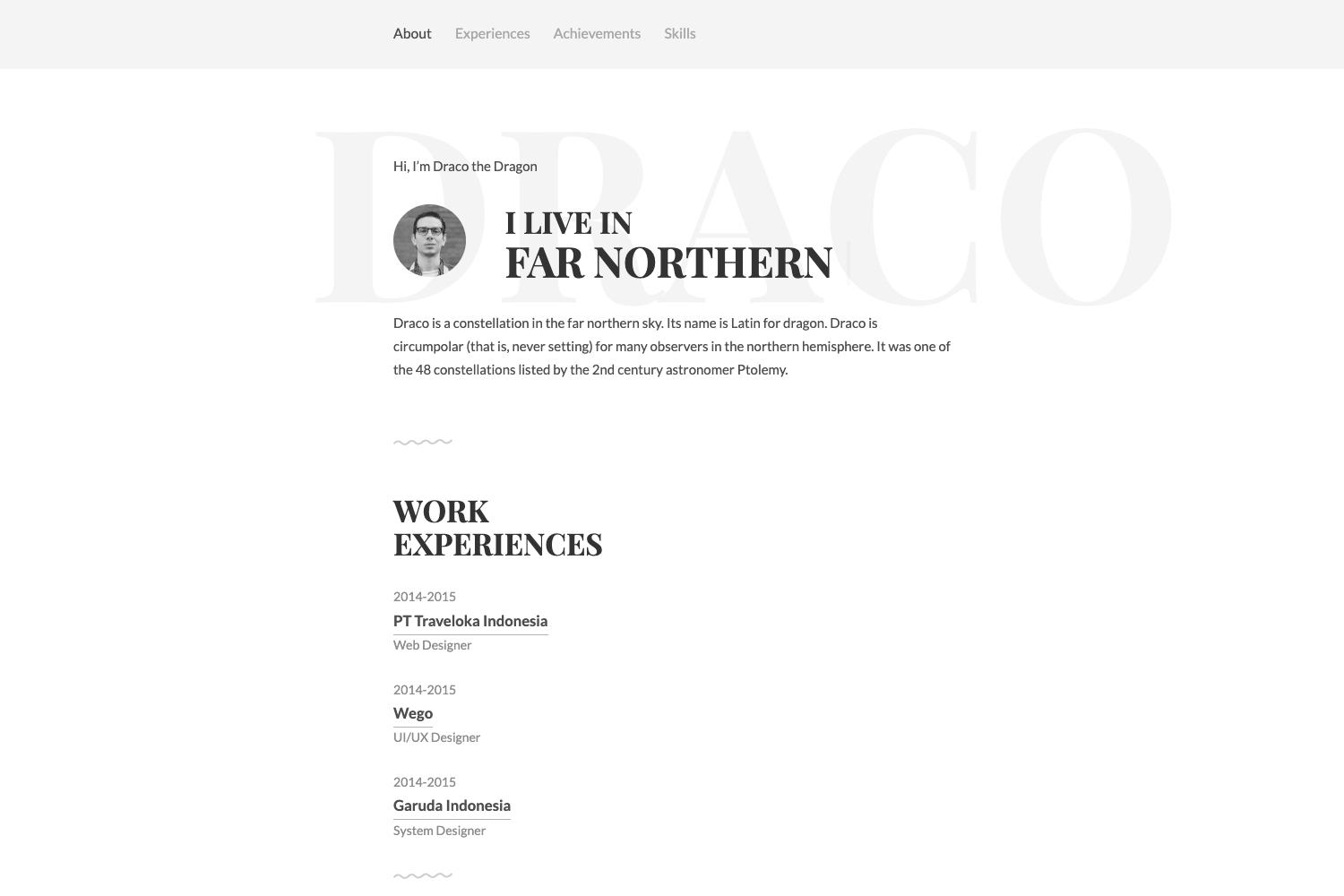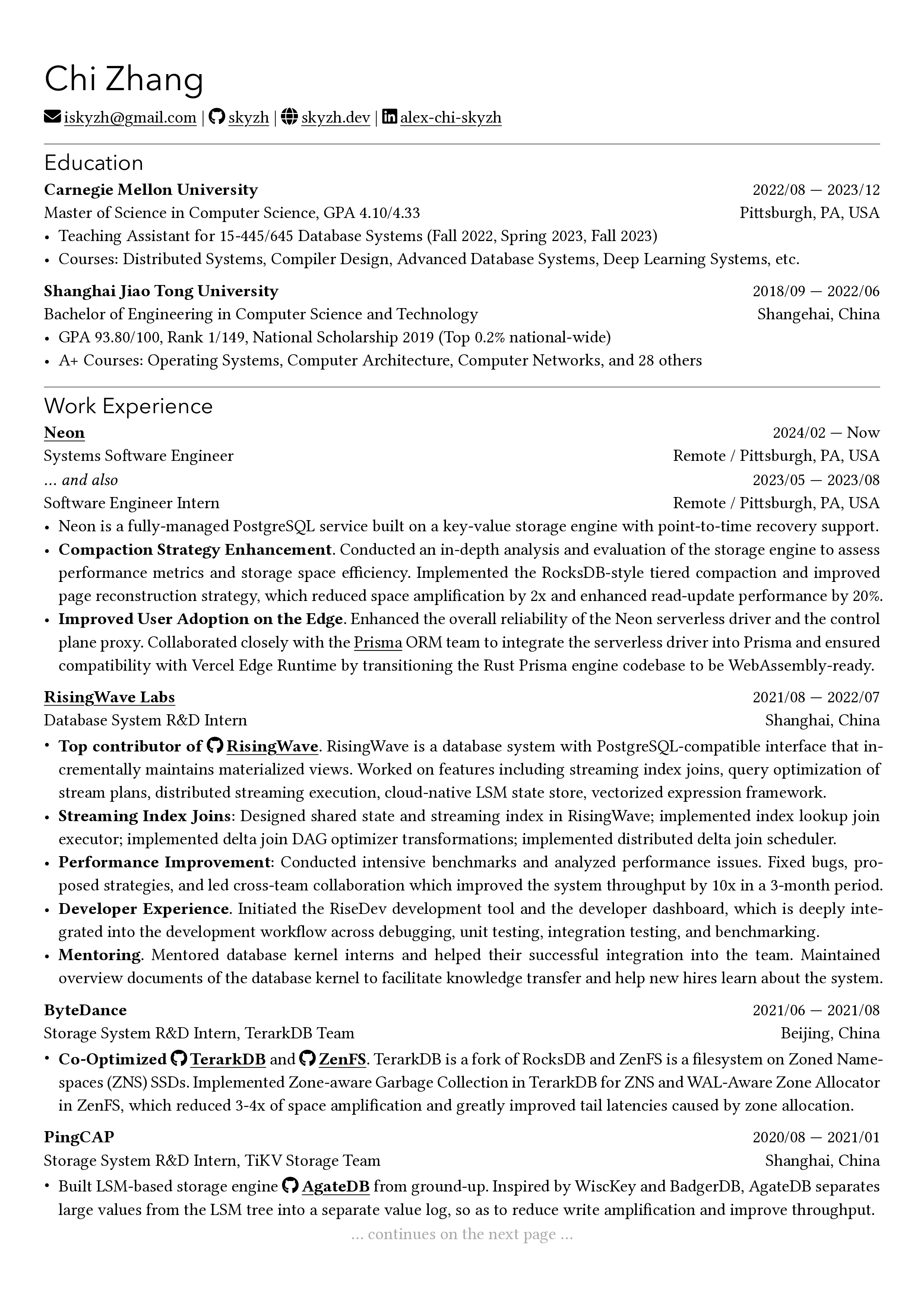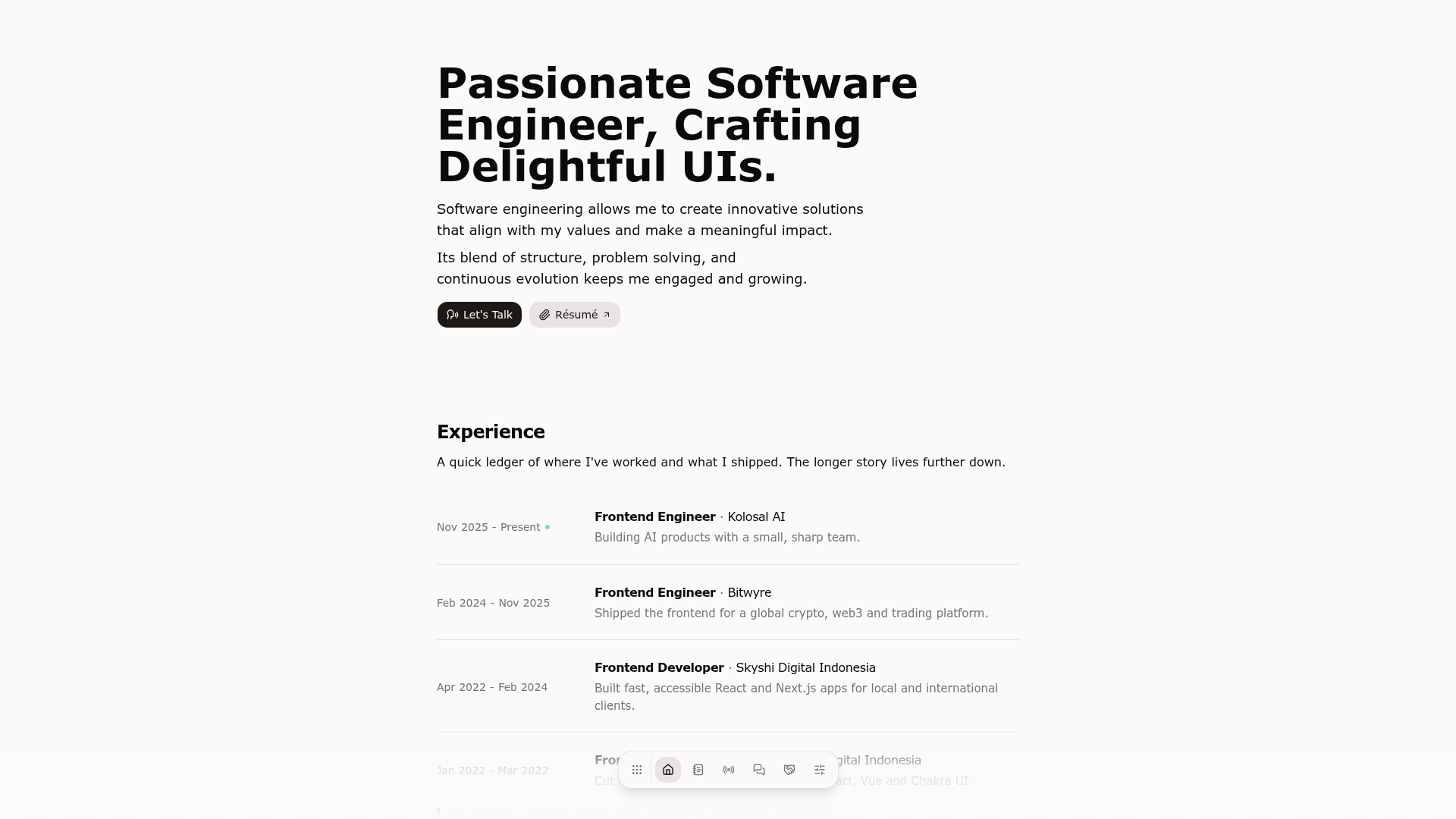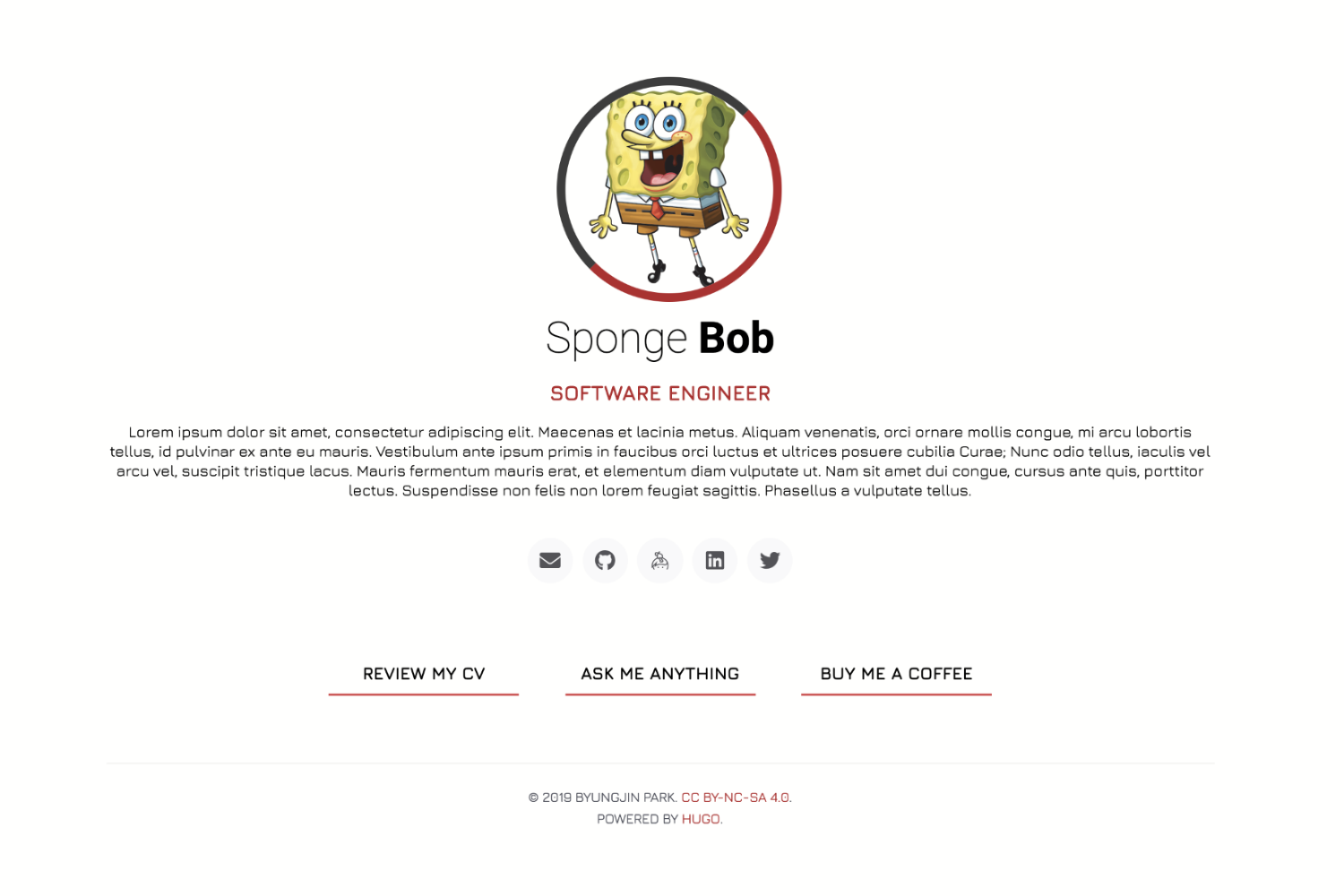
Template details
Simple Intro
A simple Hugo theme for personal intro pages, based on SimpleIntro and styled with Tailwind CSS.
About this template
Simple Intro is a Hugo theme that produces a minimal personal introduction page, built on top of Tailwind CSS and a fork of the original SimpleIntro theme by gangjun06.
What is Simple Intro?
Simple Intro is a lightweight Hugo theme designed to display a simple introduction or profile page. It takes Hugo site content — such as configuration and Markdown files — and generates a static, single-page intro site. The theme runs on Hugo, the static site generator, and is maintained in the qub1750ul/hugo-simpleIntro repository, with the original work credited to gangjun06. It is available as a Git submodule, which makes installation and updates straightforward.
Key Features
- Tailwind CSS styling — The theme uses Tailwind CSS (MIT License) for its utility-first styles, so the page layout is composed of small, reusable classes rather than a pre-built framework.
- Font Awesome icons — The icon set from Font Awesome is included under its free license, making it easy to add social or contact icons to the intro page.
- Devicons icon set — The theme bundles Devicons (MIT License), a collection of icons for programming languages, frameworks, and tools, which fits a developer-focused intro page.
- Git submodule installation — Setup is done by adding the theme repository as a submodule with
git submodule add https://github.com/qub1750ul/hugo-simpleIntro themes/simpleIntro, keeping the theme versioned alongside your site. - ExampleSite branch — A separate
exampleSitebranch exists to demonstrate the development workflow and provide sample content for customization. - Apache-licensed base — The theme is a derivative of SimpleIntro by gangjun06, which is licensed under Apache, so its foundation is open source.
Who is it for?
- Developers — A developer can use Simple Intro to build a personal portfolio or "link in bio" page that lists their projects, social profiles, and skills with Devicons tags.
- Hugo beginners — Someone new to Hugo can follow the submodule installation instructions to get a minimal site running without writing much code.
- Design-conscious users — Those who prefer a clean, minimal look can rely on Tailwind CSS's lightweight styling instead of a heavier UI framework.
What can you do with it?
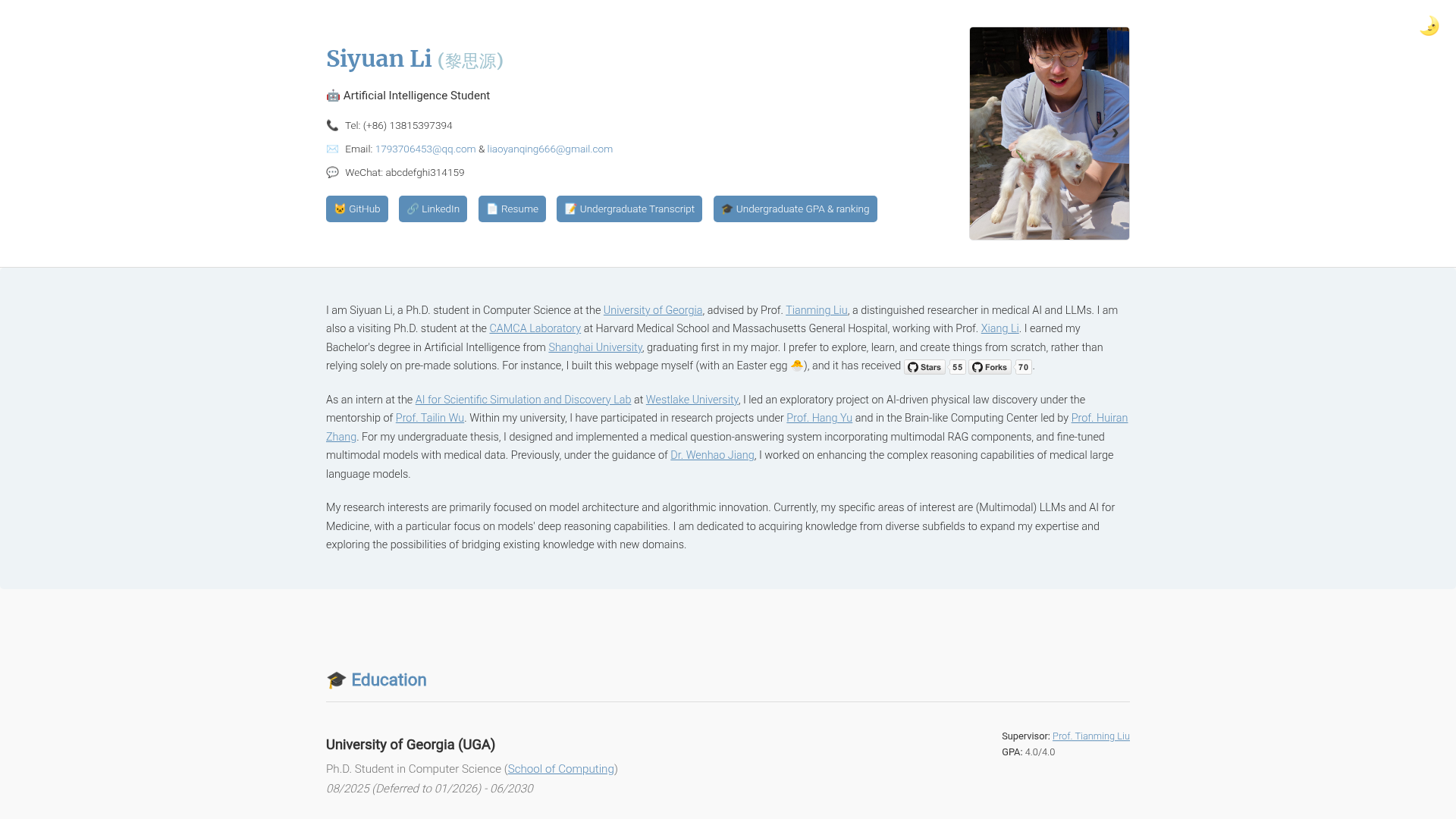
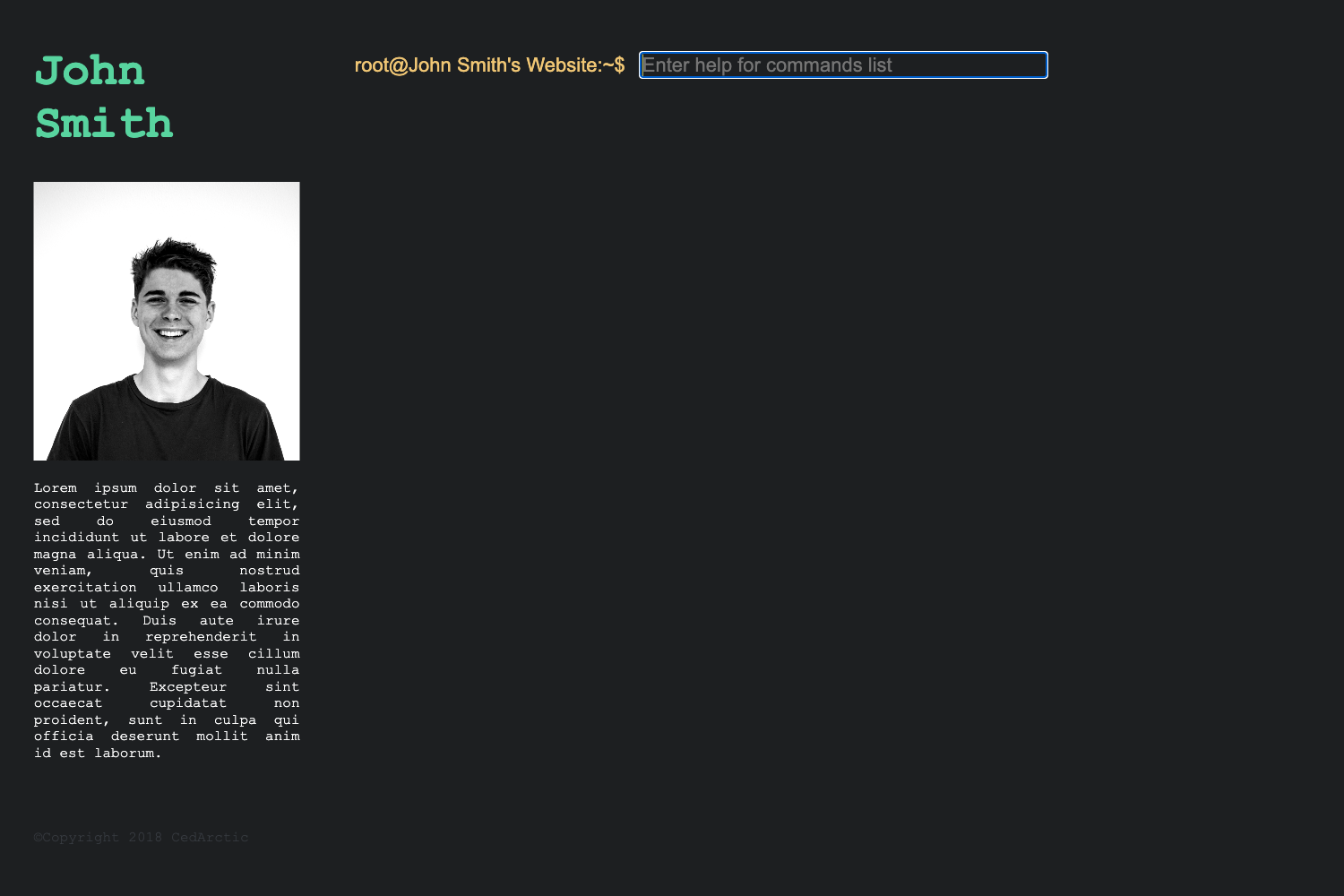
- Create a personal landing page — Use the theme to display a short bio, a profile photo (via a placeholder screenshot in the source), and links to your other online presences.
- Showcase your tech stack — Take advantage of Devicons to visually list the programming languages and tools you work with.
- Set up a quick Hugo test site — Because the theme is minimal, it works well as a starting point to learn how Hugo themes are structured and customized.
How does it work?
First, create a new Hugo site with hugo new site <site-name> and navigate into it. Then add this theme as a Git submodule using the command shown in the repository's "Get Started" section, which binds the theme directory to a specific commit in the themes/simpleIntro folder. After that, you can edit your Hugo configuration and content files to personalize the intro page.
Pricing
The theme is open source. Its components carry permissive licenses: Tailwind CSS and Devicons are MIT licensed, Font Awesome is used under its free license, and the original SimpleIntro is Apache licensed. This means you can use and modify the theme for personal or commercial projects without paying a fee, subject to the terms of those licenses.
FAQ
How do I install Simple Intro?
Run hugo new site <site-name>, then cd <site-name>, and execute git submodule add https://github.com/qub1750ul/hugo-simpleIntro themes/simpleIntro. After that, set the theme in your Hugo config and start customizing the content.
Is Simple Intro free to use?
Yes, the theme and its dependencies are distributed under open-source licenses. The original theme is Apache licensed, while Tailwind CSS and Devicons are MIT licensed, and Font Awesome's free icons are covered by the Font Awesome Free license.
Does Simple Intro require Tailwind CSS separately?
No. Tailwind CSS is already integrated into the theme as a dependency on the stylesheet layer. You do not need to install or configure Tailwind separately when using this theme.
What icon libraries are included?
The theme includes two icon libraries: Devicons, which provides technology and programming-related icons, and Font Awesome, which offers a broad set of general-purpose icons. Both are integrated into the theme's markup.
What is the ExampleSite branch for?
The exampleSite branch contains sample content and serves as a reference for how to set up a development environment for the theme. Switch to that branch in the repository to see the recommended workflow.