Template details
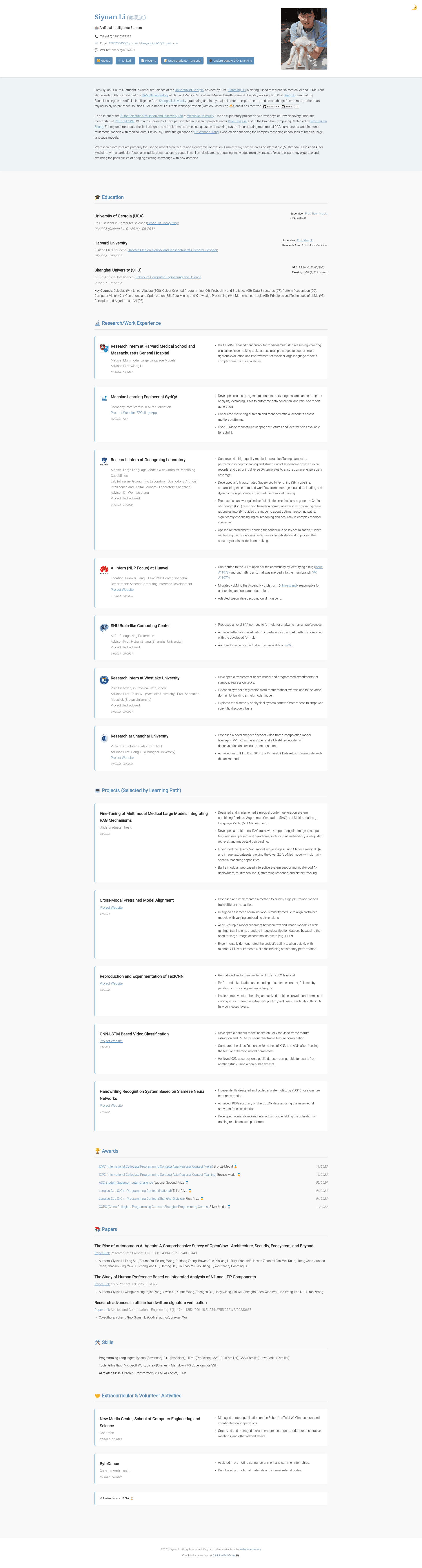
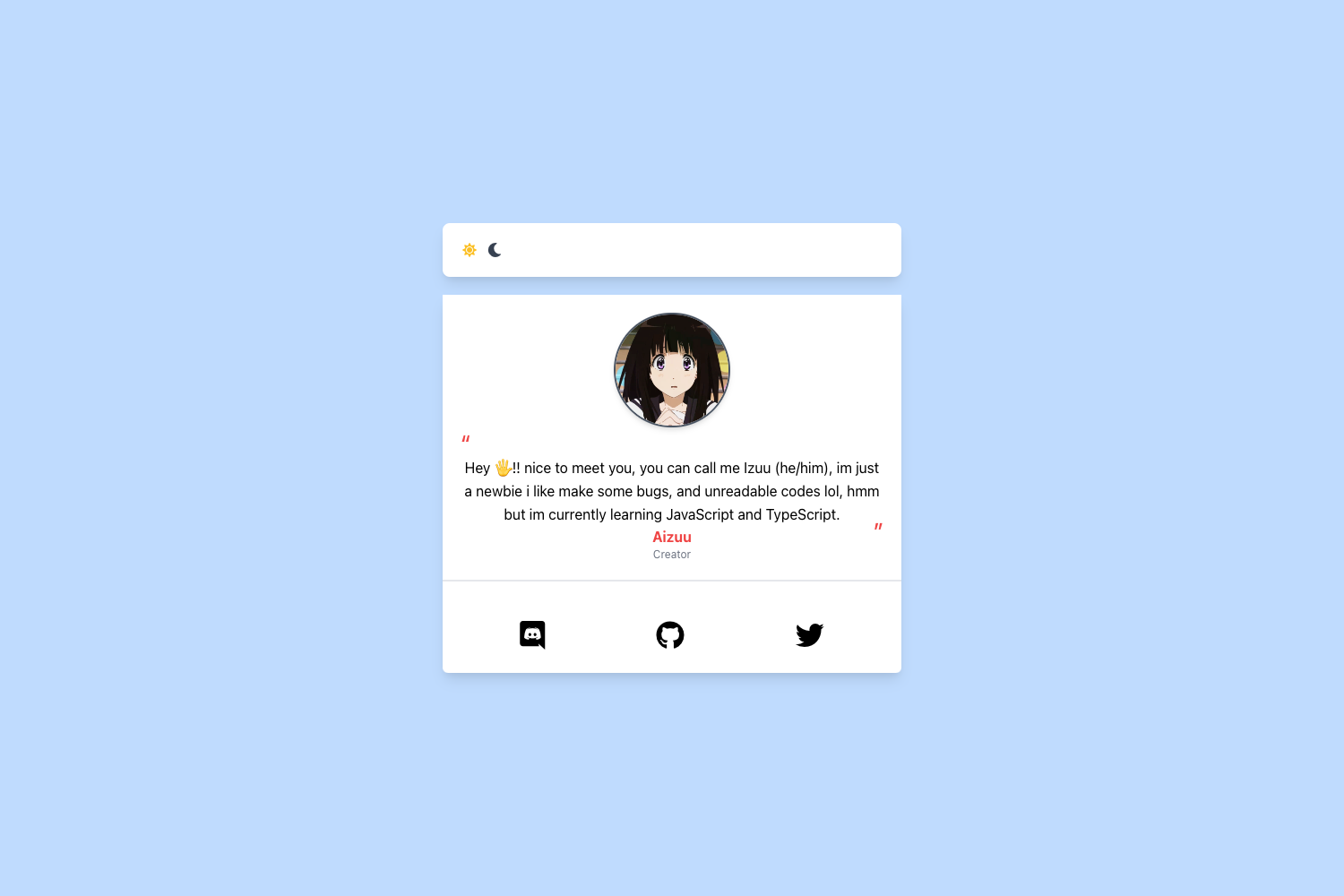
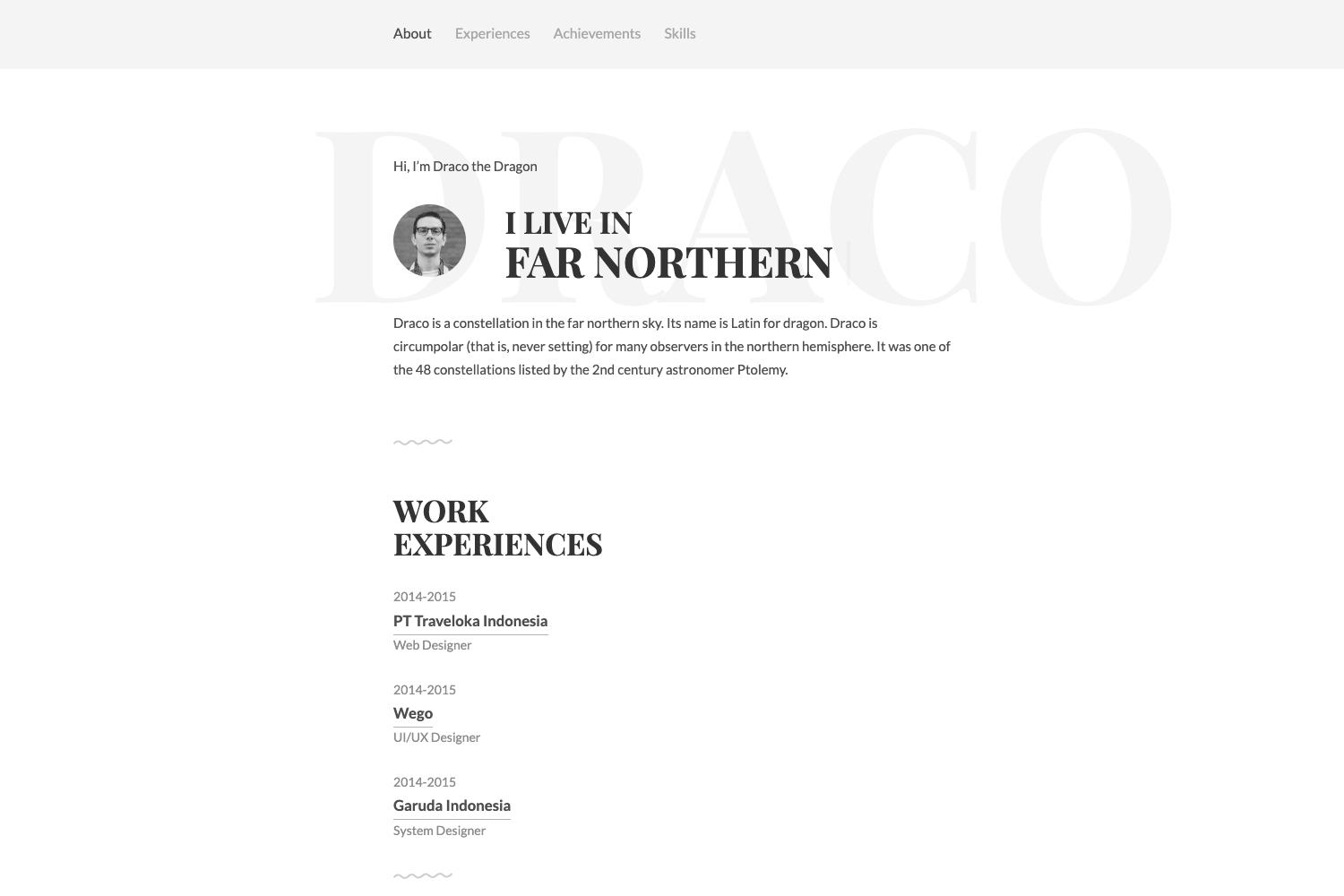
siyuanli.tech Personal Website Template
A simple, original HTML/CSS personal website template that doubles as an online resume, with a bilingual GitHub Pages deployment guide.
About this template
siyuanli.tech is a simple, original HTML/CSS personal website template that doubles as an online resume, designed to be forked and deployed on GitHub Pages for free.
What is siyuanli.tech?
siyuanli.tech is a static personal website template built entirely from original HTML and CSS, with no front-end frameworks or build tools. It takes as input a GitHub repository containing index.html, styles.css, and optional files, and produces a deployable personal website that also functions as a resume page. The template runs on any static web host, with the included instructions optimized for GitHub Pages. It was created by Siyuan Li (黎思源) as the repository for their personal site, and is offered openly for others to fork, modify, and reuse.
Key Features
- Original HTML/CSS — The entire layout and styling are hand-written with the help of AI, requiring no framework dependencies or package installation.
- Ready-to-deploy file structure — Contains
index.htmlfor content,styles.cssfor appearance,404.htmlfor missing pages, and agame.htmlEaster egg game that can be kept or removed. - Bilingual setup guide — The README includes complete English and Chinese instructions on forking, editing, and deploying the site.
- GitHub Pages deployment — Step-by-step walkthrough shows how to enable Pages by selecting the
mainbranch in the repository Settings, after which the site appears at ausername.github.ioURL. - Reusable section pattern — The guide demonstrates how to copy an existing section (like Papers) and adapt it for new content such as Patents, while preserving the original
classnames to keep the styling. - Custom domain support — A
CNAMEfile is included for linking a custom domain; the guide instructs removing it if no custom domain is used. - Visitor tracking script — A
track-visitors.jsfile records site visitors and sends data to the author's database, and the guide explicitly recommends deleting this file before deploying.
Who is siyuanli.tech for?
- Students and recent graduates — Build a clean, professional resume site before job or internship applications, editing only the text and images in
index.html. - Researchers and academics — Showcase publications, patents, and projects by copying the included Papers section style, which preserves layout via unchanged
classnames. - Developers who want a personal homepage — Fork the repo, keep or delete the Easter egg game, and deploy a free static site on GitHub Pages without touching any build configuration.
What can you do with siyuanli.tech?
- Job seekers: create a personal resume site that is easily shareable via a short
username.github.iolink, with content organized into sections like papers and patents. - Personal branding: customize the
styles.cssto adjust background colors, font sizes, and spacing, then attach a custom domain through theCNAMEfile. - Non-coders (with guidance): a CSDN blog article linked in the repository provides a more detailed, illustrated version of the instructions, including a no-code approach.
How does siyuanli.tech work?
- Fork the repository and rename it to
your-username.github.io. - Edit
index.htmlandstyles.csslocally (recommended with VSCode and the Live Server extension), deletingtrack-visitors.jsandCNAMEif not needed. - Push changes, then enable GitHub Pages in the repository Settings under the Pages tab by selecting the
mainbranch. - Wait a few seconds to a few minutes until the newly generated URL appears at the top of the Pages settings page.
FAQ
Is siyuanli.tech free?
Yes. The template is open source and free to use. The README explicitly invites you to fork the repository and modify it for your own needs, and suggests the option to replace the existing LICENSE with a more permissive MIT license.
What files do I need to edit to personalize the site?
The core files are index.html for all visible content and styles.css for layout and appearance. Optional files include 404.html for the error page and game.html for an Easter egg game. The README also explains how to copy an existing section to add new ones like a Patents section.
Why should I delete track-visitors.js?
This script records who visits the site and sends that data to the project author's database. The README explicitly instructs users to delete the entire file before deploying, otherwise all visitor records will be sent to the author.
Can I use a custom domain with this template?
Yes. A CNAME file is included for linking a custom domain. If you do not use a custom domain, the guide tells you to delete the file to avoid issues.
Do I need coding experience to use this template?
Basic HTML knowledge helps, but the bilingual guide walks through every step from forking to deploying. For absolute beginners, the README links to a CSDN article with screenshots and more detailed steps, including a no-code approach.