Template details
ELIXIR Toolkit Theme
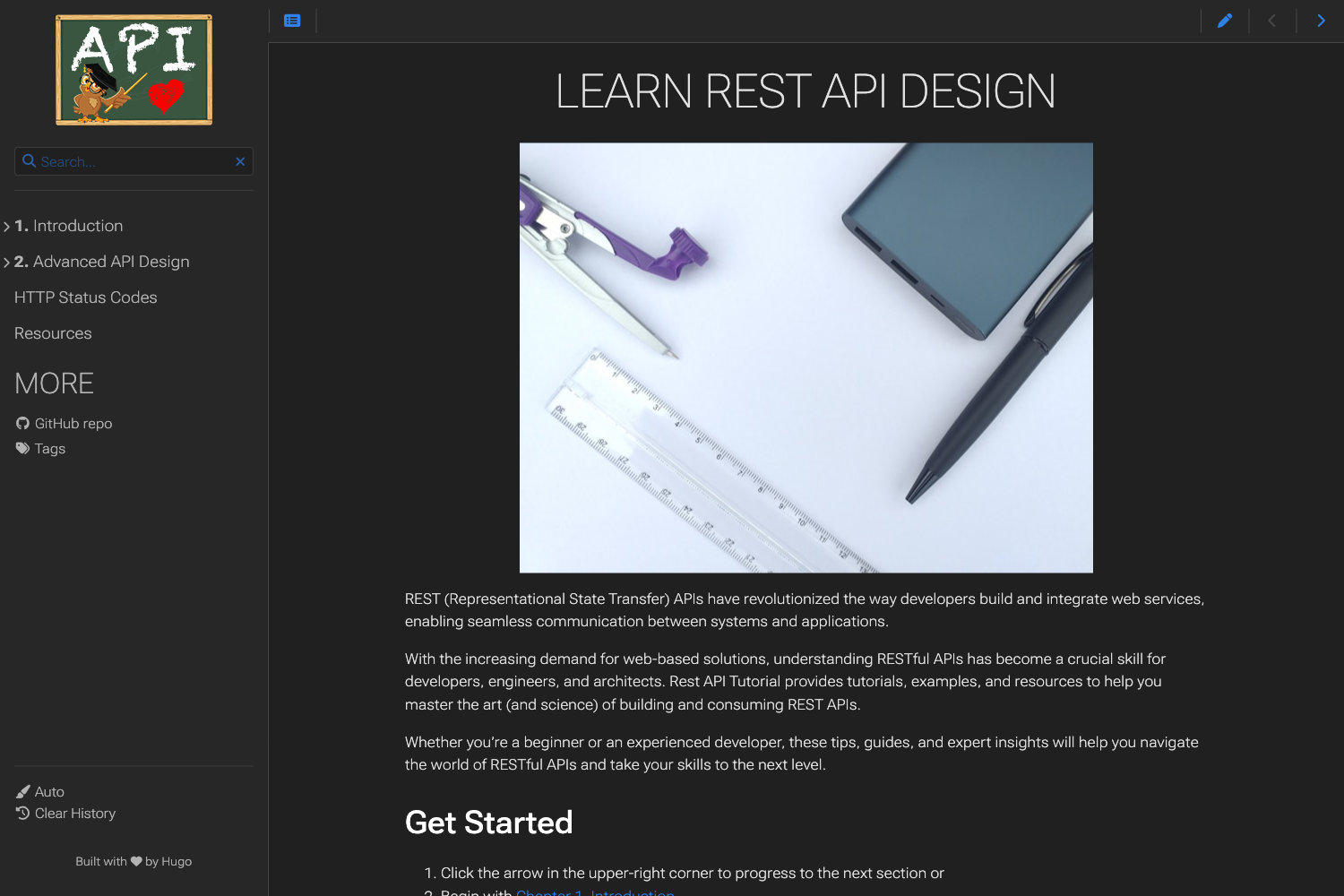
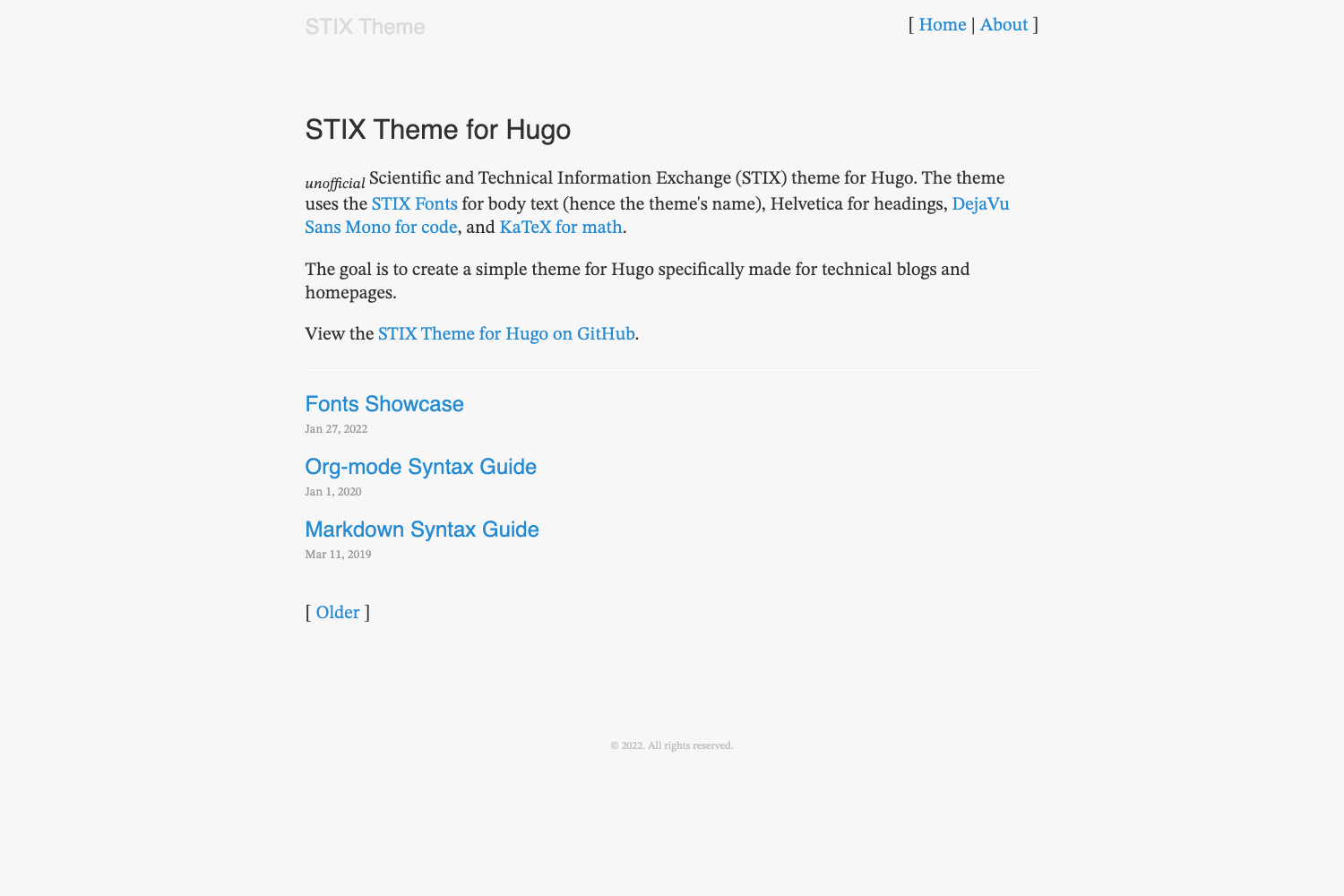
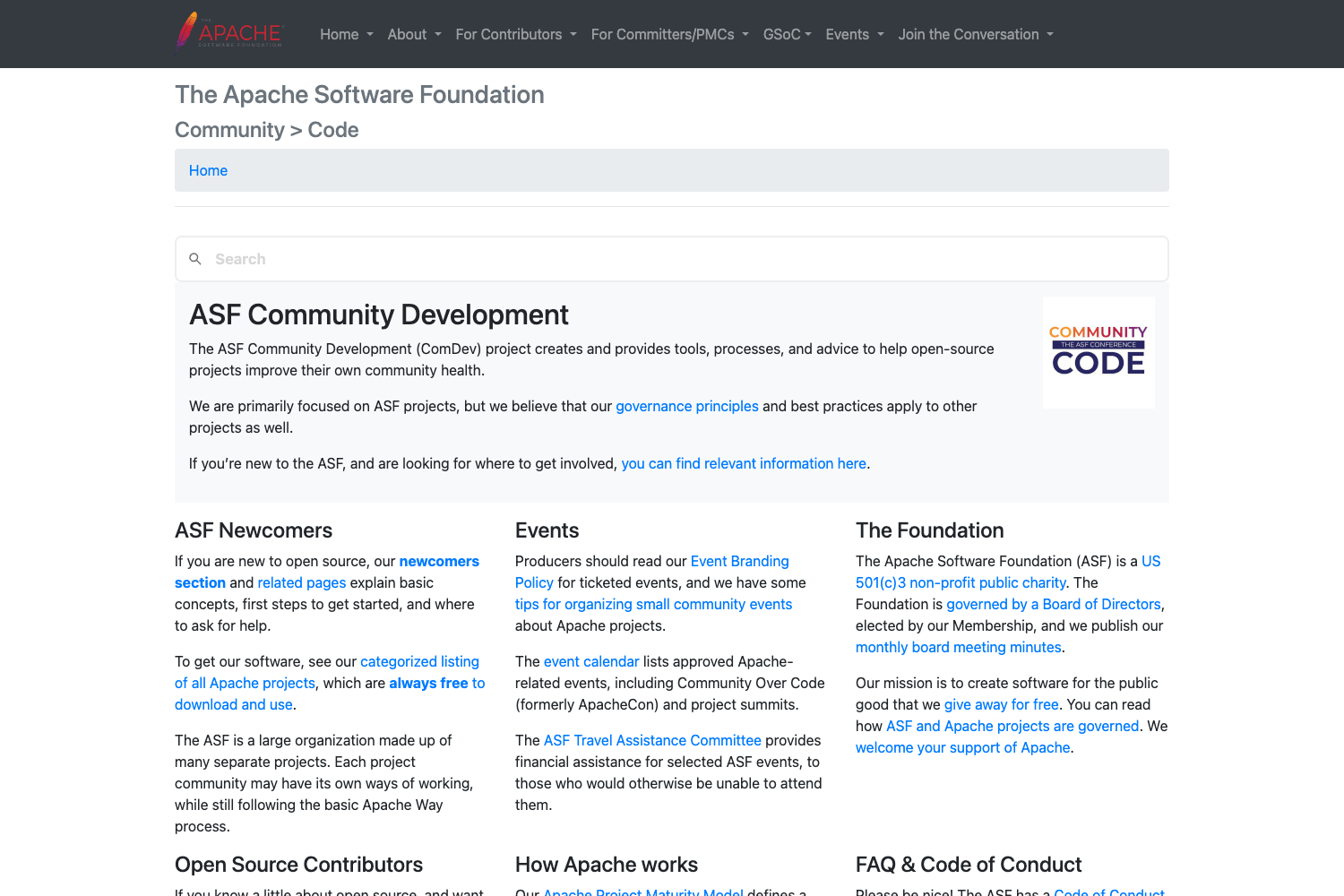
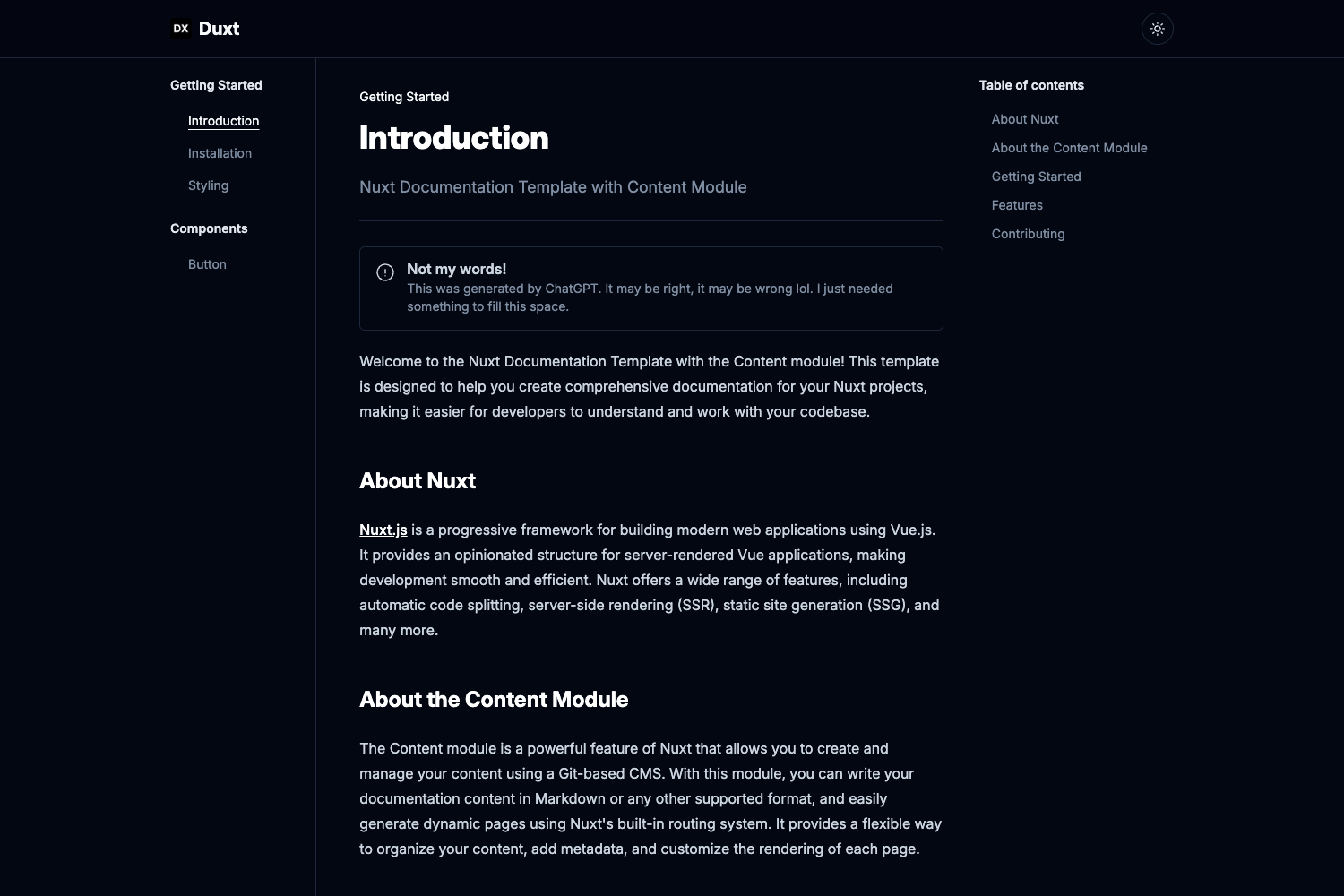
Flexible Jekyll theme using bootstrap 5 as CSS framework.
About this template
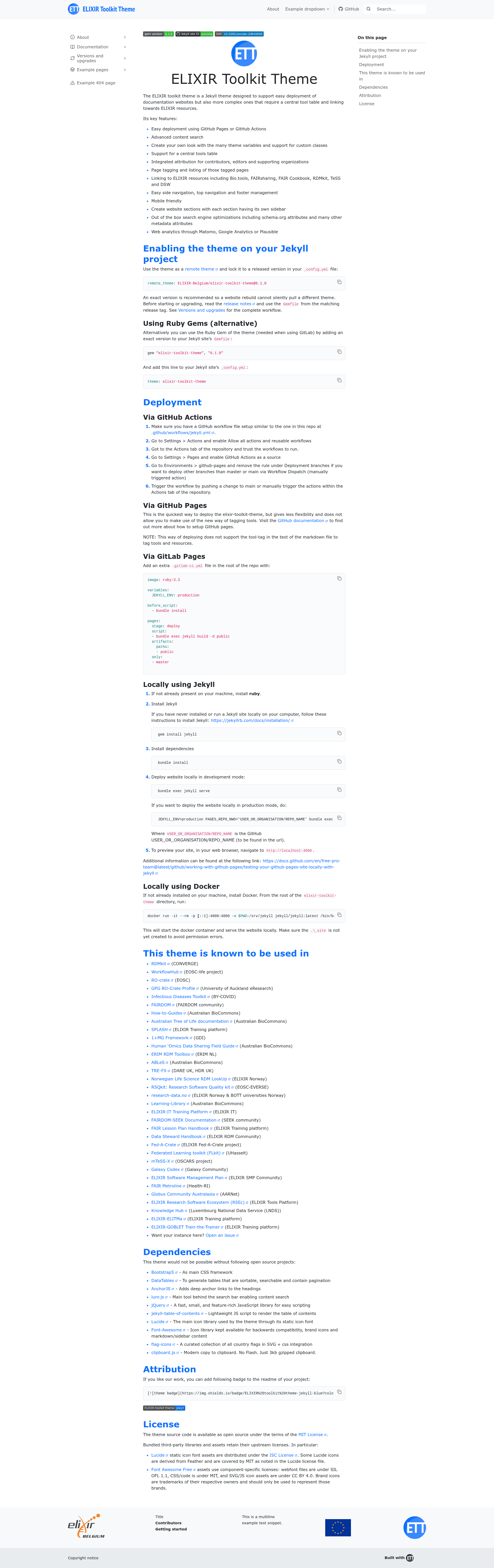
The ELIXIR Toolkit Theme is a Jekyll theme designed for building documentation websites, with optional support for a central tools table and linking to ELIXIR resources like Bio.tools and FAIRsharing. Released as an open-source Ruby gem and maintained by ELIXIR-Belgium, it runs on any Jekyll site and can be deployed via GitHub Pages, GitHub Actions, GitLab Pages, Docker, or a local Jekyll server.
What is the ELIXIR Toolkit Theme?
The ELIXIR Toolkit Theme is a Jekyll theme that turns a standard Jekyll site into a documentation website with advanced search, page tagging, and a configurable navigation structure. It takes Markdown content and configuration files as input and produces a static HTML site with built-in SEO metadata, analytics hooks, and a responsive Bootstrap 5 layout. The theme is actively used by many research projects, including RDMkit, WorkflowHub, and the Infectious Diseases Toolkit.
Key Features
- Multiple deployment options — Deploy via GitHub Pages, GitHub Actions, GitLab Pages, local Jekyll, or Docker, with version-locking to avoid silent rebuild differences.
- Advanced content search — Powered by lunr.js, providing full-text search over the site's content without external services.
- Central tools table — Generate sortable, searchable, and paginated tables using DataTables to display a catalogue of tools and resources.
- ELIXIR resource linking — Automatically link to Bio.tools, FAIRsharing, the FAIR Cookbook, RDMkit, TeSS, and DSW from page metadata.
- Page tagging and listing — Tag any page and automatically generate listing pages for each tag.
- Attribution support — Integrate credit for contributors, editors, and supporting organizations directly into the page footer.
- SEO and metadata — Include schema.org attributes and extensive metadata out of the box for better search engine visibility.
- Web analytics — Built-in hooks for Matomo, Google Analytics, and Plausible so you can switch providers without changing layout code.
The theme's tech stack includes Bootstrap 5 as the CSS framework, with jQuery, DataTables, AnchorJS, lunr.js, and Lucide icons bundled. It supports custom CSS classes and scoped navigation so each section of a multi-section site can have its own sidebar and top navigation.
Who is it for?
- ELIXIR communities and research projects — Deploy standards-compliant documentation sites that link to ELIXIR resources and follow FAIR principles.
- Bioinformatics and data stewardship teams — Publish handbooks, field guides, and how-to guides with a central tools table and attribution for contributors.
- Training platforms — Create course and lesson websites with page tagging, search, and mobile-friendly layouts for learners.
- Developers working with Jekyll — Use the remote theme or Ruby gem to quickly build a documentation site without writing layout code from scratch.
What can you do with the ELIXIR Toolkit Theme?
- Documentation site owners — Build a full documentation site with a dedicated sidebar per section, top navigation, and an integrated footer with attribution.
- Tool catalogue maintainers — Use the central tools table to present a searchable, sortable list of tools, each linked to Bio.tools and other registries.
- Search-conscious content teams — Enable advanced content search and out-of-the-box SEO metadata so users can find pages through search engines and on-site search alike.
How does the ELIXIR Toolkit Theme work?
To use the theme, add remote_theme: ELIXIR-Belgium/elixir-toolkit-theme@6.1.0 to your _config.yml file, or install the Ruby gem and set theme: elixir-toolkit-theme. After installing dependencies with bundle install, run bundle exec jekyll serve to preview locally, or push to GitHub and configure Pages or Actions for automated builds. The theme is versioned with releases, and an exact version is recommended to prevent unexpected changes during rebuilds.