Template details
jekyll-strapi-4
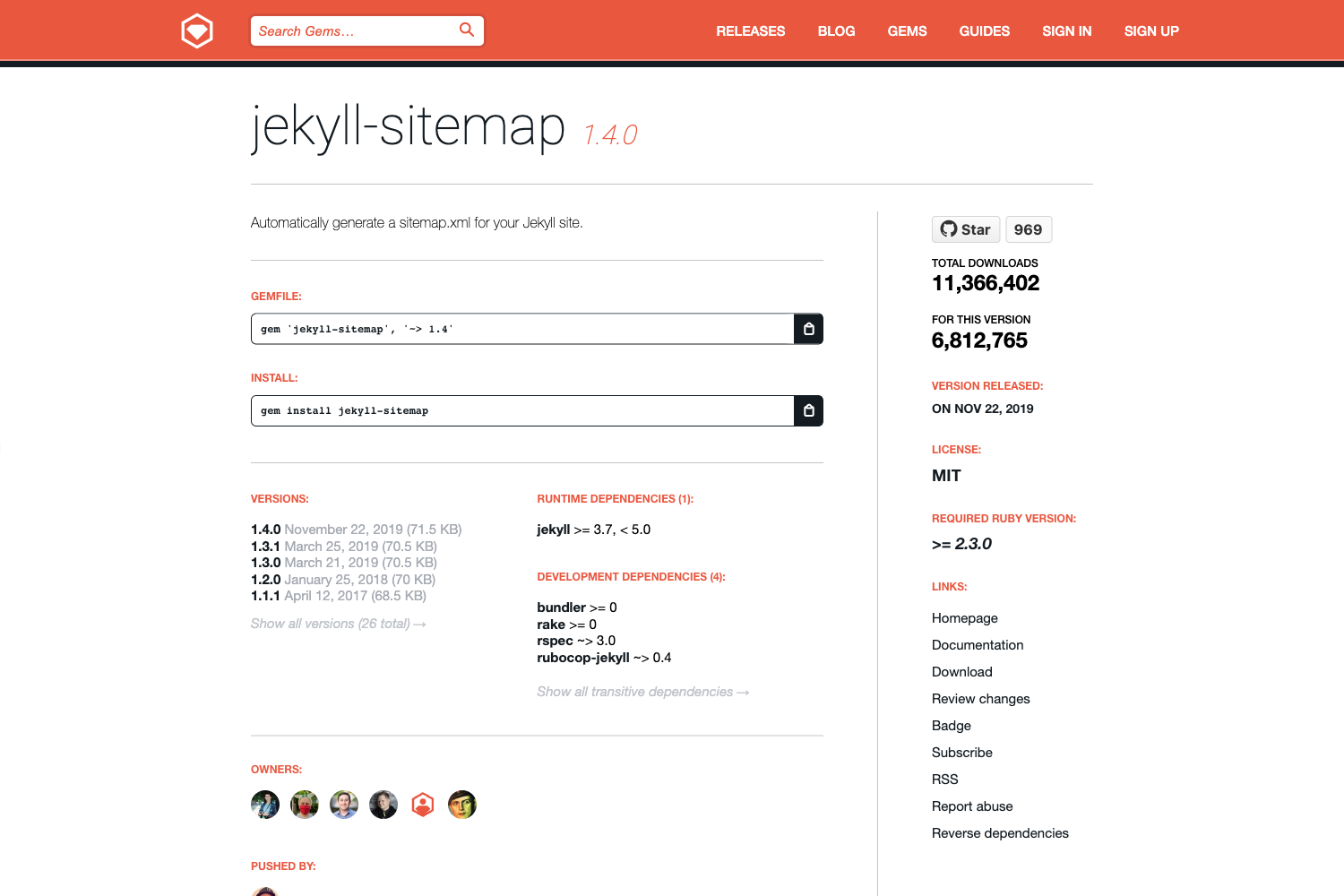
Jekyll plugin to retrieve content from any Strapi API.
About this template
jekyll-strapi-4 is a Jekyll plugin that pulls content from a Strapi 4 API and generates static pages from the response. It works as a Ruby gem that you add to your Jekyll site, reads collection definitions from _config.yml, and exposes the fetched data to Liquid templates as the strapi variable.
What is jekyll-strapi-4?
jekyll-strapi-4 is a Jekyll plugin specifically built for Strapi 4, serving as the successor to the older jekyll-strapi plugin which targeted Strapi 3. It takes your Strapi API endpoint and collection configuration, fetches content during the Jekyll build, and outputs static HTML pages based on permalinks and layouts you define. The plugin is distributed as a Ruby gem named "jekyll-strapi-4", so you install it through a Gemfile and enable it in the plugins list of your _config.yml.
Key Features
- Strapi 4 support — Built for the Strapi 4 API, replacing the earlier jekyll-strapi plugin that only worked with Strapi 3.
- Authentication — Uses a
STRAPI_TOKENenvironment variable to access non-public collections, and the docs recommend using Strapi Content API tokens for this purpose. - Permalinks and localized permalinks — Set a default permalink per collection, then override it per locale (for example,
/image/:slugin English,/imagen/:slugin Spanish, and/zdjecie/:slugin Polish). - Asset caching and downloading — The
asset_urlfilter downloads media from Strapi into the local assets folder and returns a local URL, so the built site does not depend on the Strapi server for images and files. - Request parameters — Define per-collection query parameters such as
sort,pagination[pageSize], andpopulatedirectly in the config; you can also add custom logic via acustom_path_paramsmethod in a_pluginsfile. - Single request mode — Set
single_request: trueto fetch an entire collection in one HTTP request instead of one request per item, which suits small collections like testimonials. - Unit tests — The plugin includes unit tests for its behavior.
- Jekyll-format documentation — The documentation itself is written in Jekyll format, making it easy to maintain alongside the plugin.
Who is it for?
- Jekyll site owners using Strapi as a headless CMS — They can pull content from Strapi collections into static pages without writing custom API-fetching code.
- Developers migrating from Strapi 3 to Strapi 4 — This plugin provides a compatible replacement for the outdated jekyll-strapi, easing the upgrade path.
- Builders of multilingual static sites — The per-locale permalinks and request parameters support generating localized routes from a single Strapi collection.
What can you do with jekyll-strapi-4?
- Blog or portfolio sites — Retrieve articles or photos from Strapi and render them as static pages with custom permalinks and layouts.
- Multilingual sites — Generate localized URLs like
/imagen/naranjain Spanish and/zdjecie/pomaranczain Polish from the same Strapi content. - Offline asset delivery — Download Strapi media to the local assets folder with the
asset_urlfilter, so images and files work even if the API is unavailable after the build.
How does it work?
First, add the gem to your Gemfile and add jekyll-strapi-4 to the plugins list in _config.yml. Then define one or more collections under the strapi key, specifying the API endpoint, permalink pattern, layout file, and any request parameters. During the Jekyll build, the plugin fetches the collections from Strapi, passes them to Liquid templates via strapi.collections, and generates output files based on the permalinks and layouts.
FAQ
How do I install jekyll-strapi-4?
Add gem 'jekyll-strapi-4' to your Gemfile, then add jekyll-strapi-4 to the plugins list in _config.yml. After that you can start defining collections and using the strapi template variable.
What is the STRAPI_TOKEN used for?
The STRAPI_TOKEN environment variable holds an API token that lets the plugin access non-public Strapi collections. For Strapi 4, the recommended approach is to use the new Content API tokens.
Can I use multiple collections with different layouts?
Yes. Each collection under strapi.collections can have its own permalink, layout, parameters, and even localized permalink patterns, so you can render different content types with different templates.
Does the plugin support localized permalinks?
Yes. You can define a default permalink and then add a permalinks map with locale-specific patterns, as shown in the README for English, Spanish, and Polish routes.
What happens to images from Strapi?
The asset_url filter downloads the asset into your local assets folder and returns a local URL. This means the built site serves images from your Jekyll output rather than relying on the Strapi server at runtime.