Template details
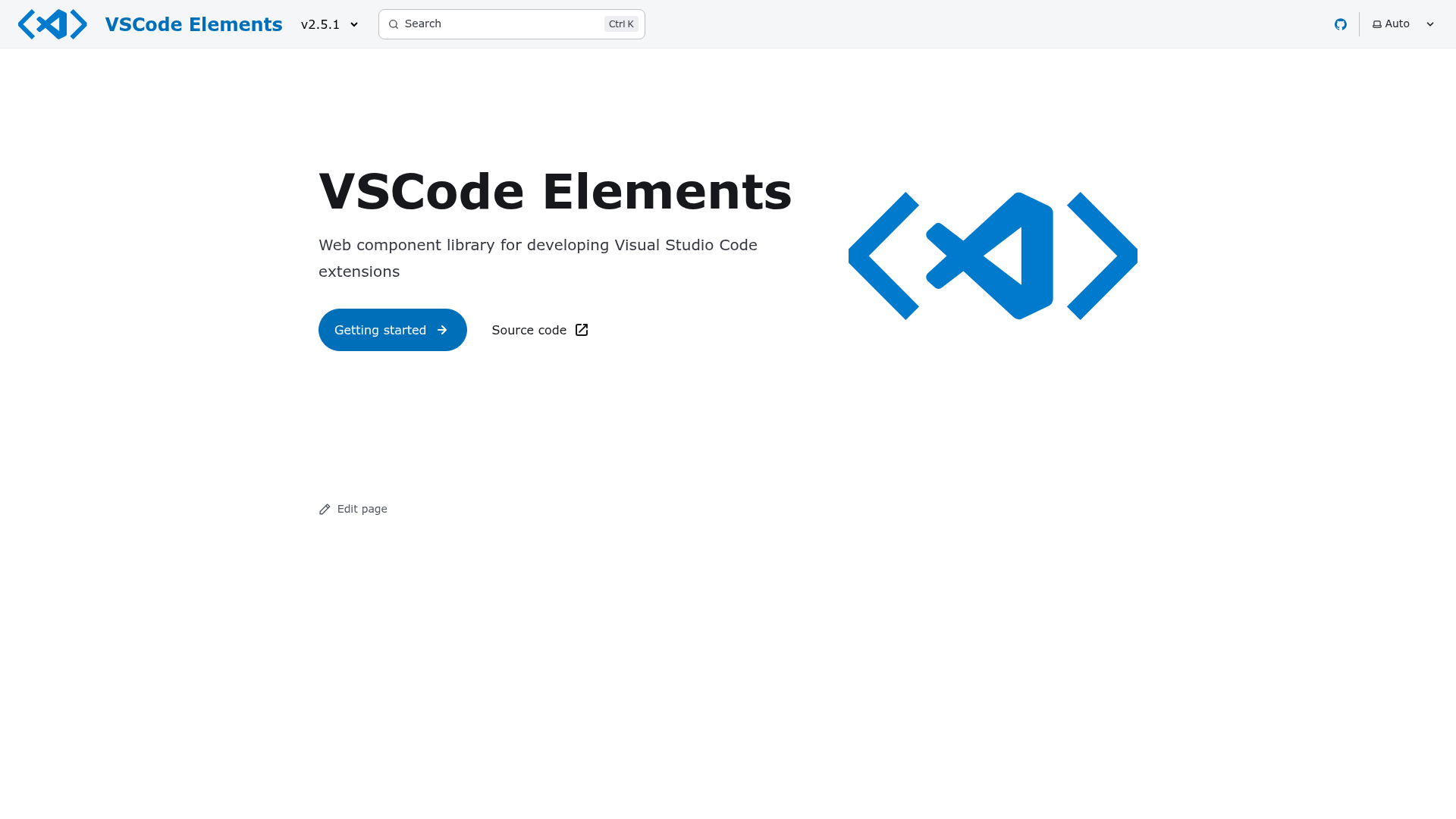
VSCode Elements
Lit-based web component library for building Visual Studio Code extension webviews.
About this template
VSCode Elements is a Lit-based web component library that gives Visual Studio Code extension developers a set of reusable UI components for building webview interfaces.
What is VSCode Elements?
VSCode Elements is a web component library built on the Lit library, designed specifically for developing Visual Studio Code extension webviews. It takes TypeScript source files and produces transpiled ES6 JavaScript with type definitions and source maps, a custom elements manifest, VSCode custom data files, and a single minified bundled JavaScript file. The project is maintained as a public GitHub repository with a contributor-facing documentation site, separate from the end-user documentation.
Key Features
- Custom elements manifest — The analyze script generates a custom elements manifest file, shipped with the package, that powers the API documentation viewer.
- VS Code custom data — The vscode-data script produces HTML and CSS custom data for code completions inside Visual Studio Code.
- Bundled output — The build command creates a single minified JavaScript file (dist/bundled.js) along with per-file transpiled ES6 modules, type definitions, and source maps.
- Integrated testing — Tests are written in TypeScript, and the test runner compiles them; test:coverage generates coverage reports, while test:watch re-runs on file changes.
- Watch mode — build:watch recompiles modified TypeScript files automatically, and wtr:watch runs the web-test-runner without rebuilding, for catching errors during development.
- Codicon icon generation — The icons script generates an icon list from the latest Codicon set to keep the documentation site's icon list in sync.
- Code style tooling — ESLint and Prettier scripts (lint, lint:fix, prettier, prettier:fix) enforce consistent style and formatting across the codebase.
- npm linking — Supports local development via npm link with multiple packages linked in a single command, e.g., the main elements package and the webview-playground package.
Who is it for?
- VS Code extension developers — They use the prebuilt components to build webview UIs that match the VS Code design language.
- Contributors to VSCode Elements — They use the documented build, test, and watch scripts to modify the library itself, run the dev server, and regenerate manifests and custom data.
- Library maintainers — They rely on the analyze, vscode-data, and icons scripts to keep generated artifacts in sync with code changes.
What can you do with VSCode Elements?
- Build extension webviews: Compose web UI for activity bars, panels, and custom editors using Lit-based components that match VS Code's native look.
- Generate VS Code completions: Use the custom data files from the vscode-data script so that HTML and CSS editing inside VS Code suggests VSCode Elements tags and styles.
- Maintain a documentation site: The library ships a custom elements manifest that an API reference site can consume to display component properties, slots, and events.
- Develop locally with linked packages: Use npm link to test your own copy of the library inside another project, with watch modes for instant recompilation.
How does VSCode Elements work?
The library is built with Lit and follows a standard npm-based workflow. After running npm ci to install dependencies, you can run npm run build to generate all distributable artifacts. For local development, npm start launches the TypeScript compiler in watch mode and opens a development server in the default browser; tests can be run with npm test or in watch mode. To use a local copy of the library in another project, you run npm link inside the VSCode Elements directory and then npm link @vscode-elements/elements in the consuming project.
FAQ
What Node.js version is required to develop VSCode Elements?
The local development environment requires NodeJS 22 or newer. Older versions may fail to install dependencies or run the build scripts.
What does the build command generate?
npm run build produces transpiled JavaScript files with type definitions and source maps, the custom elements manifest file, VSCode custom data files, and the entire library as a single minified JavaScript file called dist/bundled.js.
How can I use a local copy of VSCode Elements in my project?
Navigate to the VSCode Elements directory and run npm link, then in your target project run npm link @vscode-elements/elements. When linking multiple packages, include them in a single command, such as npm link @vscode-elements/elements @vscode-elements/webview-playground.
What is the custom elements manifest used for?
The custom elements manifest is generated by the analyze script and shipped with the package. It serves as the data source for the API view in the end-user documentation site, listing components, properties, methods, events, and slots.