Template details
Squido
A dead simple static website builder for Node.js that generates fast, host-anywhere HTML sites from Markdown and templates.
About this template
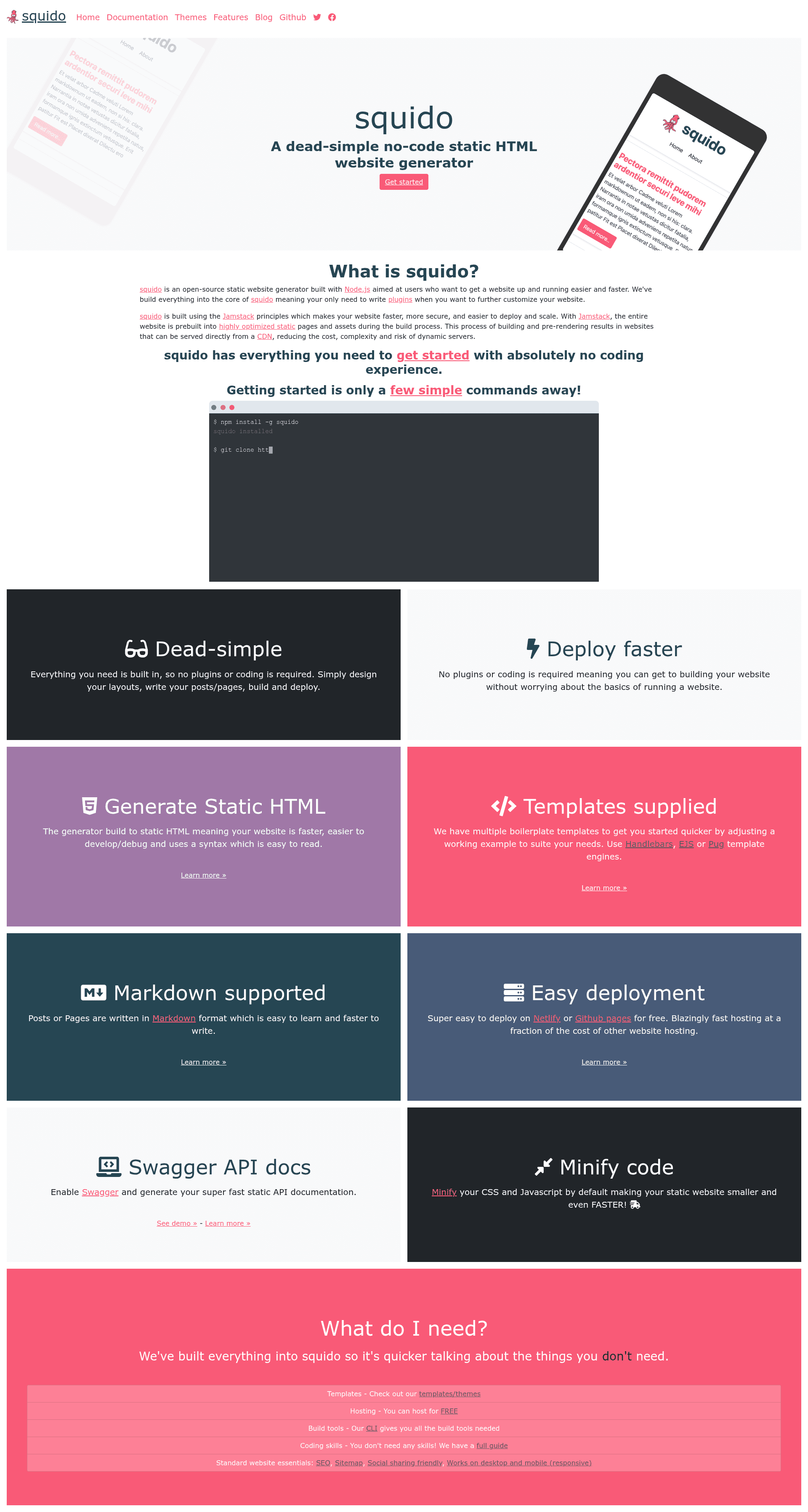
Squido is a dead simple static website builder for Node.js that compiles Markdown content and template files into fast static HTML sites you can host anywhere. It is an open-source command-line tool created by Mark Moffat (mrvautin) and released under the MIT license.
What is Squido?
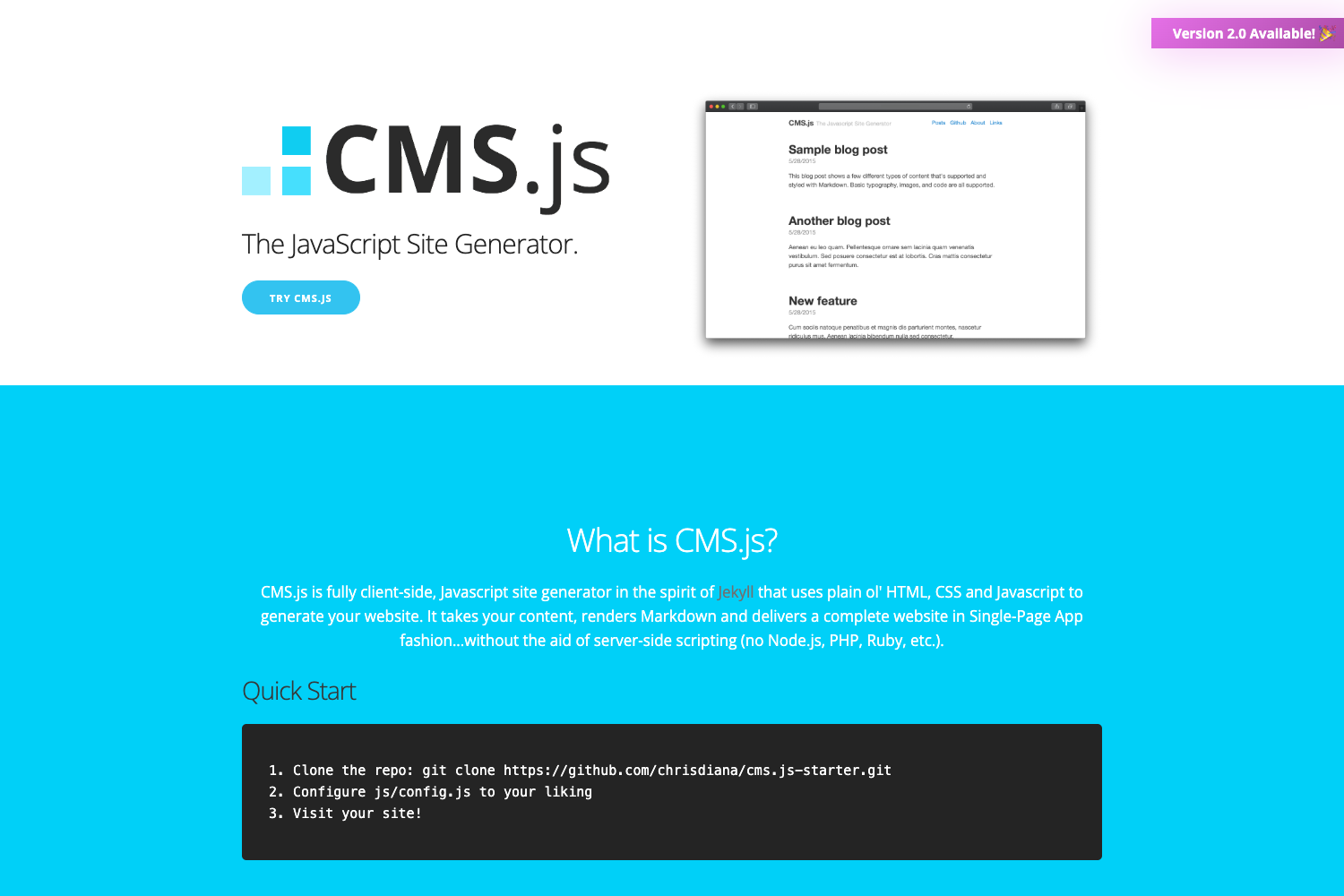
Squido is a static site generator that takes Markdown pages and Handlebars, EJS, or Pug templates as input and produces a complete static HTML website as output. The tool runs on Node.js version 18.x or greater and is executed through npx commands, so no global installation is required. It is designed to keep the writing and styling process simple while handling the build and serve steps.
Key Features
- CLI commands — Use
npx mrvautin/squido buildto generate the static site, ornpx mrvautin/squido serve -b -w -cto build, watch for changes, and clean the output in one step. - Multiple template engines — Supports Handlebars, EJS, and Pug templates, giving you flexibility in how you structure your layouts and partials.
- Markdown-based content — Write your pages in Markdown, which Squido converts into HTML during the build.
- Built-in development server — The serve command includes watch mode for live reloading during local development.
- Host-anywhere output — The final output is plain static HTML, CSS, and JavaScript, deployable to any web host, CDN, or object storage.
- Example sites included — The project provides a documentation site, a product page, and a demo blog, all built with Squido and accessible online.
Who is it for?
Squido suits developers and content creators who want a lightweight, no-configuration static site generator.
- Developers can scaffold a static site quickly using the CLI and customize templates with their preferred engine.
- Bloggers can build a fast, secure blog by writing Markdown posts and running a single build command.
- Documentation maintainers can publish a docs site using the included documentation example as a starting point.
What can you do with Squido?
- Publish a personal blog: Write Markdown posts, apply a Handlebars or Pug layout, and generate a static blog that loads quickly.
- Create a documentation site: Model your project after the Squido docs site at https://squido-docs.markmoffat.com/.
- Prototype a website: Use the serve command with watch and build flags to iterate on content and styles with automatic rebuilding.
Pricing
Squido is free and open source under the MIT license. You can run it without any licensing fees, and the source code is available on GitHub.