Template details
Tail-Kit
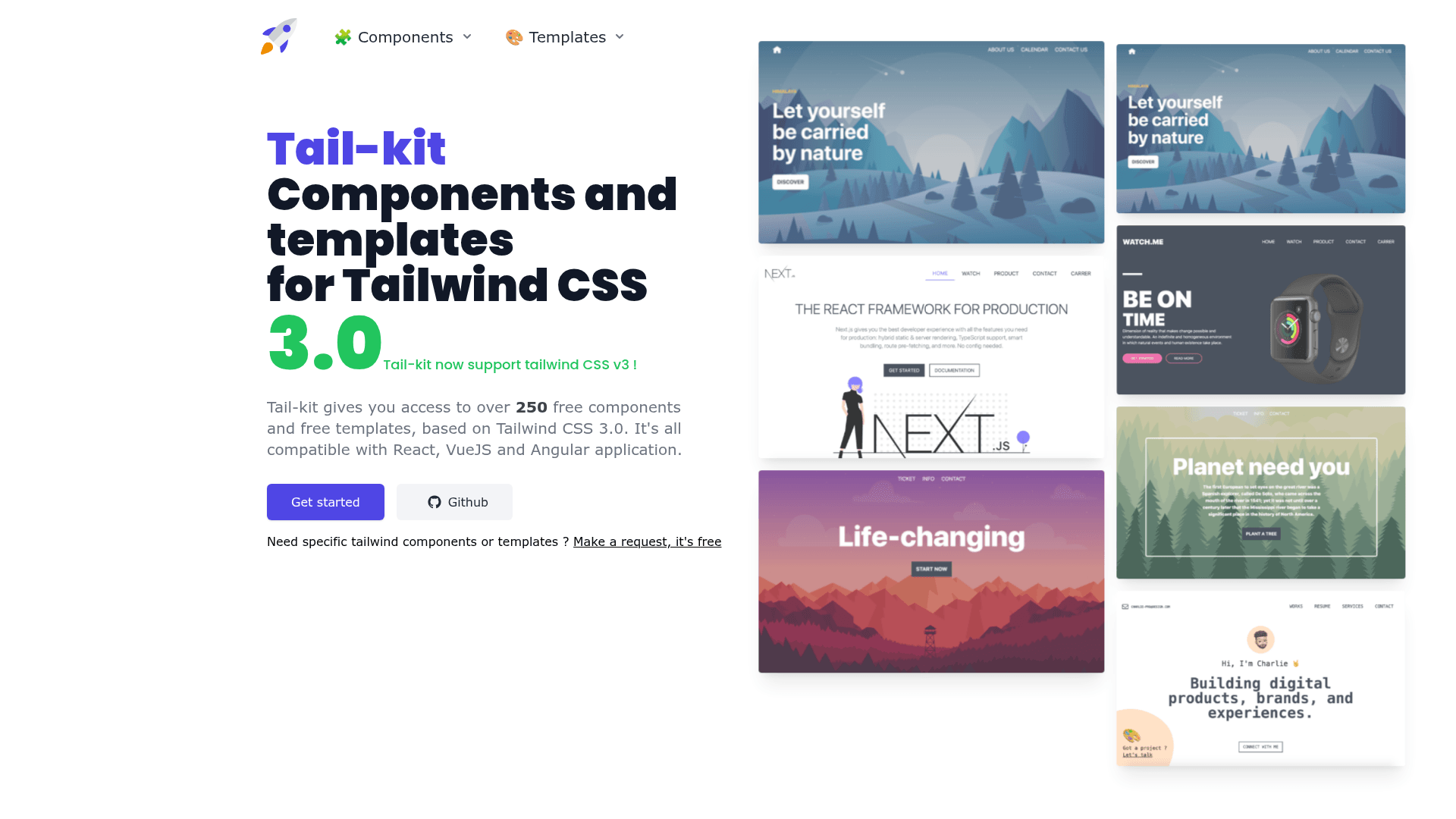
Tail-kit is a free and open source components and templates kit fully coded with Tailwind css 3.0.
About this template
Tail-Kit is a free and open-source collection of 230+ copy-paste components and templates built for Tailwind CSS 3.0, distributed as a Next.js site with a live code editor.
What is Tail-Kit?
Tail-Kit is a free and open-source components and templates kit for Tailwind CSS 3.0, maintained on GitHub by Charlie Rabiller. It provides 230+ fully coded CSS elements — buttons, forms, navigation, alerts, and more — plus complete templates for dashboards, landing pages, and login pages. The kit adds no custom CSS on top of Tailwind; every element uses only Tailwind utility classes, so the copied code behaves exactly as documented. The project itself is a static site built with Next.js and TypeScript, and every component is a React functional component in the source tree.
What makes Tail-Kit stand out?
- 230+ components — Over 230 fully coded HTML/CSS elements using only Tailwind utility classes, with zero additional CSS.
- Templates included — Ready-to-copy dashboards, landing pages, login pages, and more, all responsive and built with Tailwind 3.0.
- Live code editor — The Tail-Kit website embeds an editor that lets you modify a component's code in the browser and see changes live before copying.
- Dark mode support — Most components and templates ship with both light and dark variants using Tailwind 3.0's dark mode feature.
- Copy-paste workflow — No installation or build step required; copy any component's code into your existing Tailwind project.
- Next.js and TypeScript — The open-source repo is a static Next.js app with a documented folder structure for adding sections, categories, and components.
- Community contributions — The README invites pull requests and issues, with a clear guide for creating new sections like Commerce, Elements, or Forms.
Who should use Tail-Kit?
- Tailwind CSS developers — Quickly drop in UI elements without hand-writing utility-class combos, and use the live editor to adjust spacing, colors, and layout.
- Frontend designers — Build page mockups for dashboards and landing pages by combining the provided templates, then export clean utility-only HTML.
- Open-source contributors — Add new components or categories by following the documented directory structure and submit a PR; the repo explains how to wire previews through ComponentLayout.
What can you do with Tail-Kit?
- Startup founders: assemble a landing page from templates and components without hiring a designer, then copy the resulting utility-only HTML into a Next.js or any Tailwind project.
- Dashboard builders: use the dashboard templates as a starting point for admin panels, analytics views, and SaaS products.
- Prototypers: tweak component code in the live editor on the website to test dark mode toggles and responsive behavior before committing to a final design.
How does Tail-Kit work?
Browse the component library on the Tail-Kit website, filter by section (e.g., Forms, Commerce), and pick an element. In the embedded live editor, switch between light and dark mode, modify Tailwind classes, and copy the generated code directly into your project's HTML. To run the repository locally, clone it, install dependencies with npm install, and start the dev server with npm run dev to view the site at localhost:3000.
Pricing
Tail-Kit is free and open source, released under the MIT license. No paid tiers or premium components are mentioned in the repository.
FAQ
Is Tail-Kit free?
Yes, Tail-Kit is free and open source. The repository is licensed under MIT, and all 230+ components and templates can be used in personal and commercial projects without payment.
What Tailwind CSS version does Tail-Kit support?
Tail-Kit is built for Tailwind CSS 3.0, including its dark mode class strategy. It does not change or add any CSS to the standard Tailwind setup.
Can I use Tail-Kit without React?
Yes. Although the repository's components are written as React functional components, the website provides copy-paste HTML built entirely from Tailwind utility classes. You can paste that code into any HTML file or any framework that uses Tailwind CSS.
How do I contribute to Tail-Kit?
The README encourages issues and pull requests. To add a component, create a new directory under components/kit/components or components/kit/templates, add a category folder and your component file, then wire it into pages/components or pages/templates and pass it to ComponentLayout for preview features.
Pros and cons
- Pros: Free with MIT license; 230+ components and templates; live editor and dark mode previews; no extra CSS; open to community contributions.
- Cons: The project itself notes the site 'is not perfect' and may contain typos or bugs; component source is React, so non-React users need to copy the generated HTML rather than reuse the component files directly.