Template details
emptywork.github.io
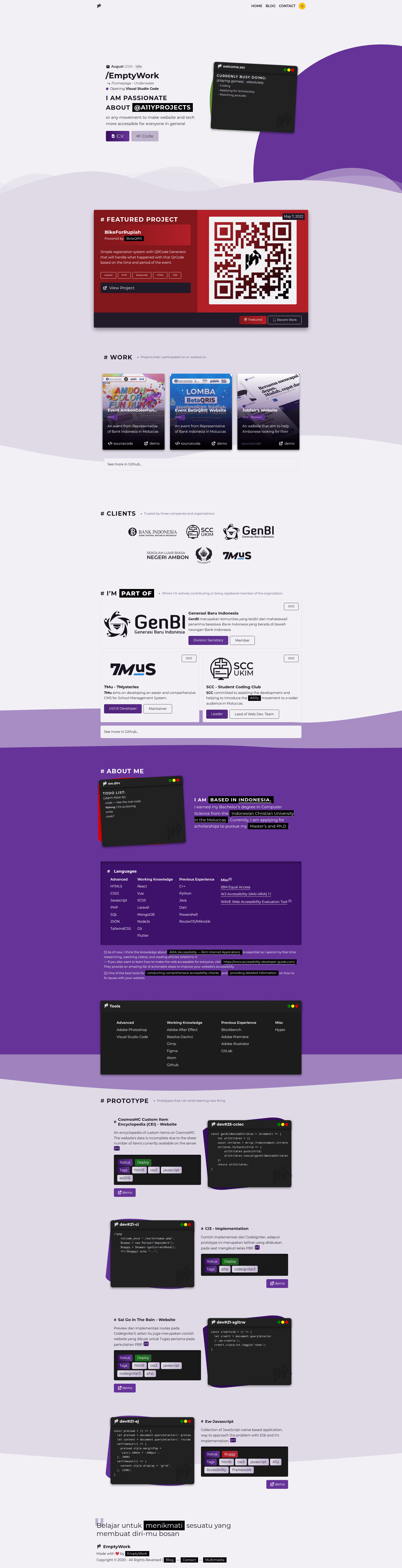
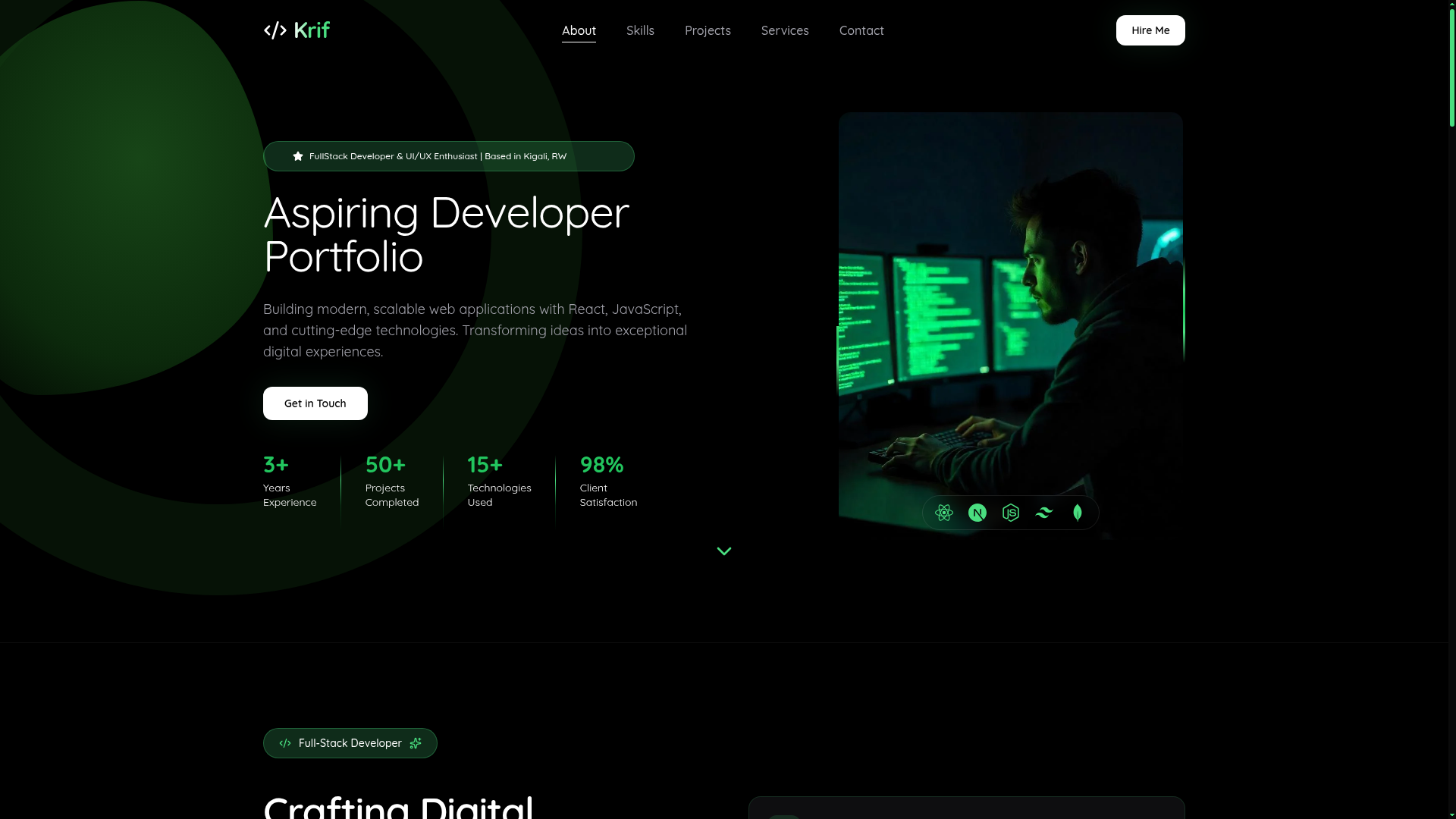
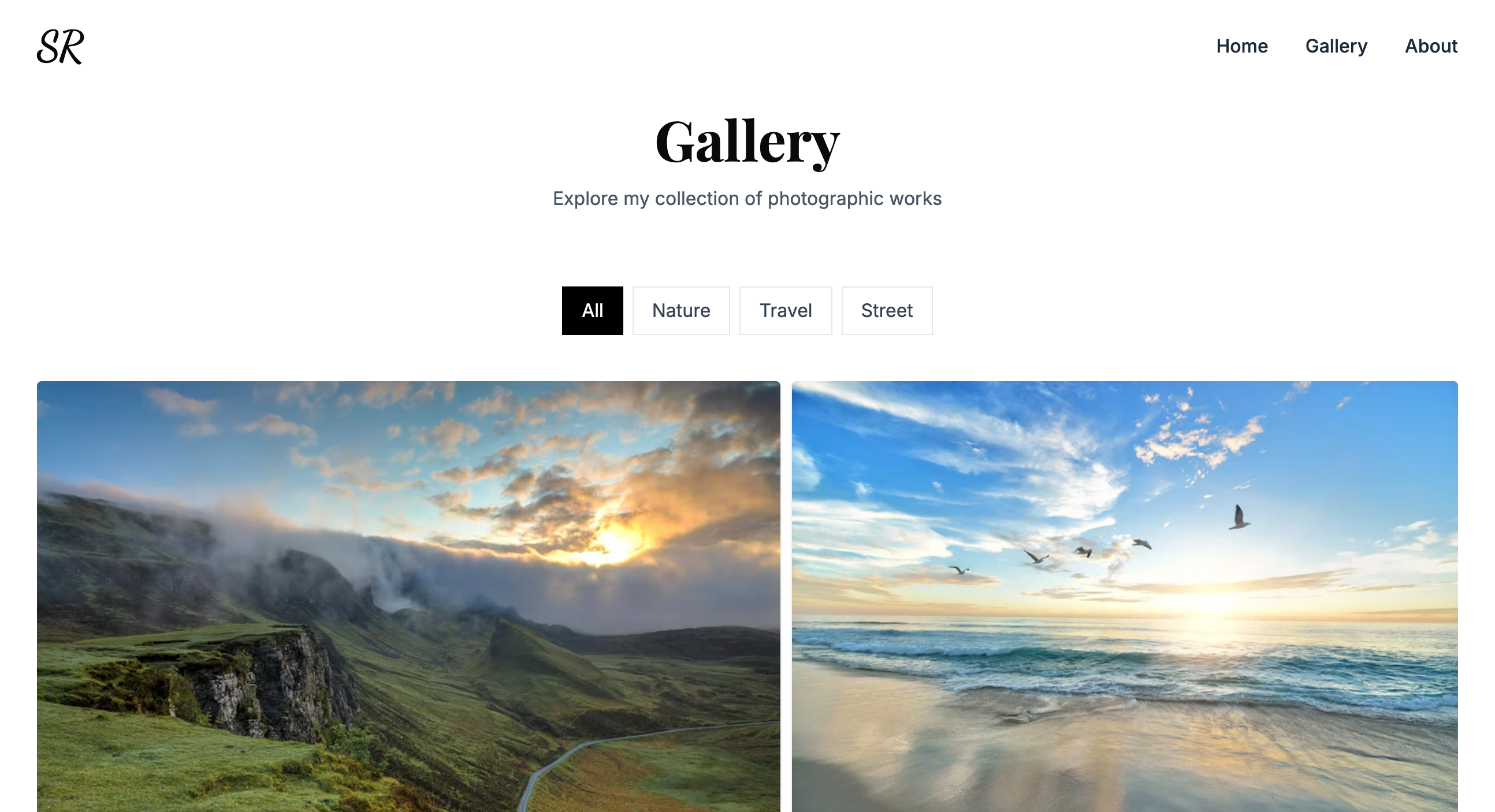
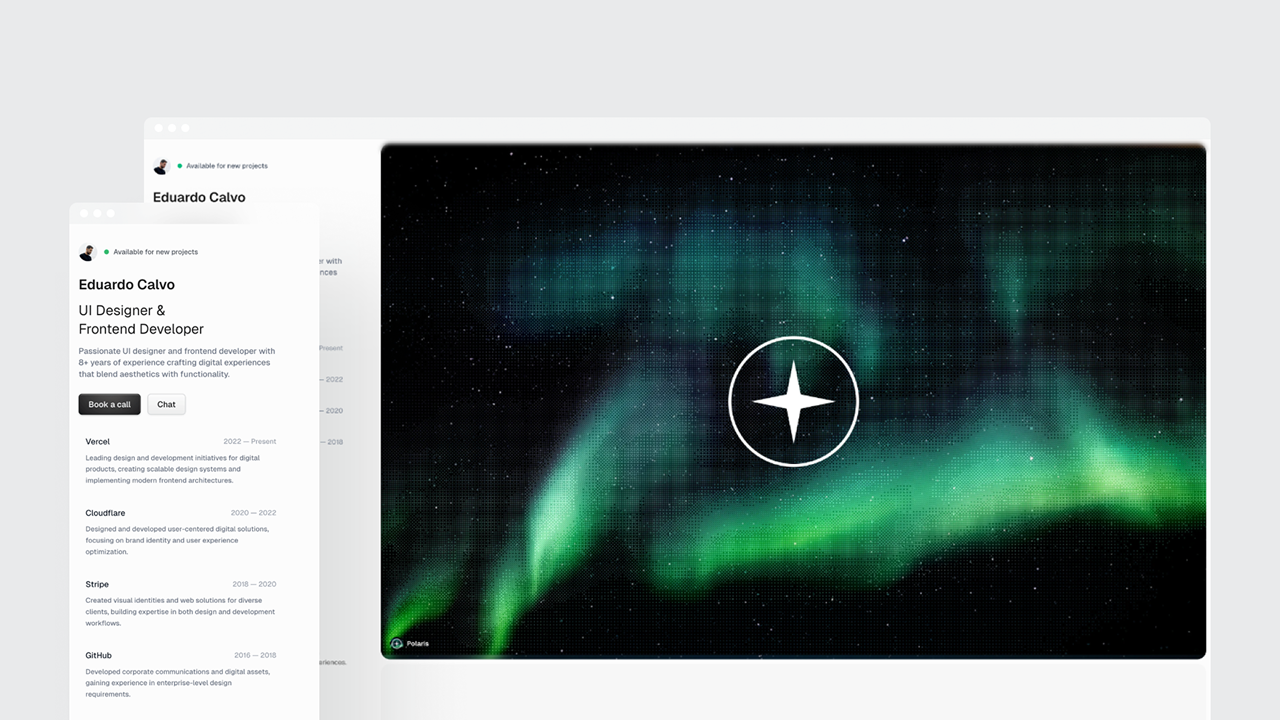
Open-source JAMStack blog and portfolio template using 11ty, Nunjucks, NetlifyCMS with light/dark themes.
About this template
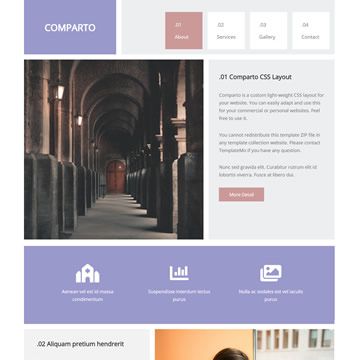
EmptyWork's personal website (emptywork.github.io) is an open-source JAMStack blog and portfolio template built with 11ty (Eleventy), Nunjucks templating, and NetlifyCMS, designed to showcase projects and archive their repository links.
What is emptywork.github.io?
This is a fully responsive, multi-page JAMStack website template that turns markdown content and Nunjucks templates into a static HTML site ready to deploy on Netlify. It takes content from an editable data folder and blog-article files as input, and outputs a fast, accessible website with a built-in content management system. The template was created by EmptyWork and shared for anyone to fork or clone, with credit optional.
Key Features
- JAMStack architecture — Uses 11ty as the static site generator and Nunjucks for templating; the output is plain HTML, CSS, and JavaScript with no server-side runtime.
- NetlifyCMS integration — Content is managed through the browser-based NetlifyCMS interface; site data lives in
src/_data/and supports markdown syntax. - Two built-in themes — Sunny (lightmode) and Dawnfall (darkmode) are pre-configured, with a mobile-friendly and accessibility-first design.
- Custom color schemes — The SCSS variables in
src/assets/scss/abstracts/_vars.scsslet you change the entire site palette without touching markup. - Multi-page layout — Includes landing page, blog posts, prototypes, and projects sections; sample content in
src/articles/can be removed or replaced. - Automated testing — GitHub Actions workflows run Playwright tests and Highlightjs-lines tests against the site, ensuring UI correctness and syntax highlighting.
- Netlify deployment ready — A Netlify Status badge and deployment workflow are configured, so forks can enable automatic deploys.
Who is it for?
- Developers who need a ready-made 11ty portfolio/blog base to fork and extend instead of starting from scratch.
- Designers who want a responsive, accessible personal site with a light/dark toggle they can easily recolor through SCSS variables.
- Content creators who prefer managing blog posts and project pages through NetlifyCMS without editing code directly.
What can you do with emptywork.github.io?
- Portfolio showcase: Organize projects, prototypes, and blog posts into archive pages that link back to their original repositories.
- Personal blog: Publish markdown-based articles using the built-in CMS and the included article template structure.
- Theme experimentation: Switch between sunny and dawnfall themes or define a completely custom color palette in
_vars.scss.
How does emptywork.github.io work?
Fork or clone the repository, install dependencies with npm install, then run npm run build for a production build, npm run start to edit locally, or npm run dev for a development server. Edit site data in src/_data/ and remove or replace the sample articles in src/articles/. Deploy to Netlify by connecting the repository.
Pros and cons
- Open source — The license does not require attribution, though linking back to EmptyWork is appreciated.
- Accessible and responsive — Built with mobile-first and accessibility-first principles.
- CMS included — NetlifyCMS allows non-technical users to update content.
- Customizable styling — SCSS variables provide flexible theme control.
- Cons: Color customization requires familiarity with Sass variables; pre-existing sample posts and projects must be manually removed; NetlifyCMS is tightly integrated with Netlify hosting, so switching hosts would require replacing or reconfiguring the CMS.
Pricing
The template is free to use. The README explicitly states you can fork or clone the repo and modify it without paying, and attribution is optional.
Alternatives
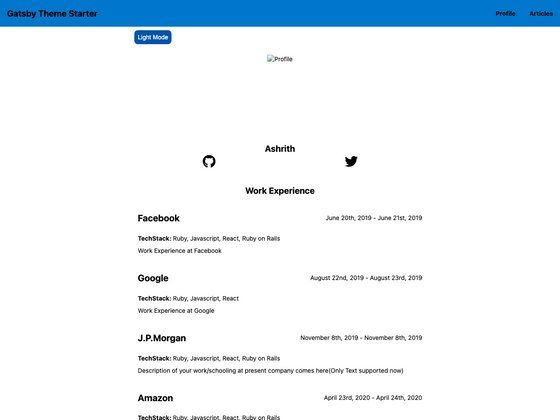
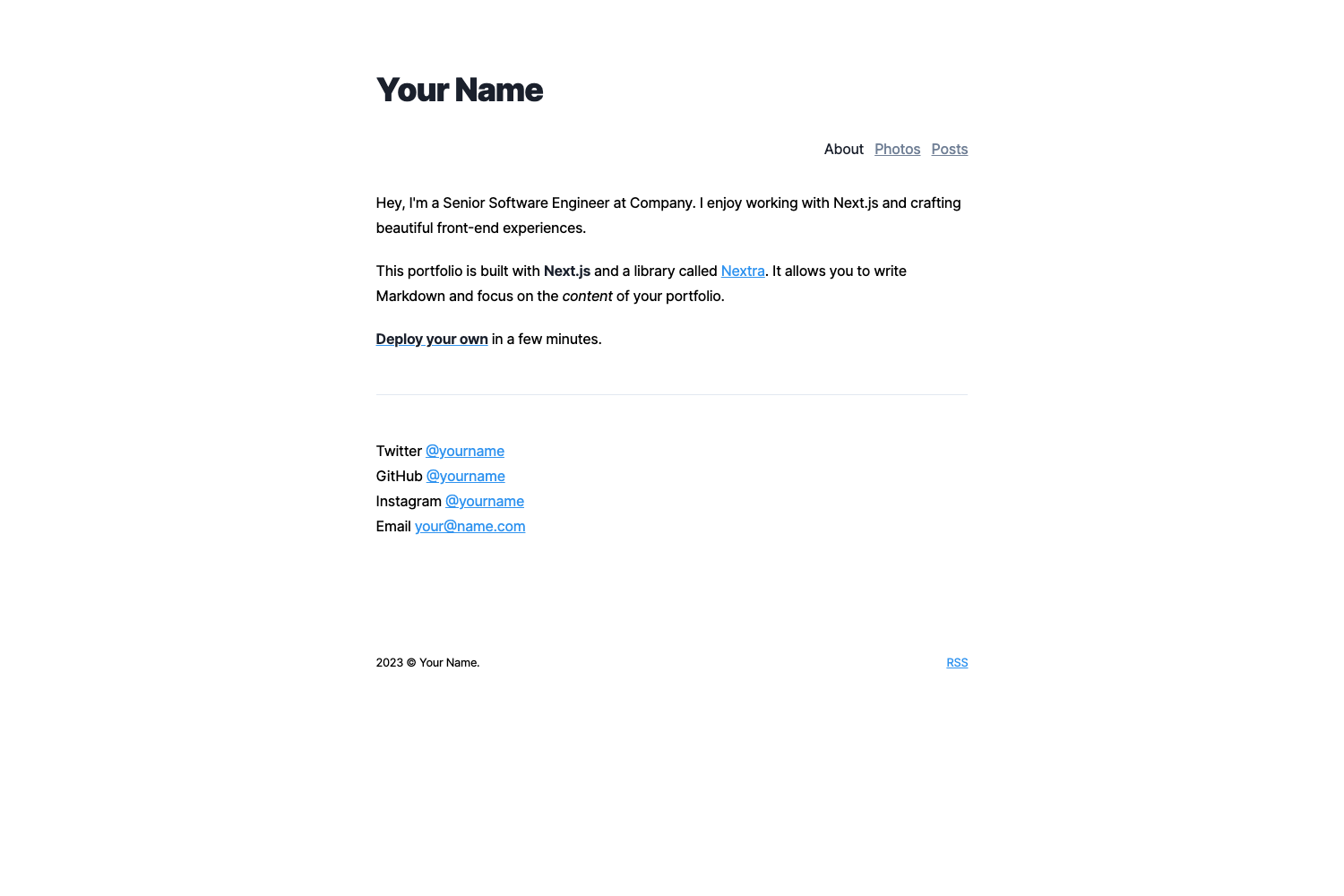
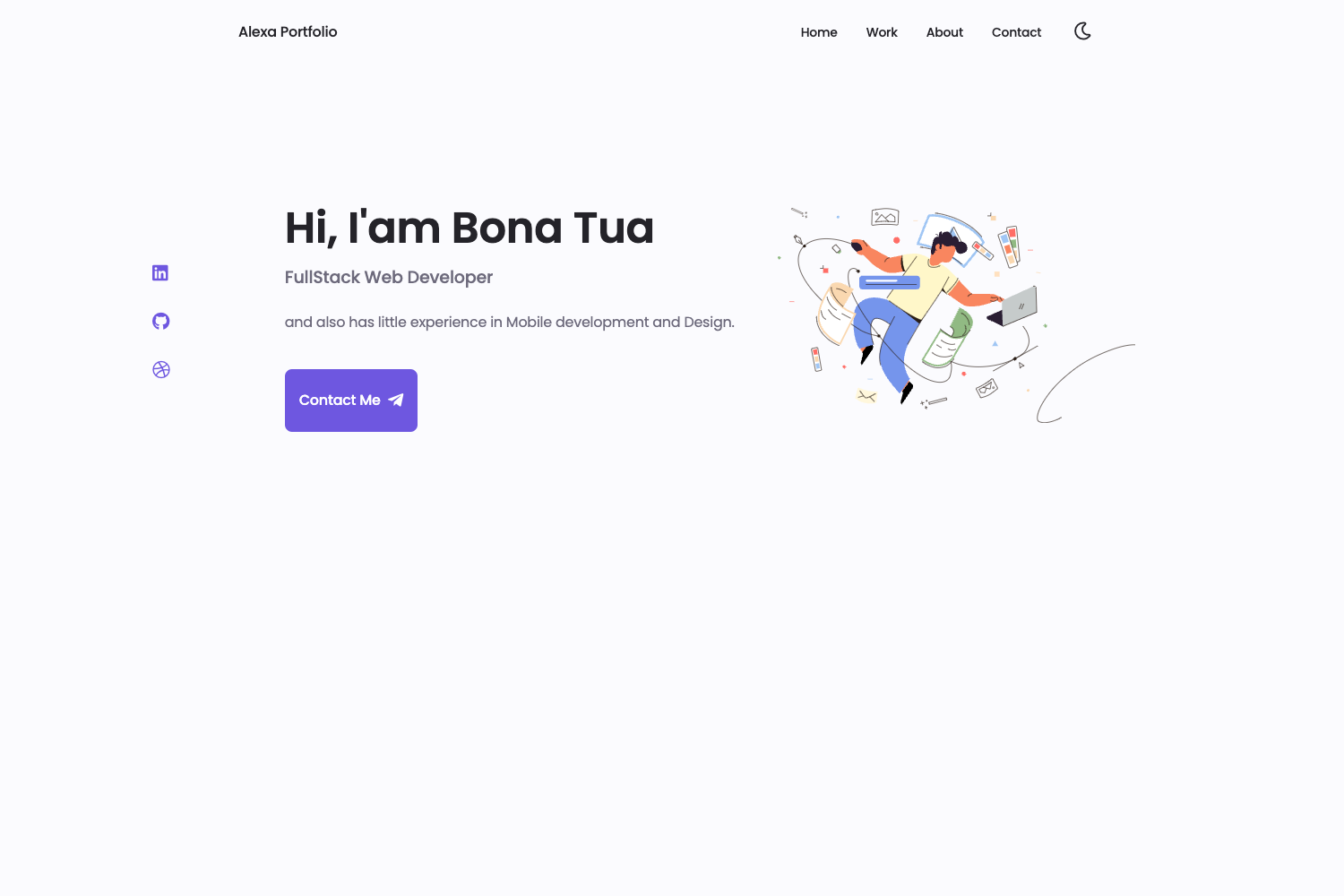
- Eleventy Base Blog — the official 11ty blog starter, but it lacks a built-in CMS and the dual-theme switch.
FAQ
Is emptywork.github.io free to use?
Yes, the template is open source. You can fork or clone the repository, modify it, and use it for your own site without paying. Crediting EmptyWork is not required but is appreciated.
Do I need to know JavaScript to use this template?
Basic familiarity with npm commands and SCSS is helpful. Updating text and content is done via markdown files, so no JavaScript is needed for typical edits. Changing the site's structure requires editing Nunjucks templates.
How do I change the colors of the website?
Open src/assets/scss/abstracts/_vars.scss and adjust the SCSS variables to define a custom color scheme. The template ships with sunny (light) and dawnfall (dark) themes that can be toggled.
What CMS does the template use?
The template uses NetlifyCMS, which is designed to work with Netlify hosting. It provides a browser interface for editing site data and articles without touching code.
Can I use the template without Netlify?
The static output can be hosted on any platform, but the NetlifyCMS integration is built around Netlify's deployment workflows. Using another host would require reconfiguring or replacing the CMS.