Template details
Gatsby Theme Profile Builder
Gatsby theme that builds a profile site with Contentful blog articles and a YAML timeline, zero coding.
About this template
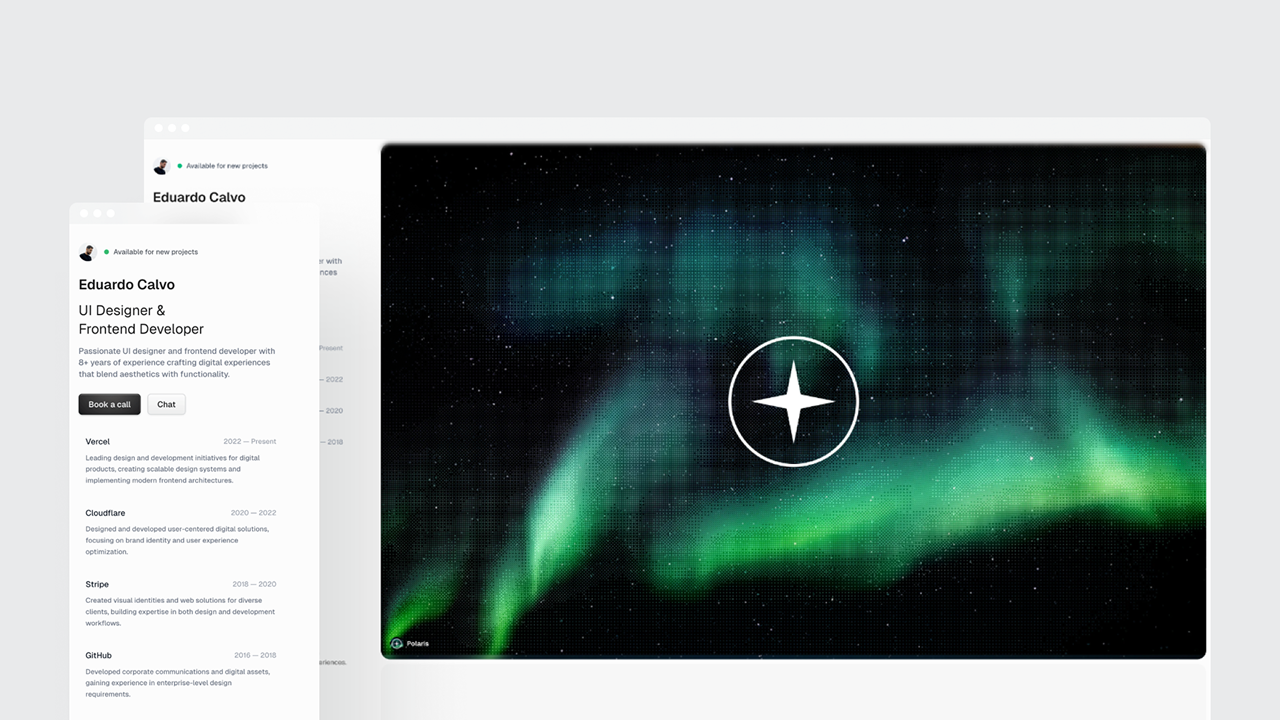
Gatsby Theme Profile Builder is a Gatsby theme that generates a personal profile website with Contentful CMS blog articles and a YAML-driven experience timeline, requiring no hand-written page code. It is published by Ashrith (ashr81) on npm and backed by a public demo site and demo repository.
What is Gatsby Theme Profile Builder?
The theme takes three inputs: siteMetadata in gatsby-config.js (title, author name, GitHub URL, phone, Twitter handle, a 200x200 image URL, and a description), Contentful credentials passed as CONTENTFUL_SPACE_ID and CONTENTFUL_ACCESS_TOKEN environment variables, and a YAML file containing experience data. From these it outputs a static profile site that shows the author's work history and pulls blog articles directly from Contentful. The theme runs on Gatsby and is installed as a plugin in the site's gatsby-config.js.
Key features
- Zero code setup — You only edit configuration and a YAML data file; the theme supplies the pages and components.
- Contentful CMS integration — Blog posts are fetched from Contentful using the spaceId and accessToken specified in theme options.
- YAML timeline data — Work experience is defined in a YAML file placed outside the src folder (for example, data/timelines.yml) and rendered as a profile UI.
- Required siteMetadata — The theme needs a title, an author object with name, GitHub, phone, Twitter, and a 200x200 image URL, plus a description.
- Environment variable support — Contentful credentials are read from CONTENTFUL_SPACE_ID and CONTENTFUL_ACCESS_TOKEN so secrets stay out of the repo.
- Live demo — The demo site is hosted at https://gatsby-theme-profile-builder.netlify.com/ and its source is available at https://github.com/ashr81/gatsby-demo-site.
Who is it for?
- Gatsby developers who want a ready-made profile page without writing React components.
- Contentful users who want to display their blog content on a personal site while keeping the profile UI separate.
- Freelancers and professionals who need a quick online resume with a timeline of work history and social links.
What can you do with it?
- Profile site owners: configure siteMetadata and the YAML timeline to publish a personal profile page with your name, contacts, and experience.
- Blog writers: manage articles in Contentful and have them appear automatically on the site through the theme's CMS integration.
- Portfolio beginners: install the theme and run gatsby develop to preview a working profile site with zero coding.
How does it work?
Install the package with npm install --save @ashr81/gatsby-theme-profile-builder, then add the theme to the plugins array in gatsby-config.js with the Contentful credentials and siteMetadata. Create a YAML file for experience data outside src, then run gatsby develop to start the site.
FAQ
Do I need a Contentful account?
Yes, the theme requires a Contentful space and access token to fetch blog articles. The README links to the Contentful login page to sign up.
Where does the experience data file go?
The YAML file must be outside the src folder. The README gives the example data/timelines.yml and links to a demo data directory for more details.
Is the theme free?
The README does not mention a price or license. The theme is distributed through npm, and both a live demo and a demo repository are publicly linked, indicating an open-source style package.
What is the image size for the author?
The siteMetadata author field expects an image_url for a 200x200 pixel image, as stated in the configuration example.
What happens if I do not set siteMetadata?
The README states that siteMetadata is required to build your profile, so the profile section cannot render without it.