Template details
Er
A configurable Hugo blog theme with Atom feed, KaTeX math, tag clouds, and TOC.
About this template
Er is an open-source Hugo blog theme that converts markdown content into a static blog with an Atom feed, KaTeX math rendering, tag and category archives, and a table of contents.
What is Er?
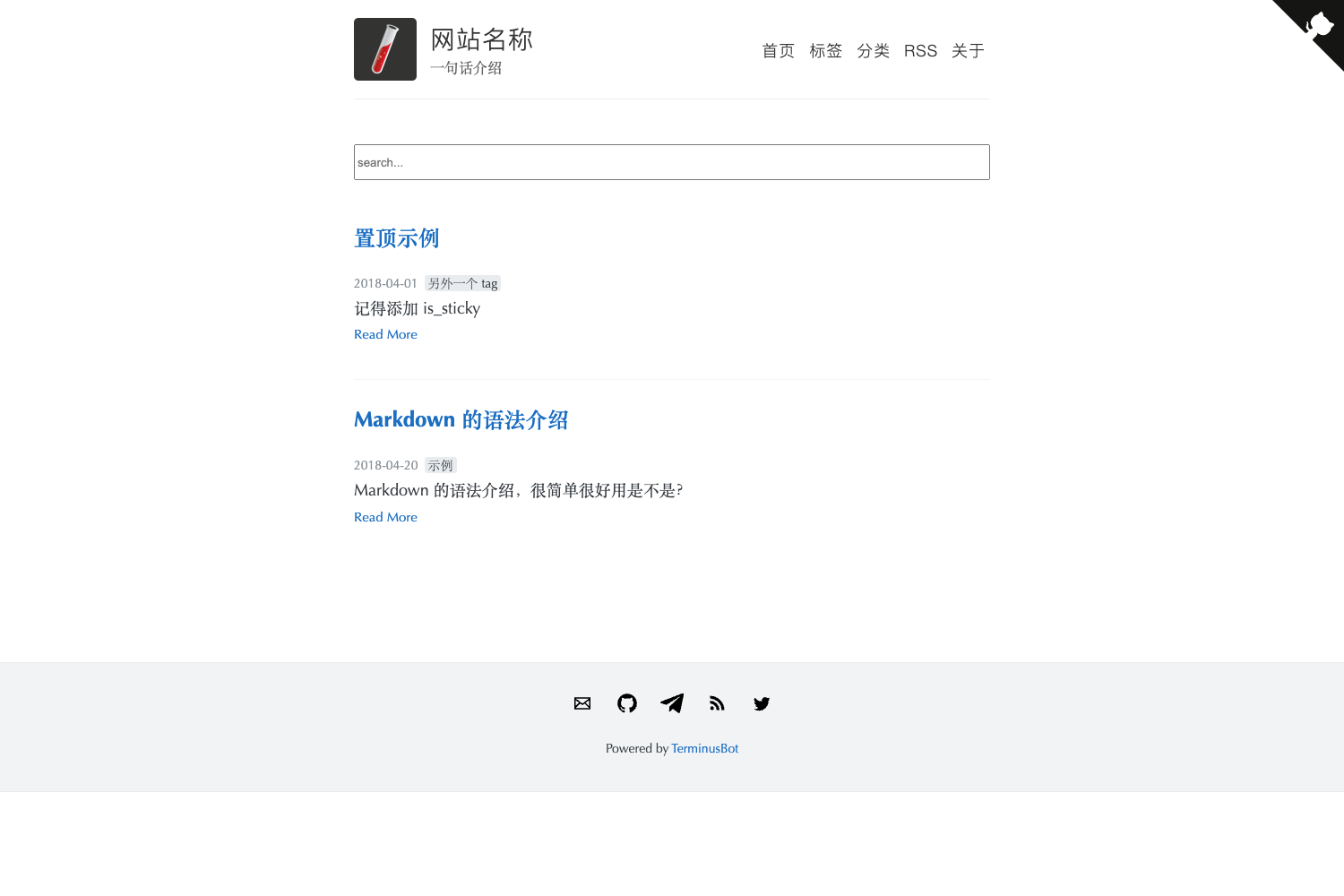
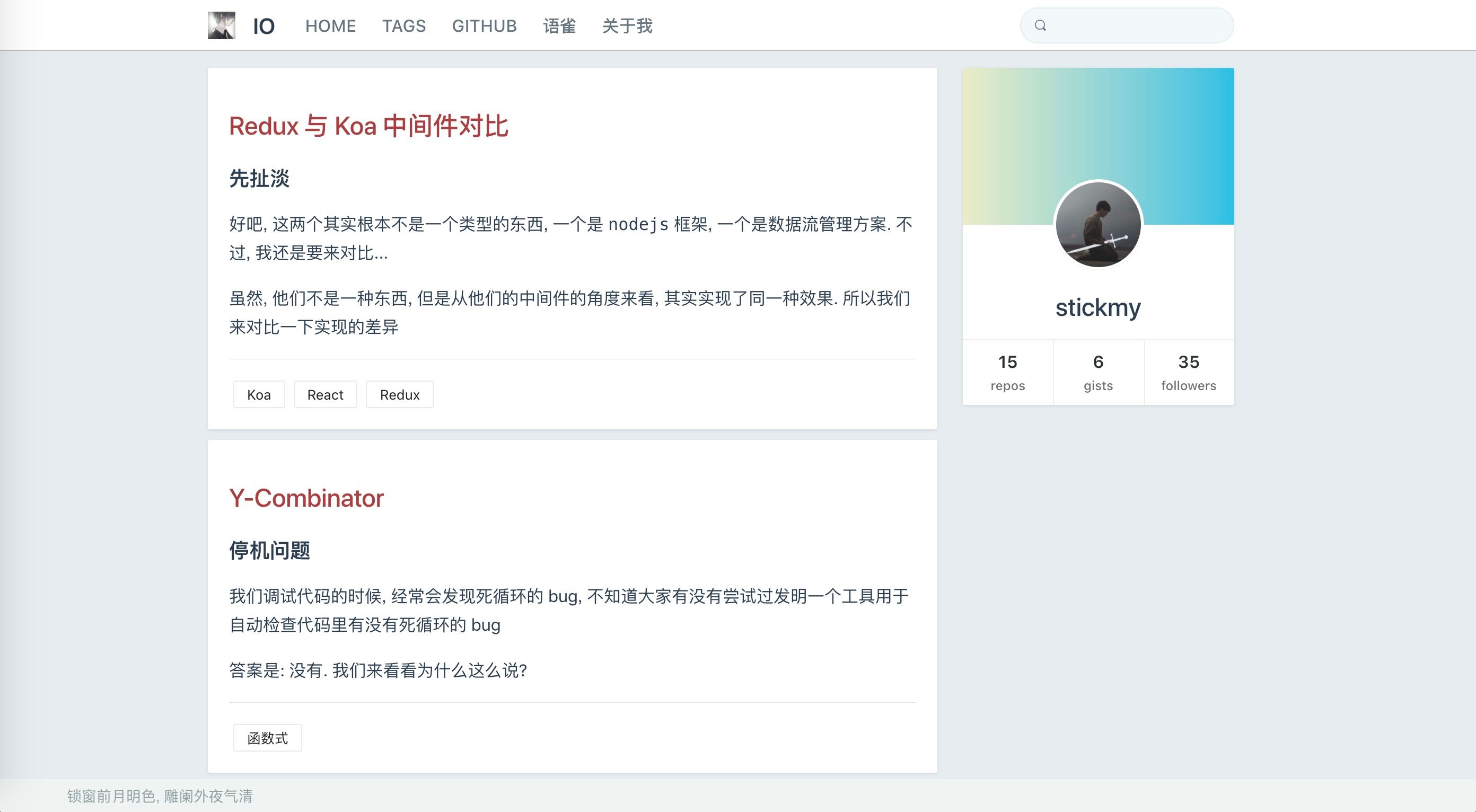
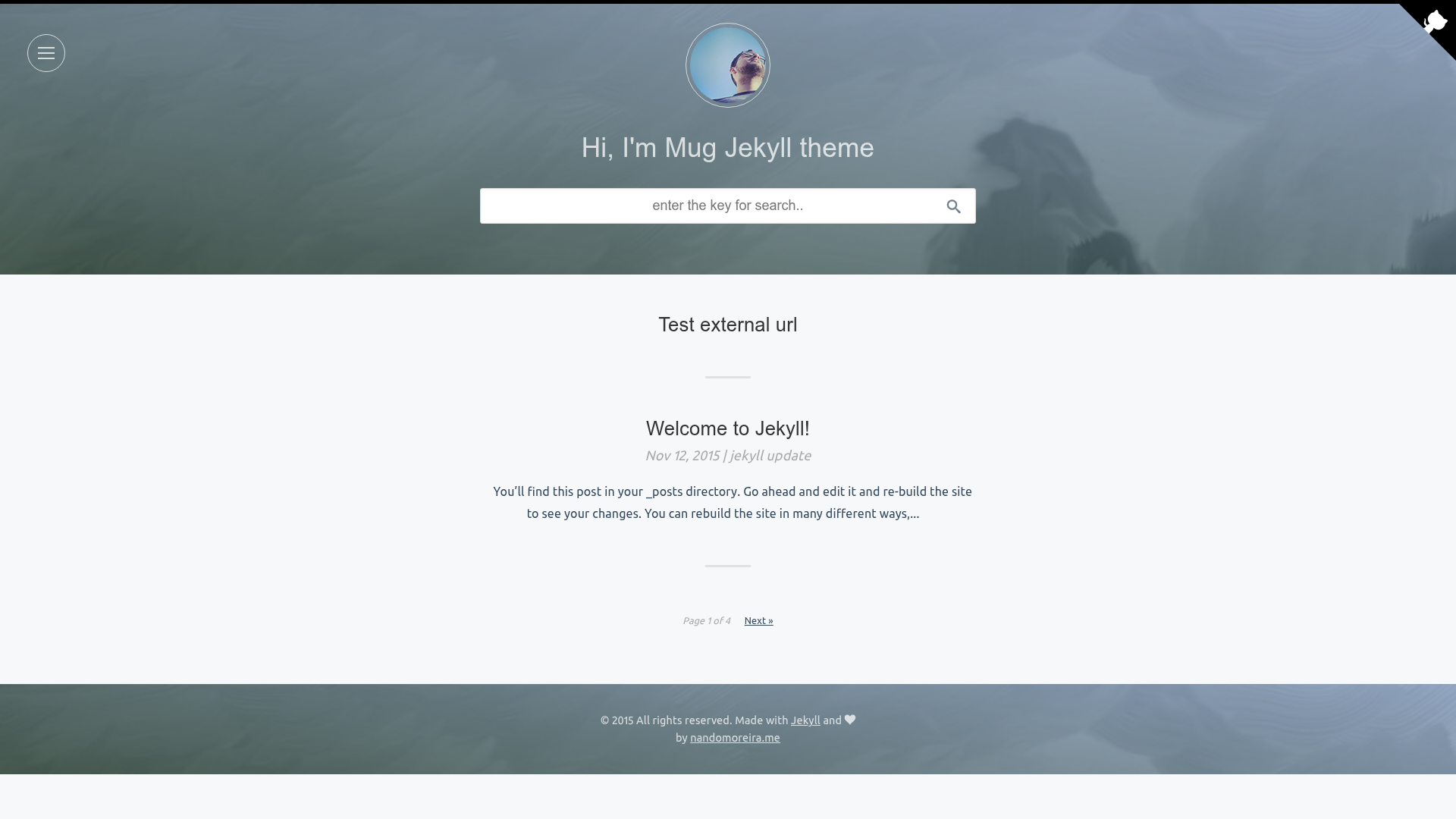
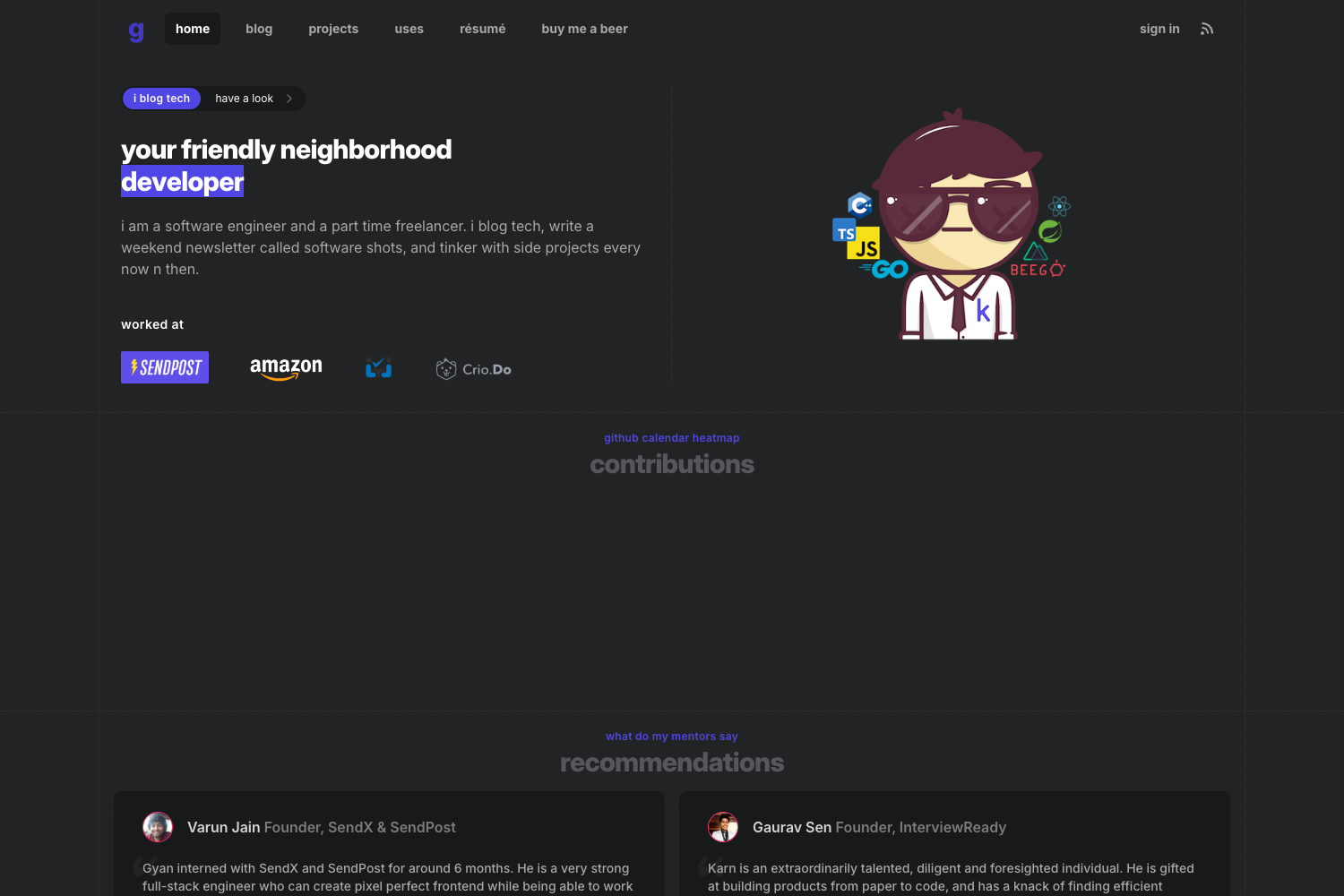
Er is a configurable blog theme built for the Hugo static site generator. It takes Hugo site content — markdown files for posts and pages — and renders a complete blog site with navigation, tags, categories, and social sharing metadata. The theme is inspired by a personal blog and is distributed as a Hugo theme, meaning it can be installed by copying the theme folder or as a Git submodule. It is maintained as a Hugo theme with 58 stars on GitHub, and it is listed with the topics hugo and hugo-theme.
Key Features
- Atom feed — Generates an Atom feed at feed.xml, containing the latest 15 posts by default; you can enable it by configuring the outputs and media types in your Hugo config.
- Open Graph tags — Automatically adds Open Graph metadata to pages for better social sharing previews.
- Tag and category pages — Provides automatically generated archive pages for posts organized by tags and categories.
- Table of contents — Uses the tocbot library to build a table of contents for posts that contain markdown headings; it is enabled by default and can be disabled per post or site-wide.
- KaTeX math rendering — Renders LaTeX math notation with KaTeX; math is off by default and enabled per page by setting math to true in front matter.
- Tag cloud — Shows a tag cloud on large screens, with a configurable maximum number of tags (default 50).
- CSS variable theming — Colors are styled with CSS variables; you can override them by creating a variables.css partial, which loads before the theme CSS.
- Google Analytics — Supports adding a Google Analytics tracking ID via the config file.
- Scroll-to-top button — Includes a back-to-top button that is shown by default and can be disabled via a parameter.
Who is it for?
- Hugo bloggers who want a clean, configurable theme with an Atom feed for better feed readers.
- Technical writers who need to publish posts with mathematical notation using KaTeX.
- Developers who want to customize colors and layout through Hugo partials and CSS variables without touching theme internals.
- Site owners who want automatic tag and category archives to organize their content.
What can you do with Er?
- Set up a blog quickly — Install the theme, create a Hugo site, and Er generates a blog with list pages, single pages, and archive pages automatically.
- Need a feed for blog readers — Configure the Atom output format and your readers can subscribe to the feed.xml URL.
- Show a table of contents — For long posts with headings, Er automatically generates a TOC using tocbot, and you can disable it per post.
- Use math in posts — Add math to true in front matter to render LaTeX formulas with KaTeX.
- Customize appearance — Override the variables.css partial to set your own color scheme, or disable the tag cloud, TOC, and scroll-to-top button from the config params.
How does Er work?
Er is a standard Hugo theme. You install it into your Hugo project's themes folder, then configure your config.toml to set site parameters, enable the Atom feed output, and optionally add a Google Analytics ID. Theme parameters control features: showtoc toggles TOC globally, math enables math per post, showTagCloud and maxTags control the tag cloud, and showScrollToTop controls the back-to-top button. Content is written as markdown files, and Hugo builds the site into static HTML.
FAQ
How do I enable the Atom feed?
Add the output format configuration shown in the theme README to your config.toml: define an Atom output format, set home outputs to include HTML and Atom, and disable RSS via disableKinds. The feed is then generated at feed.xml with the latest 15 posts.
How do I change the theme colors?
Er uses CSS variables. Create a file at layouts/partials/css/variables.css with your custom variable values, and it loads before the theme CSS, so your overrides take effect.
Does Er support math rendering?
Yes, via KaTeX. Math is disabled by default; set math to true in the front matter of a post or page to enable it for that page.
Is the table of contents enabled always?
By default, yes. If headings are detected in a post, a TOC is generated using the tocbot library. You can disable it per post with toc set to false, or globally by setting showtoc to false in config params.
Can I disable the tag cloud?
Yes. Set showTagCloud to false under the parameters section of your config to hide it. You can also set maxTags to limit how many tags appear.