Template details
Yubisaki
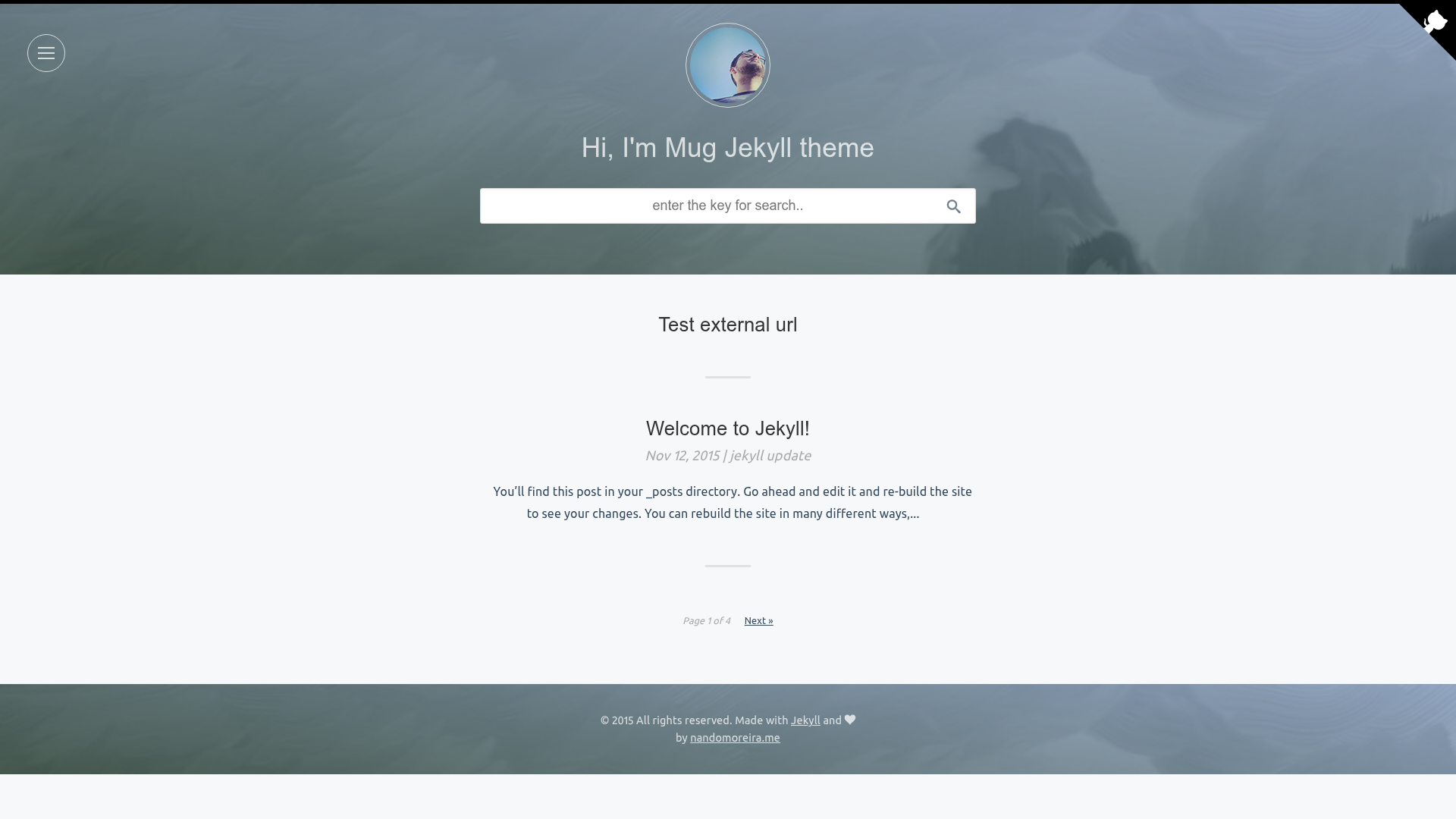
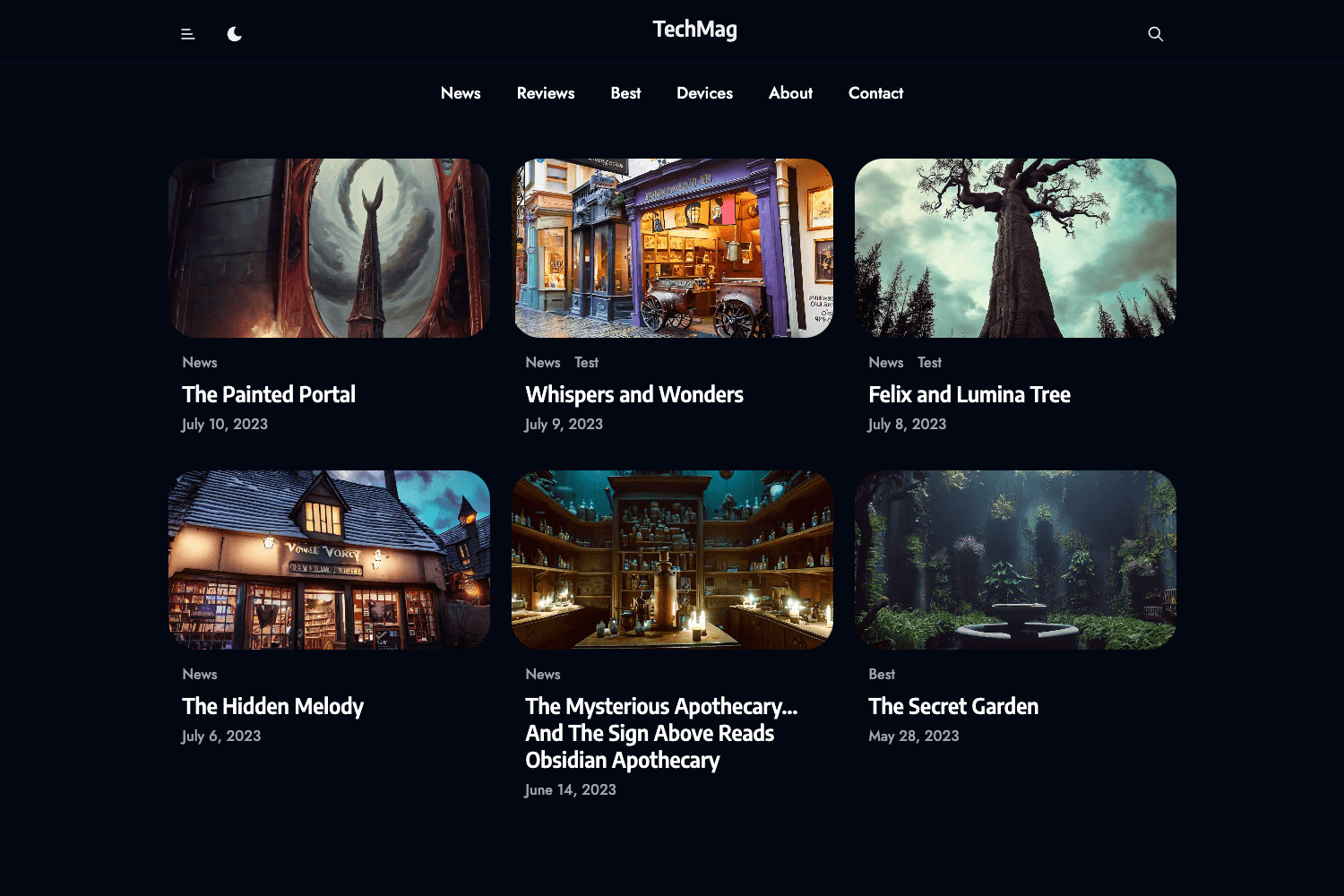
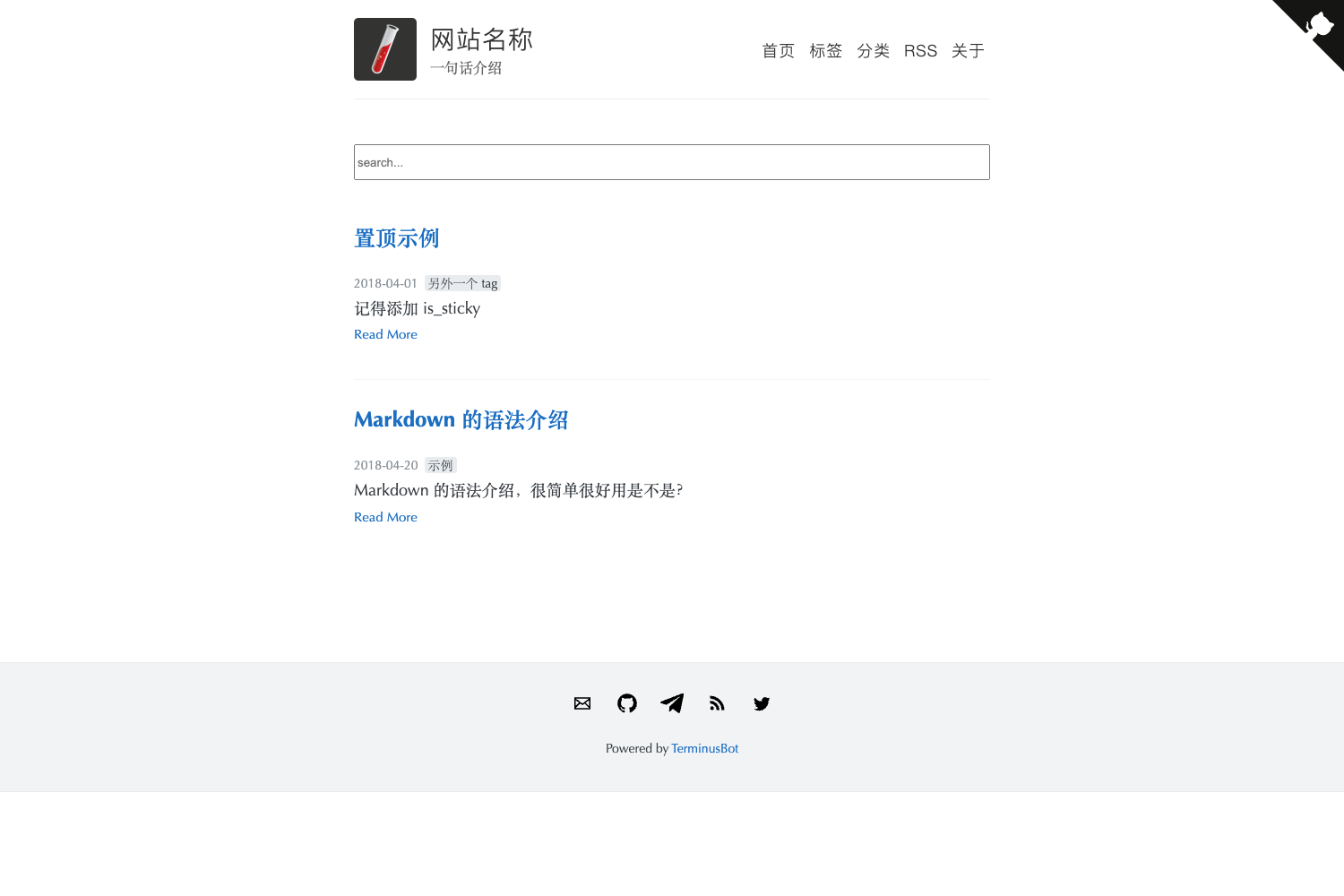
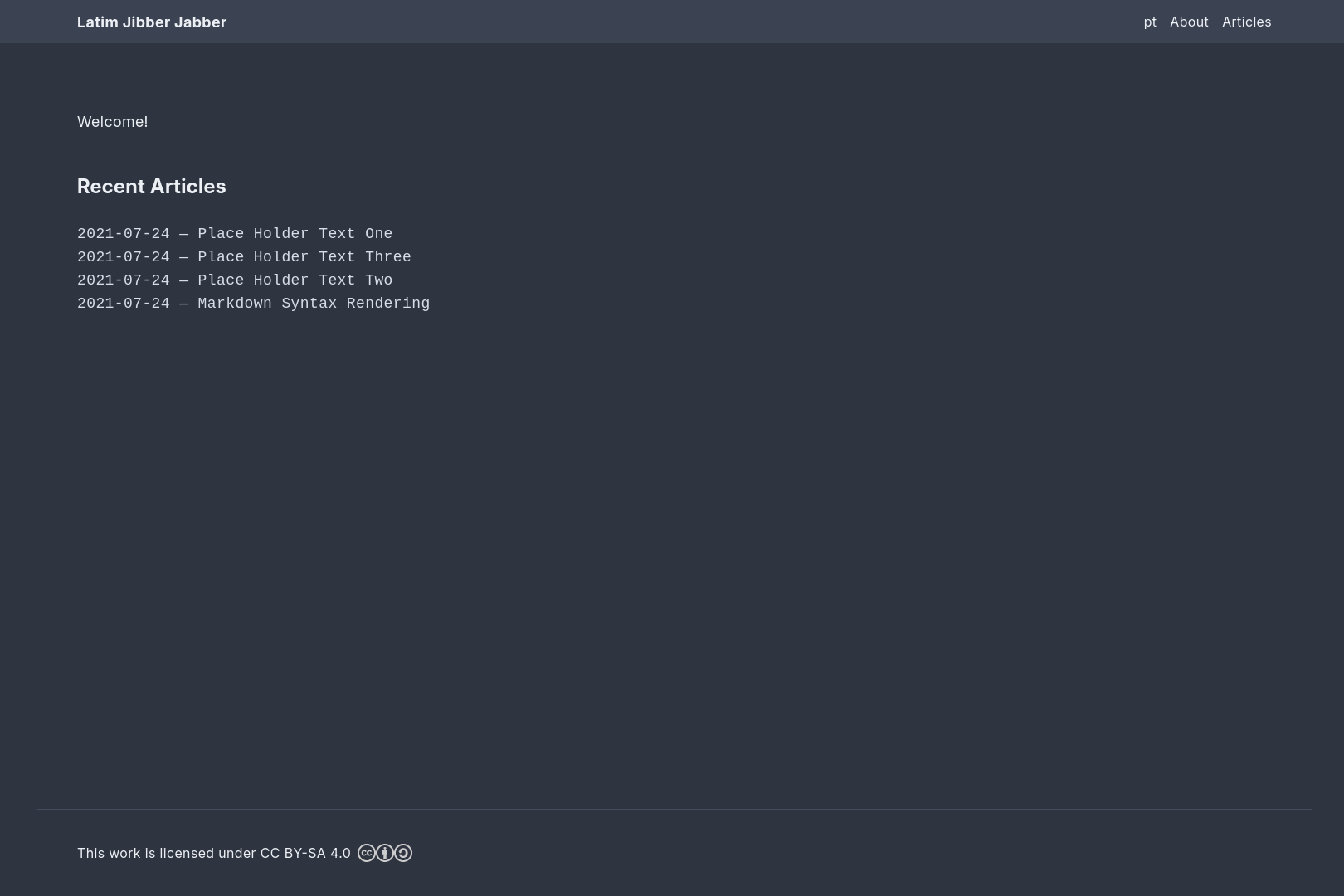
Yubisaki is a VuePress blog theme that adds tags, pagination, search, GitHub Cards, and comments to static blogs.
About this template
Yubisaki is a VuePress blog theme that converts a standard VuePress static site into a blog with tags, pagination, keyword search, GitHub Cards, and comment support.
What is Yubisaki?
Yubisaki is an open-source blog theme built for VuePress, published on npm as vuepress-theme-yubisaki. It accepts a VuePress project with Markdown content and renders it as a blog with a multi-scene layout, replacing the need to build custom blog components. The theme is licensed under MIT and maintained in the Yubisaki GitHub repository, with documentation offered in both Simplified Chinese and English.
Key Features
- Post Tags — Organize posts by tags so readers can browse related content from a tag index.
- Github Card — Embeds GitHub repository cards in posts or pages, letting you display repo metadata and links.
- Pagination — Splits the post list into pages automatically, so archives scale without a single long scroll.
- Search by keyword — Provides site-level keyword search for readers to find posts without leaving the page.
- Multi scene layout — The theme supports several layout variants for different page types, such as listing pages and individual posts.
- Comments — Includes a comments integration point so readers can discuss posts without building that feature from scratch.
Who is it for?
- VuePress users who want a blog-specific theme instead of hand-wiring tag pages, pagination, and search into a default VuePress site.
- Developers already on the Vue/VuePress stack who want to keep their Markdown workflow and Vue SFC customizations while gaining blog features.
- Technical writers publishing documentation or a personal blog who need a lightweight static output and easy deployment to any static host.
What can you do with Yubisaki?
- Personal bloggers: publish Markdown posts and get automatic tag pages, pagination, and keyword search with zero backend.
- Open-source maintainers: embed GitHub Cards in project posts to link readers directly to repositories and stars.
- Bilingual authors: use the Chinese and English documentation to set up the theme and customize it for a local or international audience.
How do you install Yubisaki?
Install the theme package from npm and then register it as the theme in your VuePress configuration. The README gives two equivalent commands: yarn add vuepress-theme-yubisaki@next -S or npm install vuepress-theme-yubisaki@next --save-dev. These install commands use the @next dist-tag on npm.
Pricing
The theme is free to use and released under an MIT License.
FAQ
Is Yubisaki free?
Yes, the theme is open source under the MIT License, and the package is available on npm for anyone to download and use.
What does Yubisaki do?
It is a VuePress blog theme that adds tags, pagination, keyword search, multi-scene layouts, GitHub Cards, and comments to a static blog built with VuePress.
How do I install Yubisaki?
Run yarn add vuepress-theme-yubisaki@next -S with Yarn, or npm install vuepress-theme-yubisaki@next --save-dev with npm, then set it as the theme in your VuePress config.
Does Yubisaki include comments?
Yes, comments are listed as a built-in feature, so you can enable discussion on posts instead of writing a comment system yourself.