Template details
Karngyan.com
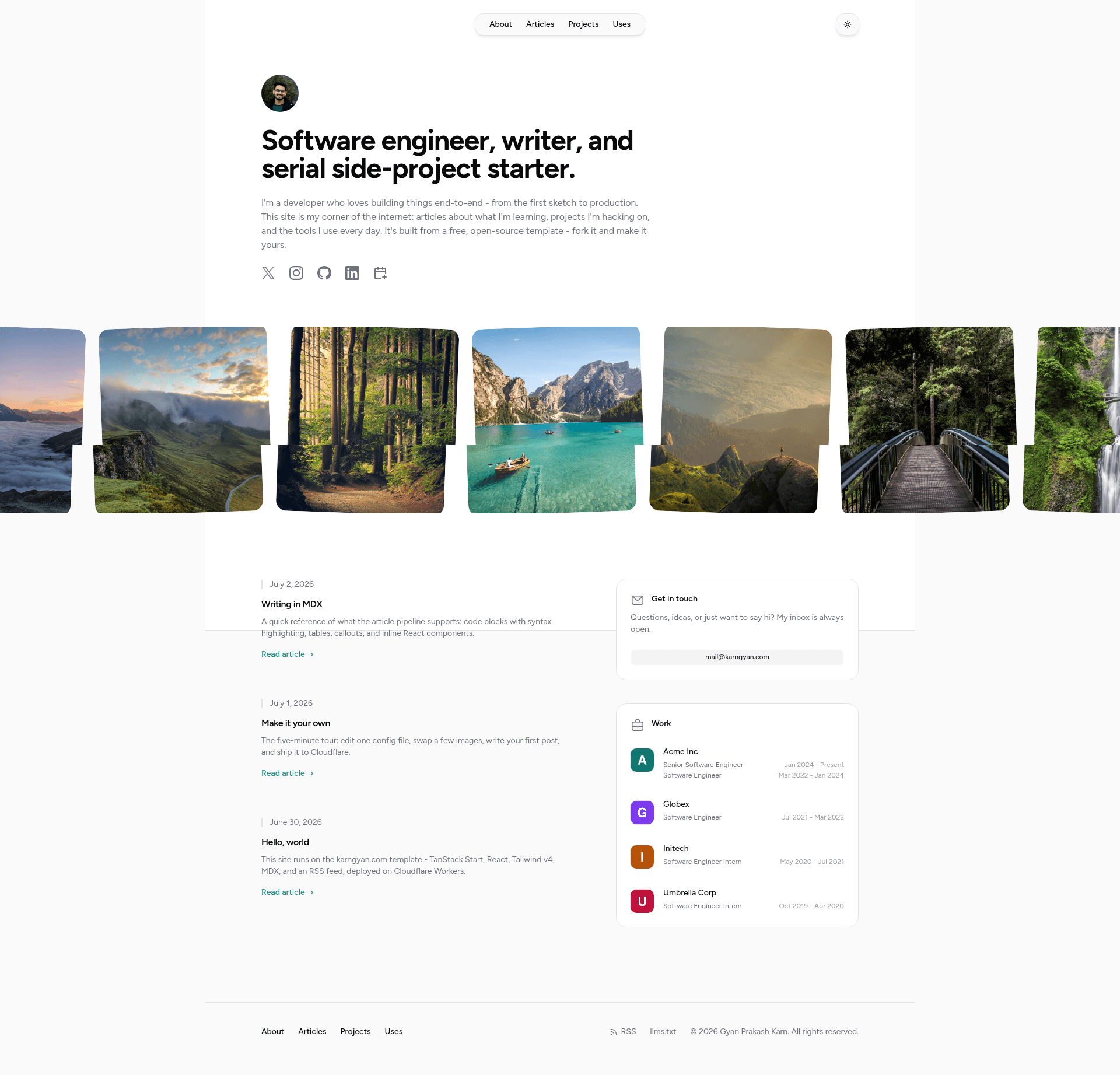
Personal site + blog template built on TanStack Start, React 19, Tailwind CSS v4, and MDX, with Cloudflare Workers deployment.
About this template
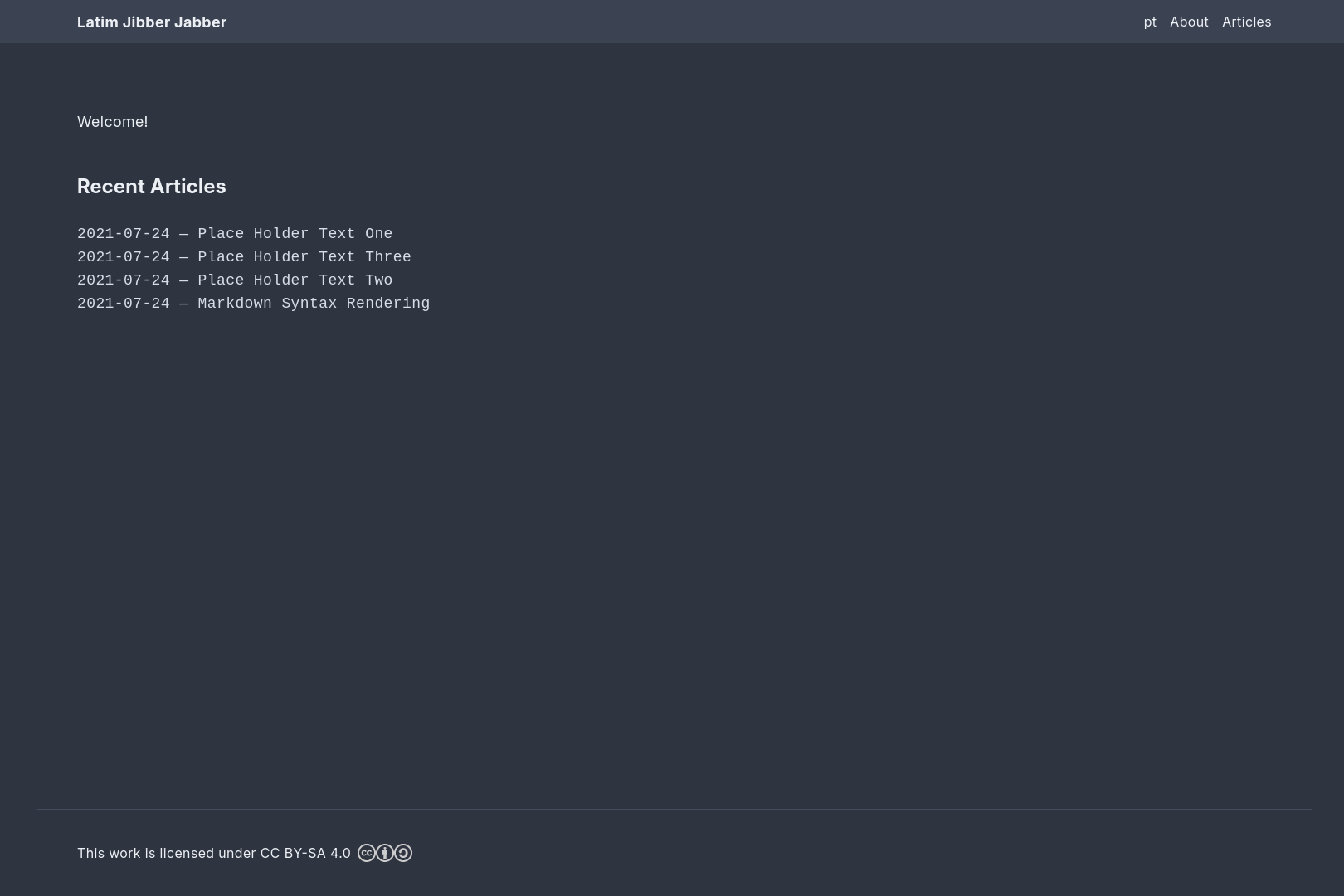
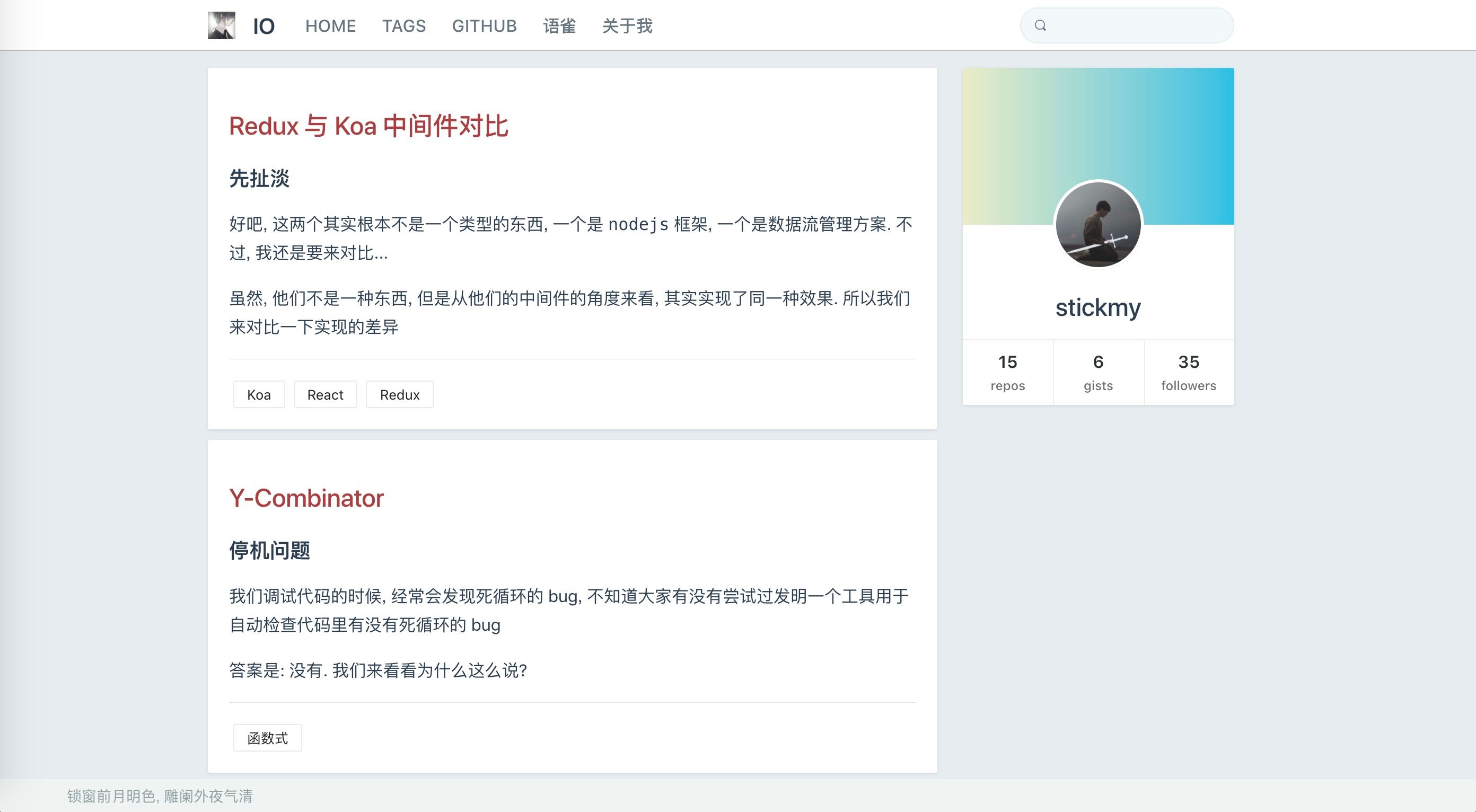
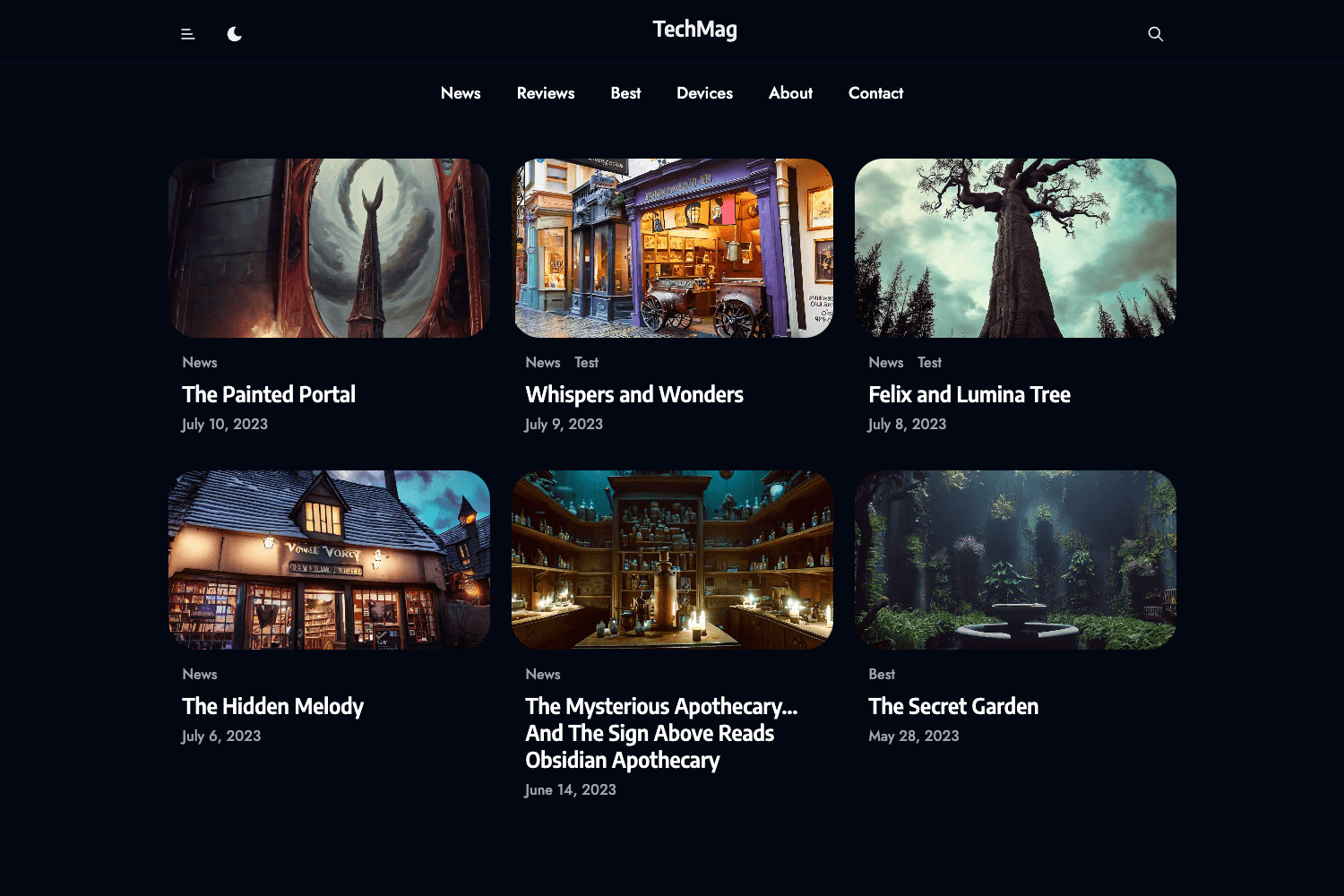
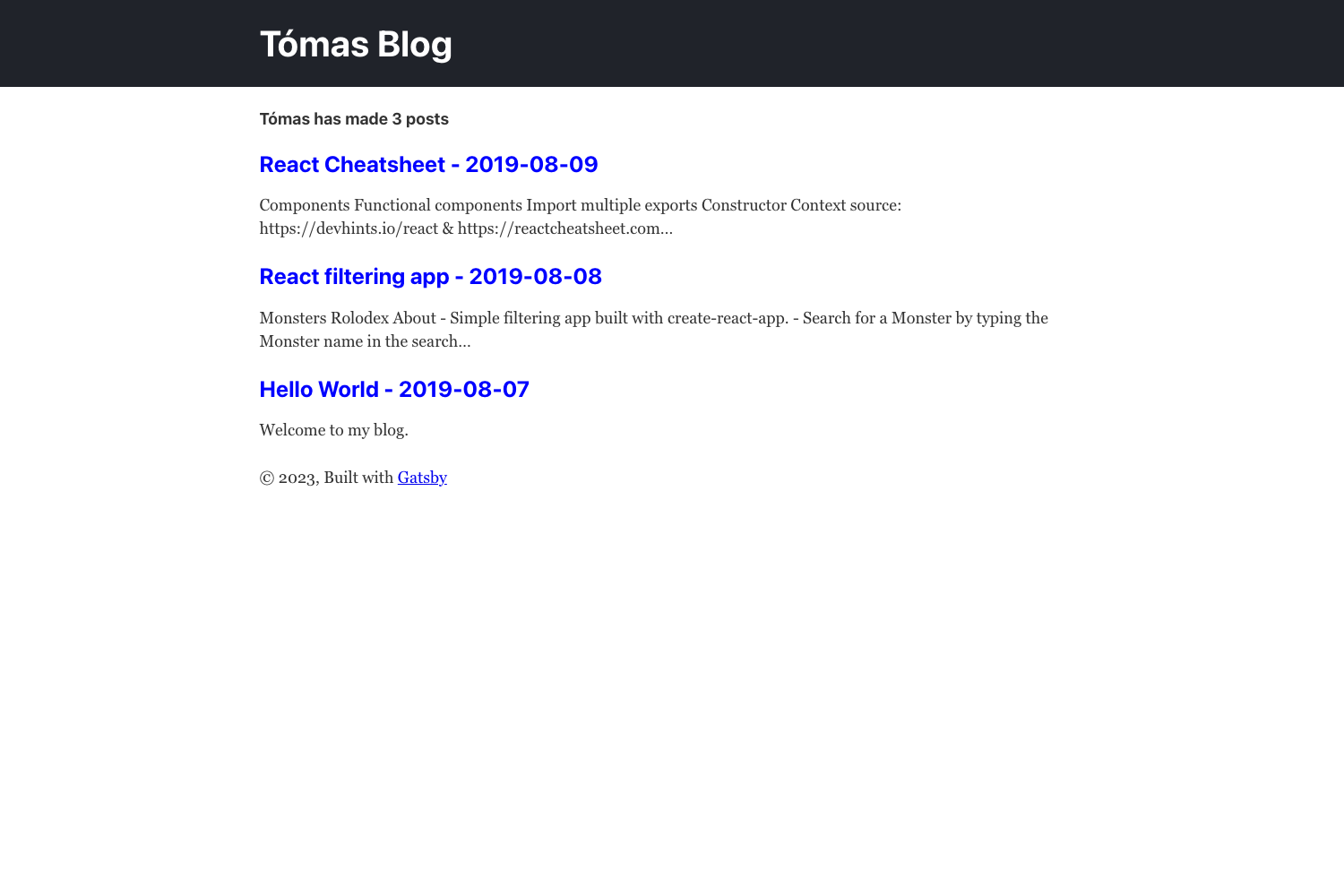
Karngyan.com is an open-source personal site and blog template built on TanStack Start, React 19, Tailwind CSS v4, and shadcn/ui that produces a complete website and deploys to Cloudflare Workers. Point it at your content — a typed config file, a few image folders, and MDX articles — and it generates a live site with RSS, sitemap, robots.txt, llms.txt, and build-time Open Graph images.
What is Karngyan.com?
Karngyan.com is a developer-focused template for building a personal website, portfolio, and blog without assembling infrastructure yourself. It takes as input: configuration in site.config.ts, images in asset folders, and Markdown with JSX (MDX) articles in src/content/articles/. It outputs a fully rendered site with server routes for feeds, a static-plus-SSR hybrid via TanStack Start, and a production build ready for Cloudflare Workers. The template is created by Karn and released under the MIT License.
Key Features
- TanStack Start — file-based routing, SSR, typed loaders, and server routes give you a typed React framework without manual route setup.
- Tailwind CSS v4 + shadcn/ui — utility-first styling with oklch color tokens, plus a dark/light/system theme that switches instantly and toggles with the
dkey. - MDX articles — write posts as folders under
src/content/articles/with Shiki syntax highlighting, GitHub-flavored Markdown tables, and inline React components. - Automatic feed files — RSS, sitemap, robots.txt, and llms.txt server routes are generated from your content and
site.config.ts. - Open Graph images — satori generates a default and per-article OG image at build time, so links share nicely.
- Cloudflare Workers deployment —
pnpm run deploybuilds and deploys, or you can automate it with GitHub Actions using two repository secrets. - Reproducible toolchain —
mise.tomlpins exact Node.js and pnpm versions, andCLAUDE.mdgives coding agents a roadmap to the codebase. - Typed configuration — everything personal lives in
site.config.ts, and a typo fails the build rather than producing a broken site.
Who is it for?
Developers who want a personal site with a blog and don't want to manage CMS infrastructure. Bloggers who write in Markdown and want syntax highlighting, RSS, and social cards without extra tooling. Developers who deploy to Cloudflare Workers and want a one-command or GitHub Actions–based deploy pipeline. Frontend developers who want to inspect a working TanStack Start example with typed loaders, server routes, and MDX integration.
What can you do with Karngyan.com?
- Publish a blog post: create a folder in
src/content/articles/, add apage.mdxfile with title, description, date, and author in frontmatter, and write Markdown and JSX. The article list, RSS feed, sitemap, and OG image update on the next build. - Customize the whole site: edit
site.config.tsto set your name, canonical URL, title, description, email, socials, navigation, work history, and optional Plausible analytics. - Deploy automatically: push to the default branch and the included GitHub Actions workflow deploys to Cloudflare Workers after you add
CLOUDFLARE_API_TOKENandCLOUDFLARE_ACCOUNT_IDsecrets.
How does the template work?
Start by clicking "Use this template" on GitHub or running pnpm dlx degit karngyan/karngyan.com my-site. Then install the pinned toolchain with mise install, run pnpm install, and start the dev server with pnpm dev on port 3000. Articles are MDX files in content folders, and pnpm run deploy executes the production build and wrangler deploy. The build uses nitro, so you can deploy to other hosts by changing the preset in vite.config.ts.
Pros and cons
- Pros: open source under MIT; no CMS lock-in; typed config catches mistakes; automatic RSS and OG images; exact version pinning; optional analytics hookup.
- Cons: default deployment targets Cloudflare Workers, so other hosts require editing the nitro preset; MDX is more complex than plain Markdown for some writers; the stack is opinionated.
FAQ
Is Karngyan.com free?
Yes. The template is open source under the MIT License, so you can use, modify, and deploy it for free, including for commercial projects.
How do I deploy to Cloudflare Workers?
Log in once with pnpm wrangler login, then run pnpm run deploy. Your site goes live at your-worker-name.your-account.workers.dev, and you can attach a custom domain in the Cloudflare dashboard. For auto-deploys, set up the GitHub Actions workflow with CLOUDFLARE_API_TOKEN and CLOUDFLARE_ACCOUNT_ID.
Can I host it elsewhere?
Yes. Because the build produces a nitro server, you can change the preset in vite.config.ts to deploy to a Node server, Netlify, Vercel, or any other nitro-supported host.
What do I need to write an article?
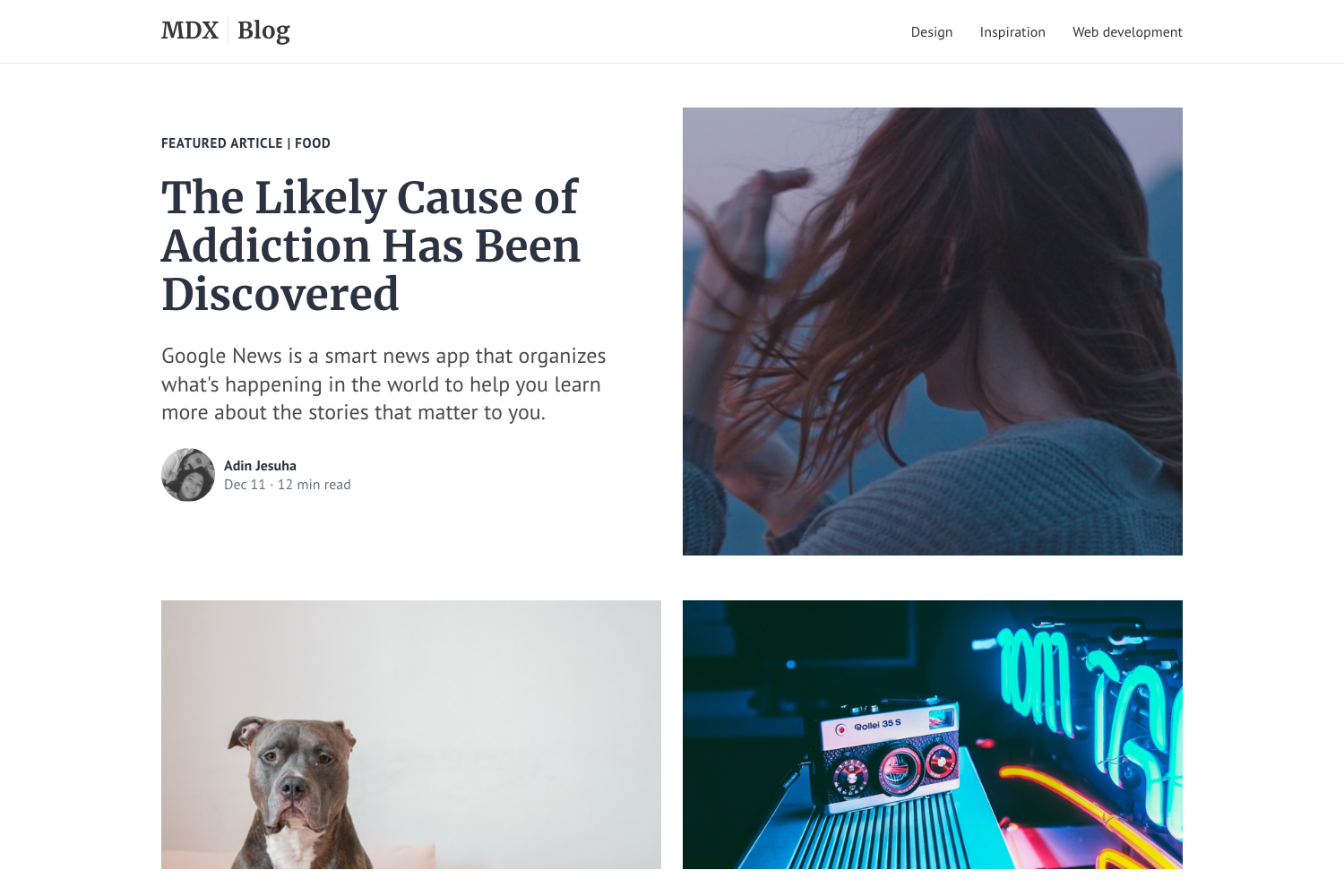
Just a folder under src/content/articles/ containing a page.mdx file. The frontmatter must set title, description, date, and author. The body supports standard Markdown plus JSX, Shiki-highlighted code blocks, and GFM tables.
Does it include RSS and SEO basics?
Yes. Server routes generate RSS, sitemap, robots.txt, and llms.txt from your config and content, and Open Graph images are generated at build time with satori.