Template details
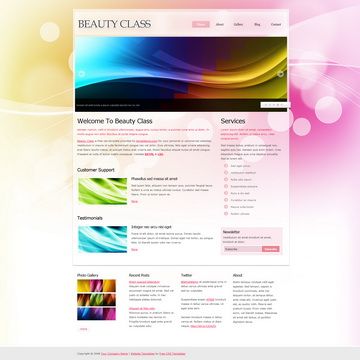
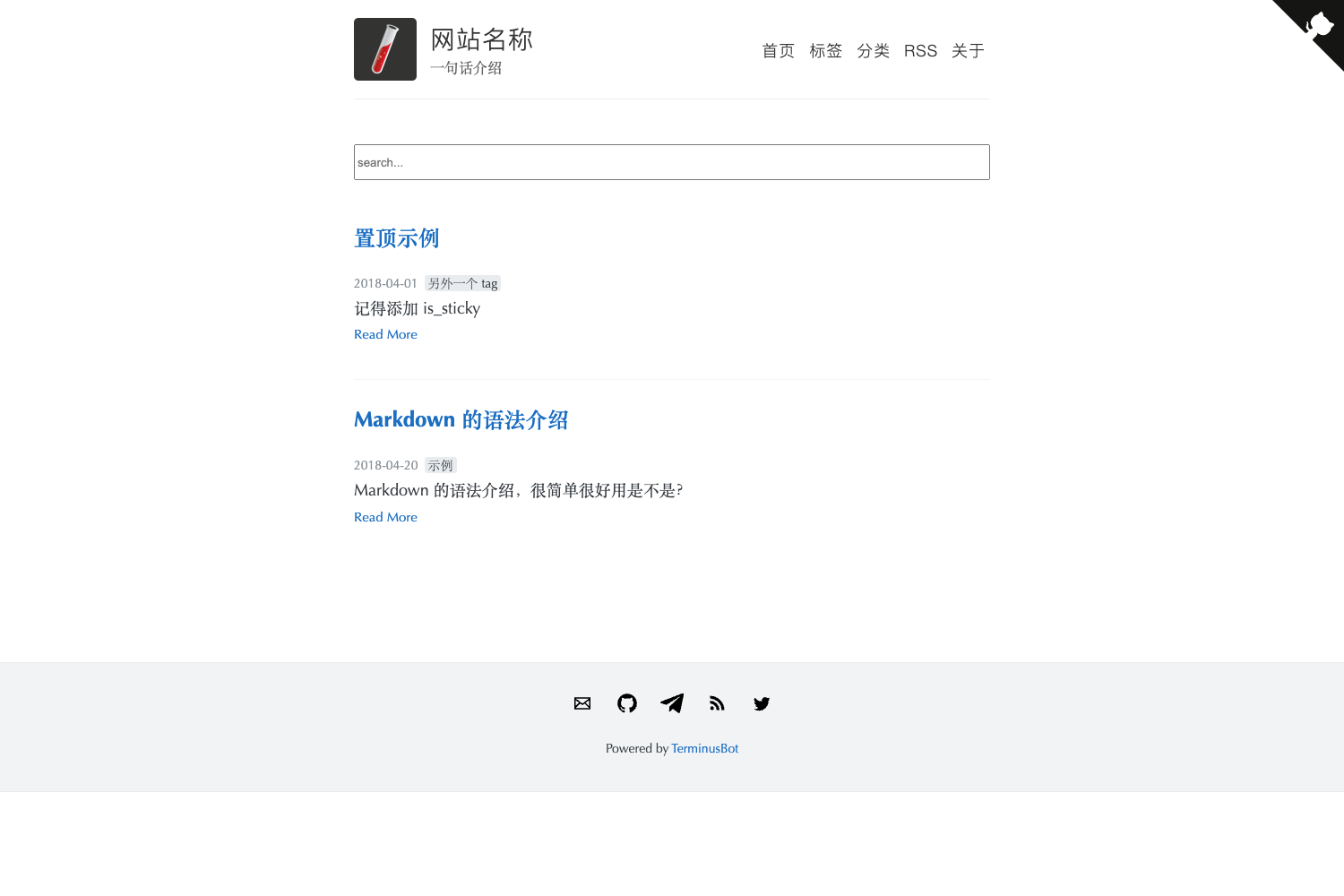
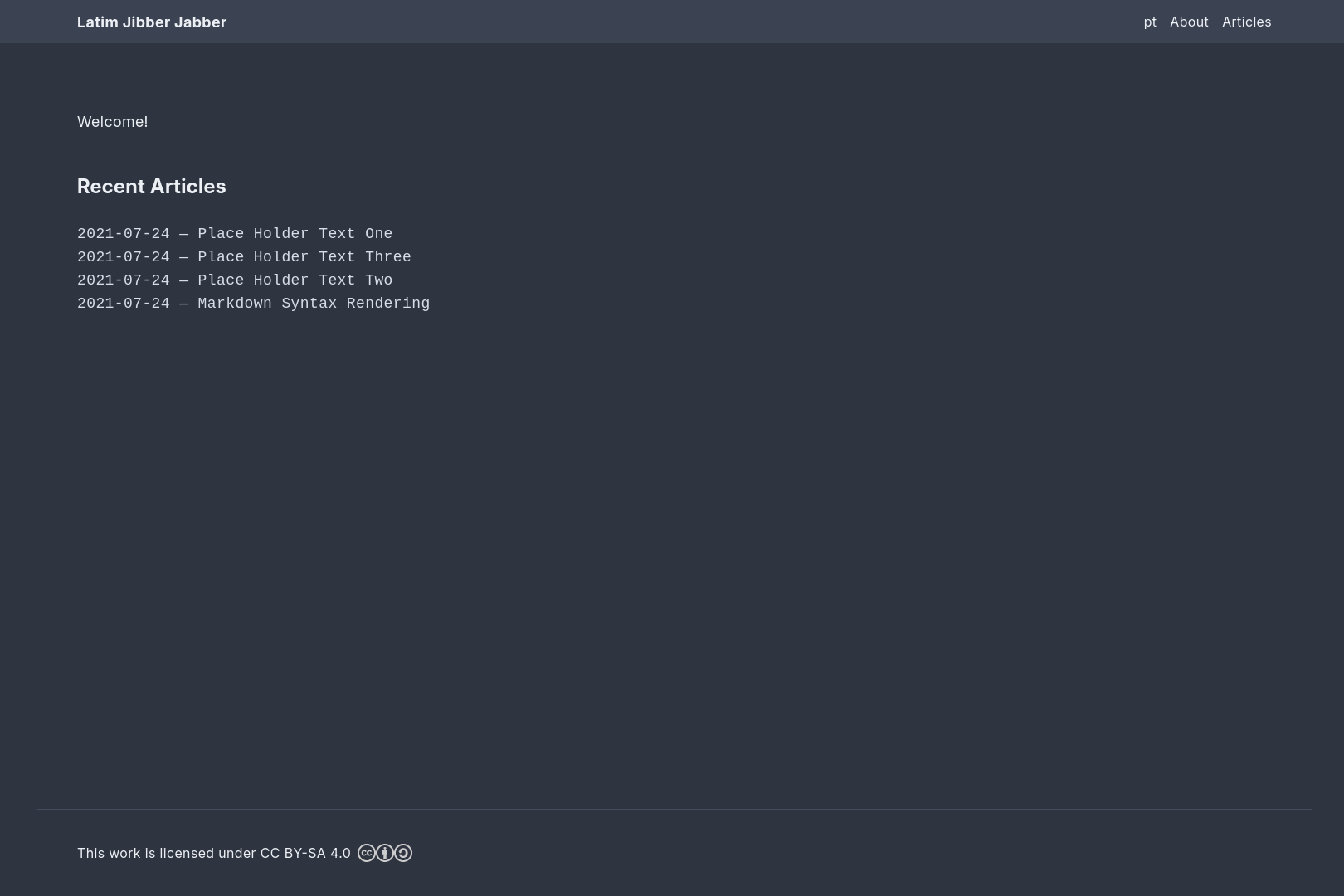
Next.js Magazine Template
Clean, modern Next.js template for magazines, news and blogs.
About this template
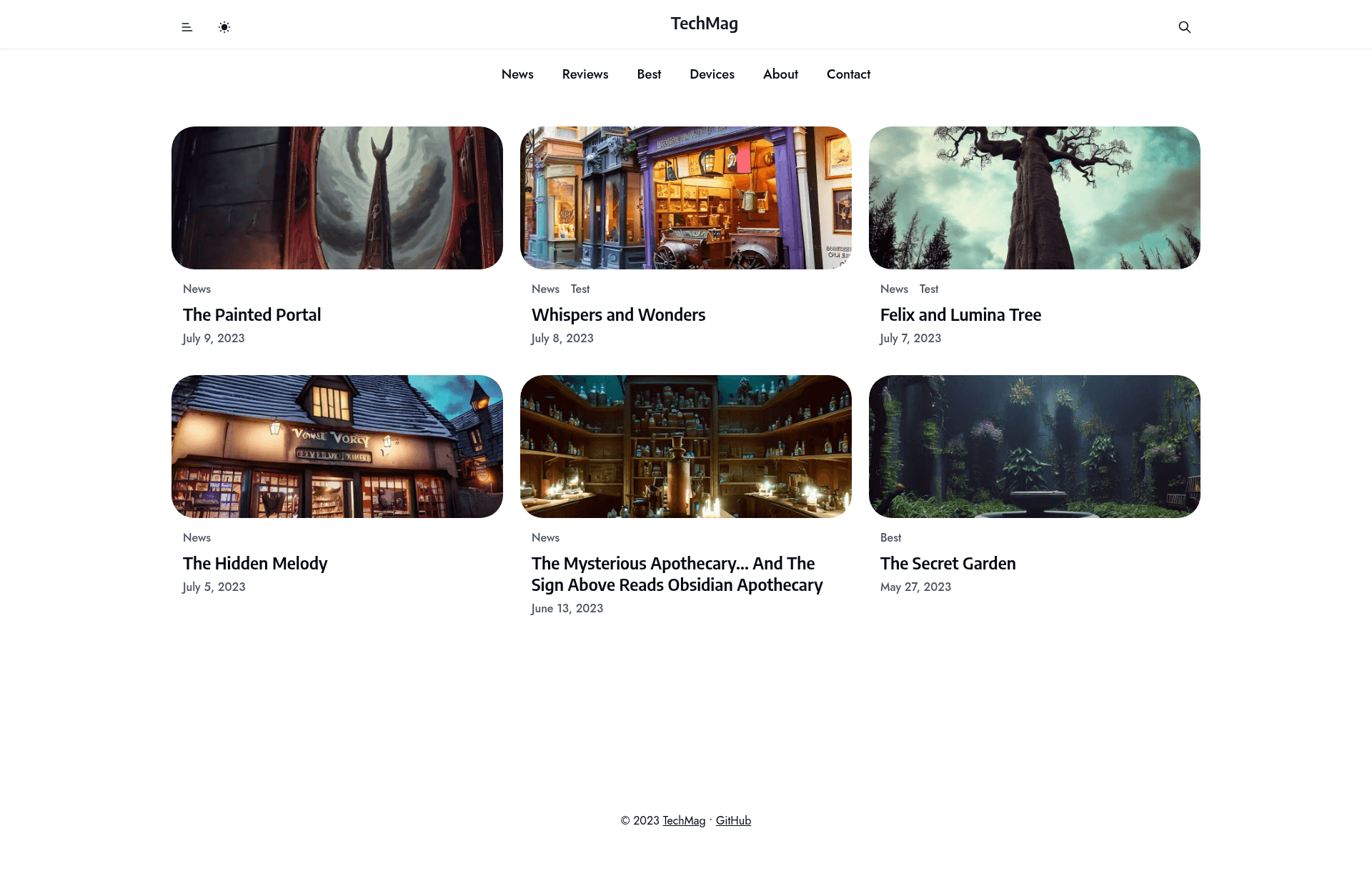
Next.js Magazine Template is a clean, modern Next.js starter for magazines, news, and blogs, bootstrapped with create-next-app and built around the App Router for fast, deployable editorial sites.
What is Next.js Magazine Template?
Next.js Magazine Template is a Next.js project that gives you a minimal but complete starting point for a magazine, news, or blog website. It uses the App Router (with app/page.tsx as the entry file) and ships with the Inter font pre-configured through next/font. The template comes from the create-next-app scaffold and is intended to be edited into a full editorial site, then deployed to Vercel.
Key Features
- App Router structure — The site root lives in app/page.tsx, and edits there reload instantly in development.
- Automatic font optimization — next/font loads and self-hosts Inter, so the template avoids render-blocking font requests and layout shift.
- TypeScript by default — The main page is a .tsx file, and the topics list includes nextjs-typescript, so the project is type-safe out of the box.
- Multi-package-manager support — You can run the dev server with npm, yarn, pnpm, or bun, using the respective run command.
- Targeted at Next.js 13 — The repository metadata lists nextjs13, meaning the template is aligned with the Next.js 13 App Router features.
- Vercel-ready — The README flags the Vercel Platform as the easiest deployment path and links to Next.js deployment docs.
Who is it for?
- Magazine and news editors who need a clean, modern front-end to publish articles without starting from scratch.
- Independent bloggers who want a lightweight Next.js blog base with Inter typography already set up.
- Next.js developers who are building a custom editorial site and want a lean App Router scaffold with TypeScript and font optimization included.
Use cases
- News portal launch: Customize app/page.tsx and add article routes to turn the starter into a daily-updated news site, then connect it to a headless CMS.
- Personal blog: Replace the default content with your own posts, style the layout, and deploy to Vercel for a fast personal site.
- Magazine-style showcase: Build a curated article hub where the homepage is a grid of stories, using the App Router's layout and loading conventions.
How does this template work?
To start developing, run npm run dev (or the yarn, pnpm, or bun equivalent) in the project root. This launches the dev server at http://localhost:3000, and you can edit app/page.tsx to see changes live. When you're ready to publish, the README points you to the Vercel Platform for importing the repo and deploying with your Git provider.
FAQ
How do I run this template locally?
Run npm run dev, yarn dev, pnpm dev, or bun dev from the project folder, then open http://localhost:3000. The dev server will hot-reload as you edit app/page.tsx.
Does this template use TypeScript?
Yes. The primary page is app/page.tsx, and the repository topics list nextjs-typescript, so the scaffold is TypeScript-based out of the box.
How do I deploy this template?
The README recommends deploying with the Vercel Platform, which works directly from your Git repository. Next.js deployment documentation is also linked for more detail.