Template details
Terminus Jekyll Template
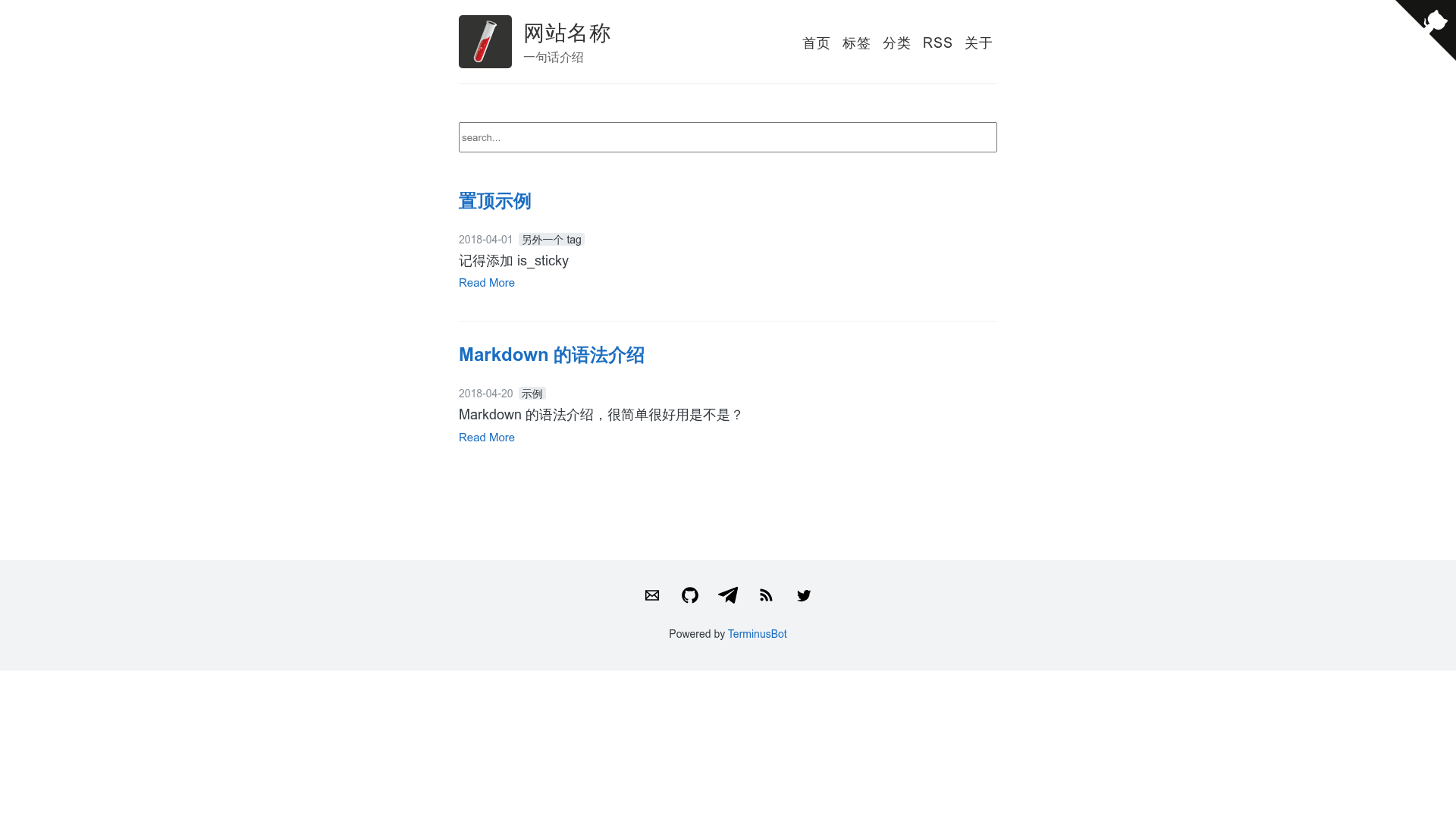
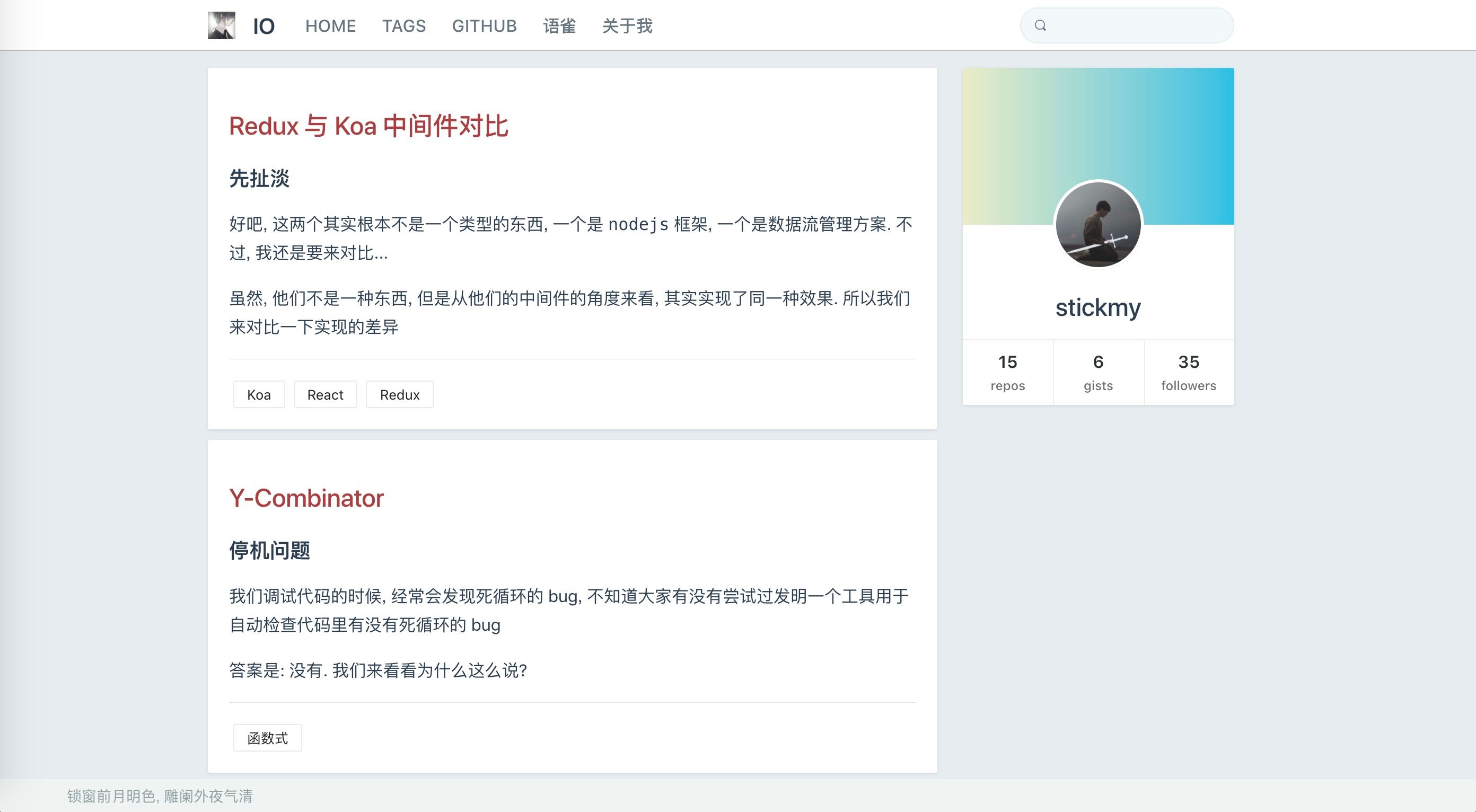
A Jekyll blog theme forked from kiko-now with Chinese typography optimizations, post pinning, search, and GitHub Corner; configure via _config.yml.
About this template
Terminus Jekyll Template is a Jekyll blog theme forked from kiko-now, optimized for Chinese-language sites, that turns a GitHub repository into a static blog or website by editing one configuration file.
What is Terminus Jekyll Template?
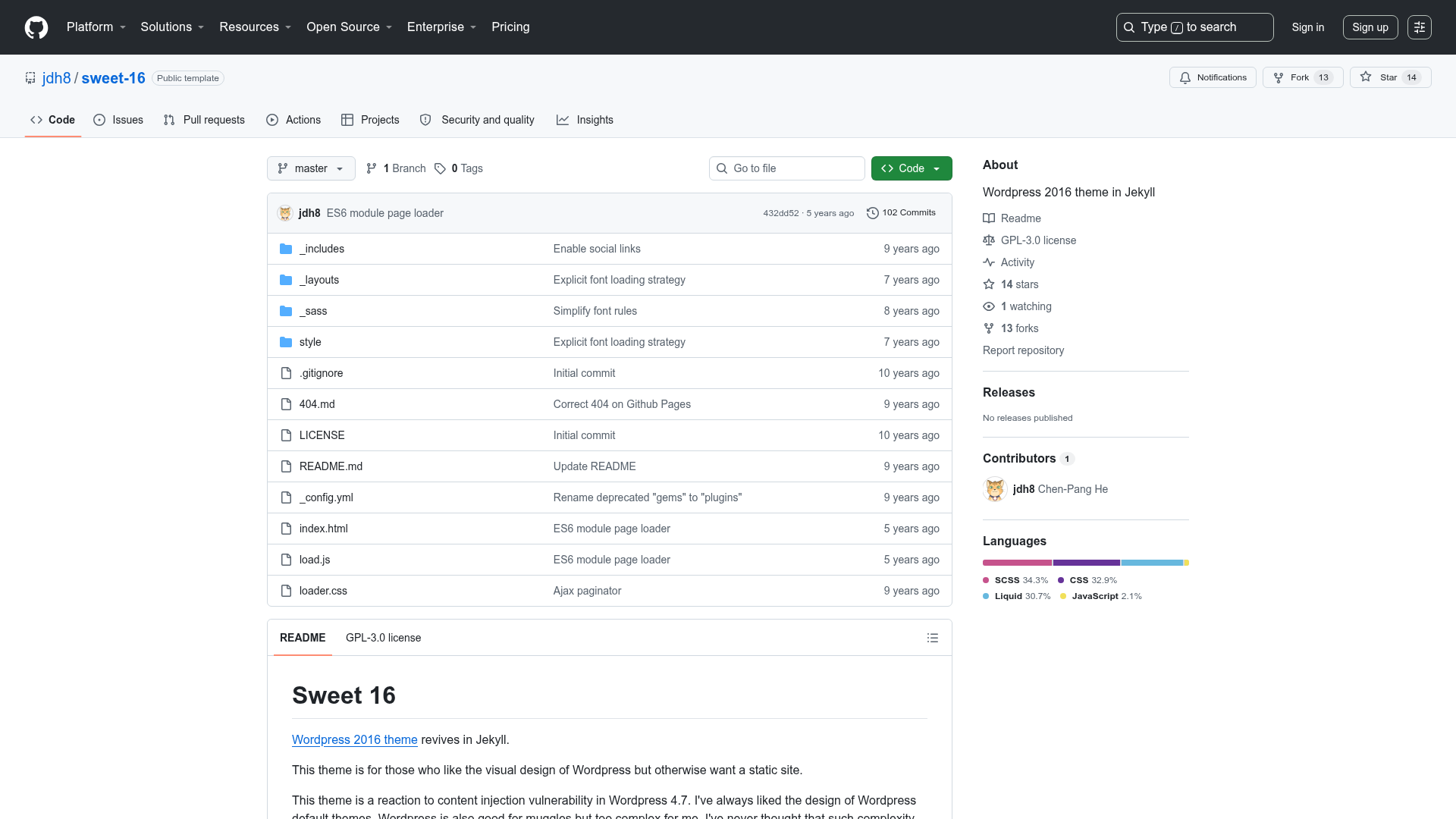
Terminus Jekyll Template is a Jekyll-based blog theme that builds a complete static website from Markdown posts and a single _config.yml file. It takes posts written in Markdown and outputs a styled blog that GitHub Pages can host for free. Maintained by TerminusBot, it is a fork of kiko-now with added features for Chinese typography, post pinning, search, and a GitHub Corner link. The template is open source and hosted at github.com/TerminusBot/terminus-jekyll-template.
Key Features
- Chinese-optimized typography — improves text rendering for Chinese readers and uses pangu.js to insert correct spacing between CJK and Latin characters.
- Post pinning — lets you pin selected posts to the top of the blog listing, a capability missing from the original kiko-now theme.
- Built-in search — adds on-site search so visitors can find posts by keyword without third-party search services.
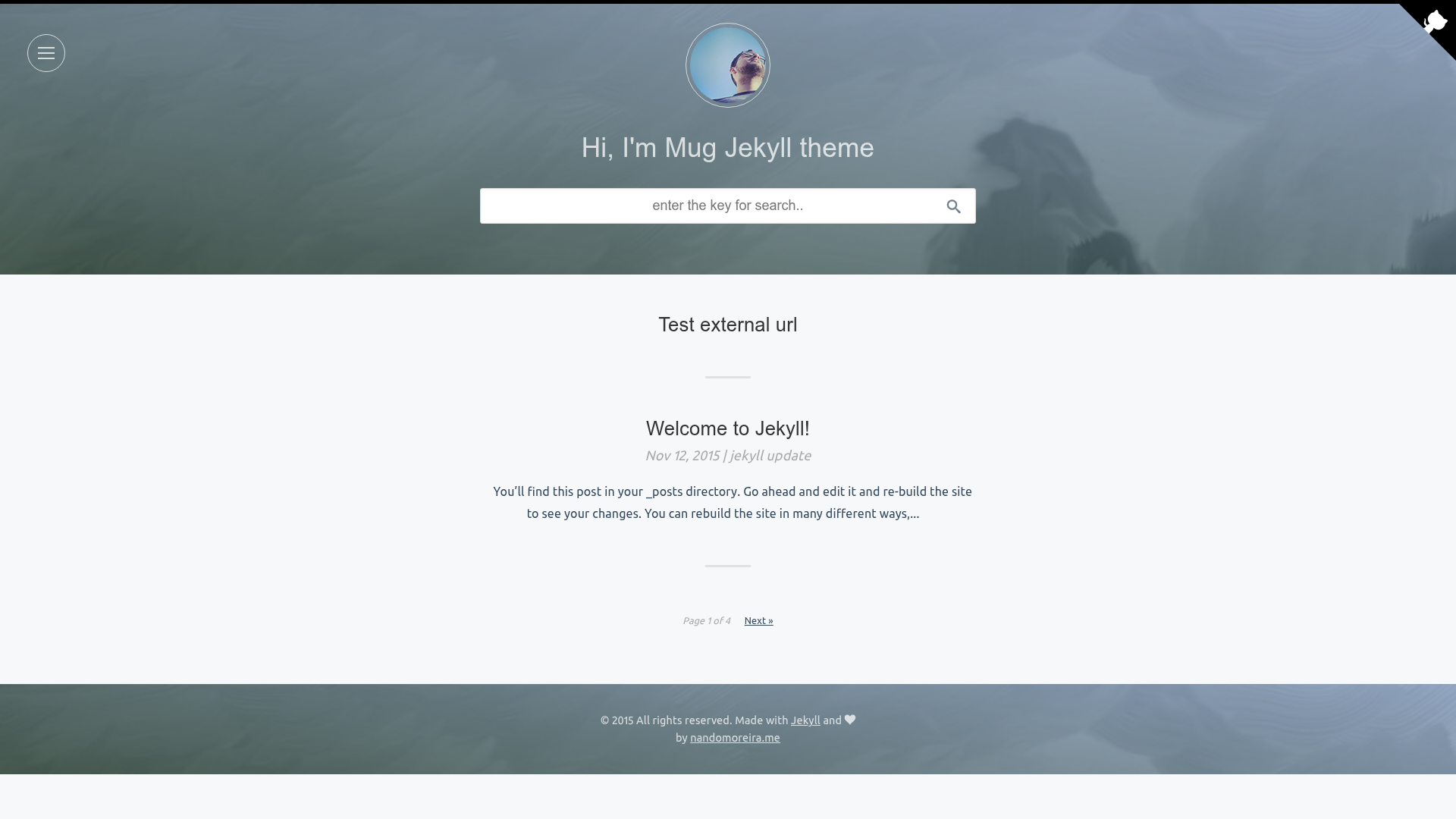
- GitHub Corner — displays a GitHub Corners ribbon linking to the repository, generated by the tholman.com/github-corners project.
- Single-file configuration — all site settings such as name and description are edited in _config.yml; no additional coding is needed to launch.
- Jekyll SEO and sitemap — includes jekyll-paginate, jekyll-seo-tag, and jekyll-sitemap to provide pagination, meta tags, and an XML sitemap.
- Straightforward post format — posts are plain Markdown files named yyyy-mm-dd-english-title.md placed in the _posts folder.
Who is it for?
- Chinese-speaking bloggers — get a blog with proper Chinese punctuation handling and search without building a site from scratch.
- GitHub users who want free hosting — fork the repository, enable GitHub Pages on the master branch, and publish a site at no cost.
- Jekyll beginners — follow the six-step guide to go from fork to published blog, with local preview commands included.
What can you do with Terminus Jekyll Template?
- Personal bloggers: publish dates in filenames and the theme handles pagination and SEO automatically.
- Community sites: create a lightweight informational page, as the related 1984bbs site does.
- Writers focused on readability: benefit from the pangu.js spacing fix and the cosx.org font scheme for cleaner Chinese text.
How does it work?
- Fork the repository on GitHub.
- Enable GitHub Pages in Settings and set the source to 'master branch.'
- Rename the project (for example, 'Blog') and visit
https://yourusername.github.io/blog. - Edit about.md with a profile and _config.yml with the site name and description.
- Add Markdown posts to _posts using the filename format yyyy-mm-dd-english-title.md.
For local preview, install bundler, jekyll, jekyll-paginate, jekyll-seo-tag, and jekyll-sitemap via gem, then run jekyll serve.
FAQ
Is Terminus Jekyll Template free?
Yes, it is open source on GitHub and free to use and modify. Hosting on GitHub Pages is also free for public repositories.
How do I deploy it?
Fork the repository, go to Settings, enable GitHub Pages with the source set to 'master branch,' and rename the project. Your site will be available at https://yourusername.github.io/projectname.
How do I write a new post?
Create a Markdown file in the _posts folder with the naming format yyyy-mm-dd-english-title.md. The theme will automatically format it as a blog post.
What improvements does it add to kiko-now?
It adds post pinning, search, a GitHub Corner link, and Chinese typography optimizations such as pangu.js integration, which are not present in the original kiko-now theme.