Template details
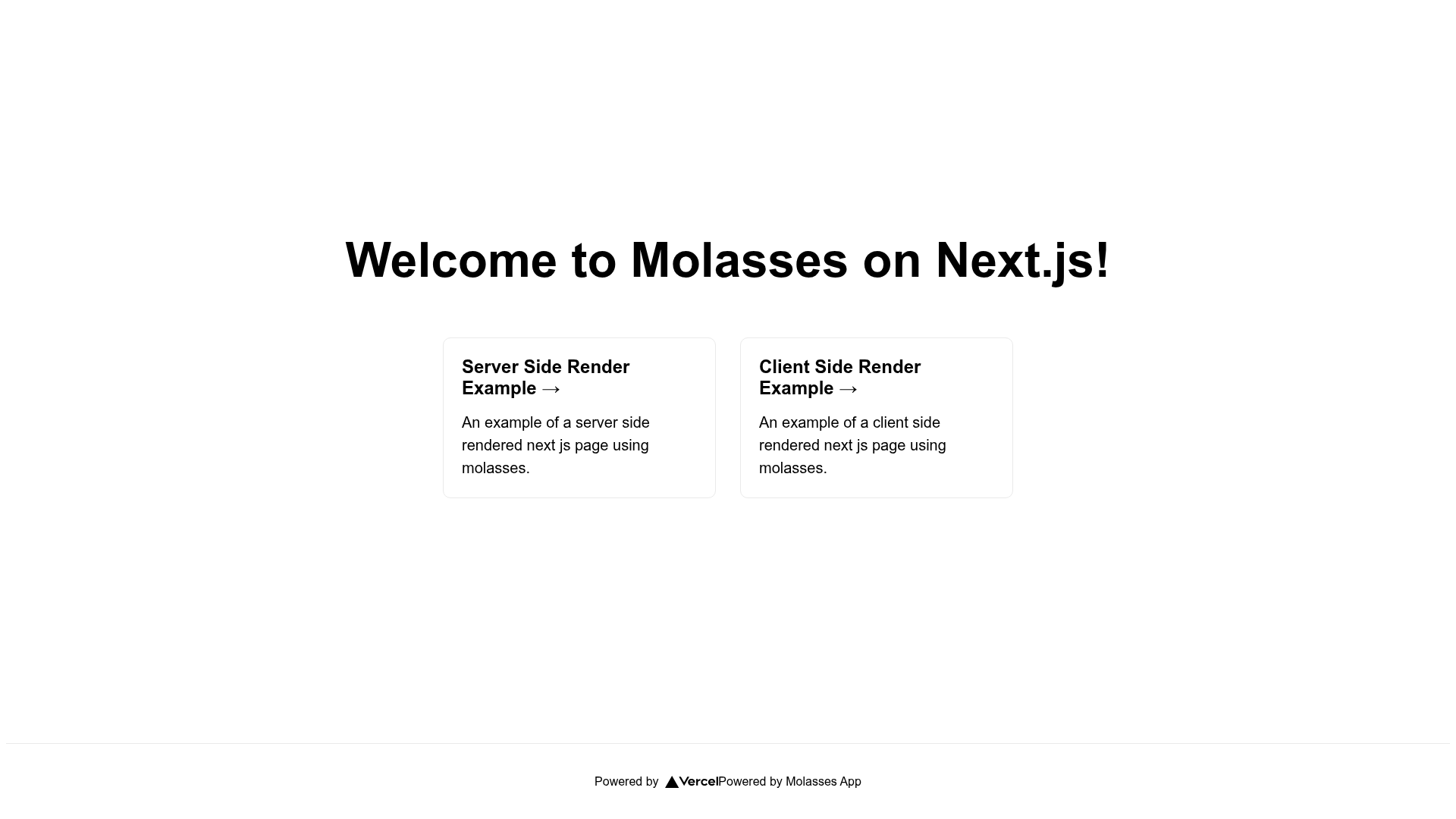
Example Molasses Next App
Example Next.js app that uses Molasses for feature flags, ready to deploy on Vercel.
About this template
Example Molasses Next App is a boilerplate Next.js project that shows how to integrate the Molasses feature flag service into a page-based Next.js application.
What is Example Molasses Next App?
This starter is a Next.js project bootstrapped with create-next-app and pre-wired for the Molasses feature flagging system. It takes Molasses environment API keys as input and produces a running Next.js app with feature-flag-aware code in pages/index.js. The template runs on Node.js via npm run dev or yarn dev and is built by Vercel's Next.js toolchain. It is published by the Molasses team at github.com/molassesapp.
Key Features
- Next.js with create-next-app — Standard page-based structure with
pages/index.jsfor the home page andpages/api/hello.jsfor a sample API route. - Molasses feature flag SDK integration — Uses both
MOLASSES_API_KEY(server side) andNEXT_PUBLIC_MOLASSES_API_KEY(client side) environment variables to fetch flags. - One-click Vercel deployment — A Deploy with Vercel button that pre-fills the required environment variable names and links to Molasses' environments page for key retrieval.
- Environment template file —
.env.local.exampledocuments exactly which keys to copy from Molasses' environments page into.env.local. - Live reload development server — Editing
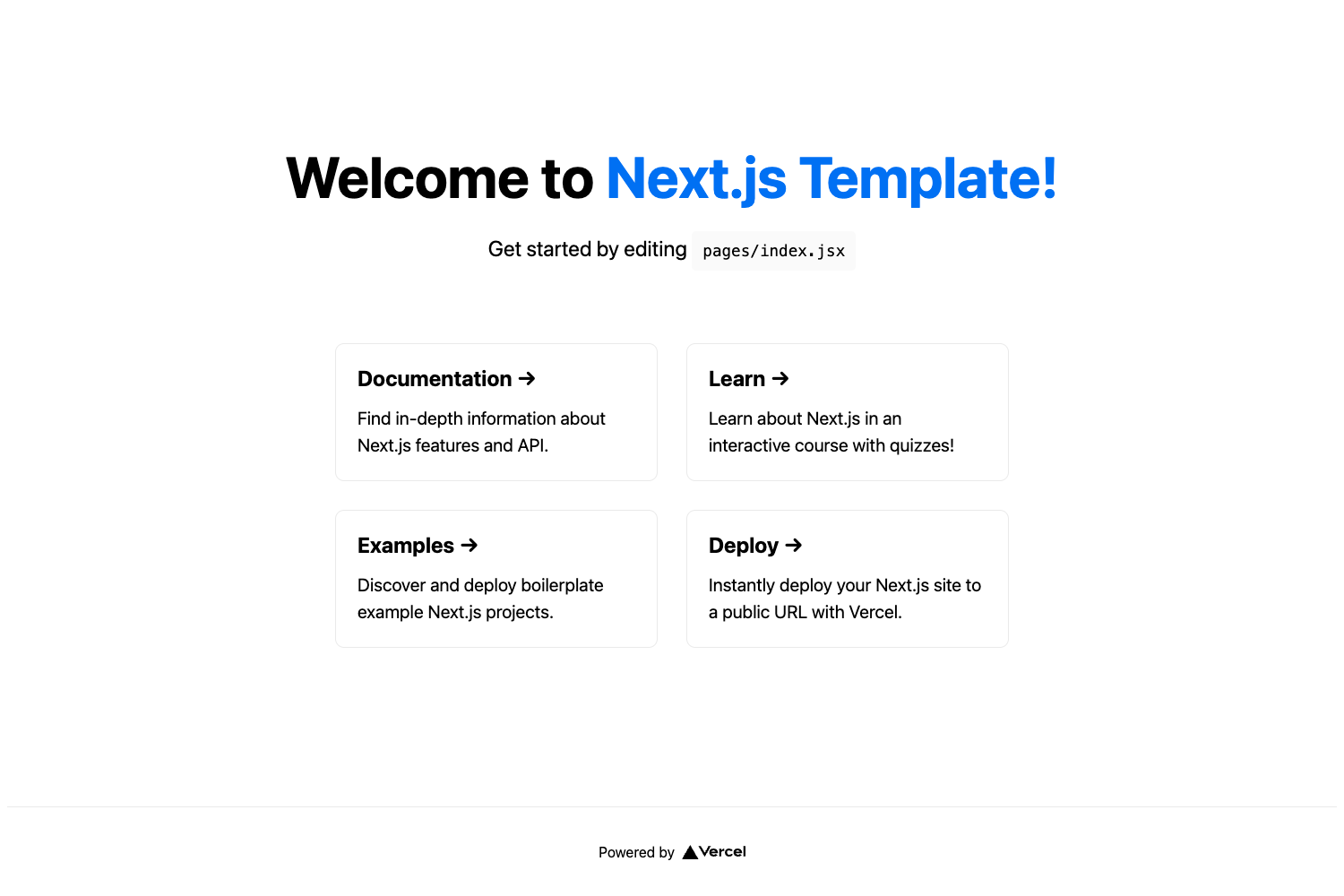
pages/index.jsauto-updates the browser at localhost:3000. - API routes mapped to /api — Any file in
pages/apibecomes an API endpoint, shown by the/api/helloexample.
Who is it for?
- Next.js developers wanting a minimal, working example of feature flags before adding them to their own application.
- Teams adopting Molasses who need a reference implementation for both server-side and client-side flag evaluation.
- Product engineers evaluating feature flagging services who want to deploy a sample app in minutes to test the SDK behavior.
What can you do with Example Molasses Next App?
- Stage a new feature rollout: Modify
pages/index.jsto conditionally render components based on a Molasses flag, then deploy and toggle the flag from the Molasses dashboard without redeploying. - Compare server vs client flag evaluation: Inspect how
MOLASSES_API_KEYandNEXT_PUBLIC_MOLASSES_API_KEYare used in the same code path to understand which flags are safe to expose client-side. - Test Vercel preview deployments: Use the Deploy button to create a production-ready instance that reads the same environment keys, letting you verify flag behavior in a live URL.
How does Example Molasses Next App work?
The setup flow is defined in the README: sign up for Molasses, copy .env.local.example to .env.local, populate it with the API keys from the Molasses environments page, then run npm run dev (or yarn dev). The app boots on localhost:3000, fetches feature flags through the Molasses SDK, and renders the home page accordingly. For production, the Vercel Deploy button automates the environment variable specification.
FAQ
What environment variables does Example Molasses Next App need?
It requires MOLASSES_API_KEY for server-side SDK access and NEXT_PUBLIC_MOLASSES_API_KEY for client-side access. Both values come from the Molasses environments page and are documented in .env.local.example.
Does this template work without a Molasses account?
No. The app is built to load feature flags from Molasses, so you must sign up at molasses.app and obtain API keys before the flag-related code will function. The rest of the Next.js app will still render, but flag logic needs the service.
How do I deploy this to Vercel?
Use the Deploy with Vercel button in the README. It opens Vercel's import flow, passes the GitHub repo URL, and asks you to fill in the same two environment variables: MOLASSES_API_KEY and NEXT_PUBLIC_MOLASSES_API_KEY.
Can I reuse this starter for my own projects?
Yes. The repository is a standard create-next-app project with the Molasses integration isolated to the home page and environment configuration, so you can copy the flag wiring into an existing Next.js codebase.